Google recently announced the expansion of the file search function in the Google Gemini API, bringing developers more complete multi-modal retrieval enhanced generation (RAG) capabilities. The core of this update includes: support for mixed retrieval of images and text, support for custom metadata filtering, new page-level reference support, and improved accessibility and accuracy of AI systems in scenarios such as enterprise knowledge bases, document Q&A, and agents.
According to Google's official blog, the new version of the file search function is no longer limited to traditional text vector search, but is based on the unified multi-modal embedding capability built on Gemini Embedding 2, which can simultaneously understand the visual content and text content in images, PDFs, and documents. Developers do not need to build complex vector databases, Embedding pipelines or document segmentation systems, and can complete the complete RAG workflow directly in the Gemini API.
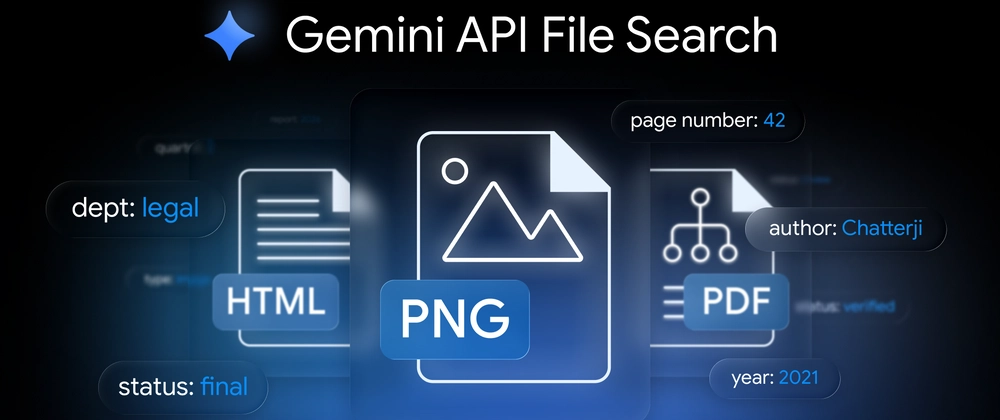
In traditional RAG systems, visual content such as pictures, charts, screenshots, and design drawings are often difficult to index effectively, which results in a lack of contextual understanding in AI answers. The new multi-modal file search capability of Gemini API can natively identify the content in pictures and build a search index together with text. For example, companies can upload PDF files containing product images, data charts, or technical architecture diagrams, and AI can simultaneously understand the visual information and text descriptions when answering.
Google says this capability is particularly suitable for building enterprise-level knowledge assistants, customer service robots, document analysis systems and AI agents. Developers can make models perform inferences based on internal documents without the need for additional maintenance of independent image retrieval systems. For companies with a large amount of mixed image and text data, this means lower deployment complexity and higher retrieval accuracy.
Another new feature is custom metadata filtering. Developers can add metadata such as tags, categories, time and departments to uploaded files, so that they can be filtered according to metadata during subsequent retrieval to improve accuracy and efficiency. This is also more suitable for large-scale knowledge base management and reduces irrelevant content from entering the context window.
Another important feature is page-level citation. When generating answers, Gemini AI can clearly mark which page of the document the information comes from, instead of just vaguely referencing the entire file. This allows users to click to view the specific document page after getting the answer to judge the accuracy of the content and read the complete document to obtain more information.
At present, the new version of Google Gemini API file search function is open to all developers. Interested developers can open Gemini API through platforms such as Google AI Studio and Google Cloud to experience it.
Developer Guide: https://dev.to/googleai/multimodal-rag-with-the-gemini-api-file-search-tool-a-developer-guide-5878