Google announced on Thursday that the "Live Translate" headset function powered by AI in its Google Translate application has officially been extended to the iOS platform and is available in more countries and regions around the world. Previously only available on Android devices in the United States, India, and Mexico, coverage has now been expanded to include iOS and Android users in the United States, India, Mexico, Germany, Spain, France, Nigeria, Italy, the United Kingdom, Japan, Bangladesh, and Thailand.
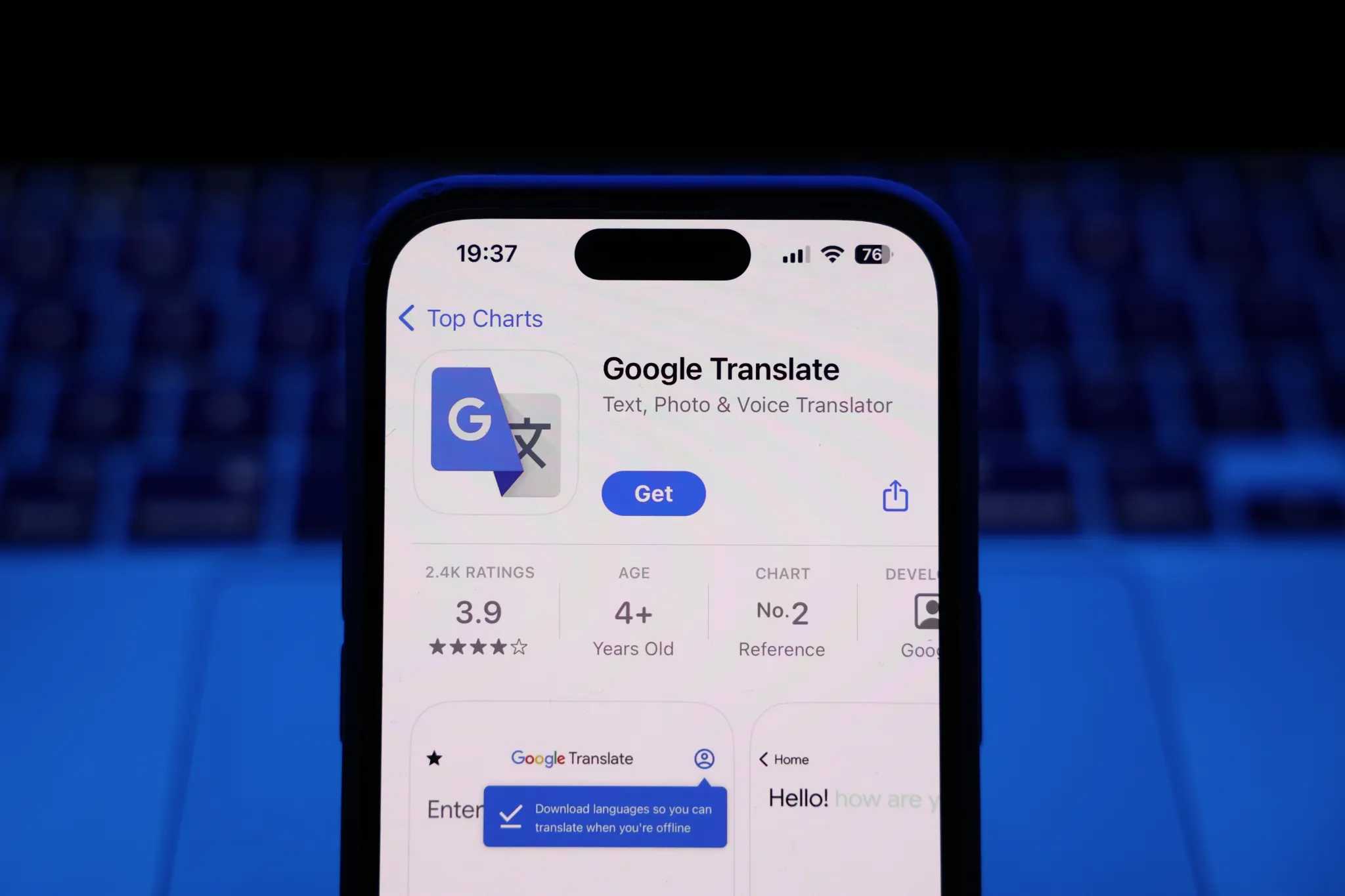
"Live Translate" can turn any pair of ordinary headphones into a real-time one-way translation device, and users can hear the translation results through the headphones during the conversation. Google said that this experience is based on the company's Gemini AI technology, which can preserve the speaker's tone, accent, and speaking speed and rhythm when translating, making it easier for the listener to follow the conversation and distinguish between different speakers. Officially recommended usage scenarios include: communicating with relatives who speak different languages during family dinners, or understanding broadcast reminders in public places such as train stations when traveling abroad.
The feature supports over 70 languages and works with any brand of headphones. Users only need to open the Google Translate app, click on the "Live Translate" option, and then connect the headphones to get started.
The expansion of "Live Translate" is synchronized with another search product upgrade announced by Google that day. The company also announced that its conversational search function "Search Live", also powered by AI, will be launched globally in all languages and regions that have enabled AI mode. With this expansion, users in more than 200 countries and regions around the world will have access to the feature. Previously, Search Live was only available in the United States and India.
"Search Live" will be launched as early as July 2025, allowing users to point their mobile phone cameras at objects or scenes in the real world to obtain real-time search and assistance, and on this basis, conduct multiple rounds of conversational interactions. When using it, users need to open the Google app on their Android or iOS device and click the Live icon below the search bar to enter the related experience.