Microsoft is making important adjustments to the search experience in Windows 11. It plans to no longer blindly prioritize web results from online services such as Bing in most cases, but to more reliably rank local apps and files at the top of search results. This change first appeared in the preview version of Windows 11. Experiencers found that when entering keywords in the taskbar search box, the hit rate of local applications and files was significantly improved, and the search "deviation" to web results was reduced.
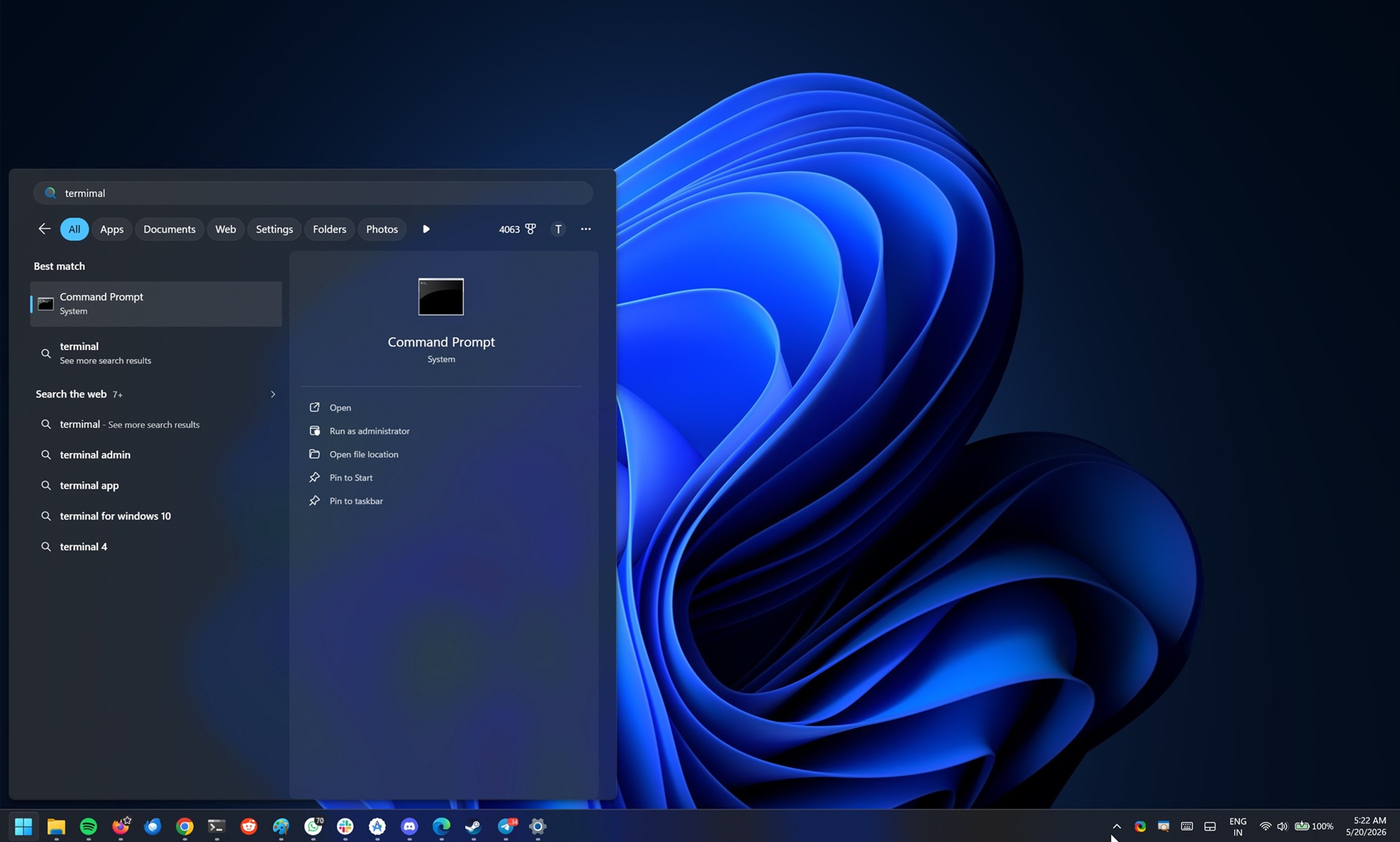
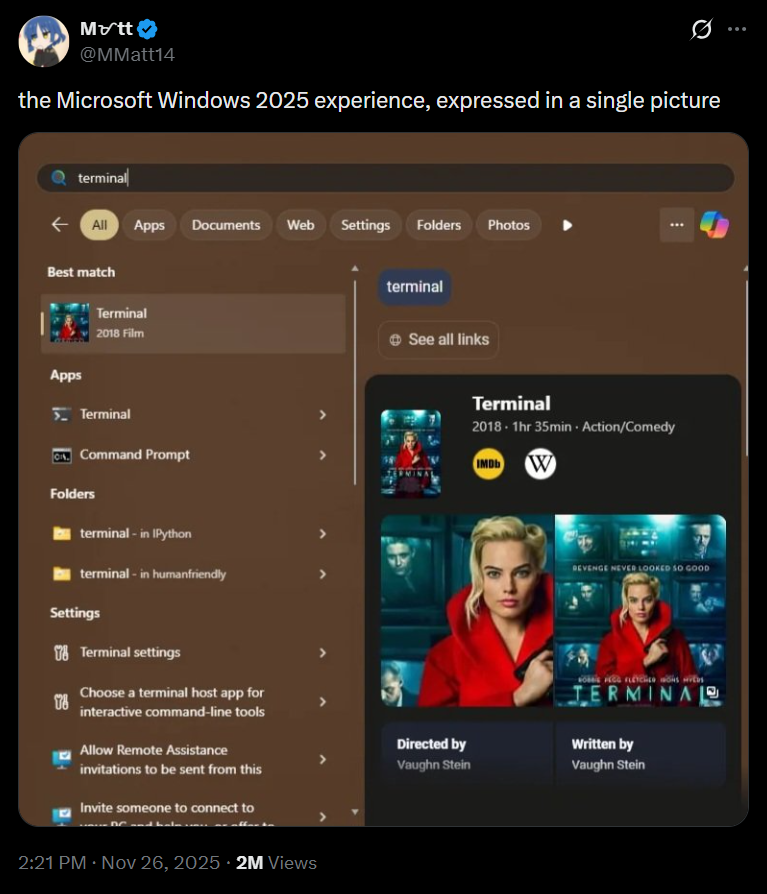
For some time now, Windows Search has been designed to be a "one-stop portal" that is responsible for launching applications, finding local files, and integrating Bing search and other Microsoft online services. This has also resulted in many users often seeing keyword-related web pages or even film and television content first instead of local content when searching for system tools or documents. The author of the article mentioned in the test that in the past, when entering a file name related to a certain movie, the system was more likely to search for the introduction of the movie on Bing. Now the new version of the search will directly return the file on the local machine. Even if there are spelling errors in the search terms, local results will be more likely to be matched first.
The author initially believed that this change was just an accidental phenomenon, but later found in the update notes of the Build 26300.8493 experimental channel version released by Microsoft for Windows Insider members that Microsoft had quietly confirmed that this was an intentional change. Microsoft said in an updated document that it has begun adjusting the Windows search box to "make it easier for users to find their files and apps," emphasizing that when local content matches search terms better, files and apps will appear more reliably at the front of web page suggestions. However, this does not mean that Windows search will completely remove web page results. Microsoft has also clearly retained the ability to integrate search with the network, and web page results will still appear in many scenarios.
At present, if ordinary users want to completely disable web search in the system, they can only do so by modifying the registry. They cannot yet turn it on and off directly in the settings interface. As for whether Windows 11 will provide more intuitive graphical options in the future, allowing users to decide whether to call web results in searches, Microsoft has not yet given a clear answer, but the company has mentioned in many public statements that it will continue to improve the Windows search experience. These adjustments are consistent with the overall direction of its previous commitments.
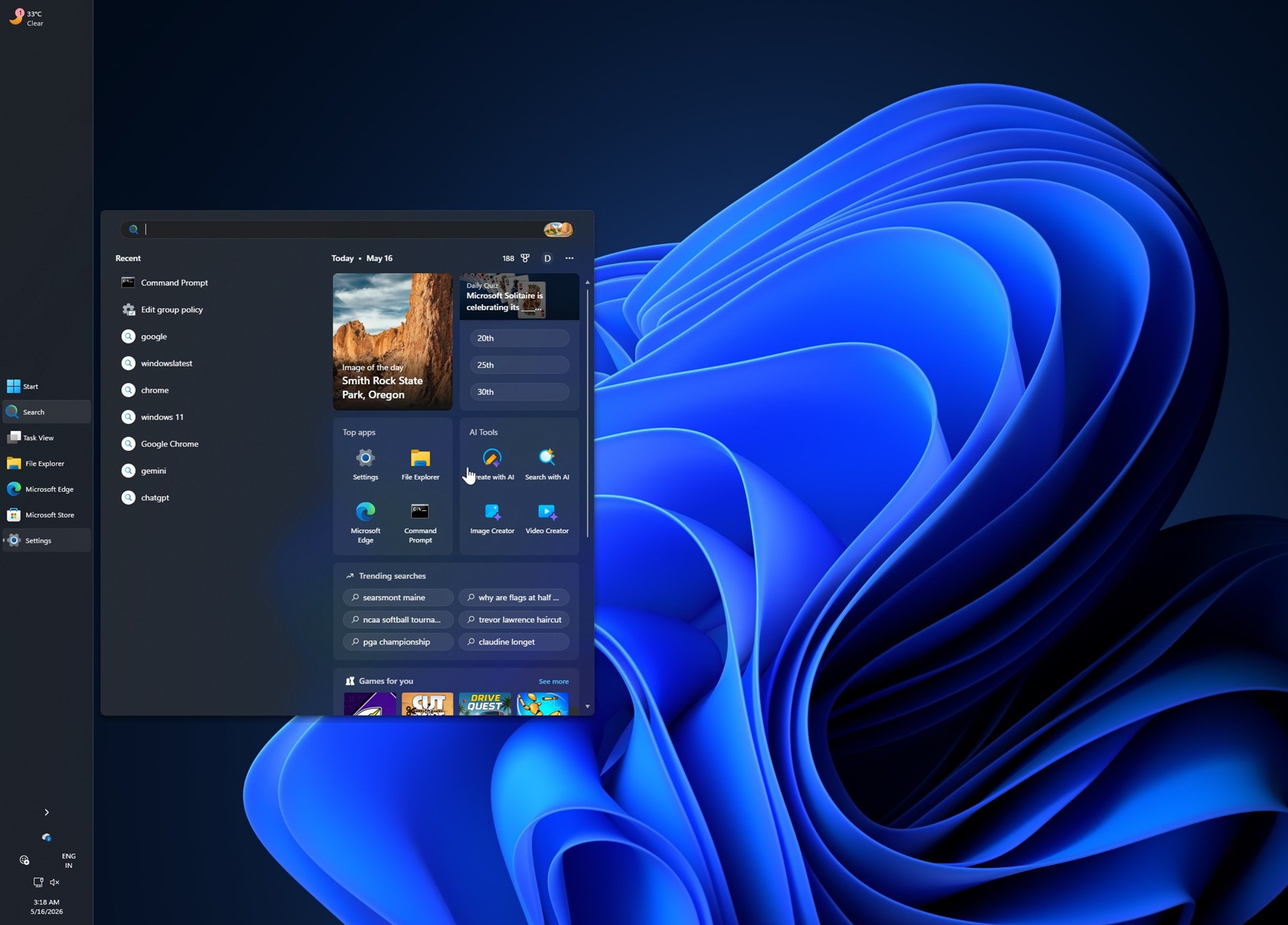


In March this year, when Microsoft announced the Windows 11 2026 quality improvement plan, it stated that search was one of the key areas of development. According to reports, Microsoft has internally set an important indicator of "more accurate results" for the search experience, hoping to enhance users' trust in the results through a unified experience and a new, faster search interface. It is reported that Microsoft is also internally testing a new feature that allows users to distinguish at a glance whether a certain search result comes from local content or from the Internet, thereby avoiding confusion.
Microsoft has also previously revealed that in the coming months, search in the taskbar and File Explorer will continue to be optimized to improve speed and consistency. Microsoft wrote in a March blog post that it would create a "more consistent search experience" across the taskbar, Start menu, File Explorer and Settings apps, adding that the company was making adjustments to Windows' underlying architecture to improve overall quality and focus innovation on where users care most, with direction coming from user feedback.
Outside of Search, other parts of Windows 11 continue to receive updates. For example, the taskbar has begun to support position adjustment and can be set to a smaller size to free up more screen space for users. These changes have been gradually reflected in recent versions pushed to users. In addition, Microsoft also plans to bring a more "native" start menu implementation to Windows 11, as well as features such as "low latency mode" to speed up application startup, allowing devices with lower configurations to have a smoother experience in daily use.