Microsoft recently pushed an update to the modern version of Media Player that comes with Windows 11 through a preview version released for the Windows Insider program on June 12, emphasizing that the application "never stopped development." However, actual experience shows that this modern player still lags significantly behind the still usable "Legacy" Windows Media Player in terms of startup speed, resource usage, and decoding capabilities, which has also raised questions about Microsoft's application modernization direction.
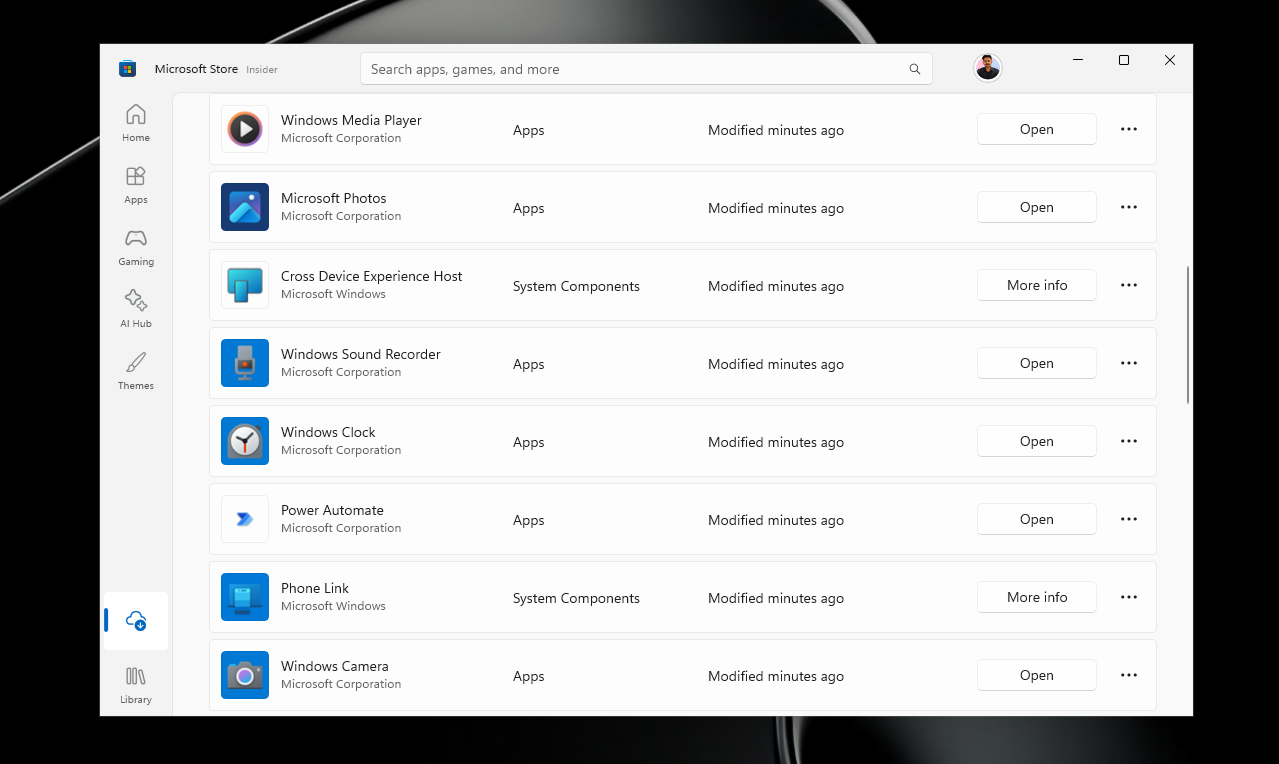

According to the latest Insider preview version released by Microsoft on June 12, this update covers Beta (build 26220.8680), Experimental (experimental channel, build 26300.8687) and Release Preview channels. It also simultaneously pushed the 11.2605.14.0 version update for the modern version of Media Player, which is currently open to Experimental channel users. In addition to system-level changes, Microsoft has also established an independent update description system for Windows 11's built-in applications, involving calculators, cameras, clocks, media players, drawings, photos, and voice recorders. Each application has a dedicated documentation page, which is published in the Windows Insider Project Documentation Center. This is regarded as a signal that Microsoft will speed up the pace of built-in application updates in the future.
Still, the overall experience of modern Media Player is "not as good" as the classic Windows Media Player, and the issues go beyond startup speed and performance optimization. This classic player, which was first shipped with Windows 7 in 2009 and has a history of about 17 years, still dwarfs modern applications in terms of interface smoothness, responsiveness and even a certain degree of functional completeness.
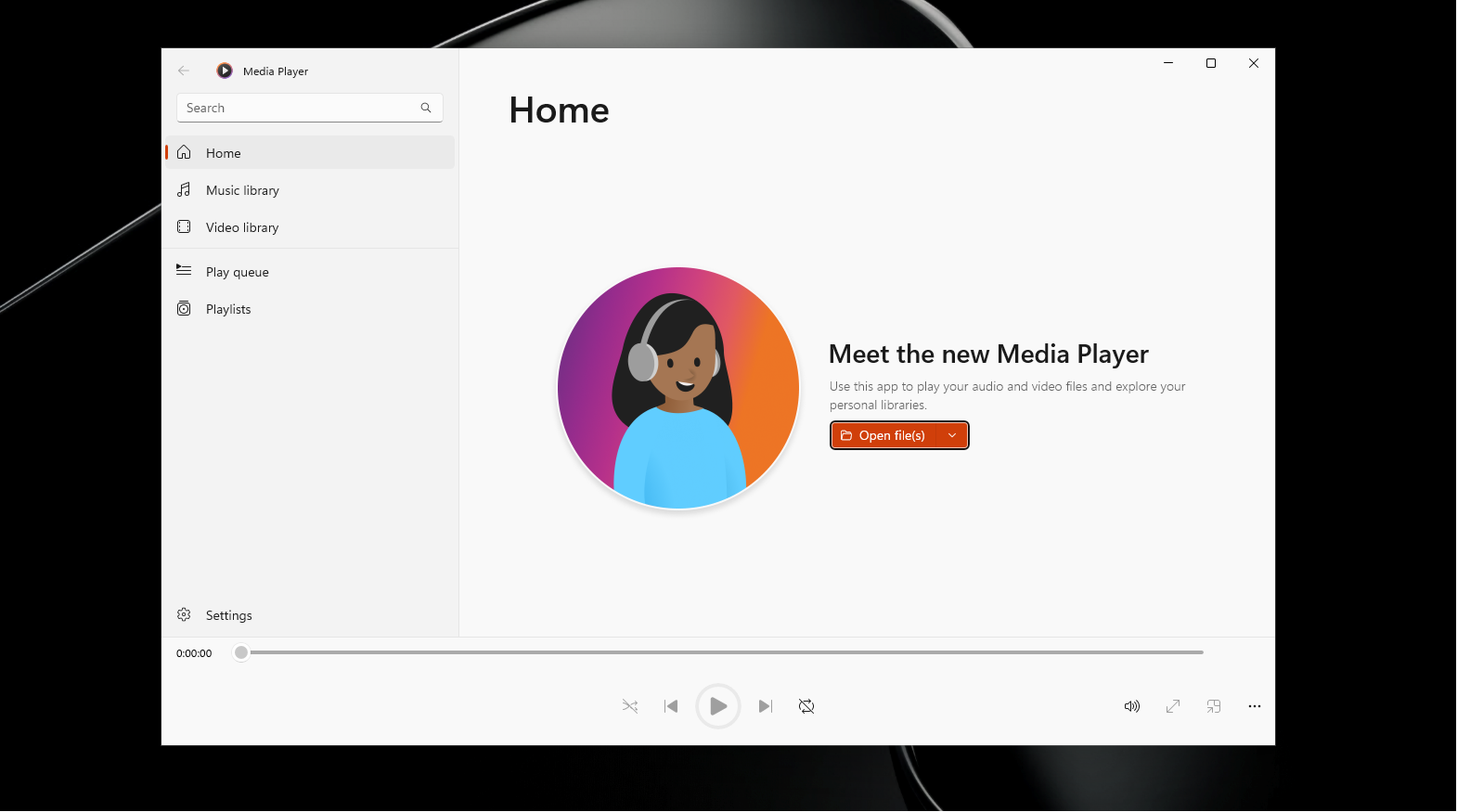
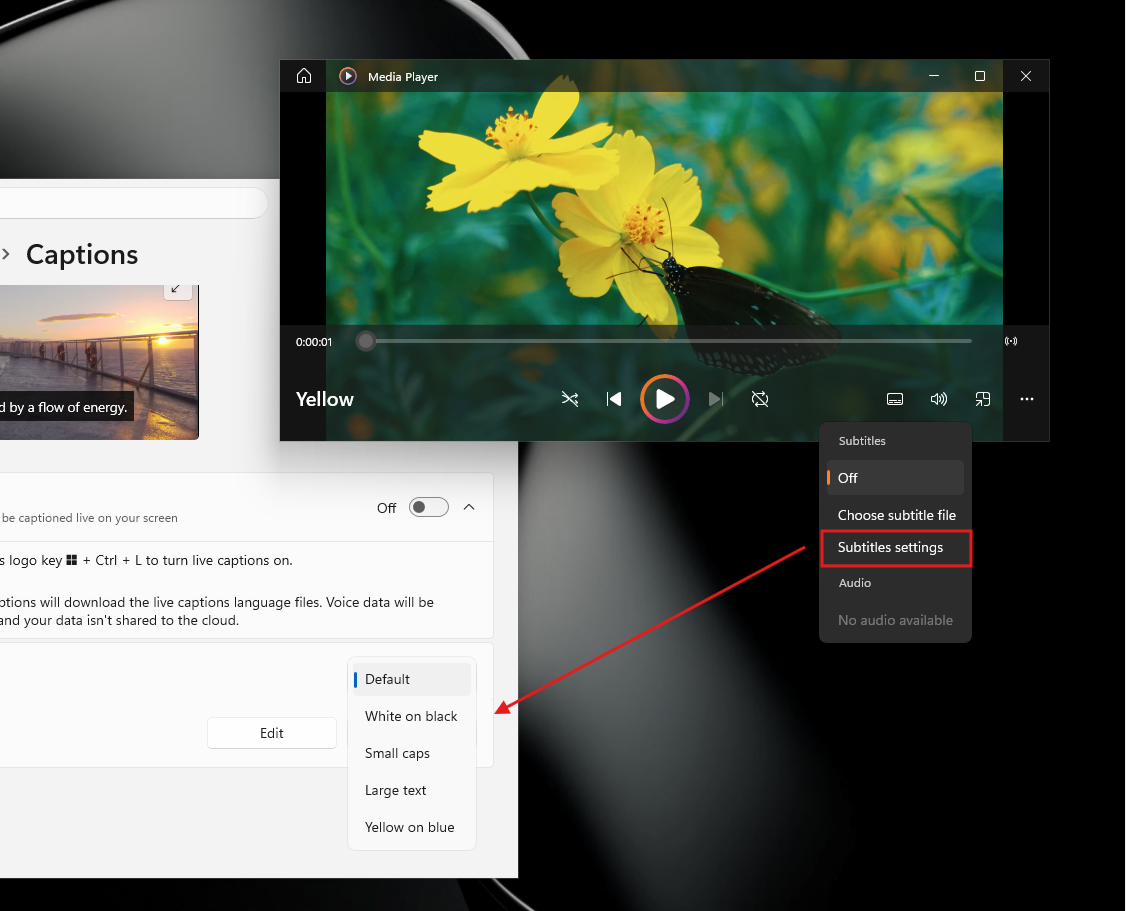
In this round of updates, the modern version of Media Player has received some functional and experience improvements. One is "Customized subtitle style". The Closed Captions setting in the app is connected with the system-level subtitle style setting. After the user adjusts the font size, color or background in Windows settings, the subtitles in Media Player will be automatically synchronized. At the same time, the app also provides a quick entry to jump to the system subtitle setting page. The second is a new "Indexing" prompt banner: when the media library is in the first scan or re-indexing state, an index progress prompt will be displayed in the playback queue to explain why some content is not displayed yet, to avoid the previous confusion of "the file does not appear but does not know the reason".
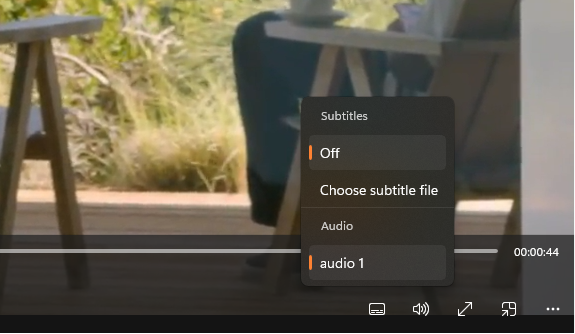
The update also brings improvements to playback reliability. Previously, Media Player refused to play some actually valid media files due to misidentification of file types. This time Microsoft has adjusted the application's logic for identifying supported formats, which can theoretically reduce unnecessary playback failure prompts. The specific degree of improvement depends on the file types commonly used by users. In addition, in terms of playlist management, the app now prohibits saving "unnamed playlists" and users must name the playlist before saving it to avoid indistinguishable blank entries in the media library.
Stability and interface details have also been fixed. For example, a past issue where editing the queue could cause the app to crash when switching between play queue sessions (such as switching from albums to playlists) has been fixed, although the overall queue management experience is still considered to be less than smooth. Microsoft has also corrected the layout problem of misplaced selected items in the list, and improved the visual presentation in the empty playlist state to make the interface look and feel cleaner. For files that cannot be played, the new version updates the "missing decoder" error message to provide clearer explanations of the reasons and resolution guidelines, but the controversy surrounding Media Player decoder support goes beyond that.
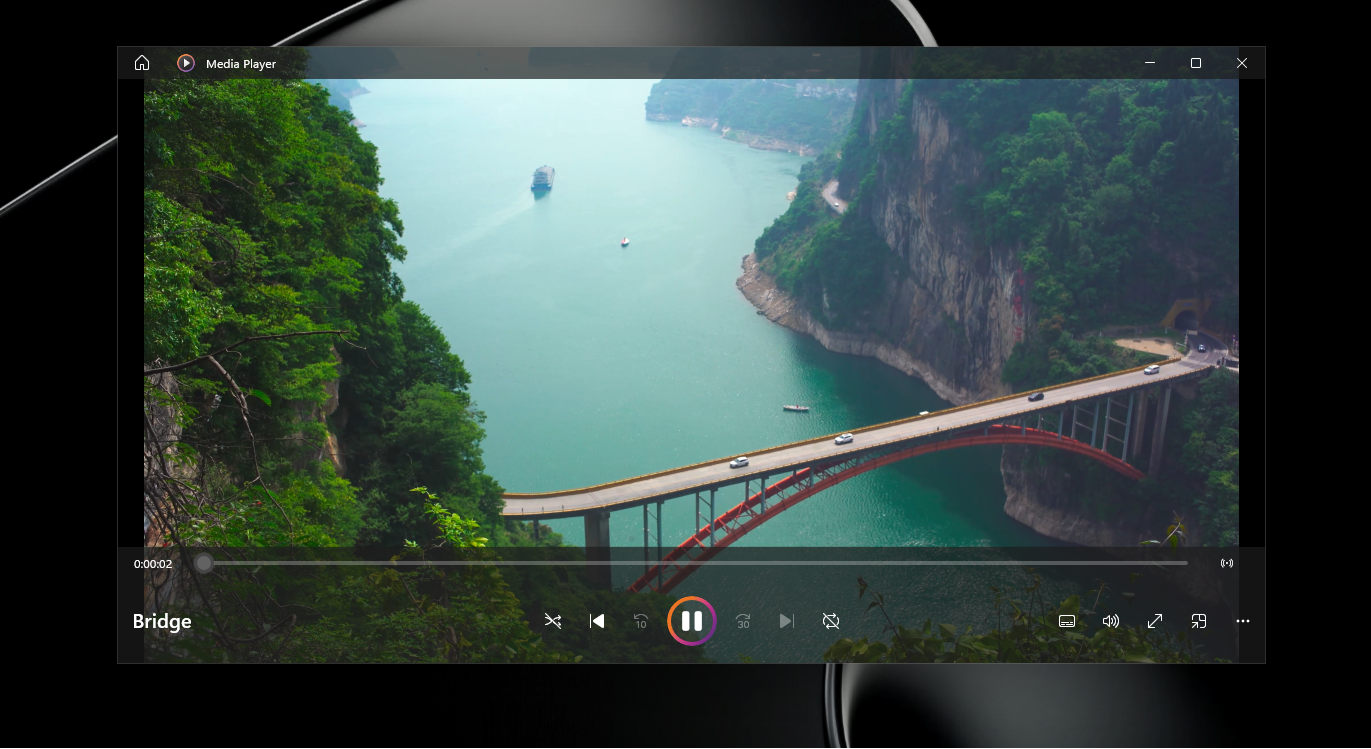
In the face of speculation that Media Player is "deprecated", Windows Latest said it has received confirmation from Microsoft: the application has been under continuous maintenance. Microsoft said that even if there are not many feature updates, fix patches have been released at a consistent pace, which also echoes the launch of a separate application update description page. It is speculated that as part of the "native application lineup" that Microsoft is gradually advancing, Media Player will receive more iterations in the future.
However, this update does not touch the performance bottleneck most directly perceived by users. For many users, the most common scenario is to double-click a video file in Explorer and then wait for Media Player to launch and start playing, and the sluggish performance of modern Media Player in this basic operation is obviously unsatisfactory. Tests have shown that the same video can start playing almost "instantly" if opened with the popular open source player VLC, while the modern version of Media Player takes several seconds to load.
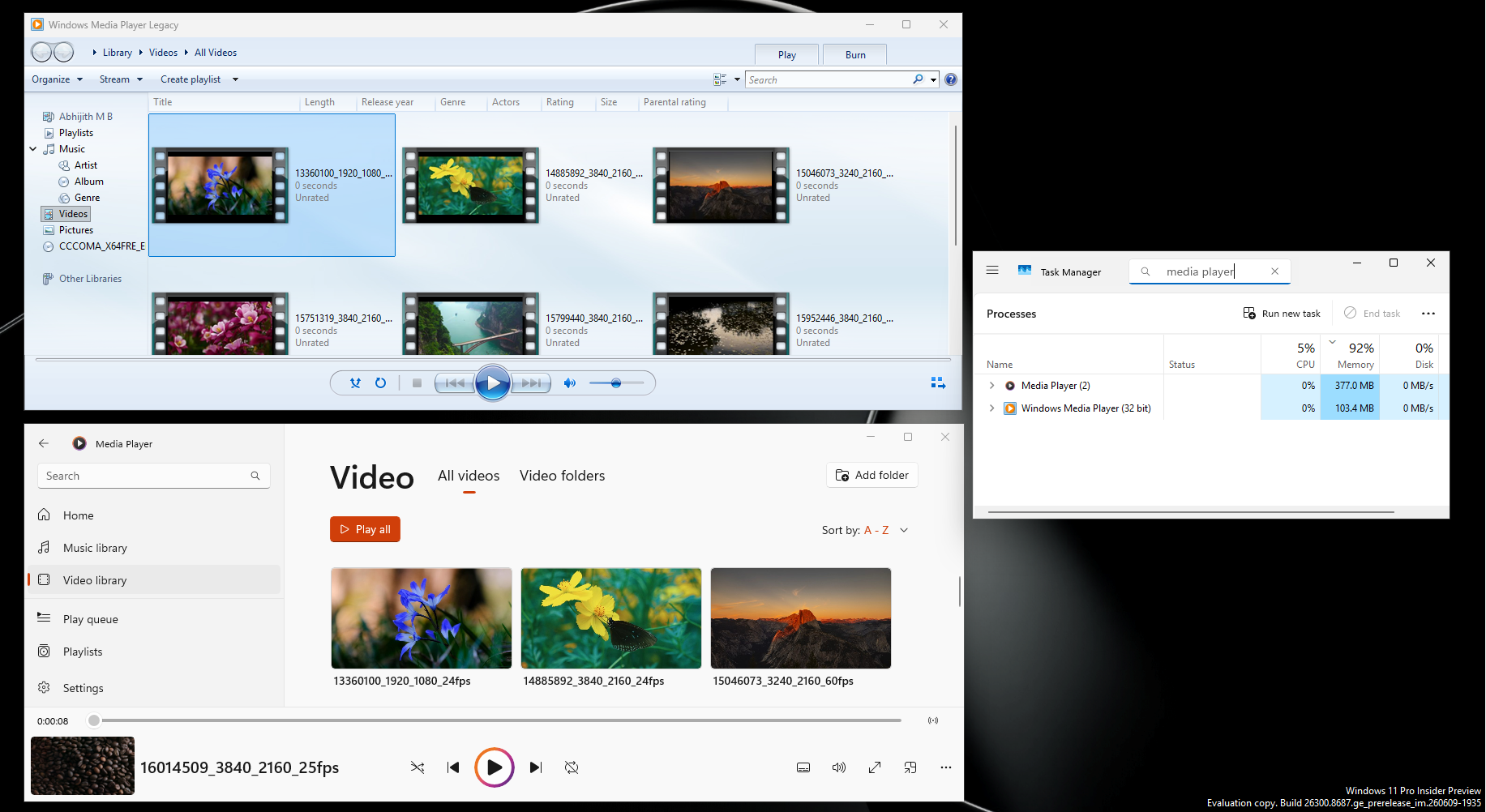
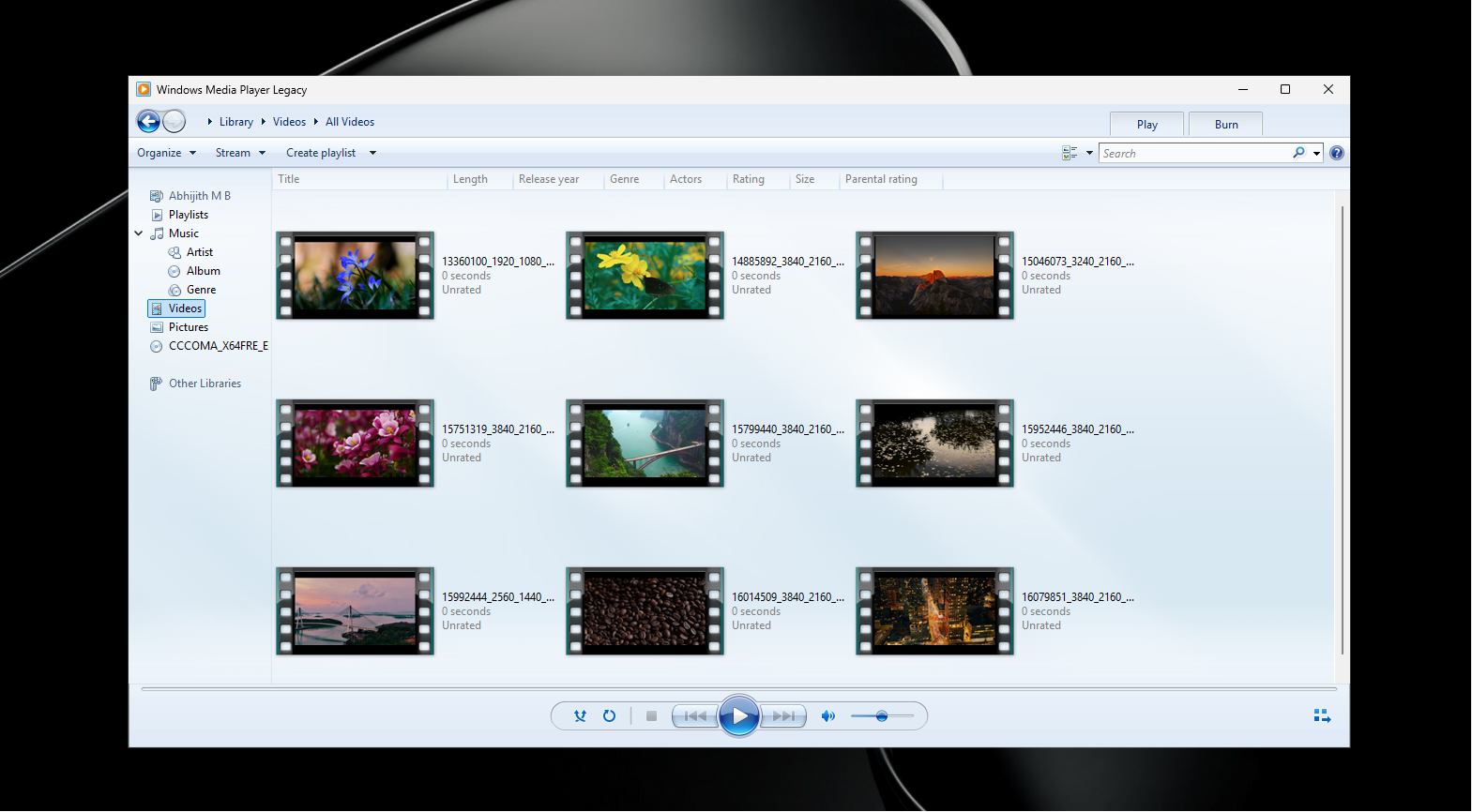
What's even more ironic is that Microsoft's own classic version of Windows Media Player can play the same video almost immediately when it is opened in the same environment. This suggests that the problem is not with the Windows platform itself or hardware performance, but with the design and implementation of modern Media Player that imposes too much overhead. In terms of interface look and feel, the classic version of Media Player still has a unique "temperament" and is not as clunky as some modern applications.
The memory usage comparison further amplifies this gap. In testing, the modern version of Media Player took up about 377 MB of memory in idle state, while the classic version of Windows Media Player only took up about 103.4 MB under the same conditions. Although this is not as extreme as the problem with Microsoft's new Outlook (the new version is revealed to take 10 seconds from clicking on the email to opening the content, while the classic version of Outlook opens almost instantly), the overall logic is similar: the new Microsoft application is slower and heavier than the old version when completing the most basic tasks.
From a technical perspective, Microsoft is vigorously promoting WinUI, trying to build it into a long-term native UI framework for Windows 11, and has publicly promised to create "100% native applications" for Windows 11 in the future to replace a large number of "web-like applications" that rely on WebView. It is speculated that if Media Player receives a comprehensive reconstruction based on WinUI in the future, it is expected to fundamentally improve the startup delay and free memory occupation problems, and at the same time provide demonstration samples for third-party developers.
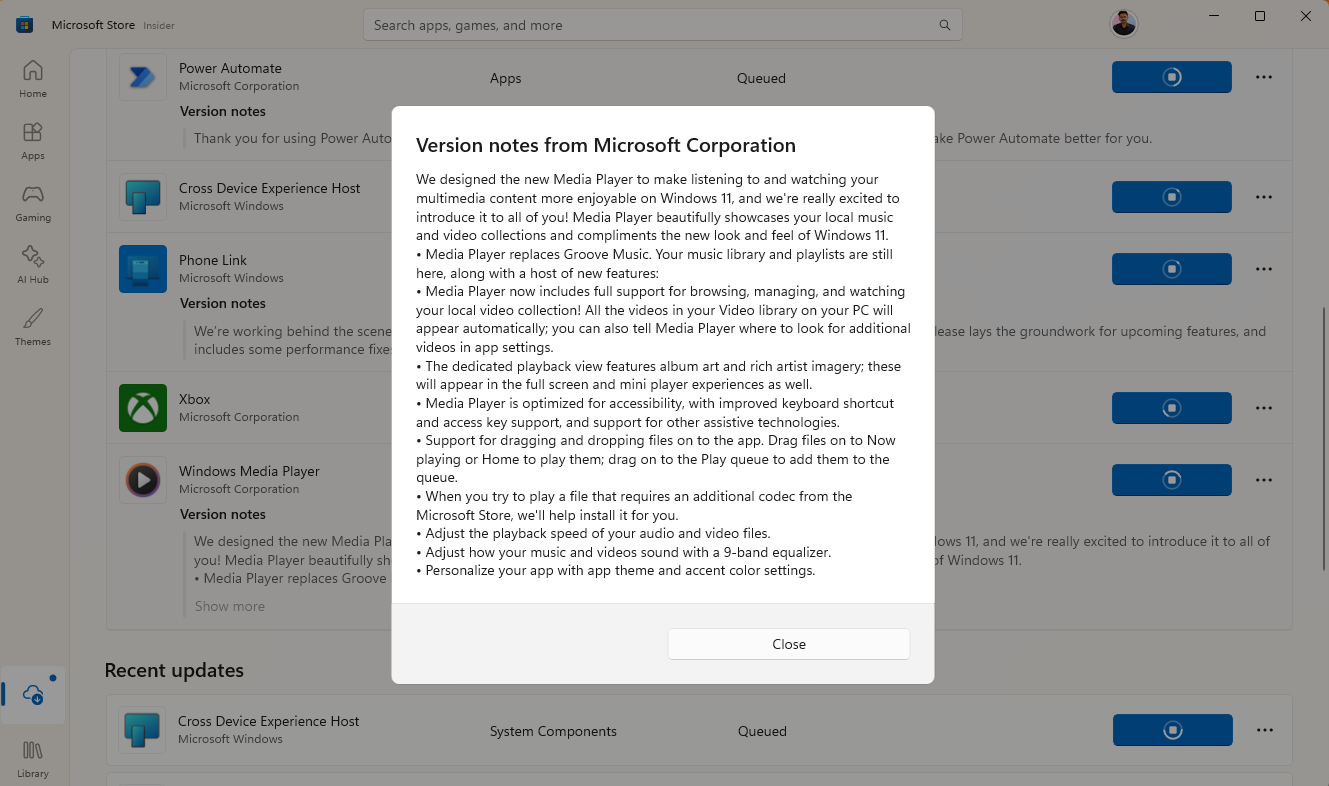
But in addition to performance, what affects the user experience even more is the "gap" in decoder support. In many cases, when Media Player cannot play a certain video, users can simply switch to VLC and play it smoothly without additional configuration. The most typical example is the HEVC (H.265) encoding format - this is the default video encoding standard for modern iPhones and most Android flagship devices. As long as users shoot videos with their mobile phones and then transfer them to Windows laptops, they are very likely to encounter the situation where Media Player "cannot play out of the box".
To resolve the issue, users are directed to the Microsoft Store to purchase the "HEVC Video Extension" for $0.99. What is really puzzling is that the classic version of Windows Media Player, an old program that was born before the emergence of HEVC and does not even "know the .hevc extension", can play HEVC normally after the corresponding components are installed on the system, while the modern version of Media Player is absent from the list of supported applications. From a patent perspective, Microsoft does need to pay licensing fees to HEVC patent holders, including Samsung and Apple, but asking ordinary users who buy Windows laptops for the first time to pay separately for a decoder in order to play videos on their mobile phones will undoubtedly weaken the overall platform experience.
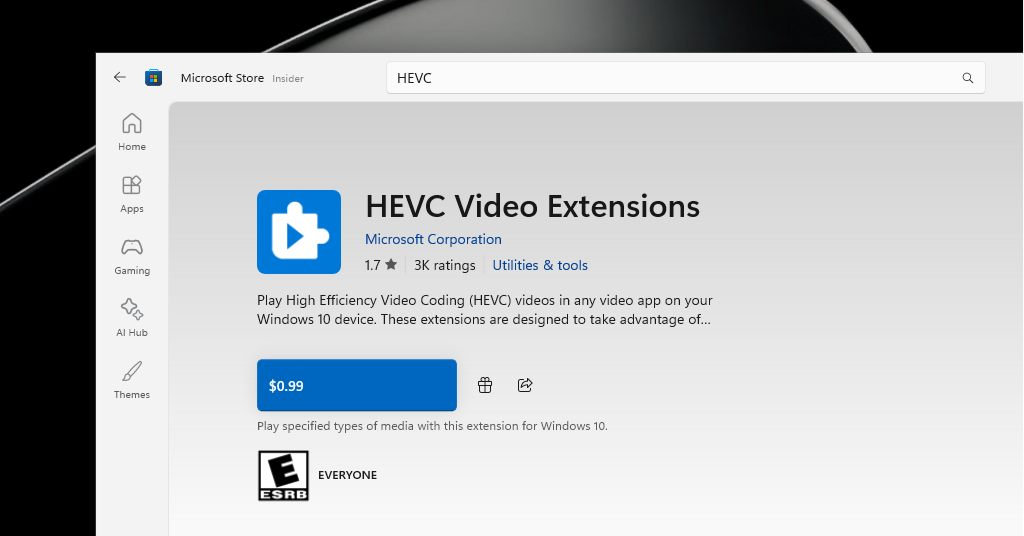
In this context, the "clearer missing decoder prompt information" in this update seems a bit embarrassing. While the friendlier error message does help users understand the source of the problem, it still points to a "pay extra" solution, and HEVC has become the de facto universal format. In the long term, Microsoft will either need to absorb this cost itself or find another way to bridge the gap between decoding capabilities and user expectations, otherwise it will be difficult for the modern version of Media Player to be considered a "truly usable default player."
Overall, the Insider update on June 12 mainly brought a set of practical fixes and detail improvements to Media Player, as well as a more transparent update documentation system, which is regarded as a positive signal that the application is still in a healthy state of maintenance. However, starting from the core value of the media player category, if Microsoft wants users to really be willing to use this application, the modern version of Media Player must meet the standards in three aspects: fast startup, lightweight operation, and supporting users’ common video formats out of the box as much as possible without additional charges.
Users who want a better experience in the short term may wish to give priority to open source players such as VLC or MPV. They are both completely free, open source, lightweight and actively maintained solutions that not only do not take up too many resources in the background, but also do not require users to pay for additional decoding extensions - for most video files, "everything plays directly".