The Mozilla Foundation recently launched the official version of Firefox v153.0. In the new version, the Mozilla Foundation finally brings native container functions (small windows of domestic browsers), which does not require users to download additional container extensions developed by the Firefox browser. The container function can be used to isolate accounts and identities and prevent cross-container site tracking, without requiring users to create multiple additional browser configuration files.
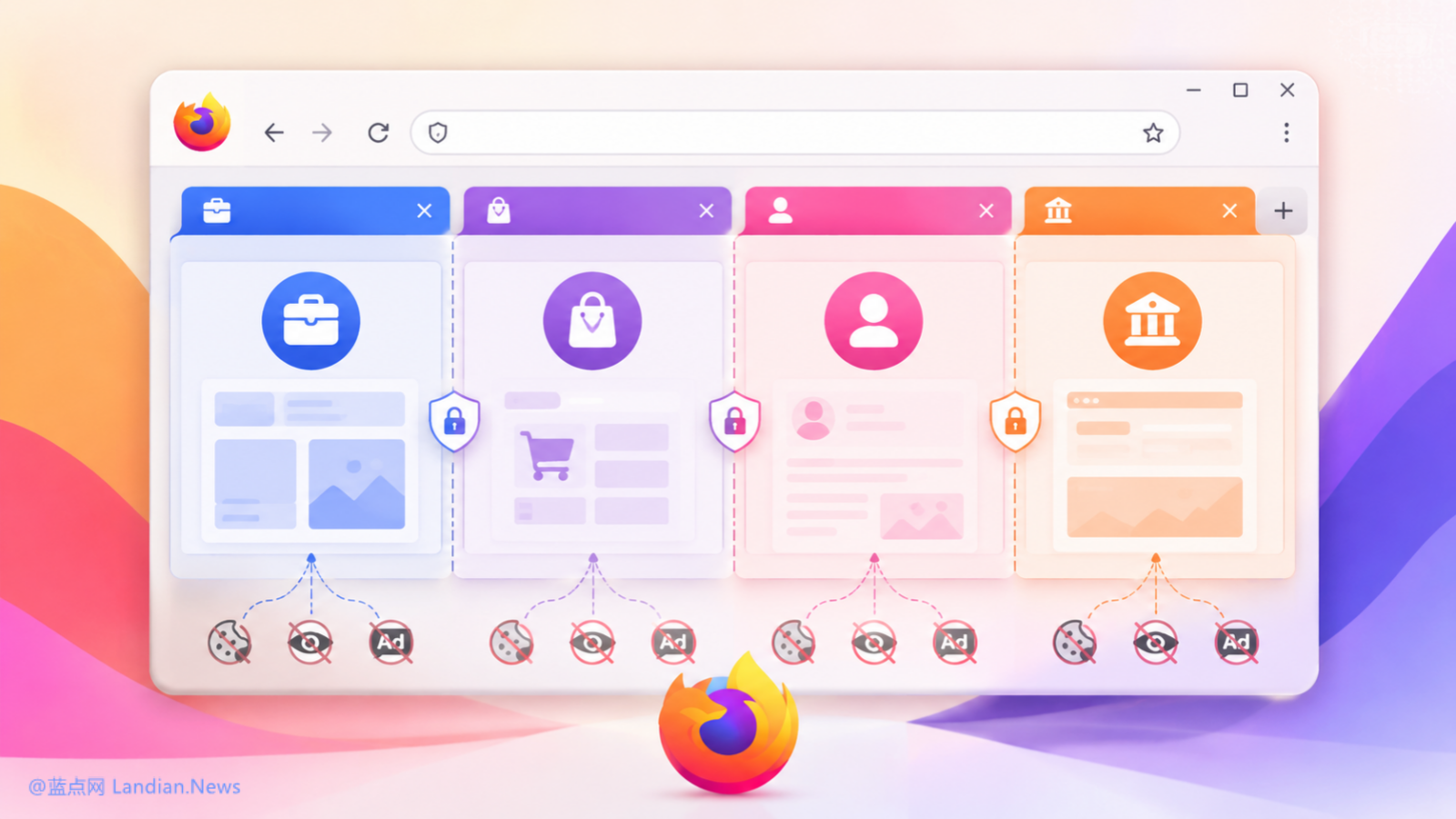
Why develop native container functions:
The Firefox browser has previously developed an official container extension. Users can use the multi-account container extension to separate work, life and privacy-sensitive browsing activities. There is no need to install multiple different browsers or create multiple different user profiles in the Firefox browser.
For many users, the account container function is still very useful, but in the past, users had to install extensions to implement account containers. The Mozilla Foundation has received a lot of feedback that users think it is not necessary to continue to provide extensions. After all, it is more convenient to build it directly into the browser. So after listening to user feedback, the Mozilla Foundation decided to build it directly into the browser to provide it as a native function.
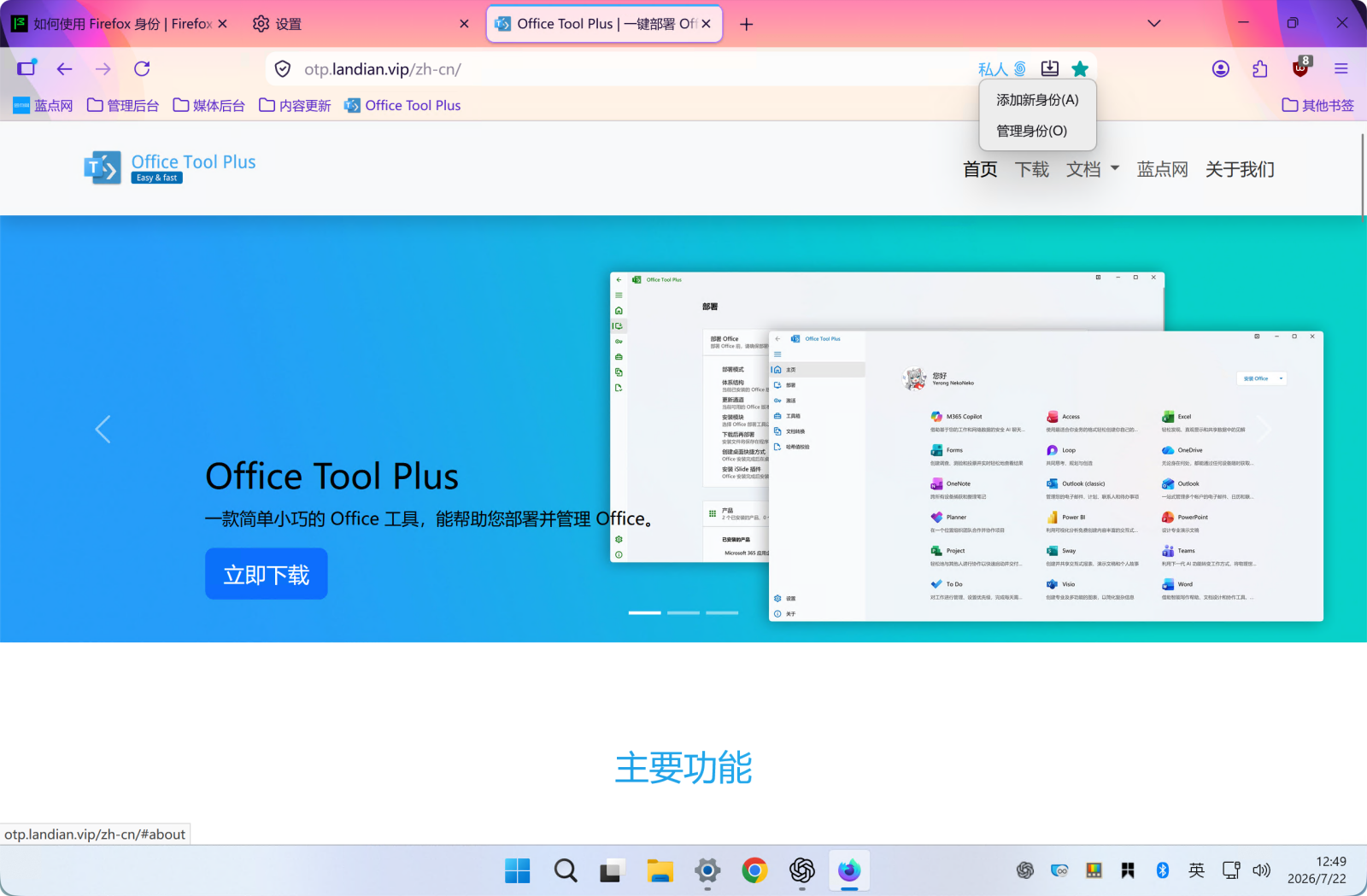
The practical significance of the account container function:
This mainly depends on the user's usage. A simple scenario is that the user may have multiple social networking site accounts and need to manage them separately. In this case, the container function can be used to log in to different accounts in different containers. The container will isolate the user's browsing data and cookies, and different containers cannot read data from each other.
For working users, the container function can also be used to distinguish work content and life content. For example, on office equipment, the main browsing may be office-related content, but users may also need to occasionally check content unrelated to work. At this time, they can open a life container and log in to their own browser account. Related data can also be synchronized through the account.
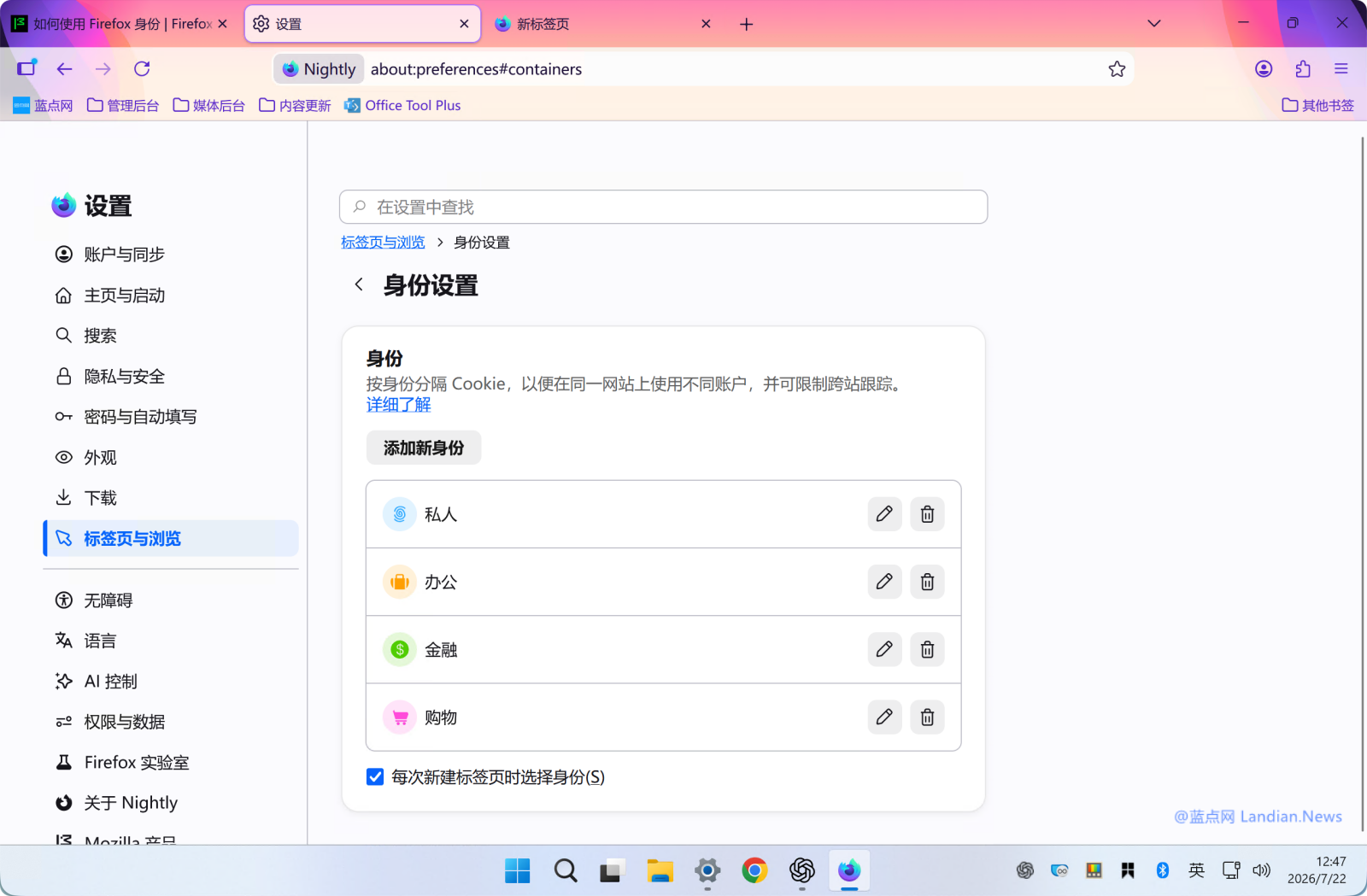
How to use the account container feature:
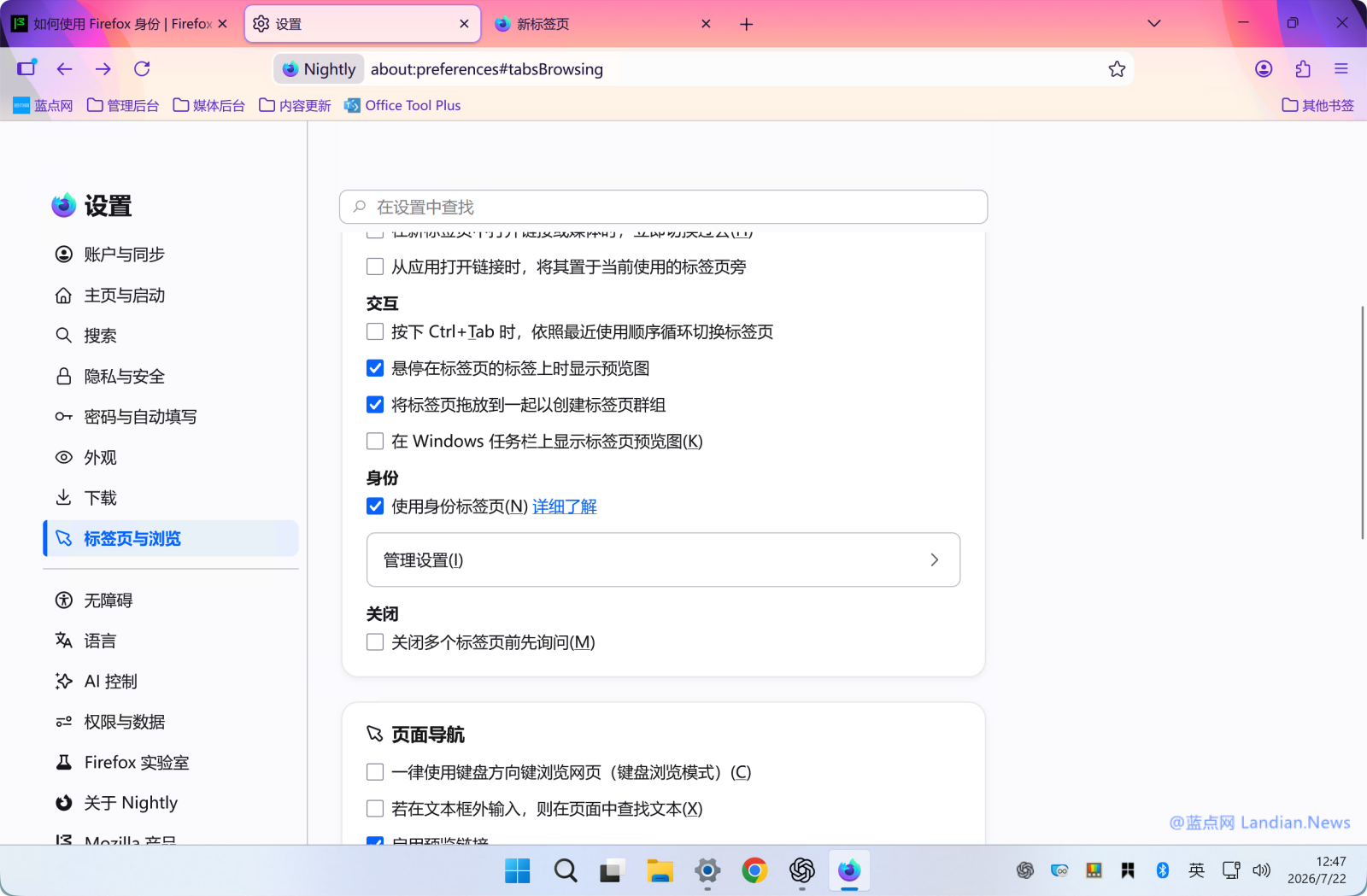
This feature has been previewed since Mozilla Firefox v153.0. After upgrading to the latest version, users can go to Settings, Tabs and Browsing, Identity Settings, add a new identity or use a default identity. Please note: This feature is currently in preview, and not all users can receive the feature push. If you do not see the identity settings, it means that the push has not been received. Users can manually install the multi-account container extension developed by Firefox for temporary use.
After the container function is enabled, you will need to select a container when you click on the new tab page. After selecting the corresponding container, the corresponding container logo will also be displayed on the right side of the address bar. Users can freely set the container name, color, icon and other information in the identity settings to distinguish themselves.