
Abstract:
Google recently announced that it is making search services more personalized, and users will be able to connect Google Wallet to the "Personal Intelligence" AI mode in search. This feature is designed to help users organize their financial goals, find ways to cut expenses, and make better use of their credit card benefits.
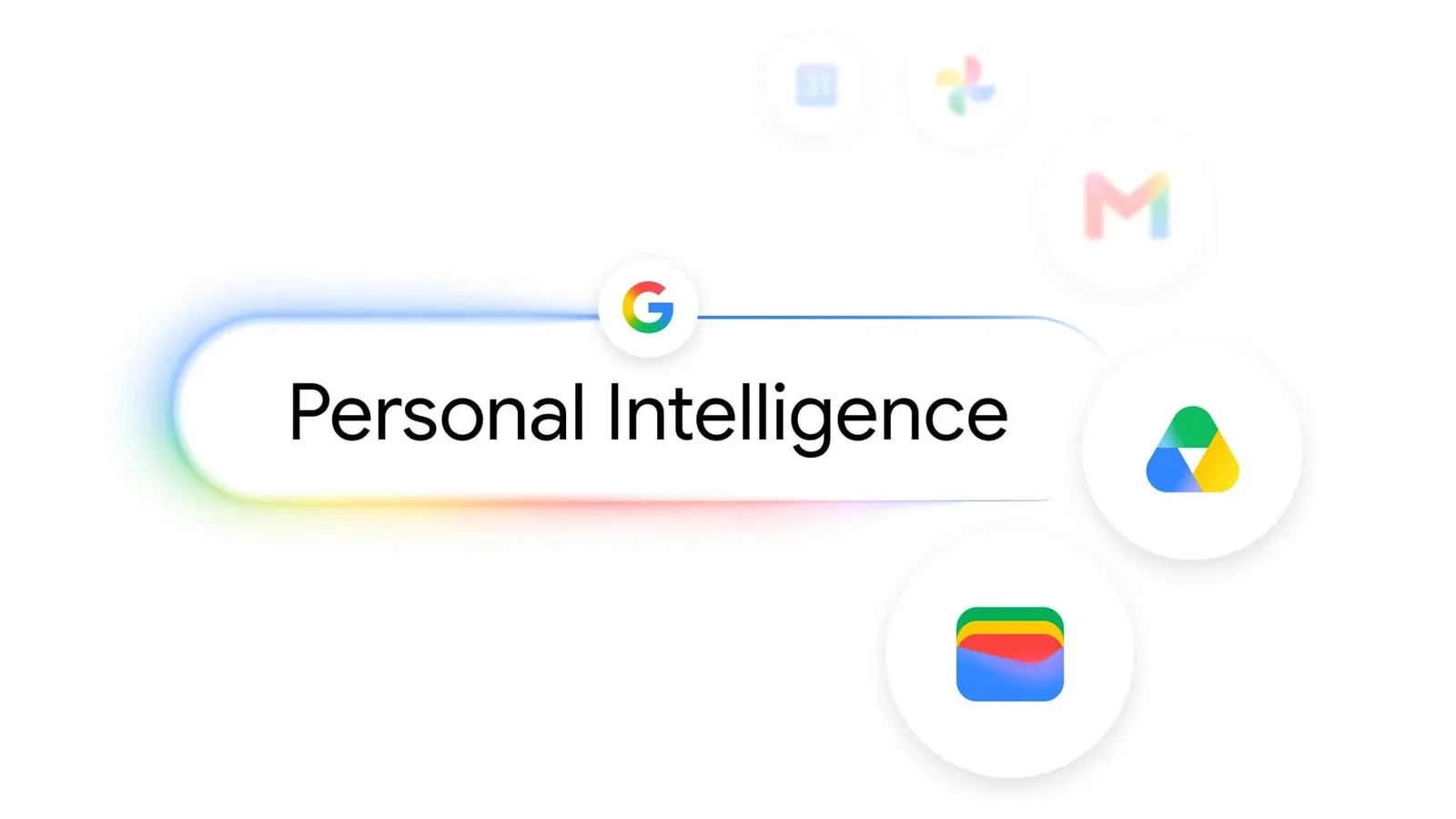
According to Google, the AI model can read the information of the user's associated account in Google Wallet to provide more targeted suggestions. However, Google emphasized that this function can only read information and cannot transfer, manage or invest funds. Users do not need to worry about AI directly operating their accounts.
In the coming weeks, Google also plans to connect Google Drive and Gemini to Google Search. After connecting to Cloud Drive, search results will be able to refer to documents, forms, PDFs and other files stored by users, making answers more relevant to personal information. The integration of Gemini means that users’ questions, context and content in the Gemini application can continue to be used in the search AI mode, thus forming a more coherent cross-application experience.
Google said that with this update, AI Mode and AI Overviews (AI Overviews) will begin to provide more personally relevant answers based on the user’s recent search background. For any reply that uses personal data, a "Personalization" icon will soon appear below, allowing users to understand exactly what data is used by the system.
Currently, the AI model can already connect to services such as Gmail, calendar, and photos to generate customized search results. Google points out that connecting apps to AI mode and search is optional and will not be enabled by default. Users can choose which services to connect to personal intelligence functions in the "Connected Applications" column in the "Search Personalization" settings.
On the same settings page, users can also cancel all connected applications, or directly turn off the personalization function to avoid sharing more data with Google. If you want to further control the collection of information, users can log in to their Google account and go to the "Search Personalization" page to turn off personalized recommendations, search service history, likes and preferences, personalized ads and other functions. More control options are available on the Personalization page.
For users using Gemini, Google also provides the option to turn off chat record saving and prevent Google from using user content to train AI models. This adjustment will be rolled out gradually from November 16th. However, even if chat history is turned off, Google will still retain the user's chat content for about two months.
The report also reminded that if you want to minimize the data collected by Google, the most effective way is to use Google services as little as possible, or consider using search engines such as Kagi that offer services in exchange for payment rather than data.
Comments