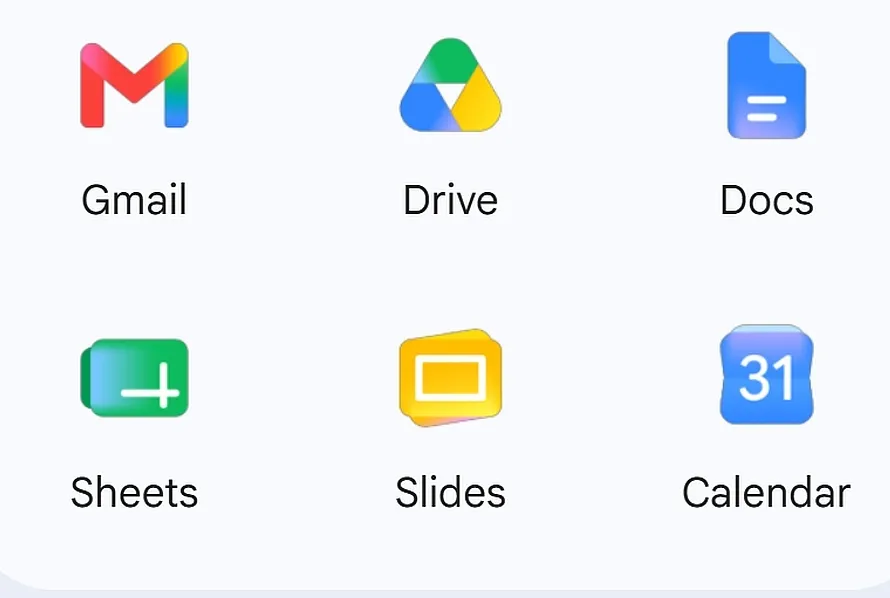
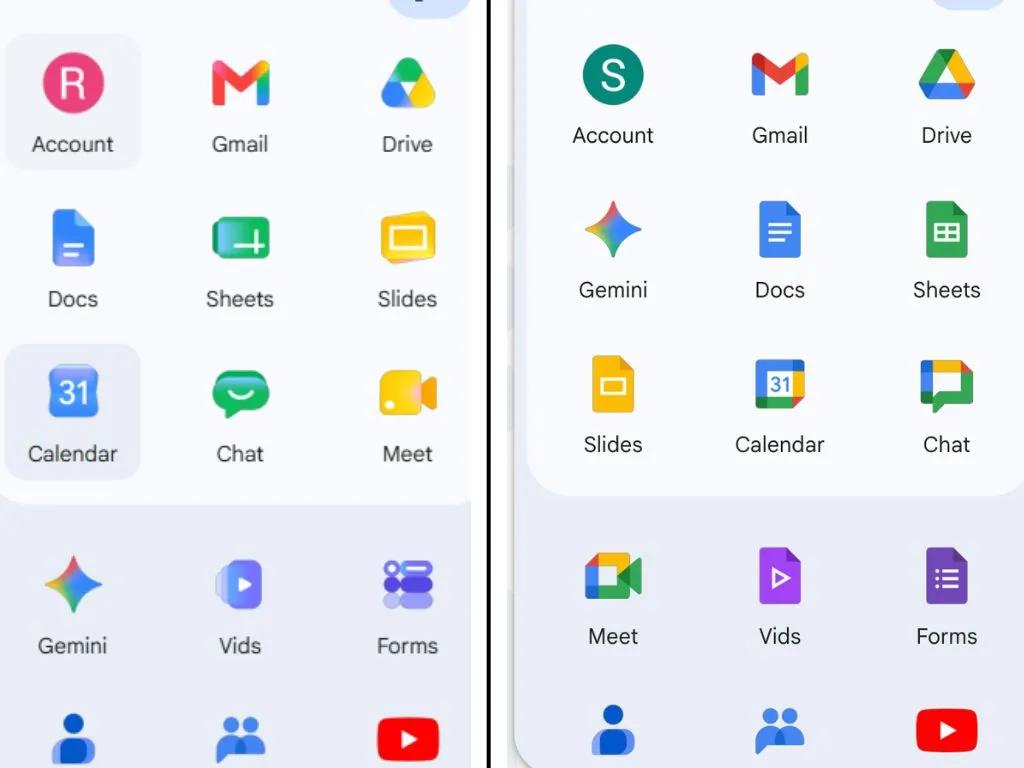
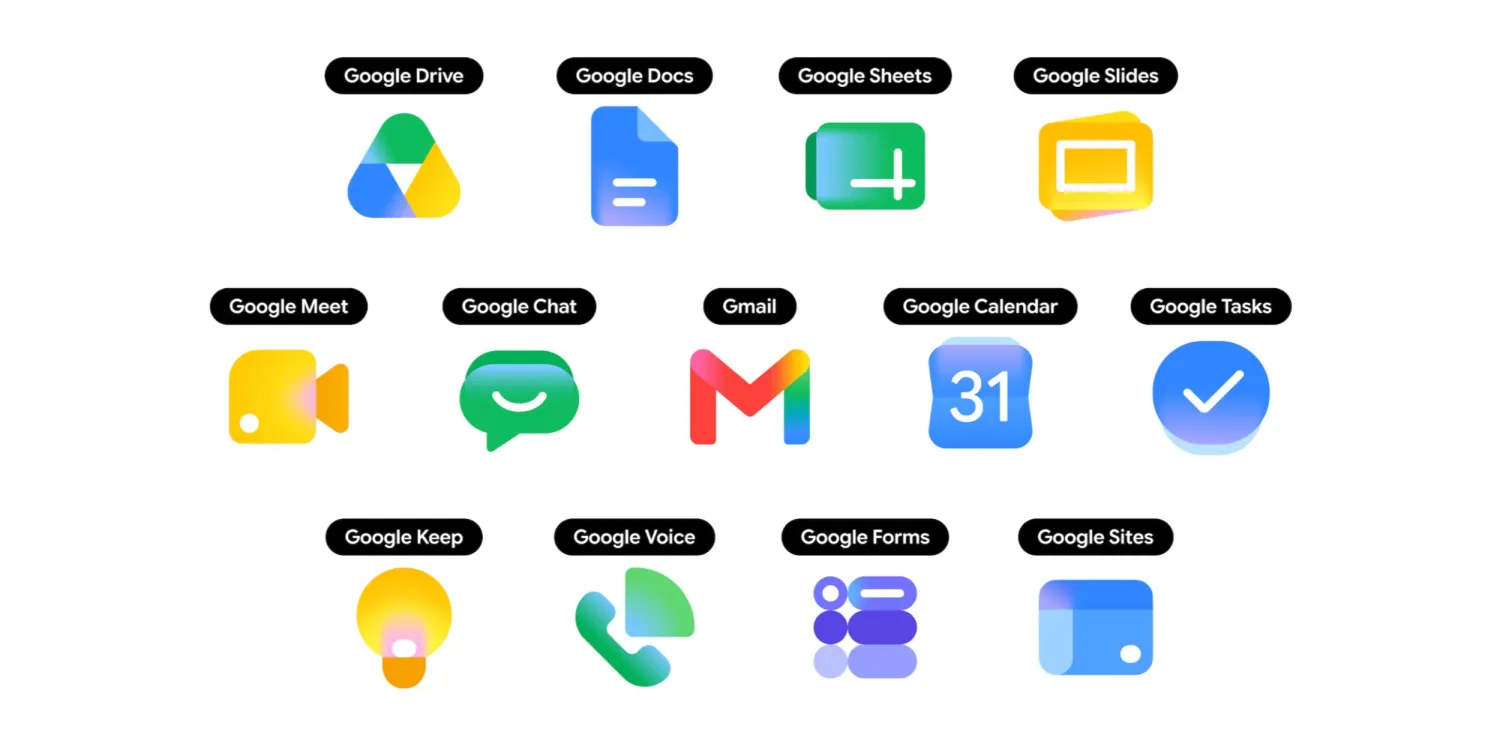
Google has recently begun to push a new set of Workspace application icons to users, including Gmail, Docs, Sheets, Slides, Drive, Chat, Meet, Calendar, Keep and other commonly used services. Its overall design language is closer to the new Google main logo launched a year ago, using soft color gradients and more rounded geometric shapes. This batch of new icons first appeared in a leak last month, and have now appeared widely on the web and on some user devices. Some users have noticed the icon changes early this morning.

Different from the previous version of the icon that used flat color blocks in large areas, the new version of the Workspace icon transitions from light to dark as a whole, showing a gradient effect from light to dark, which strengthens the three-dimensional and layered feel. In terms of color strategy, some applications have changed from "rainbow color matching" to a single main color, such as Google Chat, Meet and Calendar. Google hopes that through clearer main color attribution, different icons can be more easily "categorized" in the application queue. However, some users are worried that this will make it more difficult for people who are accustomed to the old design to recognize the corresponding application at a glance in the short term.
Google Docs, Sheets, and Slides in the office suite have relatively restrained changes in color matching and overall style. They still retain the original colors and basic visual structure, but have completed adjustments in direction and proportion in details. Some users pointed out on Reddit that the icons of Sheets and Slides have been changed from the previous vertical layout to a horizontal layout. This "horizontal" design is more consistent with the scenario where most users actually use horizontal tables and horizontal presentations when using these applications.

The changes are more obvious in cloud storage and note-taking applications. The Google Drive icon has received a "significant renovation" in this revision. The iconic triangle edges have been softened into rounded corners, and the original small patch of red in the lower right corner has been eliminated, making the overall look more unified and concise. Google Keep also no longer uses the "icon border with a light bulb placed on a yellow rectangle" scheme. Instead, it is presented directly with a yellow light bulb graphic, which is more visually direct. However, for high-frequency users who have relied on Keep for a long time, a completely different outline may take some time to re-establish the muscle memory of "quick recognition".

The Gmail icon has maintained a high degree of recognition in this round of upgrades and has not been completely reconstructed. However, through tightening of details and optimization of lines, the overall look and feel is cleaner and more unified in style with the new icons of other Workspace applications. Overall, the unification of color and shape of the new icons is intended to strengthen the brand integrity of the "Workspace family", allowing users to more intuitively identify services belonging to the Google productivity suite when quickly browsing multiple applications on desktop or mobile.
It is worth noting that the timing of this round of icon updates is just before the opening of this year’s Google I/O. It is widely expected that Google will announce more updates related to visual language and product experience at this annual developer conference. Workspace’s icon revision is likely to be just the first step in the “renewal” of the entire ecosystem.