
Abstract:
Internet company F5 recently released an emergency security update for the open source server component NGINX to fix 10 serious security vulnerabilities, among which CVE-2026-123007 and 123633 may allow an unauthenticated attacker to remotely execute code.
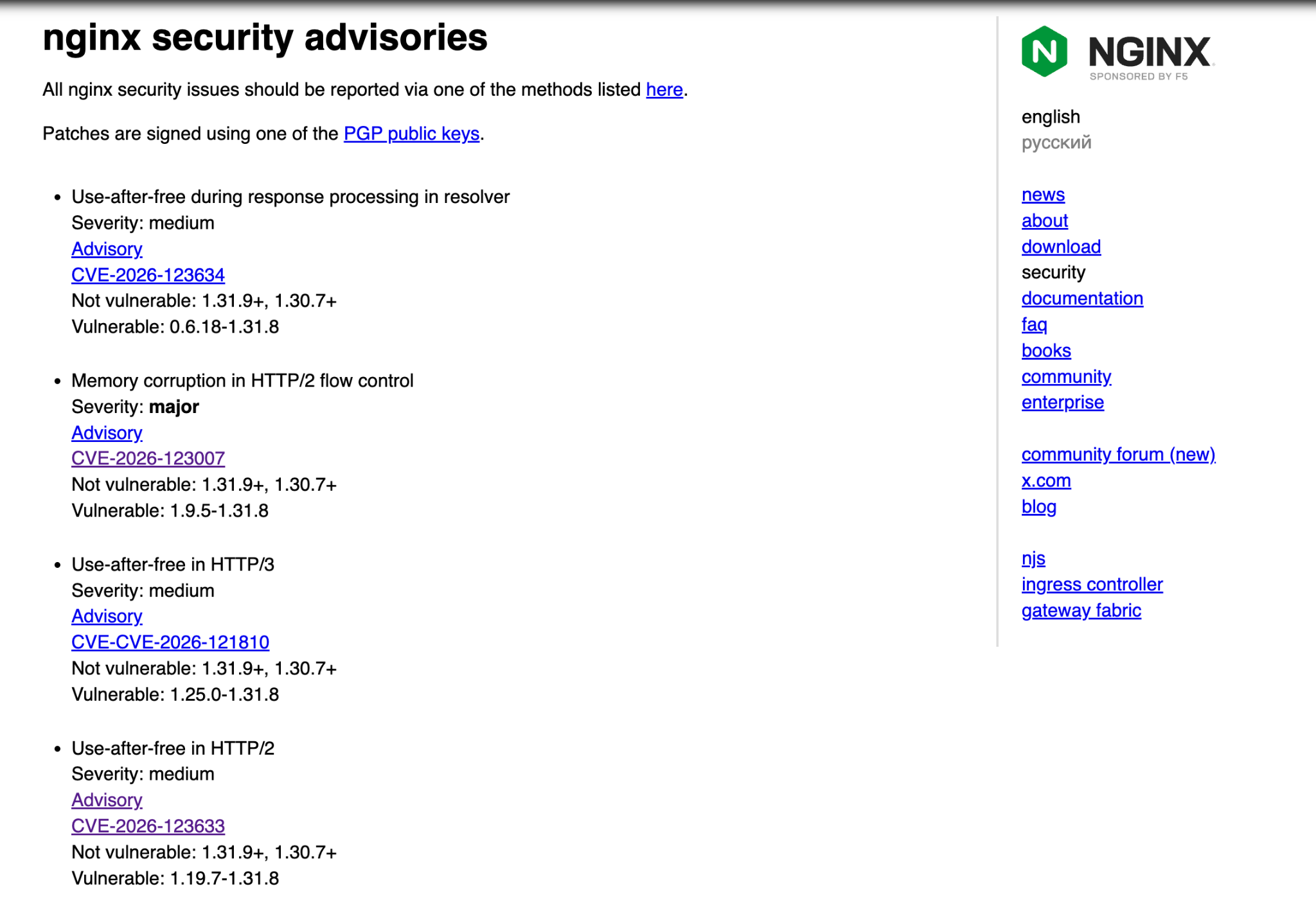
These vulnerabilities are related to HTTP/2 protocol processing. In theory, as long as the HTTP/2 service is turned on, remote code execution may be possible. At present, most NGINX deployments should enable the HTTP/2 protocol by default, so the scope of impact is very wide.
The threshold for launching an attack is sending 128GB of traffic:
The method of exploiting related security vulnerabilities is difficult to say and simple to say, because judging from the current proof-of-concept code, the exploitation process requires the transmission of approximately 128GB of HTTP/2 data, and network bandwidth and connection timeout will affect the actual attack.
The 128GB data here refers to the total amount of data that needs to be sent in a single NGINX connection. According to tests, NGINX Worker can crash when sending 60GB of data; code execution can be achieved when sending 128GB.
NGINX's default connection timeout is about 1 hour. If it is a local high-speed network, it will take about 2.5 minutes to send 128GB of data, 10Gbit/s bandwidth is about 2 minutes, and 1Gbit/s bandwidth is about 17 minutes. Based on this calculation, when the bandwidth is lower than 300Mbit/s, the data cannot be sent before timeout.
High bandwidth servers need to be upgraded immediately:
Currently, the NGINX open source version has released repair updates, including the mainline version 1.31.9 and the stable version 1.30.7. If you use NGINX deployed on a panel such as Pagoda, the new version may not be available on the Pagoda side. Users can use AI agents to compile and upgrade themselves. But please note: If you use the Pagoda panel quick installation mode, you cannot compile it yourself. You still have to rely on the Pagoda side to release updates and then go to the store to update.
Some foreign VPS servers purchased by users have G port bandwidth and may be affected. If the version cannot be upgraded temporarily, you can turn off HTTP/2 on the website or external service listening port and ensure that all current HTTP/2 has ended (turn off the configuration and then restart NGINX).
Learn more:
https://nginx.org/en/security_advisories.html
Comments