
Abstract:
Nintendo has pushed firmware update version 23.0.0 for Switch and Switch2. This update brings
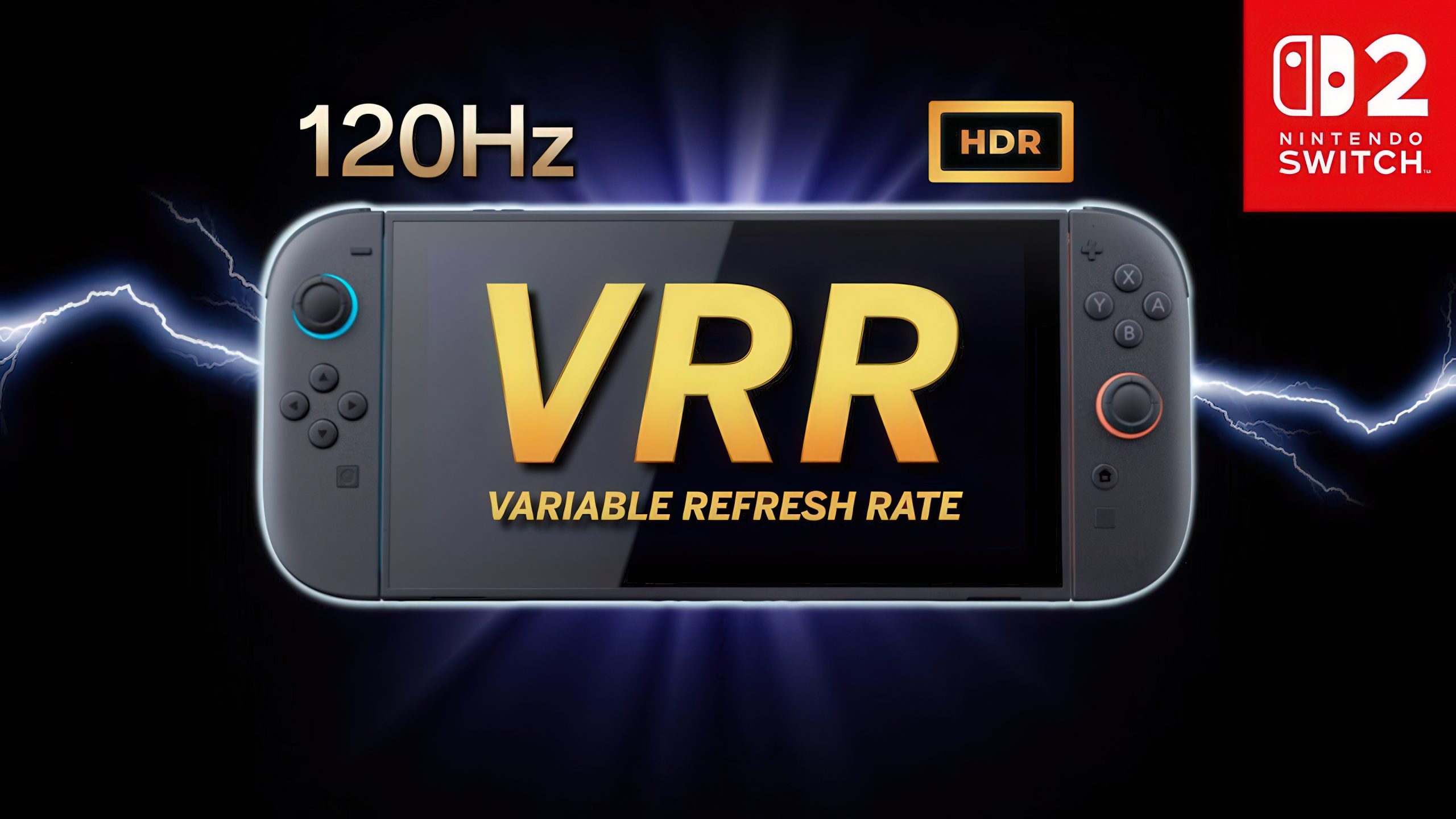
VR in console mode to Switch2
R (variable refresh rate) support, and many adjustments have been made to GameChat, virtual game cards, data transmission and other functions.
Switch2 major updates:
Host mode
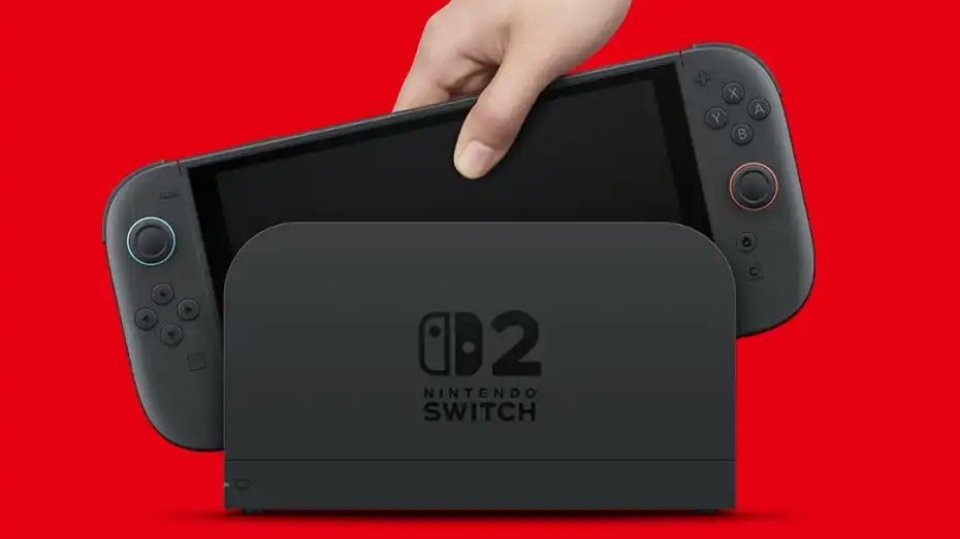
Officially supports VRR output. When both the game and the TV support this feature, video will be output at a refresh rate that matches the game's processing speed. Enabling this feature requires an updated Nintendo Switch2 dock.GameChat aspect
, added the ability to display previously participated chat history, the ability to join new chats without selecting friends, and a button to change the screen size in the menu that appears after pressing the C key during chat.Data transmission
, Switch2 now supports "complete data transfer" between two Switch2 hosts, which can transfer archive data, screenshots and other contents from the old machine to the new machine. A new "System" → "Transfer All to Nintendo Switch2" option has been added to the system settings.Virtual game cards
, a new "Settings" option is added to the list interface to view the virtual game card registration status of the device. In addition, if the virtual game card cannot be transferred because the other host is offline, you can use the online license to play temporarily when starting the software. This function is only available to the purchaser.Settings and accessibility
, a new "Display" → "VRR Settings" option has been added; "Display" → "Dock Output Information" has been renamed to "Video Output Information", which allows you to view the details of video signals supported by the TV; "Audio" → "TV Sound" settings are now saved separately by the connected TV; "Accessibility" has added support for Brazilian Portuguese text-to-speech and Game Chat voice-to-text. The Mii function adds the function of generating QR codes and sharing them with other users.In addition
, a new "System" → "Switch Software Running Mode" → "Switch Handheld Mode Enhancement in Quick Settings" option is added to the system settings. After turning it on, long press the HOME button to switch to handheld mode enhancement in the shortcut menu. In enhanced handheld mode, other controllers can be used even if Joy-Con2 is connected to the console. In the play records of "My Page" → "Personal Information", the time spent playing the same software on multiple hosts will now be combined into statistics.
Major Switch updates:
A new "Settings" option is added to the virtual game card list interface to view the device registration status. Like Switch2, if the virtual game card cannot be transferred from another console, it can be played temporarily using an online license, only for the purchaser.
Both consoles have fixed several issues and improved operational stability.
VRR was previously only available in Switch2 handheld mode. After this update, it can also be enabled in console mode. This feature adjusts the TV refresh rate in real time to match the game frame rate, resulting in a smoother experience.
Comments