
Abstract:
Microsoft is promoting one of the largest interface modernizations in the history of Windows 11. Print management, the File Explorer "Properties" window, and the autoplay dialog box that continues from the Windows 8 era will all usher in new designs based on WinUI. However, the Control Panel, a long-term legacy component of Windows, is not expected to be completely removed in the short term.
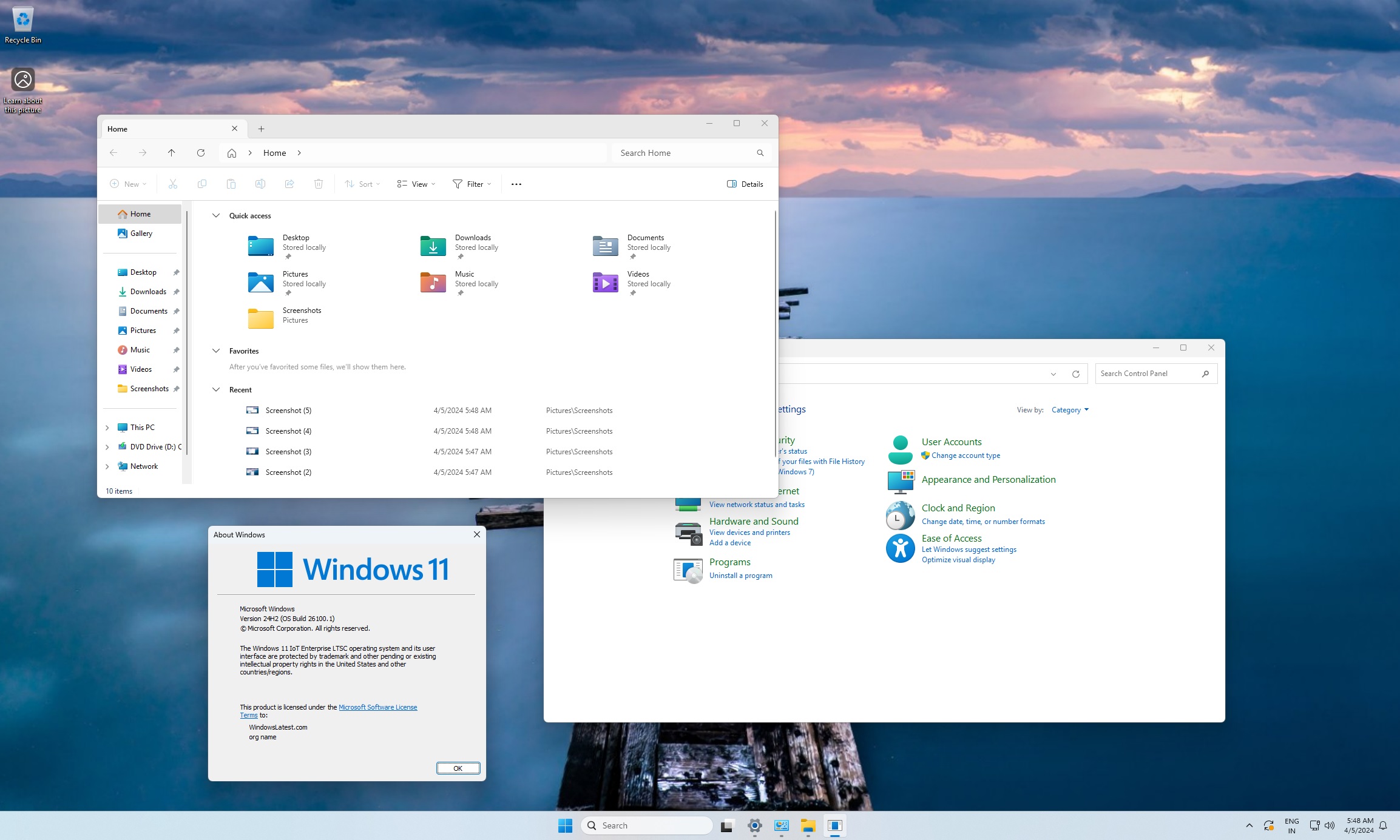
It is reported that Microsoft's long-term goal is still to gradually integrate the functions that have not been migrated in the Control Panel into the "Settings" application, including old dialog boxes that most users have little contact with. But until these decades-spanning system components are properly handled, the control panel will remain.
Microsoft does not plan to simply redirect all Control Panel entries to Settings. A more likely approach is to continue to reduce the scenarios in which users must call old functions; only when their usage drops low enough will the control panel be eligible for cancellation.
In Windows 11, many tasks that previously relied on Control Panel have been moved to Settings, such as uninstalling Windows updates, adding Bluetooth devices, managing Wi-Fi adapters, and adjusting advanced mouse options. Therefore, compared with the Windows 10 era, the frequency of users opening the Control Panel has been significantly reduced.
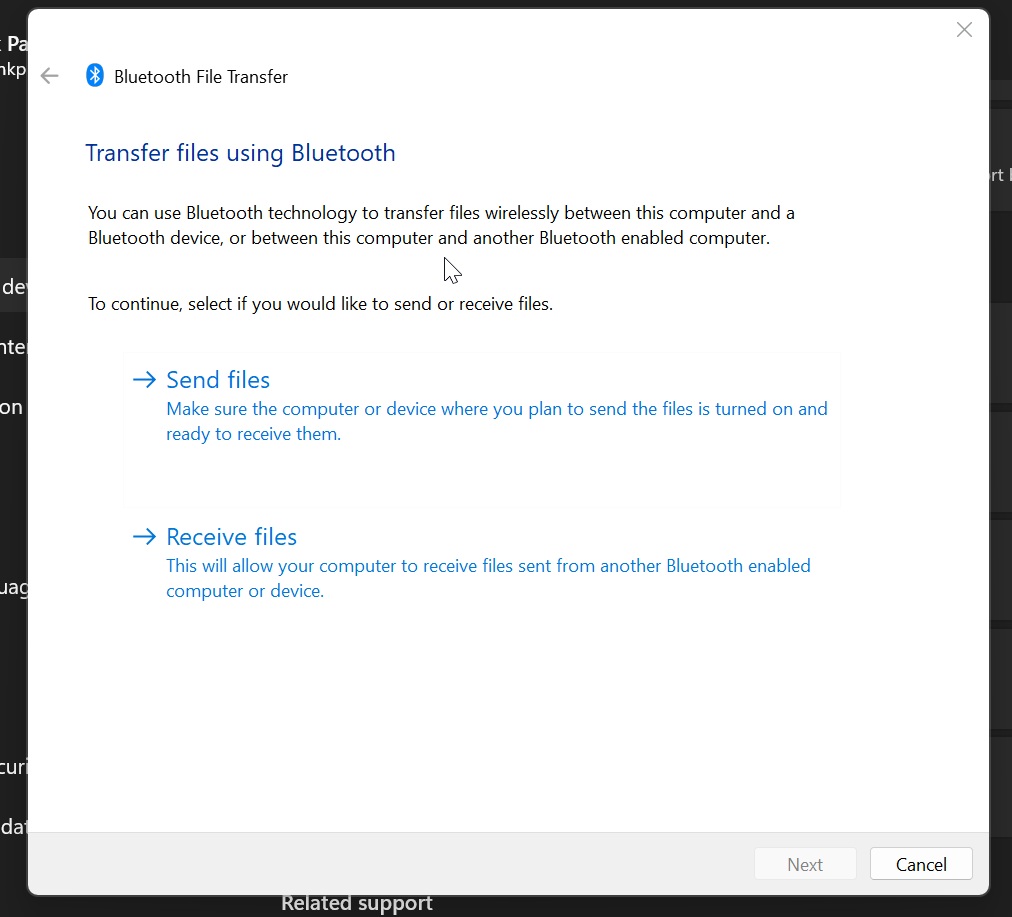
However, some legacy features still rely on the traditional interface. For example, when users send or receive files via Bluetooth, the system will still call a dialog box with the style of the Control Panel era; manually adding a new printer from "Settings" may also jump to the relevant interface of the Control Panel.
It is reported that this type of dialog box has been included in Microsoft's transformation plan, and a new version that is more in line with the native experience of Windows 11 may be ushered in in the next few months. But even if these interfaces are updated, the control panel will not be retired immediately because Microsoft cannot risk breaking the integration of old functions that millions of enterprise users rely on.
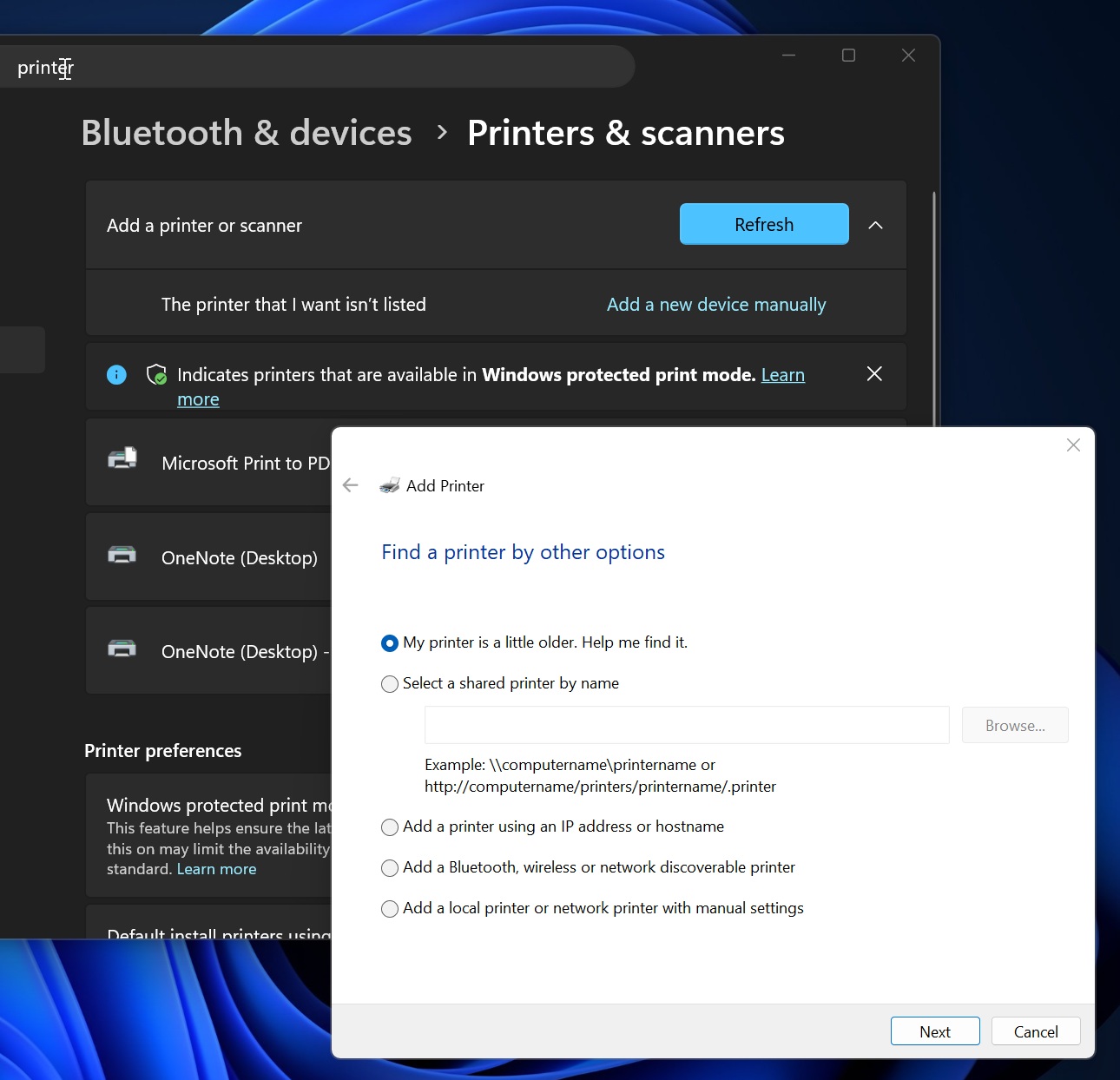
Microsoft's head of design previously said that the company is gradually migrating old control panel functions to the modern "Settings" application, but it must adopt a prudent strategy. Especially when it comes to network devices, printer devices and their drivers, Microsoft needs to ensure that modernization does not create compatibility issues.
Windows 11's modernization process is showing more signs in preview builds, but there's no sign yet that Control Panel is about to be removed. In the coming months, Microsoft is expected to launch a number of new interfaces and features.
Among them, the new version of the "Run" dialog box that Microsoft has been testing for some time is expected to be gradually rolled out to all users in 2026, but the specific time has not yet been announced. This feature is not enabled by default, and users need to manually turn it on in the advanced options of "Settings", which shows that Microsoft wants to avoid suddenly changing the usage habits of old users.
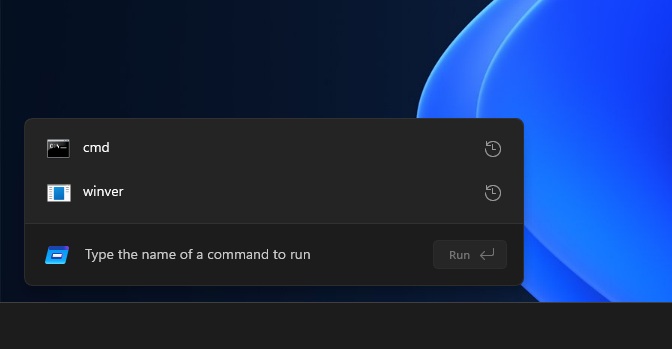
The new version of the "Run" dialog box is based on WinUI. Early tests show a median display time of about 94 milliseconds, slightly faster than the older version's 103 milliseconds. Although the improvement is limited, this result is significant because WinUI has always had a reputation for slow performance in the past. The new version also adds the "~" shortcut, which allows users to jump directly to the personal user directory, and the operation logic is closer to the command line environment.
Microsoft retaining the "Run" window also reflects its consideration of different usage scenarios. Not only can this function be used to open an application, directory, or network location, it is also used by some users to clear text formatting so that plain text content can be pasted. Therefore, the "Run" window still has independent value even if there are other alternative entries in the system.
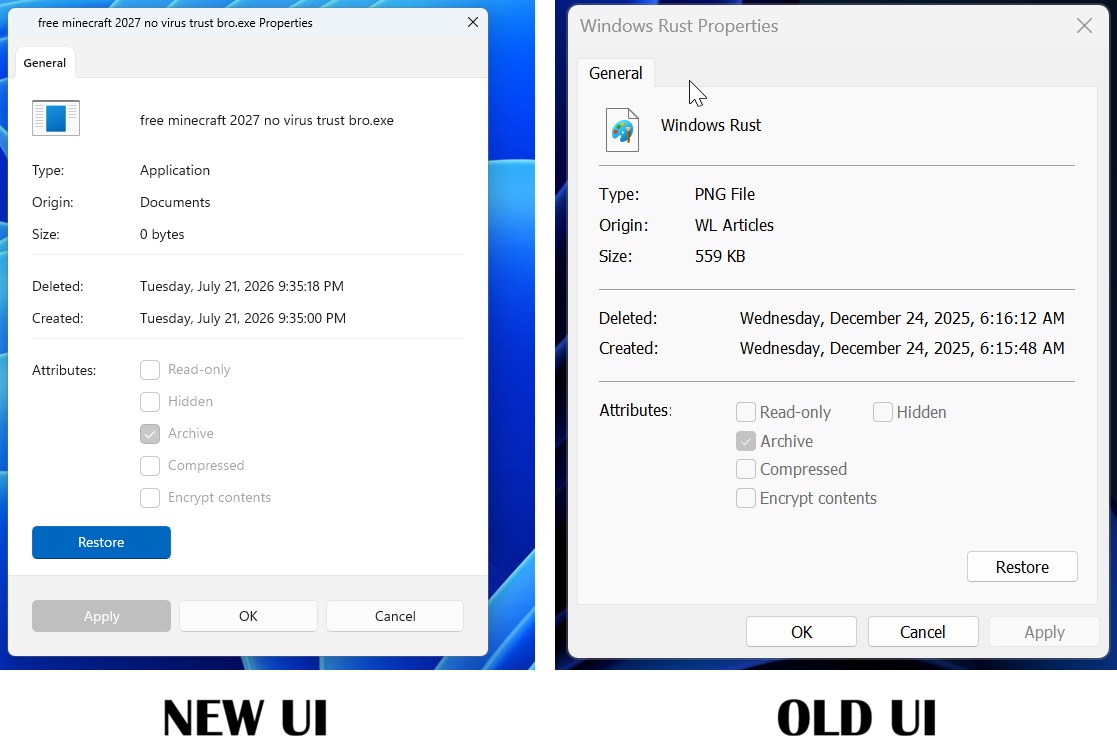
File Explorer’s Properties window will also receive a modernized version. The new interface is expected to be a direct replacement for the existing legacy version, rather than existing as an additional option. Compared with the traditional Win32 layout, the new version adopts the Windows 11 design language and presents information such as file type, source, size, deletion time, and creation time more clearly in groups, making it easier for users to browse quickly.
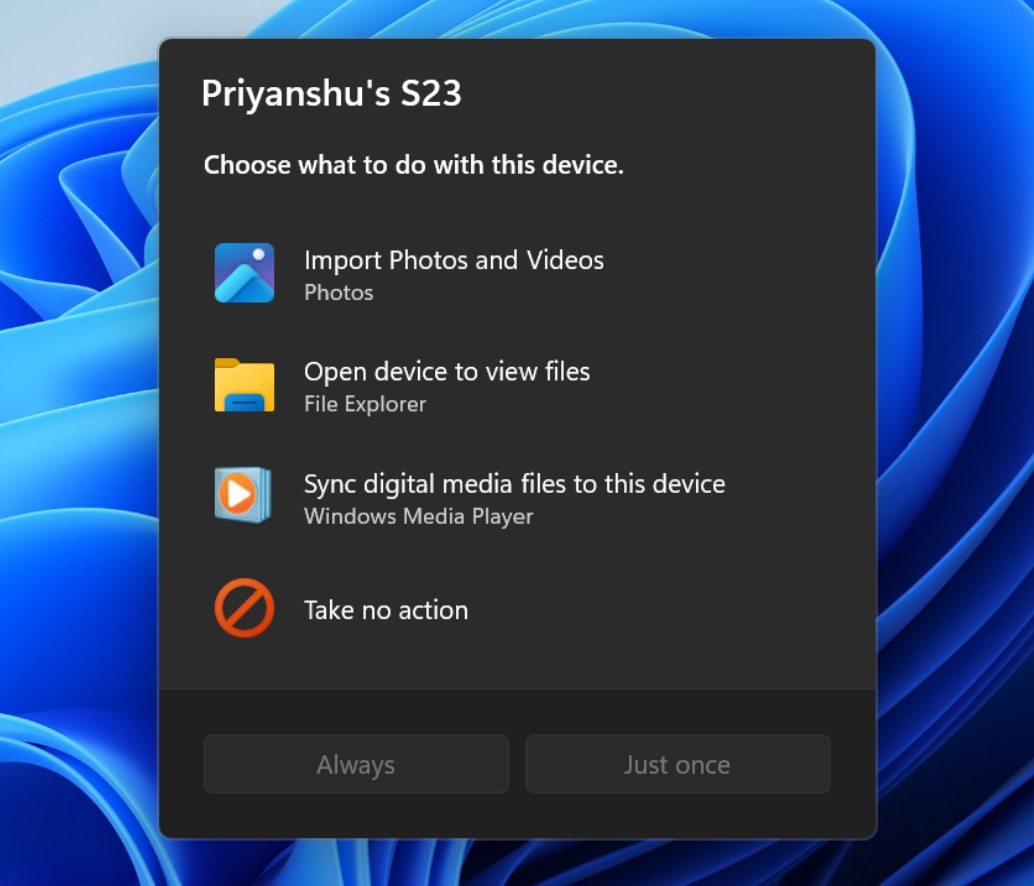
In addition, Microsoft is also redesigning the autoplay dialog box and plans to add the ability to remember user preferences. For example, after connecting to a mobile phone, the user can set the system to always open the file explorer automatically without having to repeat the selection operation every time.
The printing function is also the focus of this transformation. Microsoft is testing a new, modern "Print Management" app for managing printer-related settings. The application has now entered the Release Preview channel, which means that the official announcement may be approaching. However, Microsoft has yet to confirm whether it will completely replace all existing print management tools.
Microsoft stated that only after all kinds of old functions are migrated to the WinUI-based Windows 11 experience, the control panel may finally withdraw from the stage of history. But how long this process will take, no one can give a clear answer yet.
Comments