
Abstract:
Microsoft is further improving its remote operation and maintenance capabilities for enterprise Windows devices. After adding native registry manifest support for IT admins earlier this month, the company is now rolling out a long-requested feature in Intune: unattended Remote Help with Remote Login support.
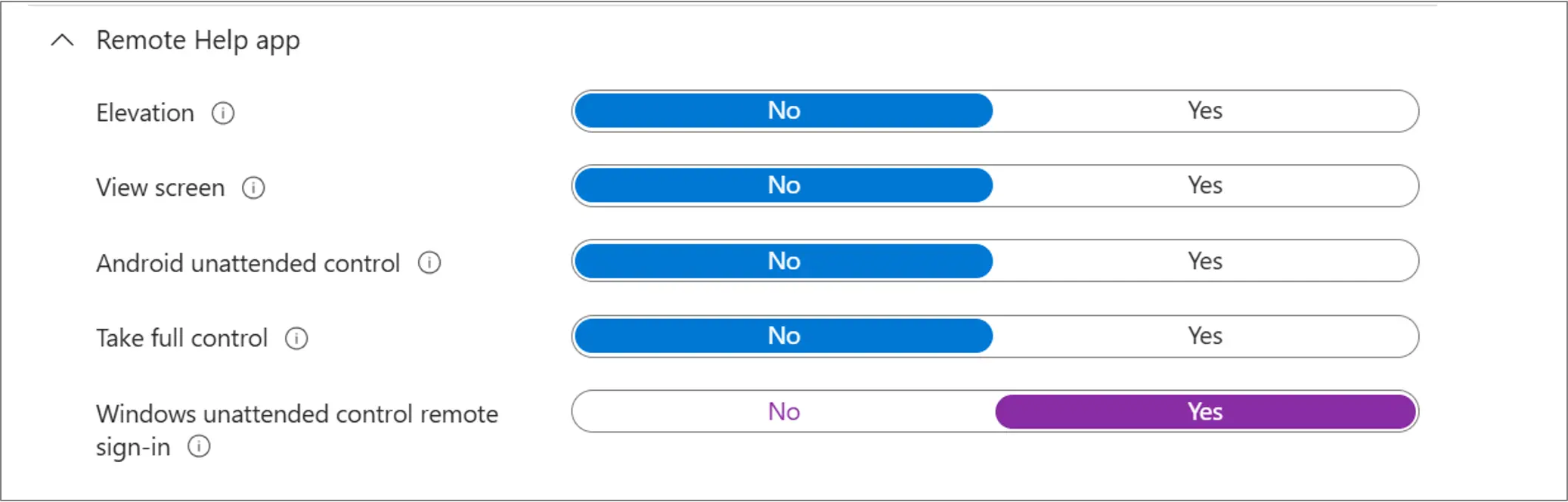
This feature, available with the August 2026 service release of Intune, allows authorized help desk personnel to remotely access and troubleshoot issues with physical Windows PCs without the end user being physically present at the computer. In the past, Windows Remote Help sessions had to be attended by the end user and manually accept the connection; enabling unattended mode allows help desk personnel to log in and take action using their authorized credentials at the target device's Windows login interface.
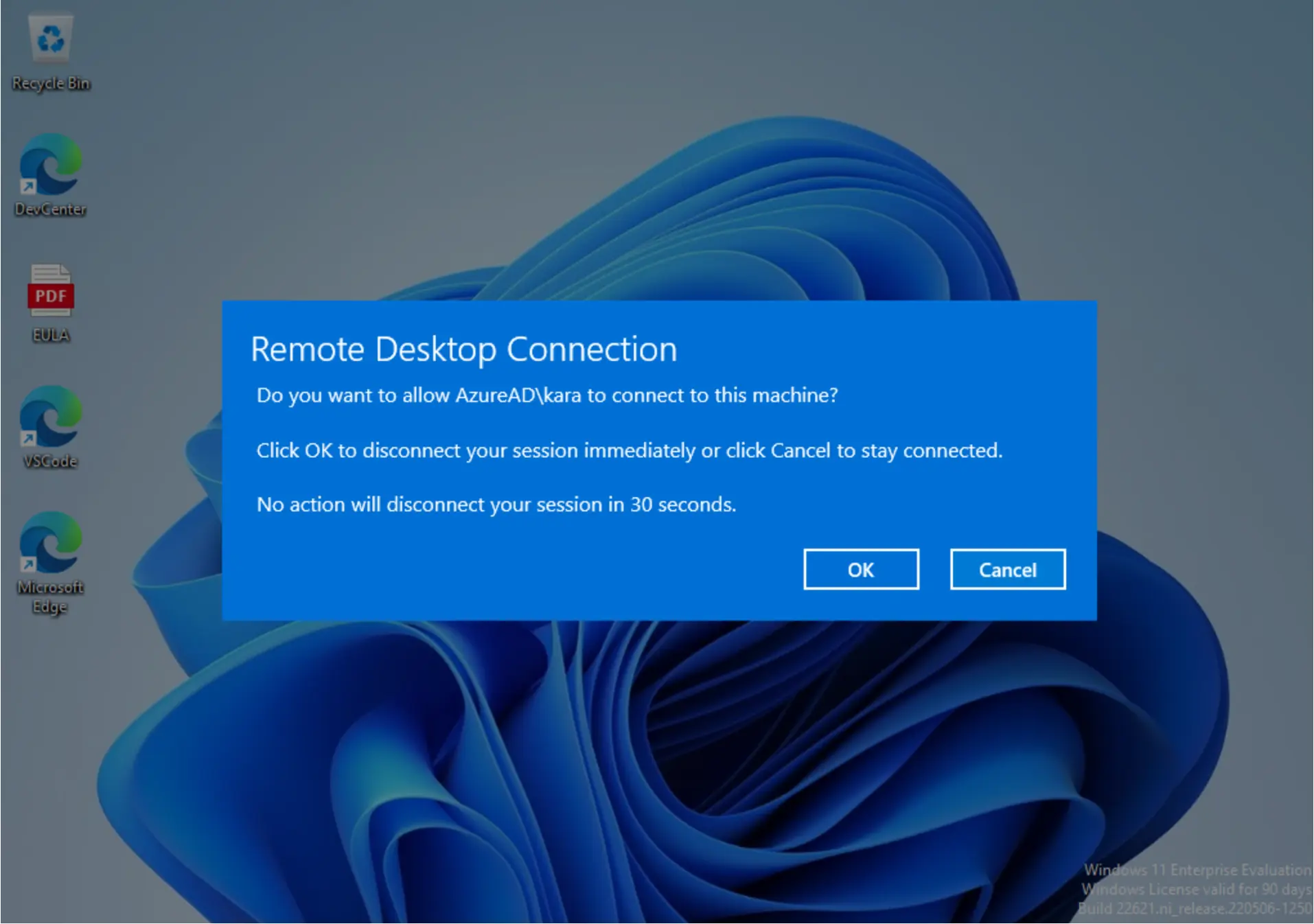
Microsoft said that sessions established by remote support staff will be independent of the user's original Windows session. In other words, the user's existing session will not be logged out or terminated, but will remain locked and retained, thus preventing support staff from directly seeing the desktop and application content the user is using.
However, this feature currently has a strict scope of application. Unattended Remote Help is only available for physical Windows devices that are managed by Intune, owned by the enterprise, and enrolled in a Microsoft Entra ID or Microsoft Entra hybrid environment. Personal computers and BYOD devices, Windows 365 Cloud PCs, Azure Virtual Desktop virtual machines, and other virtual devices do not currently support unattended control; the target device must also use an x64-based Windows system.
In terms of basic requirements, the device must be turned on and connected to the Internet, and the Intune Management Extension must be installed to enable advanced device management capabilities. Microsoft also requires that the remote desktop feature be turned on on the target computer.
Additional deployment also needs to be completed on the administrator side. The target device must have the Azure Virtual Desktop Agent installed before the Azure Virtual Desktop Agent Bootloader. Both components can be delivered through Intune as Win32 apps, and Microsoft says subsequent updates will be completed automatically.
Safety control is one of the focuses of this feature’s design. Microsoft has added a dedicated role-based access control called "Windows unattended control remote sign-in" in Intune to determine which help desk personnel can initiate unattended connections. This permission can be limited to a specific device group. Because remote personnel are able to access devices when the user is not present, Microsoft recommends that enterprises grant relevant permissions only to appropriate support personnel.
After configuration is complete, administrators can select a managed Windows device in the Intune Admin Center and initiate a new remote assistance session. The portal will provide two control options: attended and unattended, and check whether permissions, device status, and various prerequisites are met before connecting.
Microsoft has also addressed situations where the device is in use: If a user is already logged into the target computer, Windows will display a remote connection notification to the user; subsequently, the user session will be locked, and support staff will handle the failure in a separate Windows session. This allows IT teams to complete troubleshooting without exposing the user's current desktop and application content. Once the user logs back into their session, they can regain control of the device.
In addition, unattended sessions support full auditing. Administrators can view ongoing sessions, review historical session records, and track Remote Help activity through Intune audit logs to identify who visited and when.
This feature is available through Intune Suite (Service Build 2608), the Remote Help standalone add-on, or a qualifying Microsoft 365 E3/E5 license, but enterprises must still meet Microsoft's licensing and device requirements for Remote Help.
Comments