
Abstract:
The Windows 11 August optional update KB5120998 recently released by Microsoft brings the much-anticipated movable taskbar, resizable Start menu, and simpler search box.
However, more and more Reddit users reported that after installation, problems such as mouse pointer customization failure and abnormal desktop wallpaper settings occurred.
Based on combing through a large number of user comments, the scope of the problem seems to be relatively widespread, so users are advised not to install it for the time being and wait for Microsoft to launch fixes.
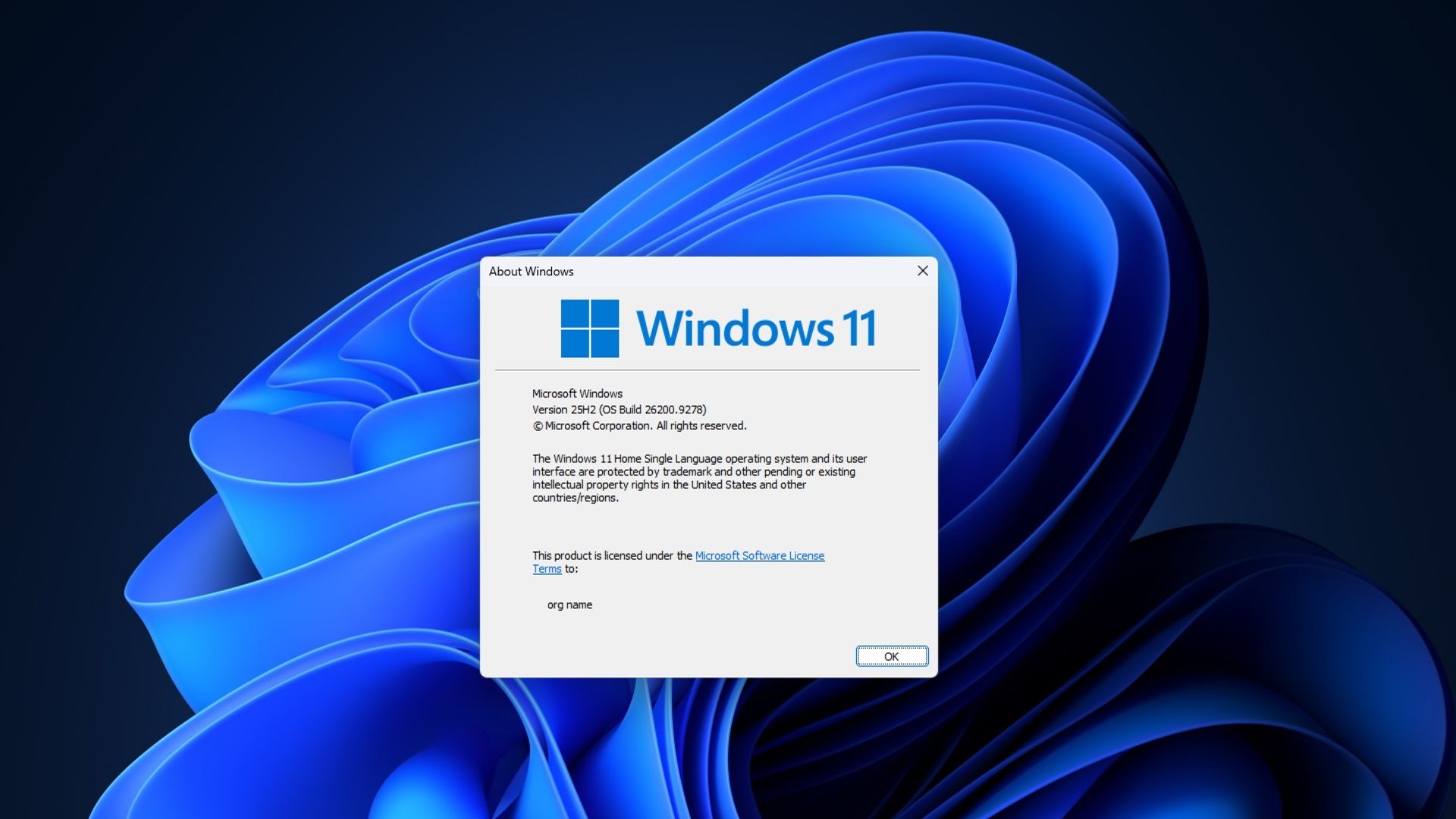
The most common feedback so far is that custom mouse pointers are reset to the larger, white, Windows 98-like default pointer and cannot be restored to the original style. Some users reported that after installing build 26200.9278, also known as KB5120998, their high DPI custom pointer disappeared and was replaced by a large white pointer; the problem was resolved after uninstalling the update.
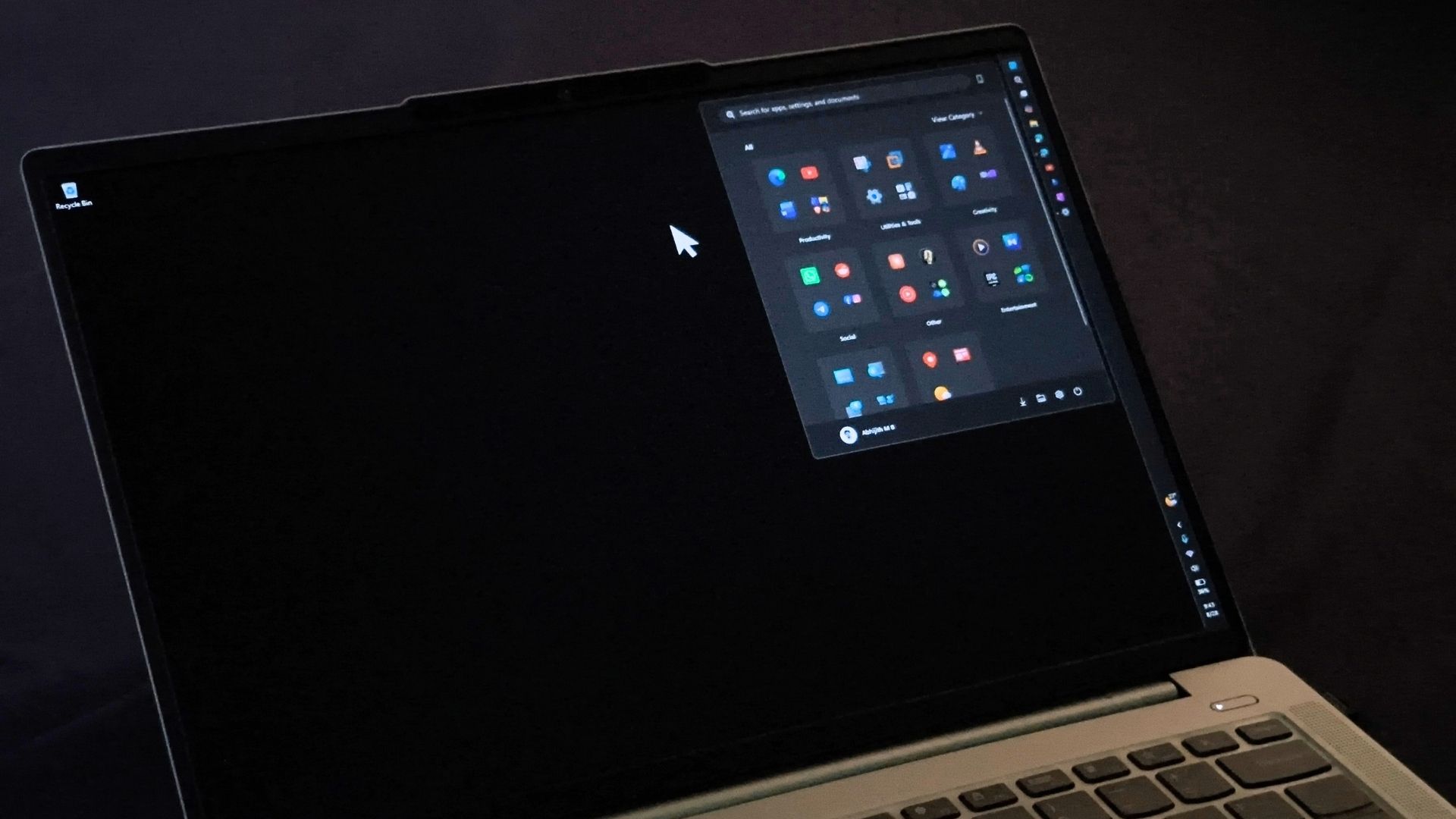
Other users have reported similar behavior. Some people said that after the update, they could not change the pointer to any appearance other than the default style; others said that the pointer always remained white and increased in size, and related options in accessibility did not take effect. A few users also mentioned that the tail of the pointer seems to be significantly longer. This may be related to the display anomaly caused by the old Aero pointer style and the new theme logic.
Users who have tried uninstalling the update generally report that the problem is resolved. Some users said that they returned to normal after uninstalling KB5120998; others said that after removing the patch through Windows update history, the mouse pointer glitch disappeared.
Another major issue is that the desktop wallpaper is cleared and turned into solid black. In Windows 11 related discussion threads, many users have repeatedly mentioned this phenomenon. One user said that black wallpaper appeared on both his desktop and laptop computers after installing the update, and he could only manually reset it; several users subsequently responded saying that they also encountered the same problem.
Some users encountered both types of failures at the same time. Some say the update changes the desktop background to a solid black color, while the regular size of the mouse pointer also feels slightly larger. Another user said that even if the wallpaper is restored manually, the background will still turn black again after logging out or restarting, and only uninstalling the update can completely solve the problem.
Not all devices will be affected. Some commenters, including one moderator on the thread, said they didn't see any issues on multiple devices. This may indicate that the mouse pointer and wallpaper issues may be related to specific hardware, display scaling, or theme configurations, rather than affecting every computer with KB5120998 installed.
However, based on feedback so far, it appears that the impact of the problem exceeds the usual minor update glitches.
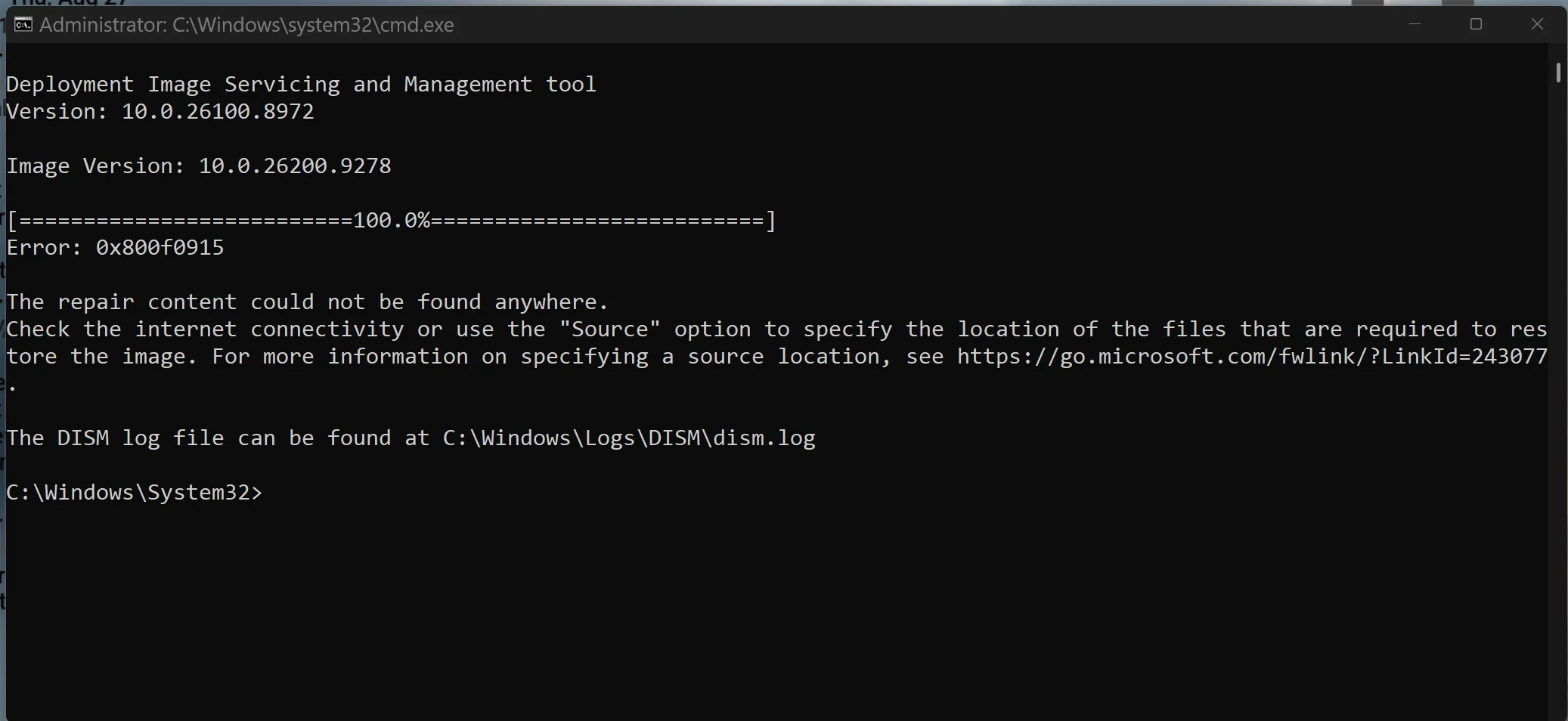
Additionally, a small number of users reported encountering DISM error 0x800f0915 when trying to repair a system image after installing the update. This bug has been present in previous versions of Windows 11 for several months, usually due to DISM being unable to access a valid fix source, and is not a new issue introduced by KB5120998, so should probably be considered a separate and ongoing glitch.
Microsoft software engineer Jen Gentleman responded in the discussion thread that KB5120998 is an optional update; if the user chooses to skip it, the changes will still be pushed in the next mandatory update. She also called on affected users to submit as detailed a report as possible through the Feedback Hub. Microsoft has not specifically mentioned the mouse pointer or wallpaper issues, nor has it been listed as a known issue.
Given that the above two types of failures are easy to occur and have been widely reported, and the only currently confirmed effective solution is to completely uninstall the update - which also means that the new taskbar, start menu and search box improvements will be lost - a more prudent approach at this stage is to postpone the installation of KB5120998.
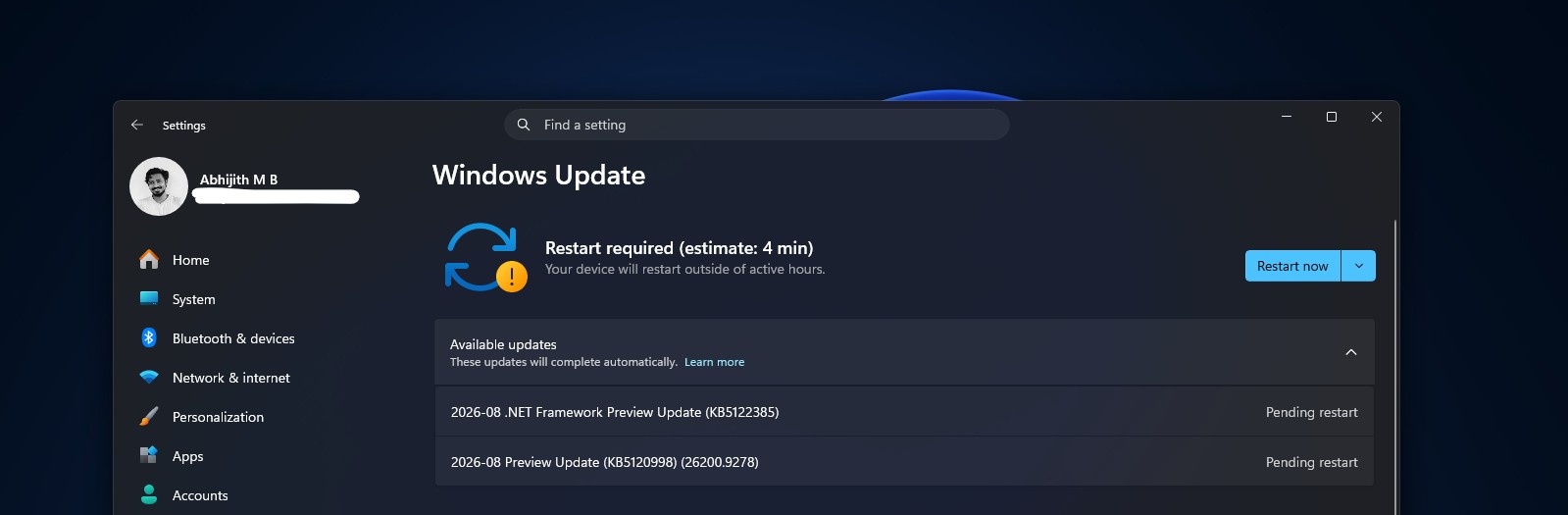
If a user has installed it and their system is running normally but hasn't yet seen the three major new features, it's possible that Microsoft's phased rollout has not yet reached their device. It is expected that Microsoft will confirm the relevant situation through a formal "known issue" announcement in the future, and may use the "known issue rollback" mechanism to undo the changes that caused the failure. But there's no clear timeline yet, so waiting for a fix to be released is still the safest option.
Comments