Microsoft is rolling out a new installation experience improvement for Windows 11 that allows users to skip the forced update and go directly to the desktop to use the device when booting for the first time or reinstalling the system. Microsoft confirmed that this feature has begun to be rolled out in stages in the official version and is included in all the latest Windows 11 installation images and recent cumulative updates.
Currently, when users newly install or reinstall Windows 11, or purchase a new device with Windows 11 pre-installed, they must go through a long boot process (OOBE, out-of-box experience). During this process, the system will not only prompt you repeatedly to log in or create a Microsoft account, but will also promote services such as Microsoft 365 subscriptions and Xbox Game Pass. Although Microsoft has previously promised to launch a "quieter, less promotional" OOBE experience in the future, before this adjustment can be fully implemented, the first thing to be weakened is the "forced update" link that many users are most disgusted with.
In the past, OOBE would not only display product sales pitches but also force the system to search for and install the latest updates before you could actually get to your desktop. For users who have just bought a new device and can't wait to get started and experience it, this means that they have to wait for a long update process during the first startup stage, which greatly consumes their enthusiasm for use. For example, the author of the report said that he recently purchased an ASUS ROG Ally handheld console. As a former PSP player, he originally planned to play the game as soon as he turned it on. However, after turning on the computer, he was asked by Windows 11 to install all pending updates. As a result, he could not enter the game for nearly an hour, and the entire anticipation process was interrupted by a "forced update".
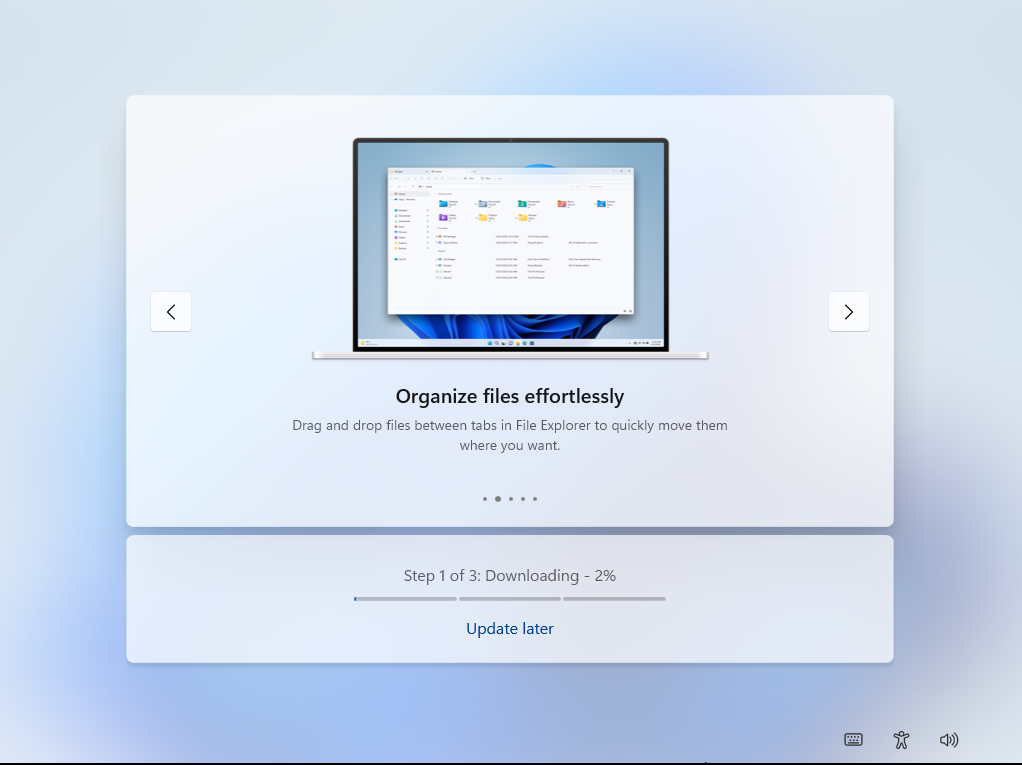
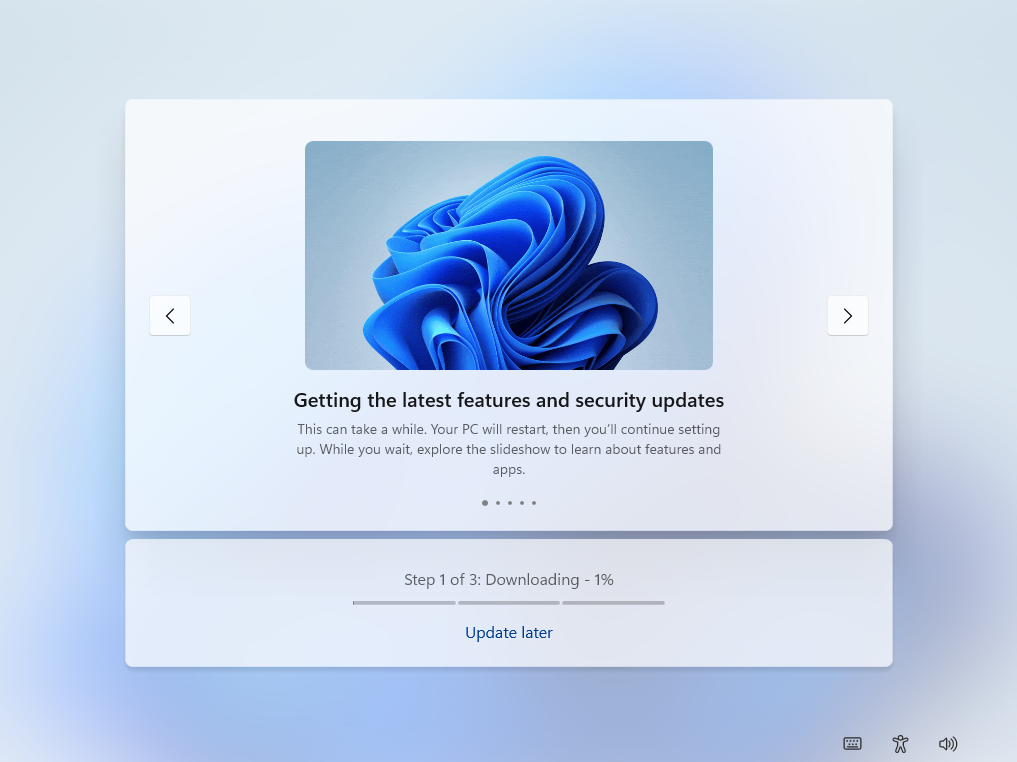
Microsoft says it is aware of this experience issue and is testing a new "Update Later" switch in OOBE. This feature was first discovered earlier this year and is now available to all users in the official version. When the user clicks "Update Later" in the OOBE interface, the system will instruct Windows 11 to continue checking and preparing updates in the background, but will no longer interrupt the first use process.
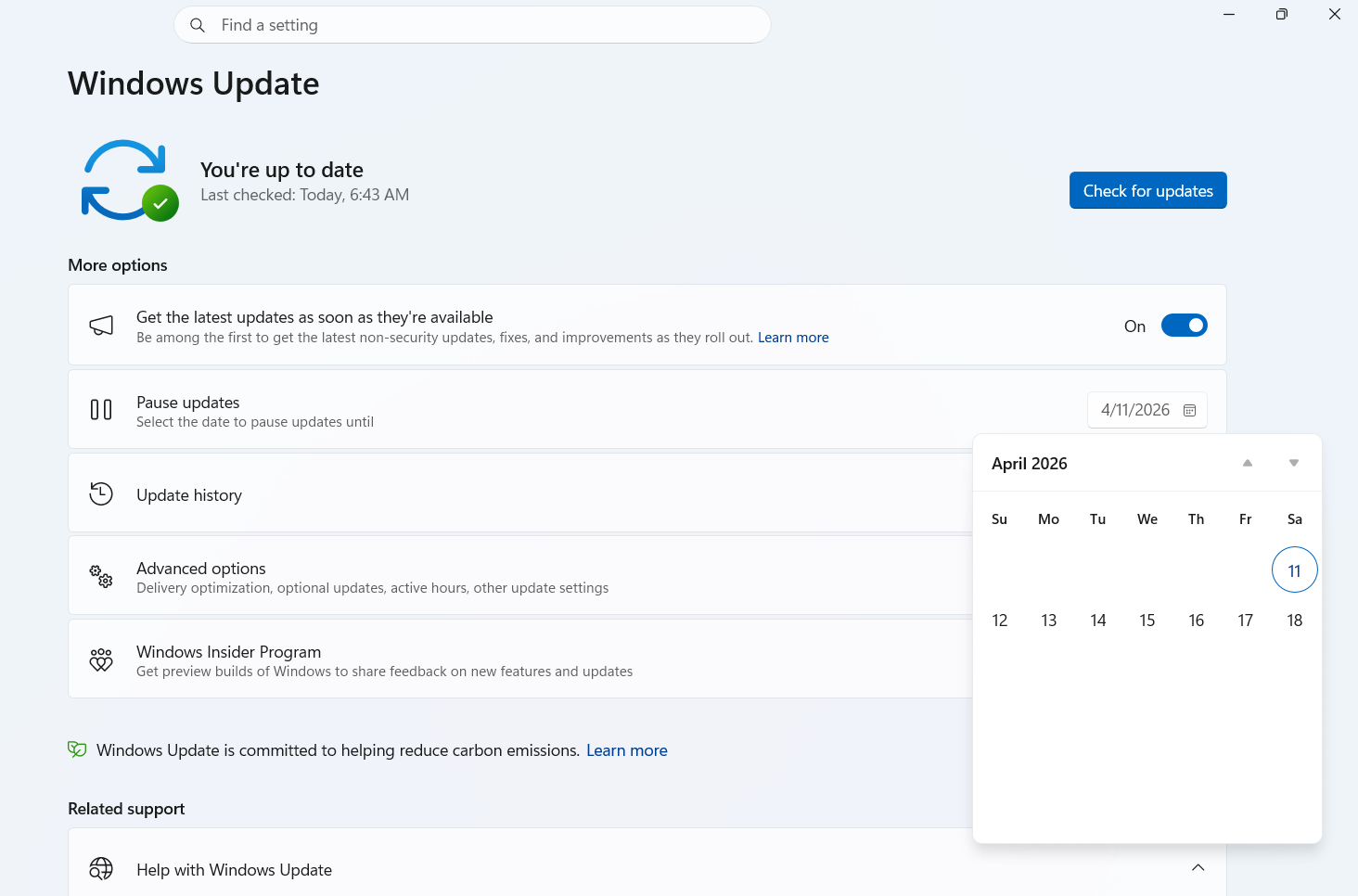
After enabling "Update later", users can directly enter the desktop after completing the normal steps in OOBE (including necessary items such as setting up or logging in to a Microsoft account), without having to wait for all patches to be installed during the first boot. Once on the desktop, users can choose whether to pause updates or immediately complete the installation of all pending updates in the Windows Update settings. Microsoft is also testing a new calendar view pause function that allows users to precisely select the maximum time limit for pausing updates and avoid being forced to restart or install patches for a longer period of time. However, this calendar view feature is currently only available in a preview version and is not yet stable. It is expected to be gradually rolled out to all users in the next few weeks.
In addition to giving users more control over the pace of updates, Microsoft executives are also discussing further changes, including removing the requirement for a mandatory Microsoft account during the Windows 11 installation process. As it stands, Windows 11, especially Windows 11 Home, almost mandates users to use a Microsoft account in OOBE to complete device setup. Although there are still scripts or commands that bypass this restriction and create local accounts through "bypass" methods such as the command prompt, the operating threshold is not low, and as time goes by, Microsoft continues to tighten these "loopholes." The author of the report compared it with his own Samsung phone: Although he is also prompted to log in to Google and Samsung accounts, the "skip" option is always retained; on Windows 11, a similar skip experience does not currently exist. Whether the compulsory Microsoft account will be truly cancelled will depend on further gaming and decision-making by Microsoft’s top executives.
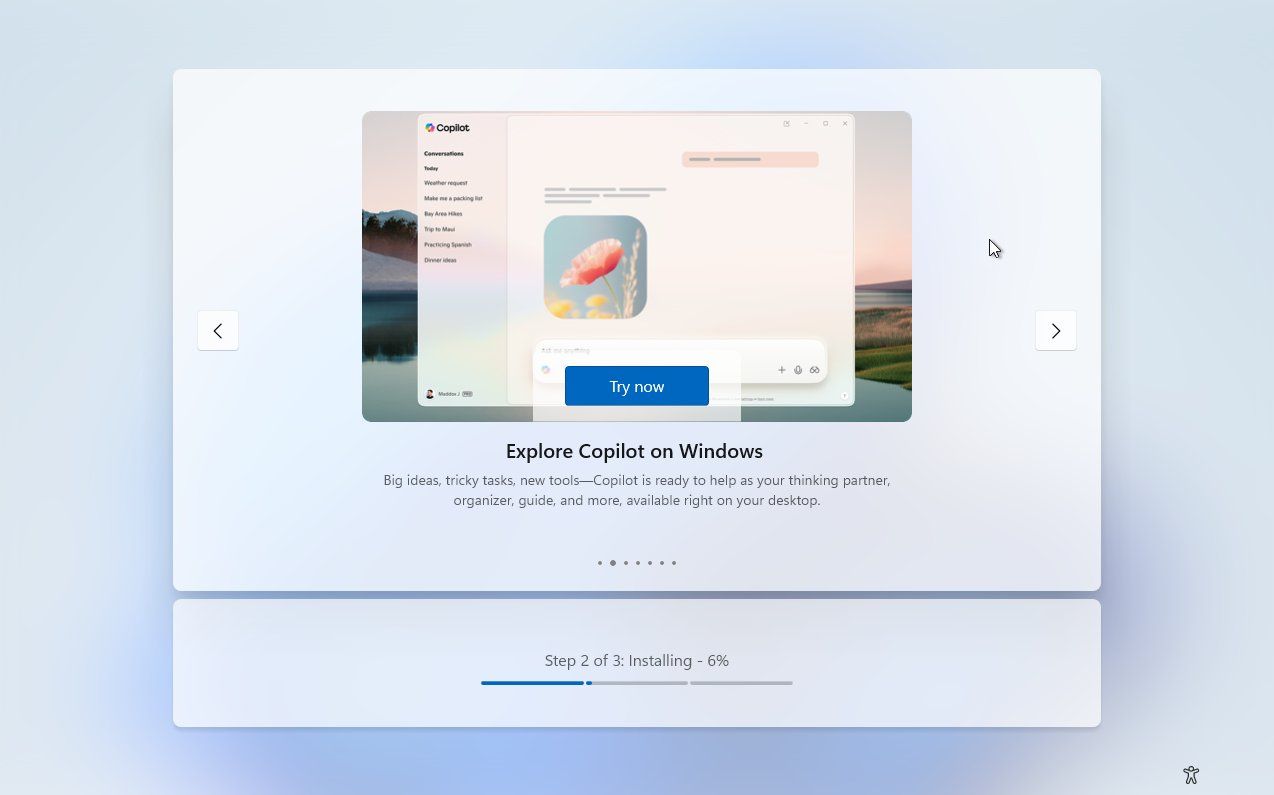
In terms of product promotion, Microsoft has publicly admitted that Windows 11's OOBE contains promotional content, that is, promoting its own products and services through the system installation interface. In addition, Microsoft has recently integrated the web version of Copilot into OOBE, allowing users to experience AI-based dialogue and auxiliary functions in advance when the system completes background configuration. Microsoft is currently re-evaluating this integration approach, so the integration of Copilot in OOBE will not be rolled out widely, but will be promoted more cautiously. This doesn't mean that all promotional content will disappear from Windows. Microsoft's goal is to selectively reduce this content and make the first installation and boot experience relatively "quieter" or at least better than it is now.
Regarding how Windows 11 OOBE should be reshaped, Microsoft has also raised questions to the outside world, hoping to hear users’ opinions on the installation process, pre-installed components and promotional content. For many Windows users, being able to skip forced updates during the first startup phase, enter the desktop as soon as possible, and then choose when and how to install updates is an important step to improve the experience.