OpenAI recently launched a new "Computer Use" feature update for its Codex desktop application on the macOS platform, allowing this smart coding agent to remotely operate user-authorized applications even when the Mac is locked. This change means users can task Codex from their phone, and it will perform a series of actions on their Mac while the screen is off and the computer is locked.
According to a sample screenshot posted by the OpenAI developer team on social platform
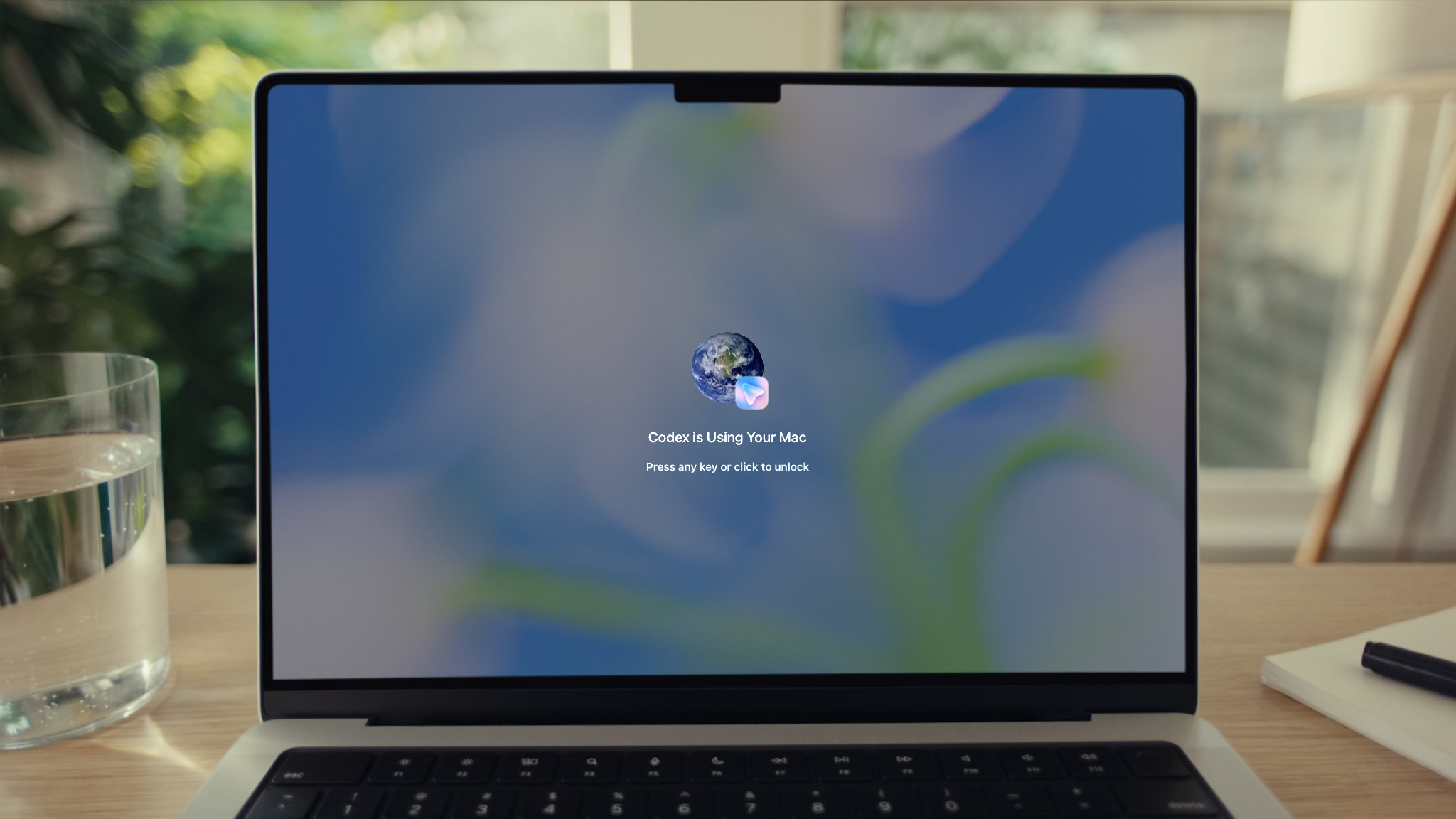
To enable this feature, users need to install the Computer Use plug-in and grant it Screen Recording and Accessibility permissions in system settings. Once set up, Codex can perform operations such as clicking windows, entering text, navigating menus, and accessing the clipboard in applications explicitly authorized by the user, simulating regular human usage behaviors in graphical interfaces. OpenAI said that this capability is mainly aimed at usage scenarios that are difficult to cover with command-line tools, such as reproducing bugs that only appear in the graphical interface, adjusting application settings, or running specific processes in desktop applications that Codex is helping to develop.
In terms of security and permission control, Codex will obtain user consent before taking over each new application for the first time. Users can also choose to set "Always Allow" for specific applications to reduce repeated confirmation operations. OpenAI also emphasized that this feature will not be open to users in the European Economic Area, the United Kingdom, and Switzerland at the initial stage of launch, and cannot be used in automated terminal applications, Codex's own applications, and system-level administrator permission prompt windows. This limitation reflects the regional trade-offs OpenAI still needs to make around compliance and security boundaries while strengthening automation and remote operation capabilities.
This update also continues Codex’s recent series of feature expansions, including the newly launched “Appshots” function and “/goal mode”. Among them, Appshots allows users to inject screenshots of the current Mac application window and related text content into the Codex conversation with one click by double-clicking the Command key (Command-Command shortcut), so that the agent can understand the interface context and give targeted operations or suggestions. The /goal mode allows Codex to work continuously for hours or even days around a clear goal, giving it greater continuity and planning capabilities in scenarios such as coding agents, desktop operation automation, and long-term task advancement.