Microsoft recently reminded users again that a deadline that has appeared in technical documents for a long time is approaching: the company is preparing to completely stop support for Microsoft 365 apps installed through the Microsoft Store. If you installed Word, Excel and other Office applications in the Microsoft Store and have been using them until now, then this change will directly affect you.
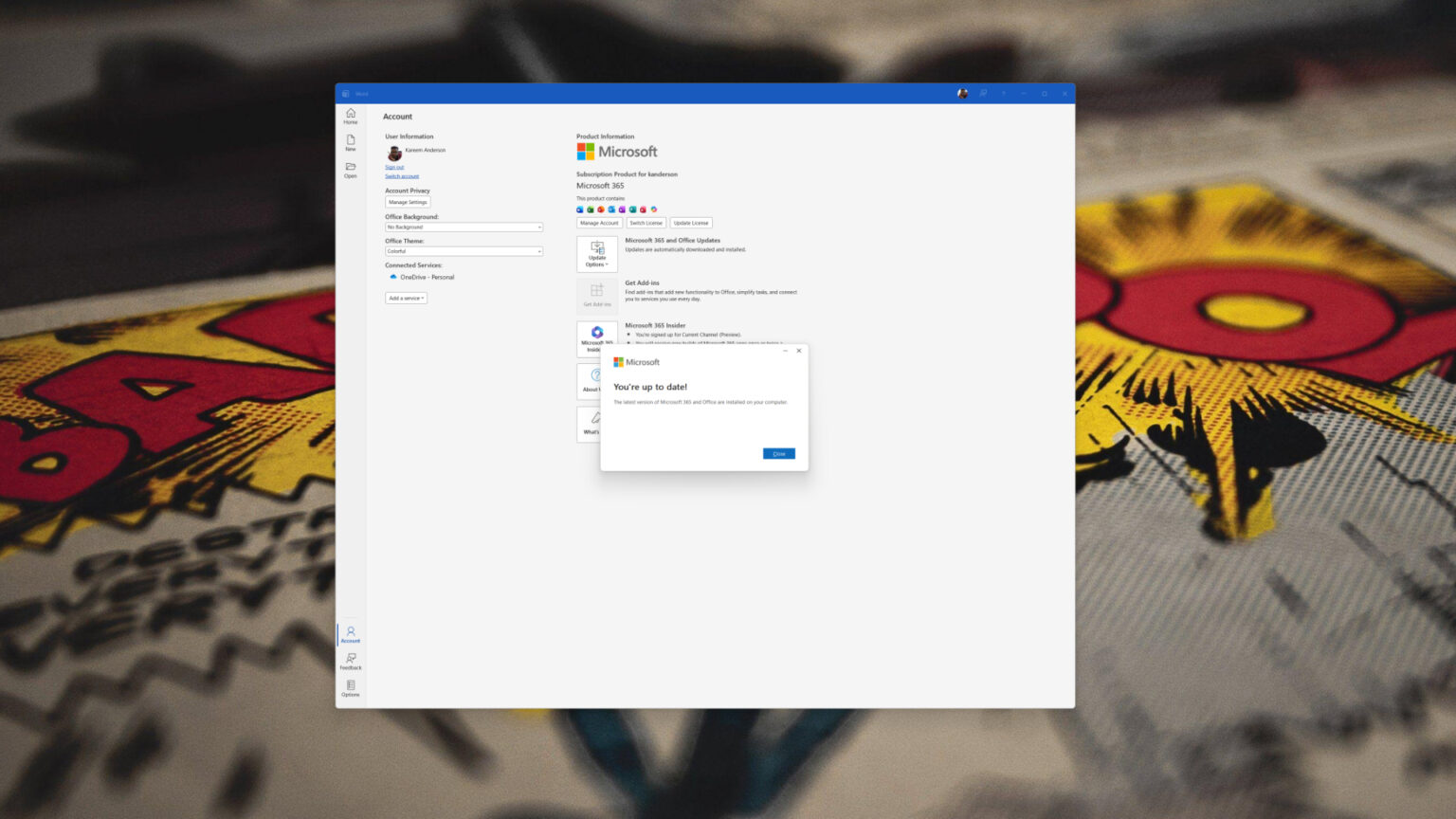
Microsoft reiterated the timeline in the latest updated support document and gave clear instructions: Microsoft 365 apps installed through the Microsoft Store will stop receiving new feature updates in October 2025 and will stop receiving security updates in December 2026. At that time, this installation type will no longer be supported, and Microsoft requires users to switch to the Click-to-Run installation type as soon as possible to continue to receive functional and security maintenance.
On the surface, it's almost impossible for users to distinguish between the two installation methods: Whether downloaded from the store or downloaded and installed from Microsoft's website through a browser, the interface and usage of Office applications look almost identical. However, the differences between the two in the underlying architecture and update mechanism have had a substantial impact on enterprise IT management and have become an important reason for Microsoft's adjustment this time.
Currently, there are two main installation paths for Microsoft 365 applications on Windows: One is the Microsoft Store installation type using the Appx packaging format. Its original design intention is the same as that of UWP applications, emphasizing sandbox isolation and uniformly pushing updates through the Windows update mechanism. The other is the Click-to-Run streaming installation method, which is specially designed by Microsoft for enterprise environments and supports flexible update channels, faster feature delivery, and richer management options.
Microsoft explained that the store installation type has limitations in several key scenarios, such as its inability to support XML configuration files, multi-user environments, and enterprise management tools such as Intune and Configuration Manager. More importantly, the update cadence of the store version of Office is tied to Windows Update. In the context of Microsoft 365 increasingly relying on cloud enhancements and Copilot integration, this cadence has been difficult to meet deployment needs. Recently, Microsoft has been increasingly actively pushing Copilot in Microsoft 365 applications. These updates need to bypass the Windows update cycle to reach terminal devices faster. From Microsoft's perspective, the Click-to-Run installation model is closer to the development direction of this cloud-driven, centralized management product.
For ordinary home users, the changes in the user experience of this migration are almost negligible: after switching the installation type, the application interface and main functions remain basically the same. But if you continue to stay in the store version, you will not only lose new feature updates since October 2025, but also lose security updates after December 2026, which means that Office documents and work content may be exposed to unpatched security risks.
In contrast, IT administrators face a more significant impact. The click-to-run installation model provides enterprises with tool support for multiple update channels, shared device activation, telemetry data management, and large-scale deployment. For a long time, the store version of Office has not been well integrated into the standardized deployment and operation and maintenance processes of enterprises. Now that it has withdrawn from the stage, Microsoft believes that it will help unify the management model of Microsoft 365 and strengthen unified configuration and update control in the cloud.
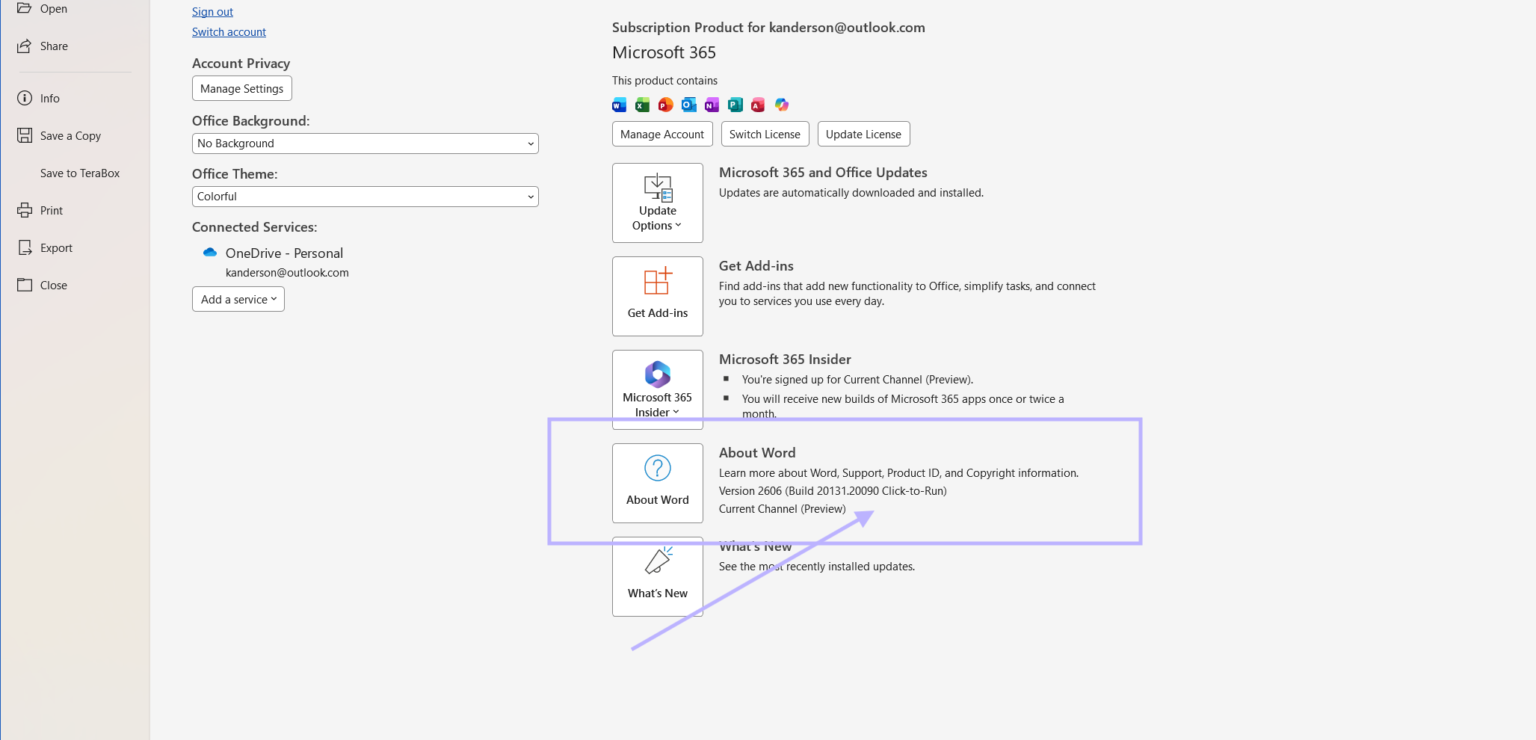
Users can confirm their Office installation type through simple steps: open any Microsoft 365 application, click "File", "Account", and next to "About" you can see the current version information, which will be marked "Click-to-Run" or "Microsoft Store". If it is already a Click-to-Run installation type, no additional operations are required; if it is a Microsoft Store installation type, you need to prepare for migration as soon as possible.
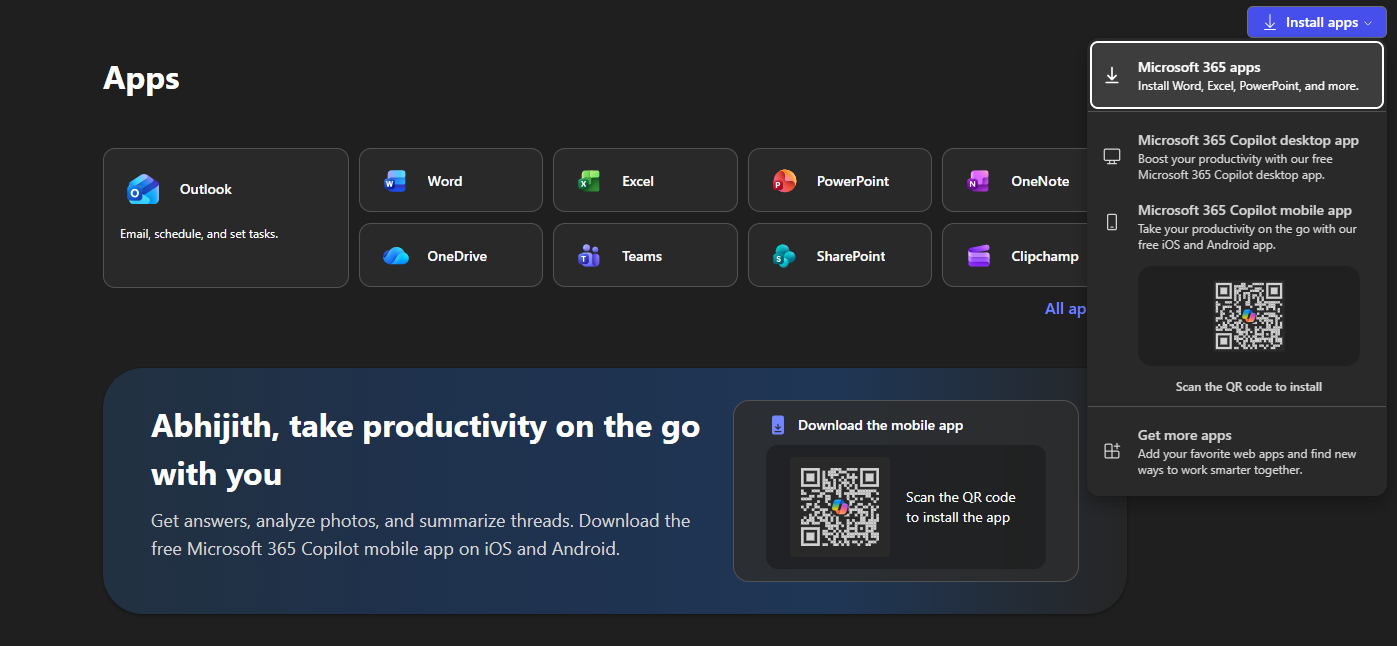
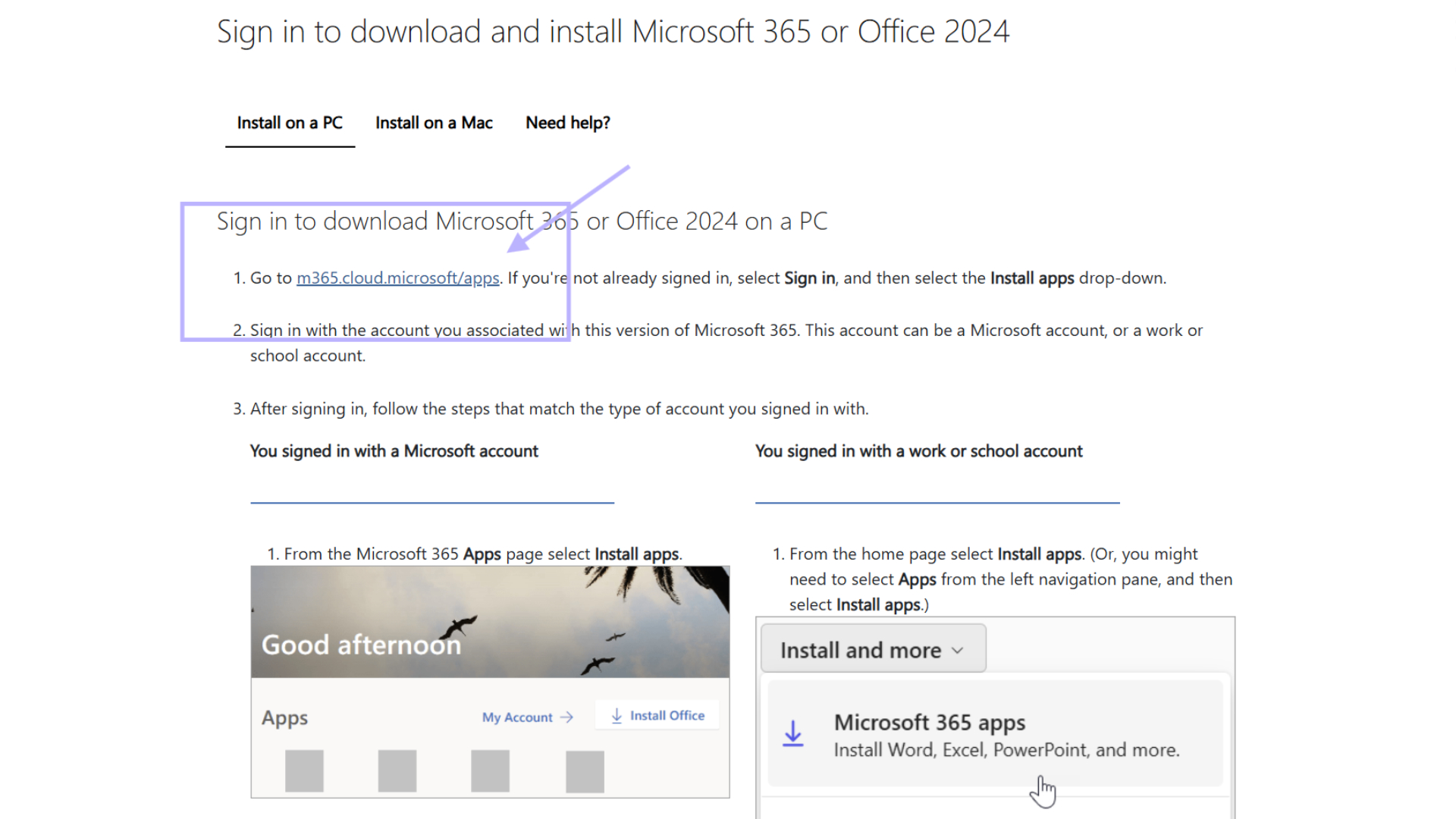
Microsoft provides a relatively simplified migration process for ordinary users: first save your work, close all Office applications, then visit Microsoft's official Microsoft 365 installation page, log in with the Microsoft account associated with the existing subscription, and download the Office deployment tool. After running the installer, the system will automatically detect and remove the store version of Office, and then reinstall it in Click-to-Run mode, without the need for users to manually uninstall or repurchase a license. The entire process may take a few extra minutes to complete the removal and reinstallation steps, but the original license and most settings will be retained.
In enterprise and institutional environments, IT departments can use Office deployment tools and management platforms such as Intune or Configuration Manager to perform migration in a unified manner. These tools automatically identify and replace existing store installation types without manual intervention on a device-by-device basis, enabling the transition to a click-to-run installation model while ensuring compliance and security.
As the deadline approaches, this adjustment marks Microsoft's further tightening of installation and update paths in the Office product line, focusing resources on the Click-to-Run model that is easier to manage in the cloud and quickly iterates. For Windows 11 users who are still using the Microsoft Store version of Office, completing the migration as early as possible will be a critical step to continue to receive feature updates and security guarantees.