
Abstract:
Microsoft PowerToys recently brought a multitasking feature called "Window Hopper" to Windows 11 and Windows 10 users, which is designed to help users manage multiple independent windows opened by the same application more efficiently.
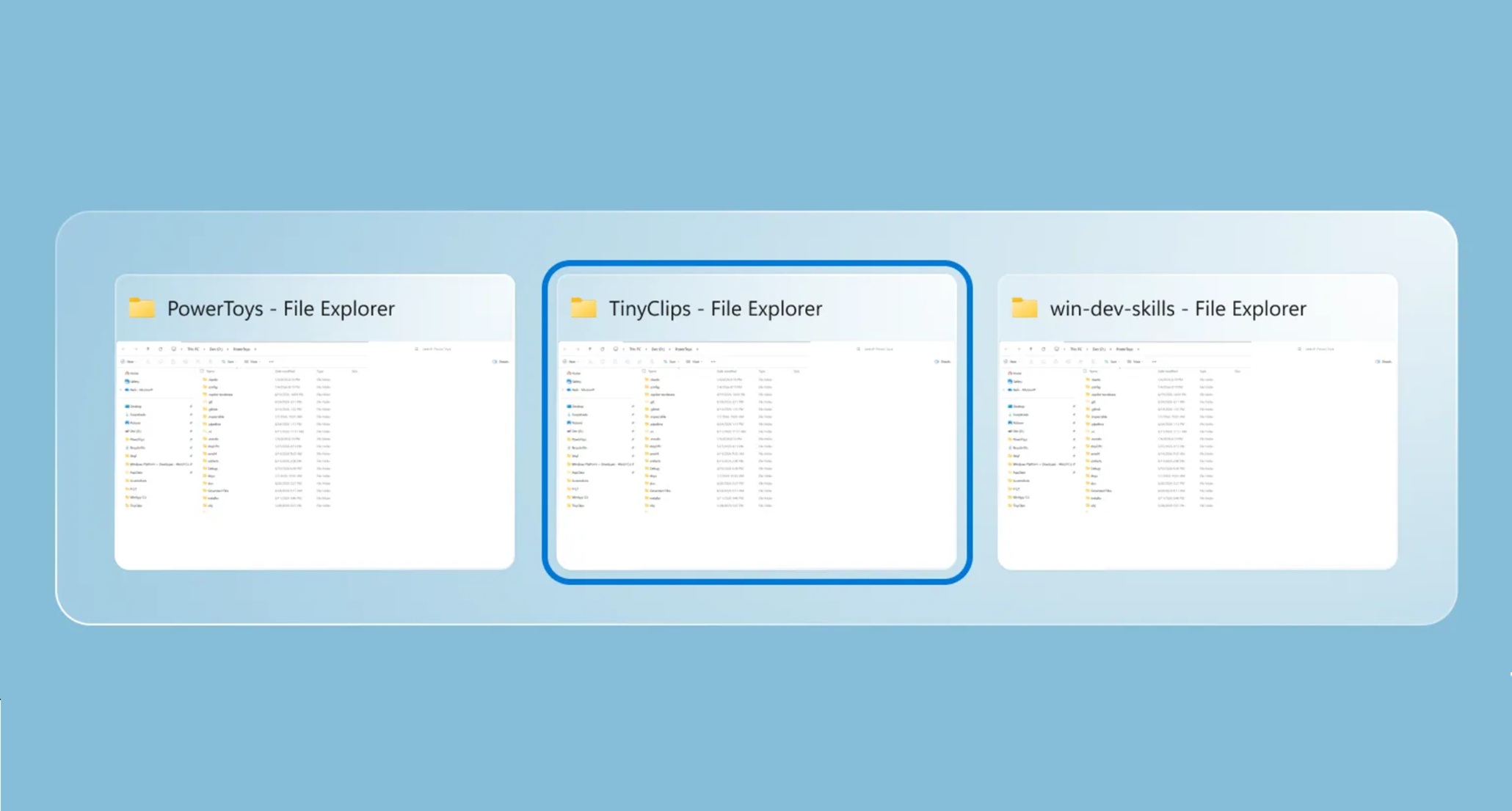
Windows already provides the Alt+Tab shortcut key to switch between all open application windows. However, when users run a large number of software such as browsers, file explorers, terminals, and editors at the same time, Alt+Tab will list the windows of different applications together, causing users to still need to go through other unrelated programs when switching between multiple windows of the same application.
New features in PowerToys provide more granular control over this issue. After "Window Jump" is enabled, users can cycle between multiple windows that belong to the current application through the Alt+backtick (`) key combination. For example, users can quickly navigate between multiple Chrome or Edge browser windows, multiple Windows Terminal sessions, different File Explorer windows, and multiple editor instances.
Unlike the traditional Alt+Tab that directly lists all the windows in the system, "Window Jump" will pop up a switching interface similar to Alt+Tab, but only displays the independent windows available for the current application. In this way, users can directly select the desired same application window without repeatedly switching between other running software.
Microsoft stated in the update notes that this feature is especially suitable for users who need to handle multiple browser windows, terminal windows, file explorer windows, or editor instances at the same time. For heavy multitasking users who often open multiple windows according to different tasks, projects or account configurations, this feature is expected to reduce the operational cost of window management.
It is worth noting that "window jump" is not a simple modification of the existing Alt+Tab behavior, nor is it a simple restriction of the window switching range. It displays all related windows of the same application in the form of a visual overlay, allowing users to identify and select the target window more intuitively.
This feature was originally named "AltWindowCycle" and has now been renamed "Window Hopper". While some apps themselves can use Ctrl+Tab to switch between tabs, such as web tabs in a browser, Window Jump deals with separate program windows, not tabs inside the app. Therefore, it provides a different operating experience than Ctrl+Tab when faced with multiple browser profile windows, multiple terminal sessions, or multiple Explorer windows.
Users can download and install PowerToys through the Microsoft Store, then enter the "Window and Layout" settings area and turn on the "Window Jump" function. The default shortcut key is Alt+Backtick, and users can also change it to other key combinations according to personal preferences, such as Alt+Caps Lock.
Comments