
Abstract:
According to a support document published by Microsoft, after installing the November security update, some SLMGR operations may fail and return the 0x80041008 error code. This issue mainly affects organizations that manage activation through the command line or automated scripts. Already activated devices will continue to remain activated and will not be deactivated due to the installation of updates.
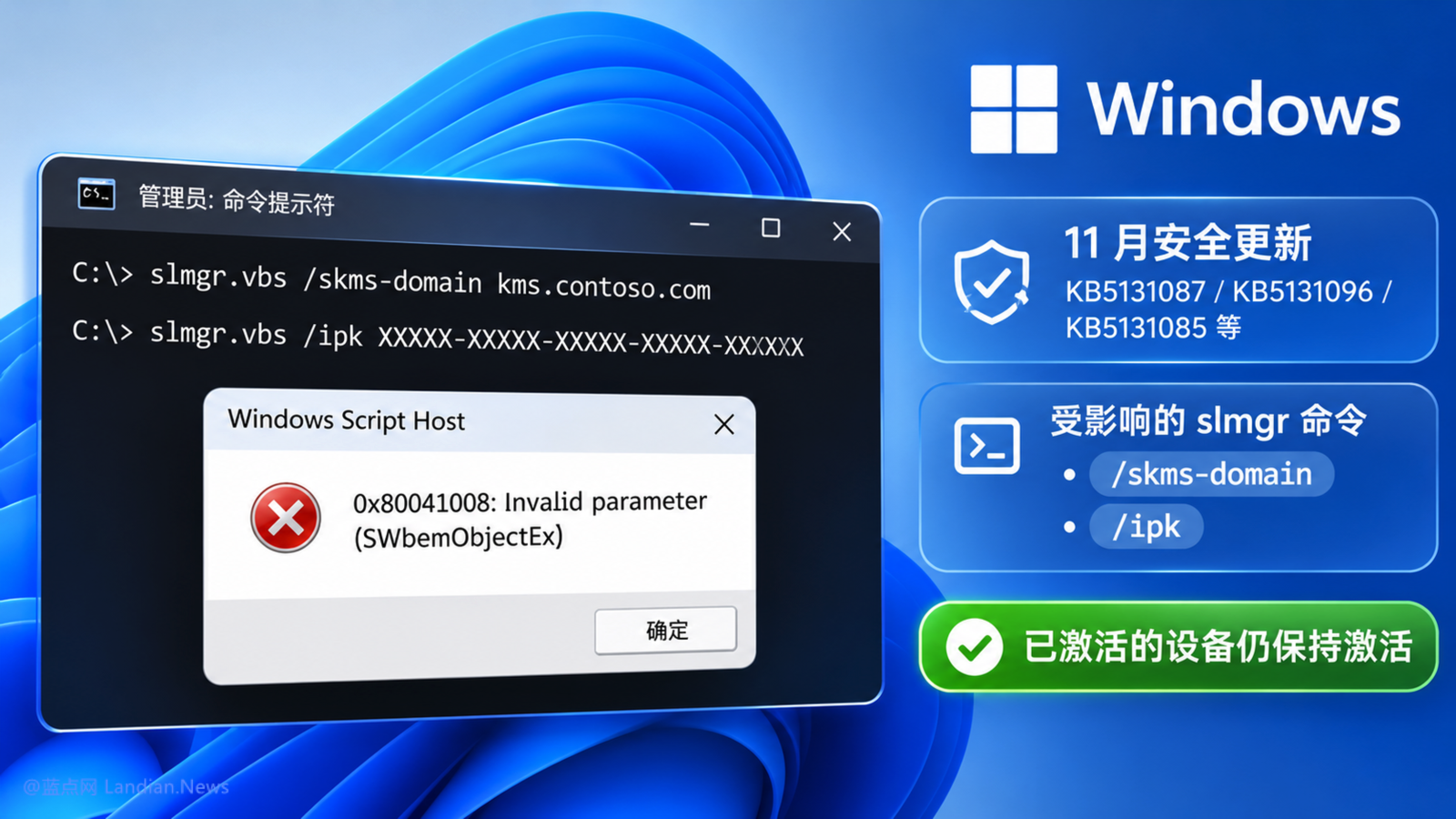
Mainly affects KMS activation:
The currently affected commands are mainly slmgr.vbs /skms-domain
For example, many cloud server providers use automatic authorization based on KMS when activating Windows Server. If the November update is installed, the instance may be in an inactive state after startup, so cloud vendors may need to adjust the activation strategy and wait for Microsoft to fix it.
Affected systems are as follows:
Windows 11 23H2 / KB5131087
Windows 10 ESU / KB5131096
Windows 10 LTSC / KB5131085
Windows Server 2019 / KB5131085
Windows Server 2022 / KB5131090
Windows Server 2025 / KB5131080
Microsoft is developing a fix:
Microsoft emphasized in the support document that this error only affects newly activated systems using the SLMGR command. For already activated systems, the existing activation status will not be lost and no re-operation is required. Microsoft is currently formulating a fix and will release updates to completely resolve this issue.
Comments