
Abstract:
Dark Side of the Moon recently announced that its artificial intelligence coding tool Kimi Code has now launched a desktop version. As the official desktop client of the Kimi Code CLI version, the new version brings the AI programming capabilities originally provided in the form of a command line to a graphical interface. Developers can use conversations to let agents read code, modify files, run commands, and continue to complete complex development tasks.
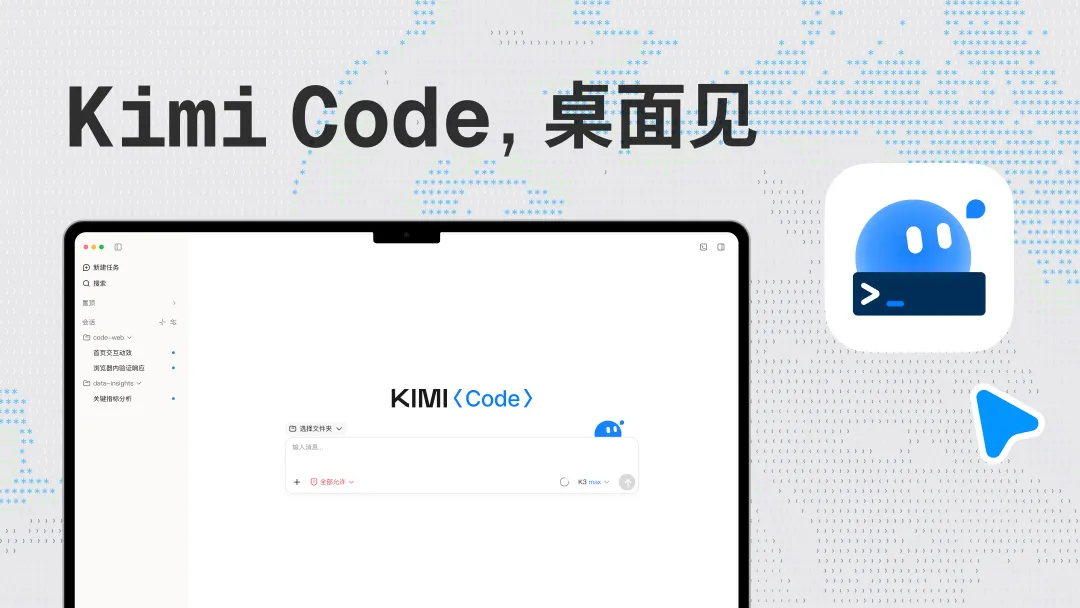
Download Kimi Code desktop version:
macOS aarch64 version:
https://cdn.kimi.com/kimi-code/desktop/download/KimiCode-mac-arm64.dmg
macOS Intel version:
https://cdn.kimi.com/kimi-code/desktop/download/KimiCode-mac-x64.dmg
Windows version:
https://cdn.kimi.com/kimi-code/desktop/download/KimiCode-win-x64.exe
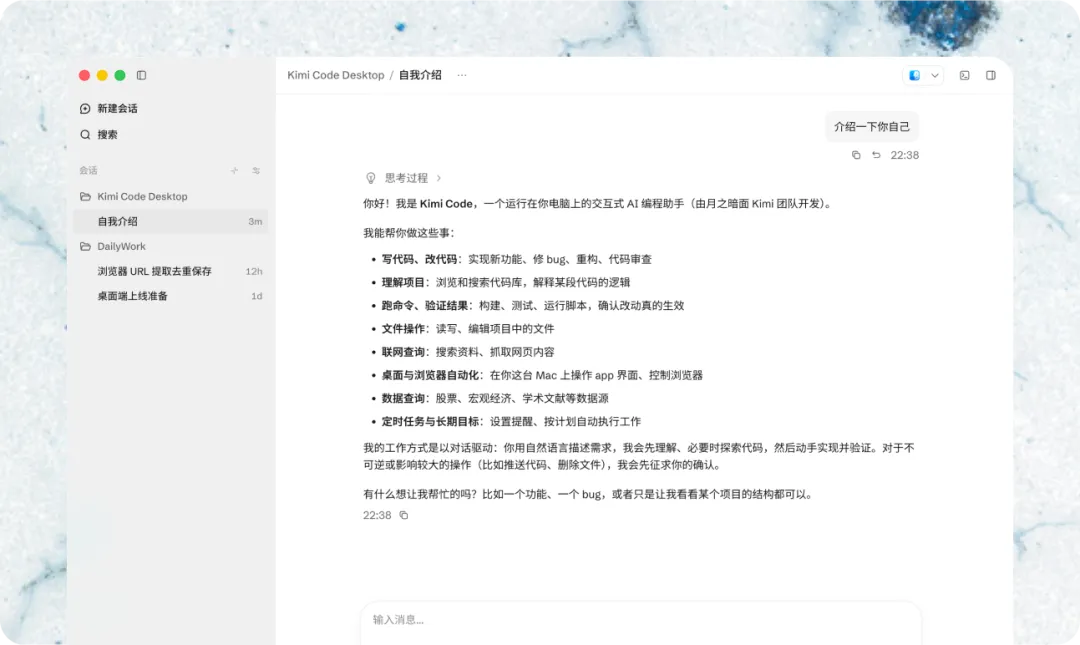
From conversation to code delivery:
Kimi Code manages projects and sessions according to workspaces. Developers can start working by selecting the local project folder after creating a new session. The agent can analyze the code structure, edit files, execute build and test commands, and continue to adjust the plan based on the execution results.
For different types of tasks, the desktop version provides multiple working modes. The Plan mode will first analyze the requirements and generate an execution plan, and then modify the code after the user confirms it; the Goal mode is suitable for long-term goals that require multiple rounds of advancement and continuous inspection; the Swarm mode can split independent tasks and schedule multiple sub-agents for parallel processing. There is also an experimental multi-agent collaboration mode to facilitate handling of larger-scale engineering projects.
The interface will display the agent's tool calls, execution progress, file changes, etc. Developers can directly open the files mentioned in the chat, view code differences, and organize multiple project sessions through tabs, search, pins, and batch management functions.
Terminal, browser and Git in one window:
Kimi Code desktop version has a built-in terminal that supports directly running projects, executing tests, format checking and debugging commands. The right panel can audit differences by file or modification round and will preview MD, JSON, HTML, etc. files.
For front-end development, the built-in browser can be used to preview web pages, verify interactions, and find information. Users can also mark web page elements or screen areas, and send screenshots and text comments directly to the agent to help the agent locate page misalignments, style issues, and error prompts.
In a Git project, the desktop version can view the current branch, leading and lagging status, file changes, and related PR information, allowing code modification, testing, review, and merging to form a continuous process.
The Kimi Code CLI version is released as open source, but currently the desktop version of Kimi Code is not open source, and Dark Side of the Moon did not mention in the release article whether the desktop version will be released as open source in the future.
Comments