
Abstract:
Microsoft is continuing to promote the Windows 11 interface unification project, and those old system windows that have accompanied Windows users for decades have finally ushered in a new round of transformation plans. The head of the design team recently stated publicly that the company is still continuing to clean up and update the classic interface elements left in the system. Although Windows 11 has been launched for many years, there are actually still a large number of dialog boxes and settings windows from the early Windows era inside the system. Not only do these components obviously lag behind modern design languages in visual style, but they have also long been an important reason for users to complain about the inconsistent Windows interface.
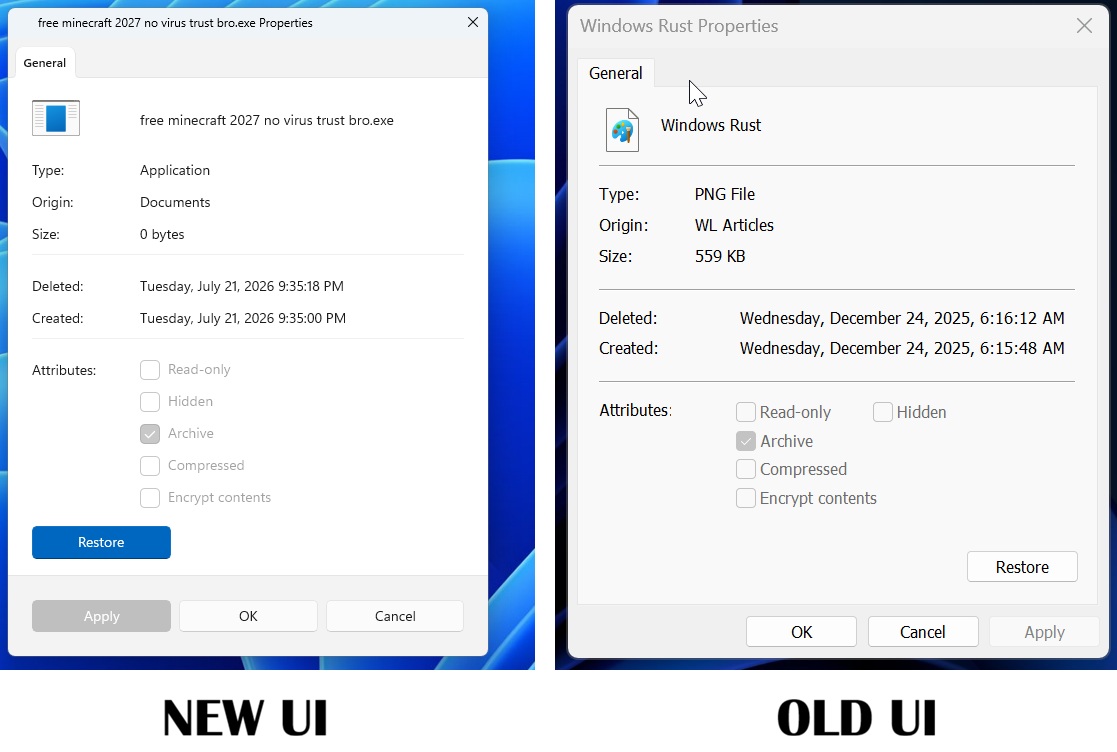
Over the past few years, Microsoft has modernized a number of classic components. For example, some interfaces of the task manager, file explorer, print settings window and multiple system settings pages have successively introduced the Fluent Design design language, using rounded corner windows, modern fonts, new icon systems and unified color styles.
However, Microsoft's design director admitted that this work is far from over. There are still many historical legacy components inside Windows, some of which date back to Windows versions more than ten years ago or even earlier. The control panel pages, property windows, and various system dialog boxes that many users are familiar with actually still retain the visual design of the old era.
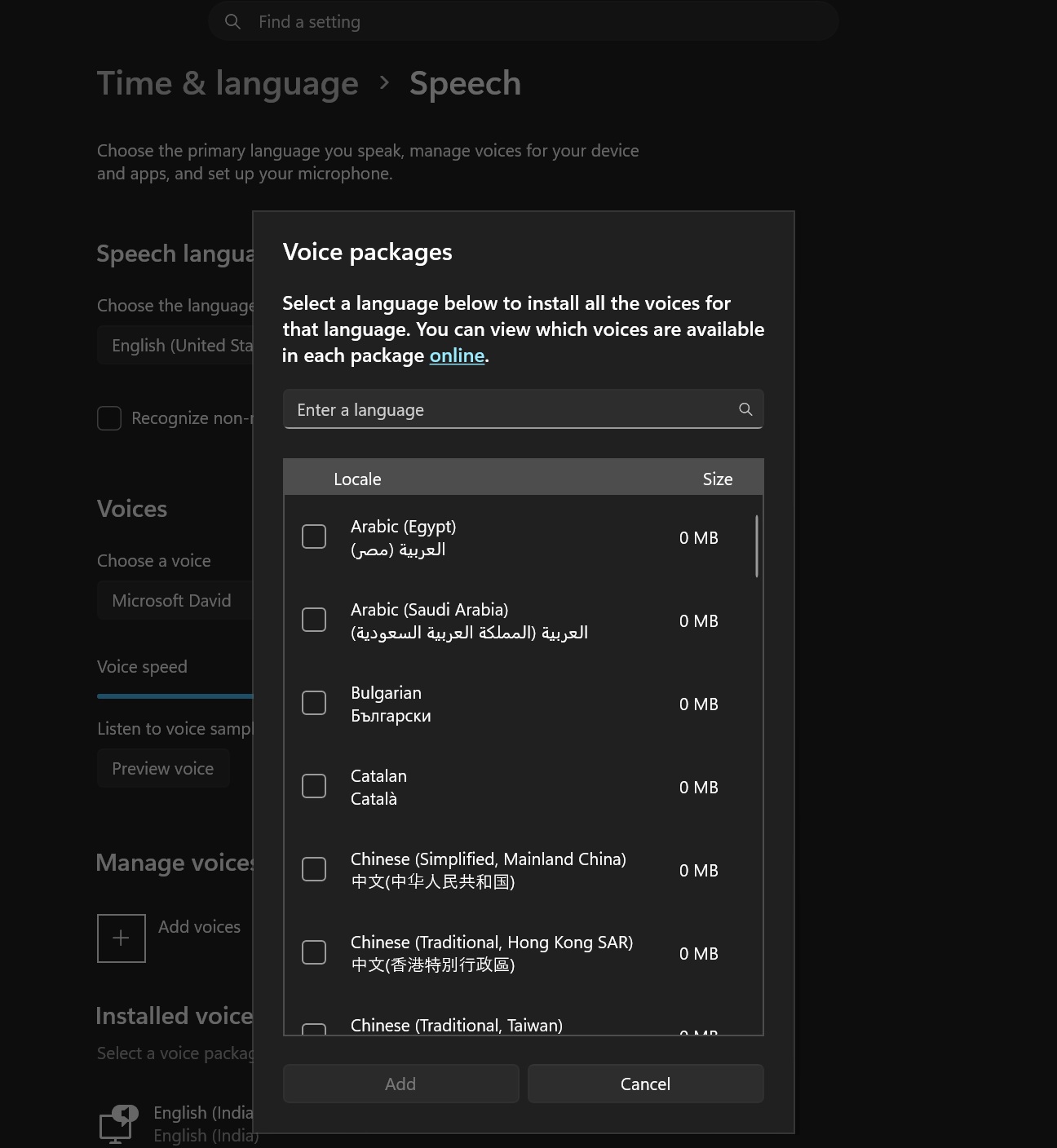
Microsoft stated that the reason why these components have not been completely replaced is not because the company ignores them, but because Windows itself is extremely large and has an amazing number of compatibility interfaces and traditional function modules. Each modification must ensure that it does not impact enterprise environments, specialized software, and the vast number of applications that rely on these interfaces to run.
Therefore, Microsoft prefers to adopt a gradual replacement strategy rather than completely removing old components. Under the premise of ensuring compatibility, the old interface will be gradually migrated to the modern design framework.
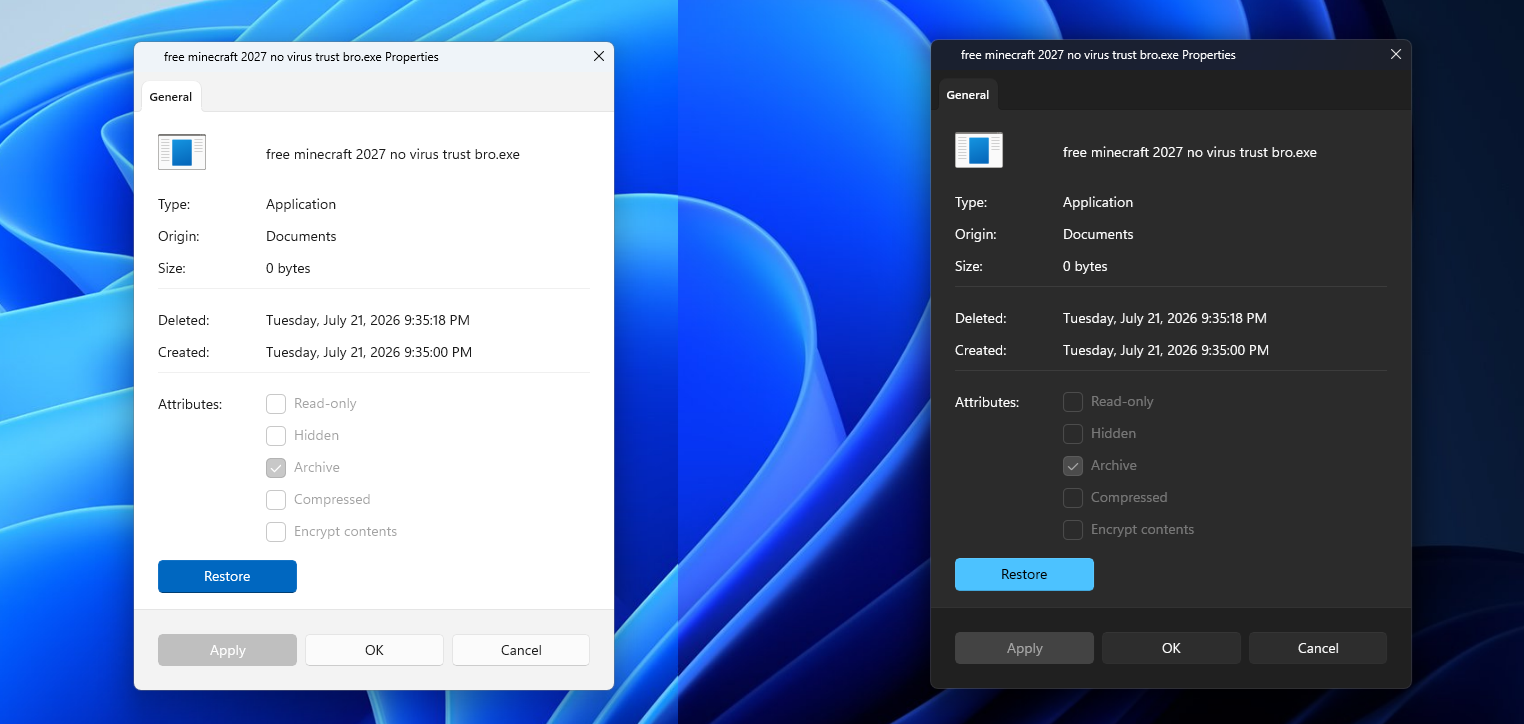
According to information disclosed by Microsoft, more "ancient dialog boxes" will be redesigned in future updates. These interfaces will adopt a visual language consistent with the overall style of Windows 11, including a unified layout, modern interactive elements, and more coordinated dark mode support.
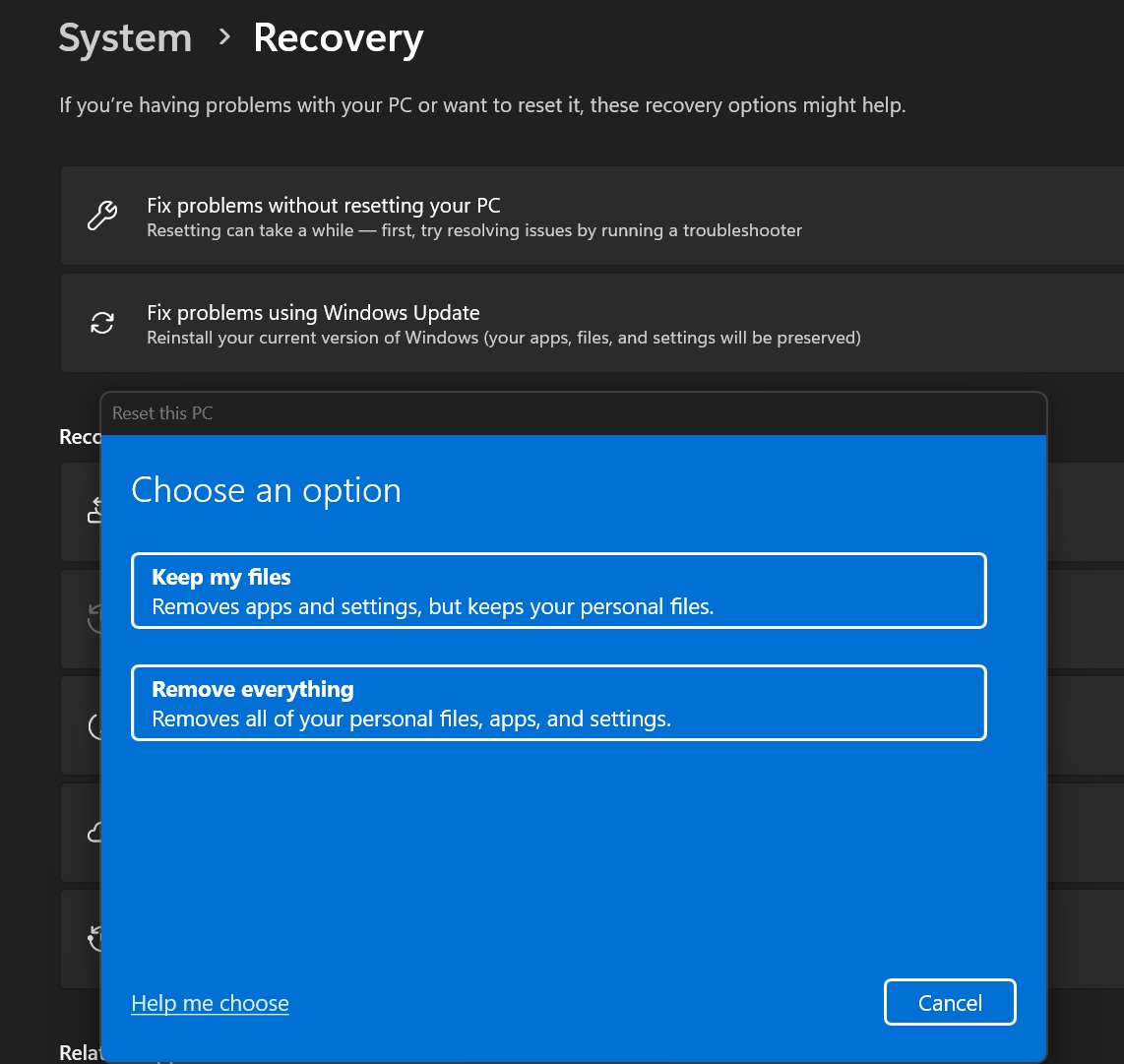
Microsoft believes that interface consistency is not only related to visual beauty, but also directly affects user experience. When users frequently encounter windows with completely different styles in different areas of the system, they will feel fragmented. A unified design system can reduce learning costs and improve the overall user experience.
In fact, since the release of Windows 11, Microsoft has listed interface unification as one of its long-term goals. From the Settings app gradually replacing the Control Panel, to the revamp of the Explorer, lock screen interface and notification center, the company has been advancing in this direction.
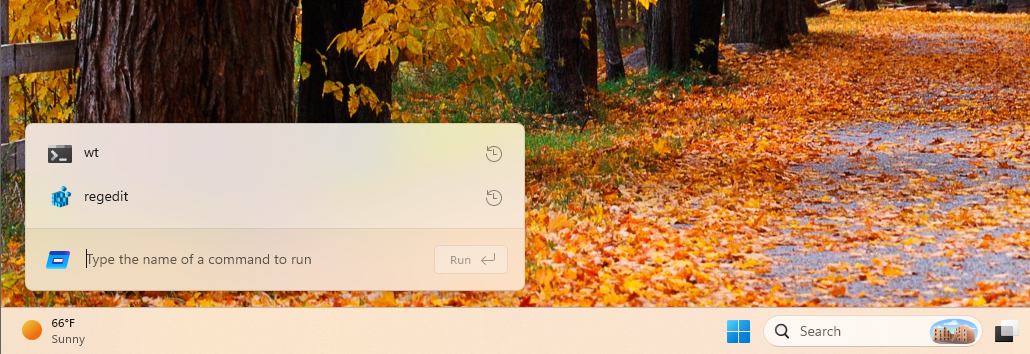
But many users also pointed out that even today, traces of designs from Windows XP, Windows 7 or even earlier can still be found inside Windows 11. Some deeply hidden system property pages and configuration windows look like they belong to two different eras from the modern Windows interface.
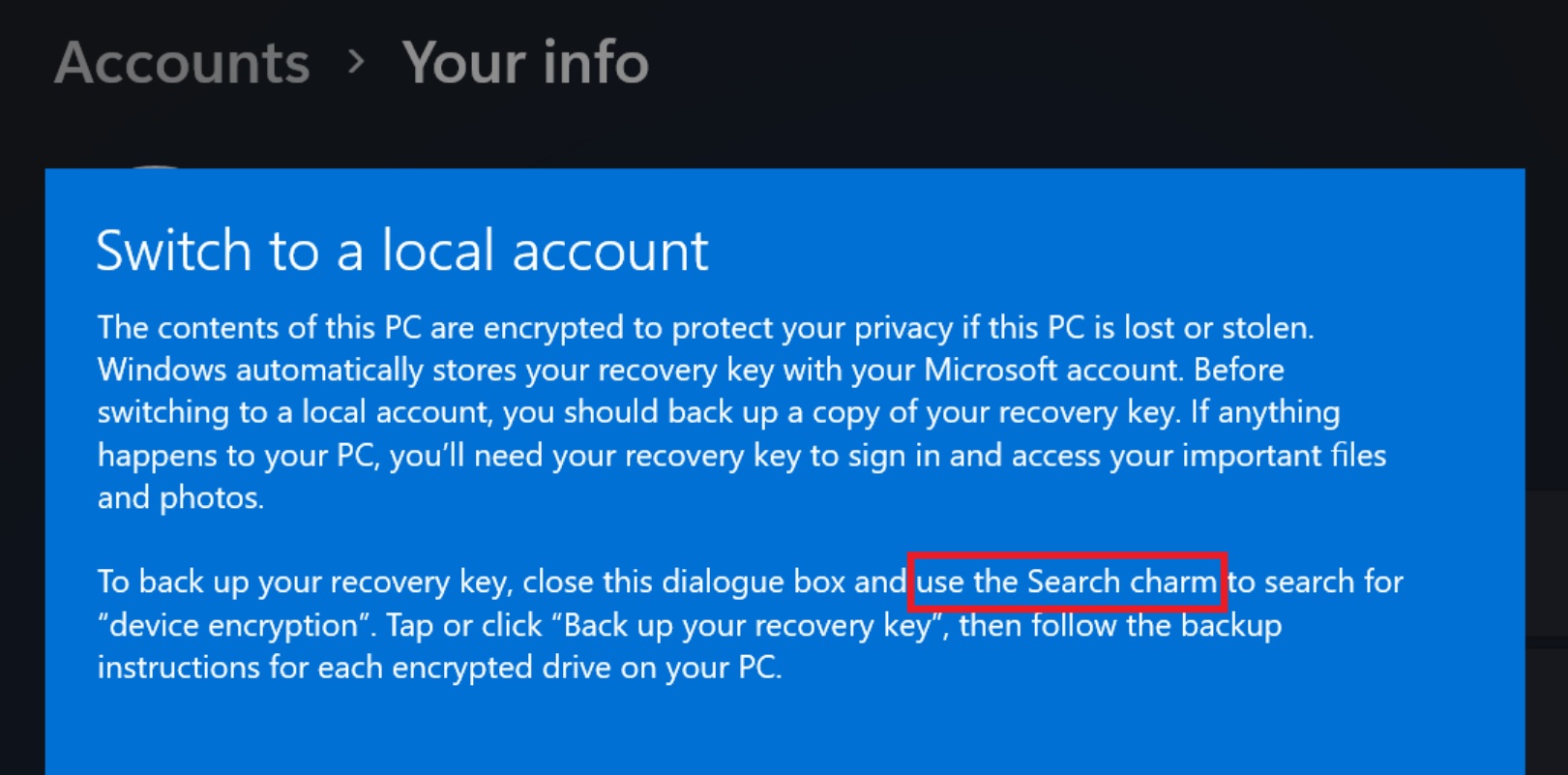
Microsoft did not shy away from this, but admitted that these historical components still exist and stated that subsequent transformation work will continue to advance. The design team emphasized that Windows, as a decades-old software platform, must take into account both innovation and compatibility when modernizing and upgrading, so the entire process is not destined to happen overnight.
Industry insiders believe that Microsoft’s public statement means that future versions of Windows 11 will still be updated around a unified interface. Although users may not be able to see all old windows completely disappear in a short period of time, more and more classic dialog boxes hidden deep in the system are expected to gradually be replaced with a new appearance that conforms to modern aesthetics.
For users who have been paying attention to the evolution of Windows design for a long time, this also means that those interface elements nicknamed "system fossils" have finally begun to enter the final stage of exit.
Comments