
Abstract:
Mozilla launched a new interface design called Nova for Firefox this year, hoping to attract more users of Chromium browsers. Nova adopts a more common modern rounded corner design style, which is similar to the design language long used by Google Chrome. At the same time, Mozilla also announced a new Firefox roadmap to facilitate fans to understand subsequent feature plans.
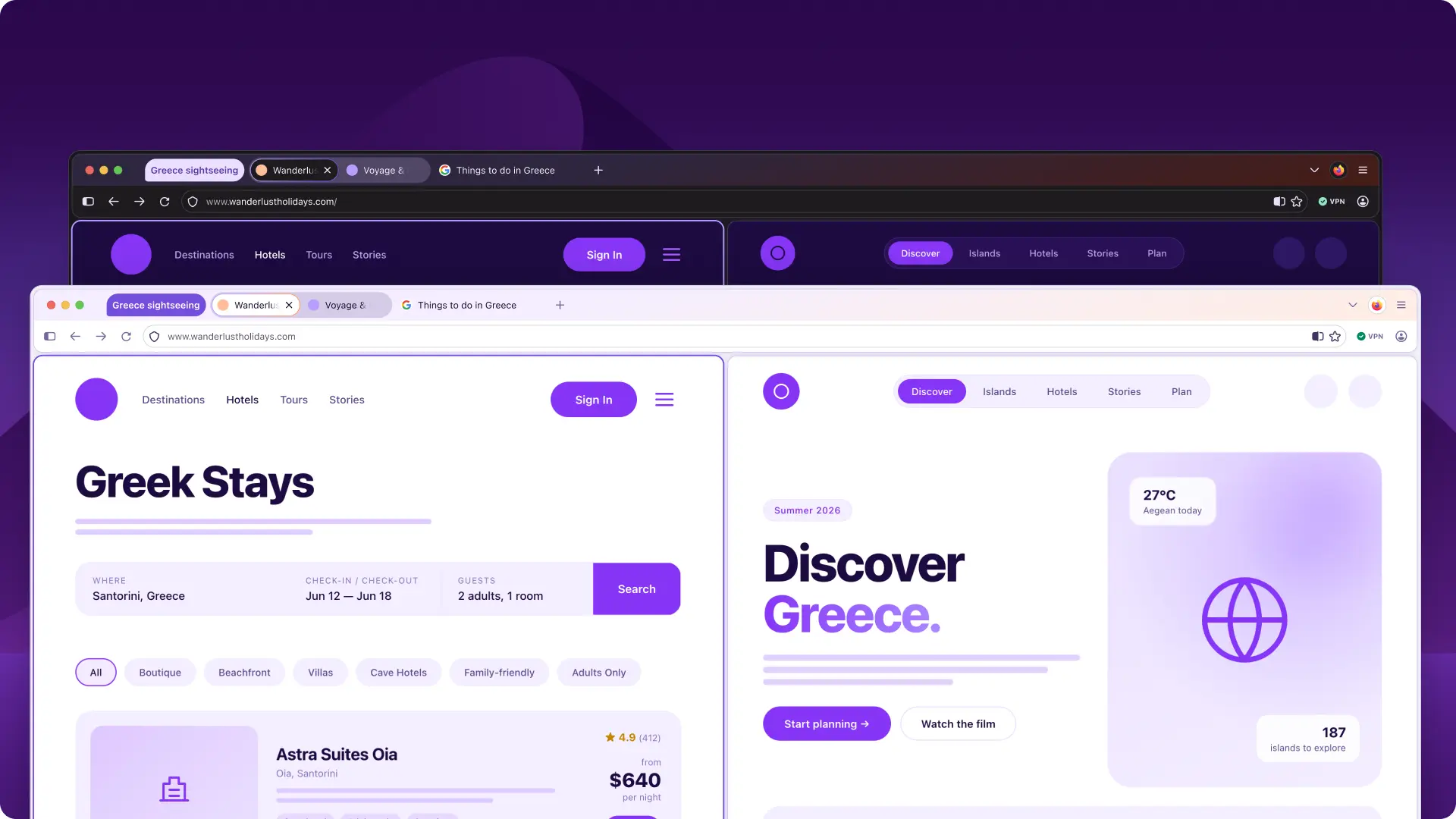
However, not all users accept Nova. Mozilla also understands this, so it previously allowed users to turn off the new interface and restore the old design through the browser.nova.enabled setting in about:config. But this week Mozilla announced that it would eliminate this option. The Firefox team confirmed on the official Mozilla Connect forum that the configuration switch for rolling back the old design will be removed next month, in December. The company said that the push to Nova is complete and that the preference is locked to ensure that Firefox operates as expected and to prevent unexpected behavior of the browser.
This means that users who have previously disabled the new interface through browser.nova.enabled will automatically switch to Nova starting next month. Once this adjustment takes effect, the official restoration method of the old interface will also disappear.
On the positive side, Mozilla hasn't completely ignored the feedback from unhappy users. The company said it has launched a number of adjustments based on community input, including providing a new set of classic themes in the latest version 161. The themes feature solid color designs with no gradients and can be found in about:addons, with one also mimicking the gray look of the old Proton interface. In addition, Firefox has added a Fire toolbar button that can clear history with one click; in vertical tab mode, the side indicators of container labels have also been restored, replacing the previous horizontal lines above each label. Firefox also now fully supports compact mode.
But these changes don't address the biggest complaint among users, which is the heavy use of rounded corners in Nova's interface. Many users expressed dissatisfaction with the new look, and some even expressed the possibility of switching to a forked version of Firefox or other browsers. Some users have questioned why Mozilla does not provide a simple dual-interface switching option in the general settings menu, so that users do not have to use custom userChrome.css modifications to reduce the rounded corners and restore part of the old look.
Comments