
Abstract:
OpenAI has updated the ChatGPT browser extension. Users can mention Chrome in ChatGPT conversations and have the assistant read open web page tags as context, compare page content, organize data, or assist in completing browser tasks. Other uses listed by OpenAI include summarizing supplier prices and features, organizing forms, pre-filling forms, and drafting emails based on web information.
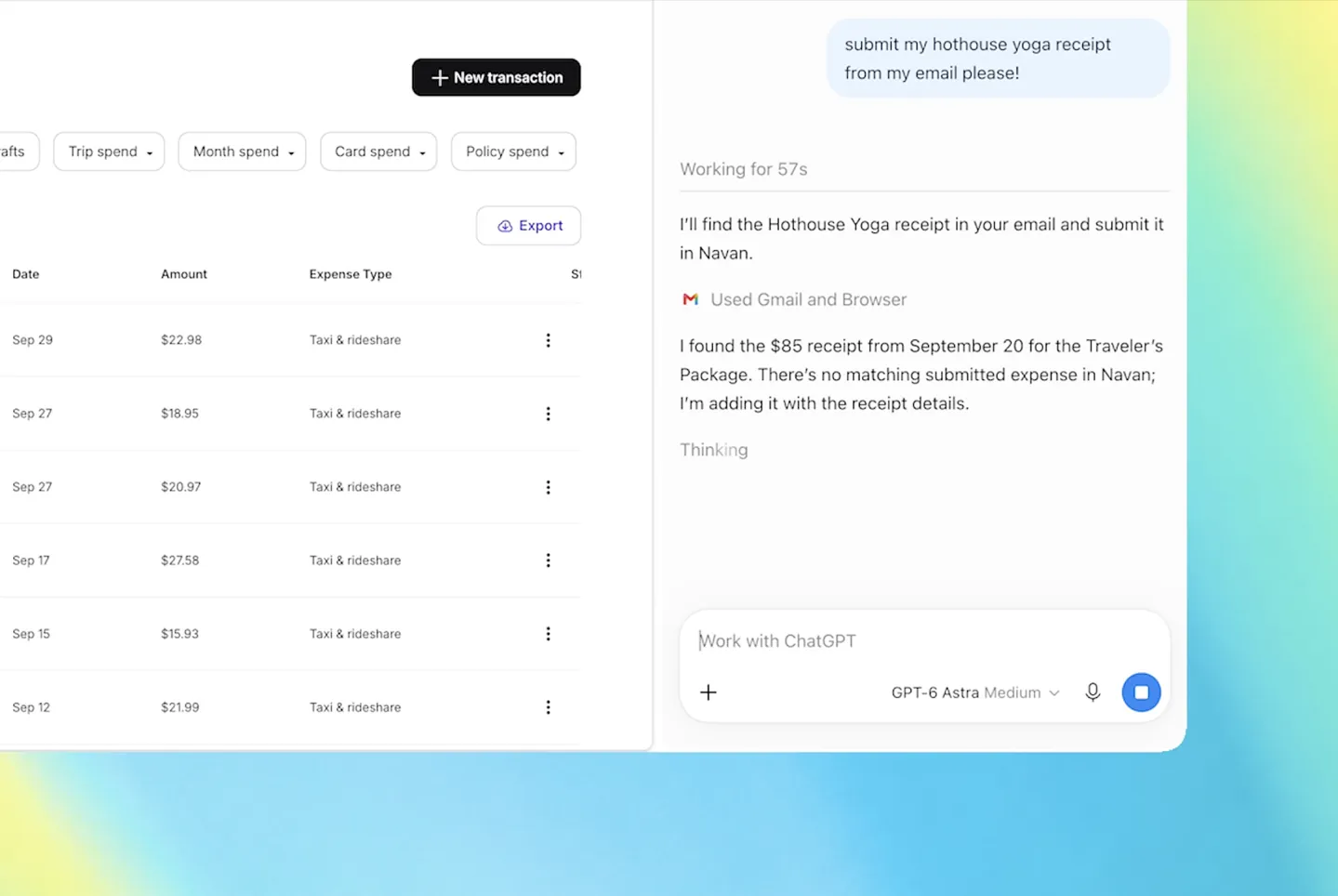
The upgraded sidebar can directly open ChatGPT when browsing the web and continue to use the conversation history; ChatGPT Work can also operate browser tabs after user authorization, such as filling in forms, sending messages, downloading files, or organizing tabs. OpenAI's official statement stated that the relevant extensions not only support Chrome, but also apply to Edge, Brave, Opera and Vivaldi; among them, Opera supports tab page calling and browser control, but does not have a sidebar function. Feature availability also depends on the desktop app version, account workspace settings, and rollout schedule.
This does not mean that ChatGPT can freely access all web pages by default. OpenAI explains that when the extension is installed, it will apply for broader browser permissions, and ChatGPT will ask for permission by default before operating a new website for the first time. Users can choose to allow it only once, allow this website, or allow all websites; access to browsing history also requires separate authorization. For web pages that require a login, the assistant can leverage the current login status in the browser, but users should still check page content, permission requests, and important actions such as submit or send.
This extension upgrade also occurred after the ChatGPT Atlas browser was retired. OpenAI has confirmed that Atlas will stop updating and be retired, but open tabs, bookmarks and browsing history in Atlas will not be automatically transferred to other browsers such as Chrome. The new extension allows ChatGPT to be embedded into users' existing browser workflows, but it is not the same as directly migrating browsing data or browser environments from Atlas.
Comments