
Abstract:
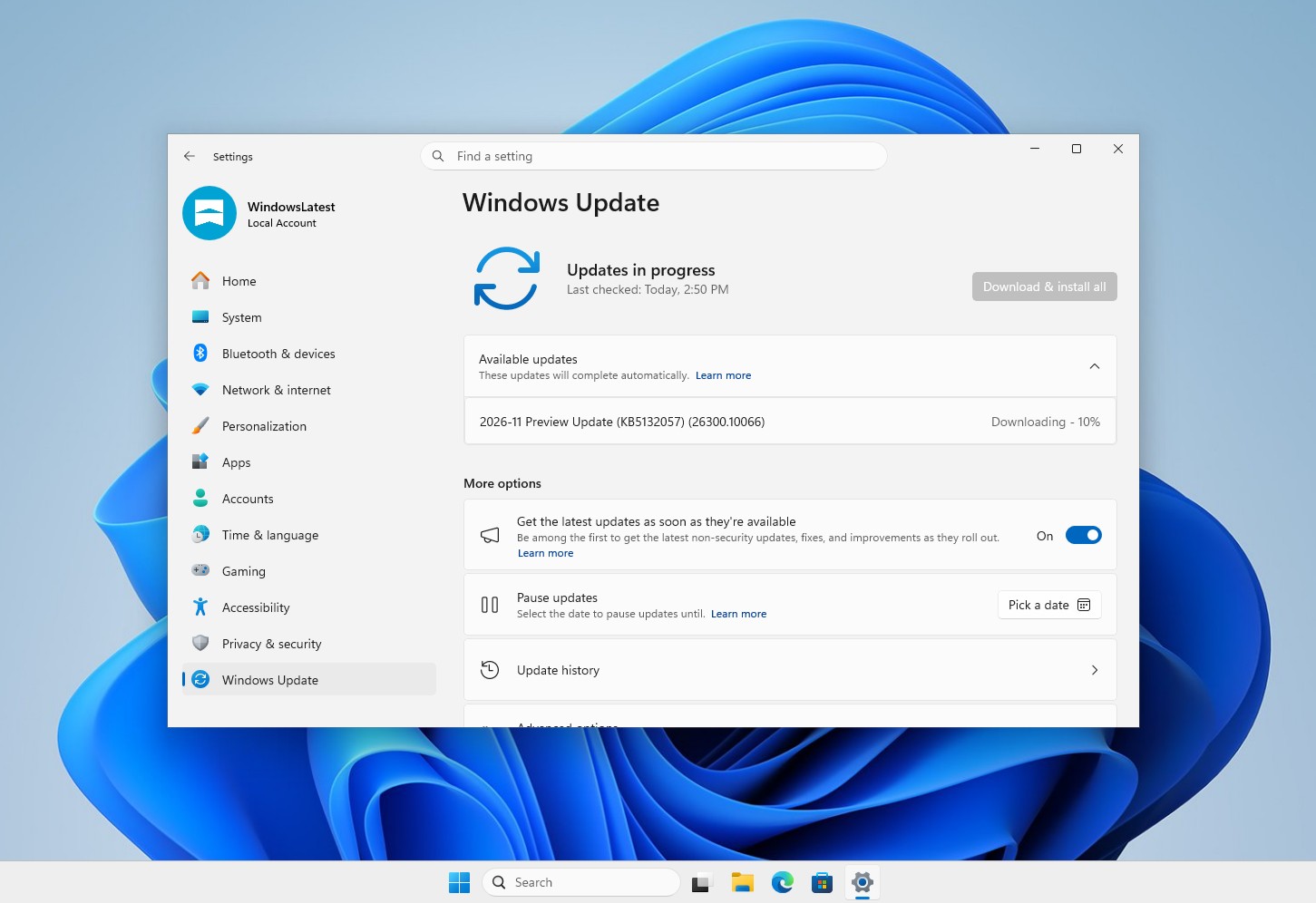
Microsoft has pushed the newly designed Windows 11 "Run" dialog box to the Release Preview channel, which is applicable to Windows 11 25H2 and 26H2. The corresponding versions are 26200.10066 and 26300.10066, and the functions will be released in batches; it is expected to be provided as an optional update later this month, and will be widely launched to ordinary users with the "Patch Tuesday" update on December 8.
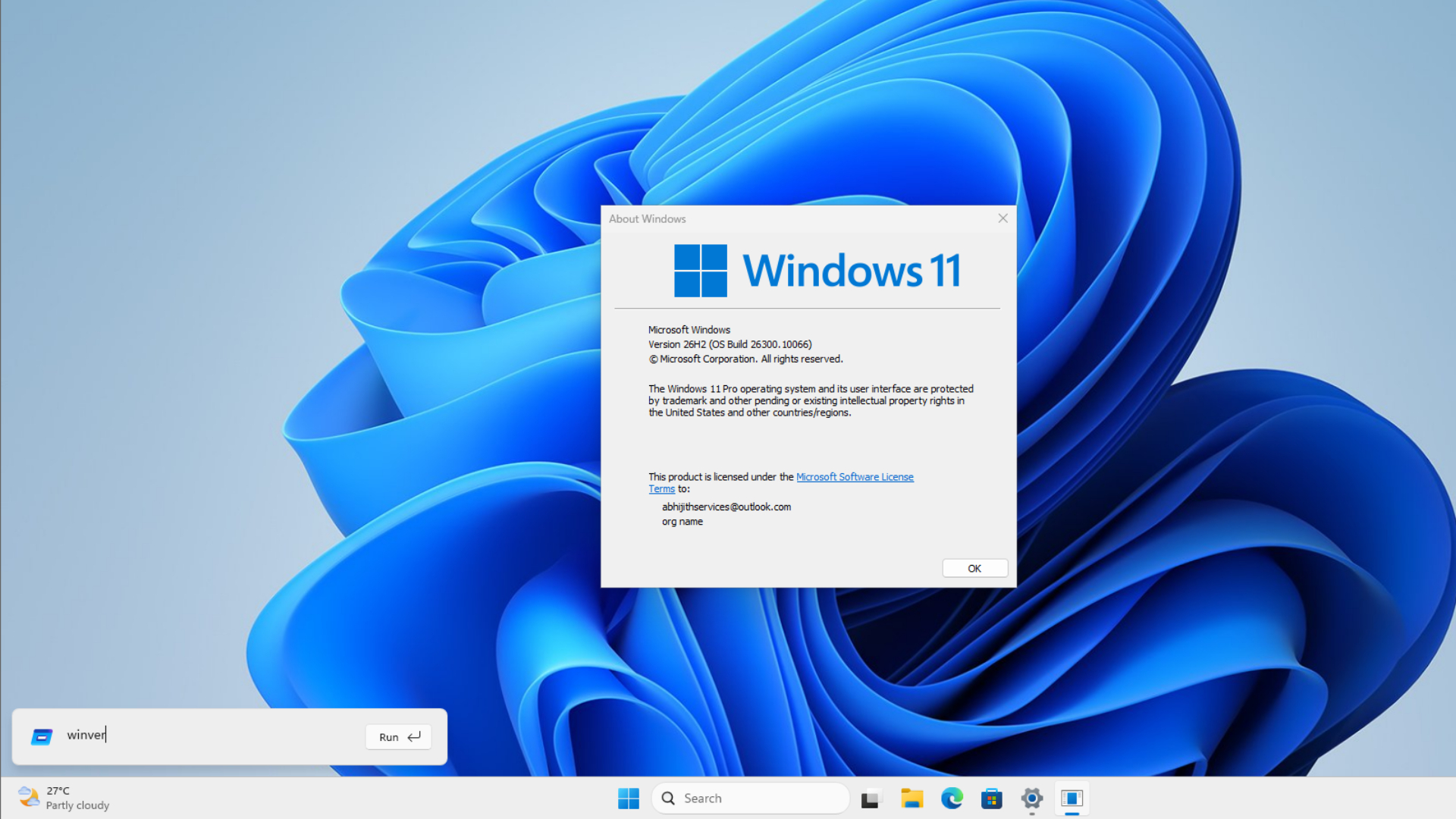
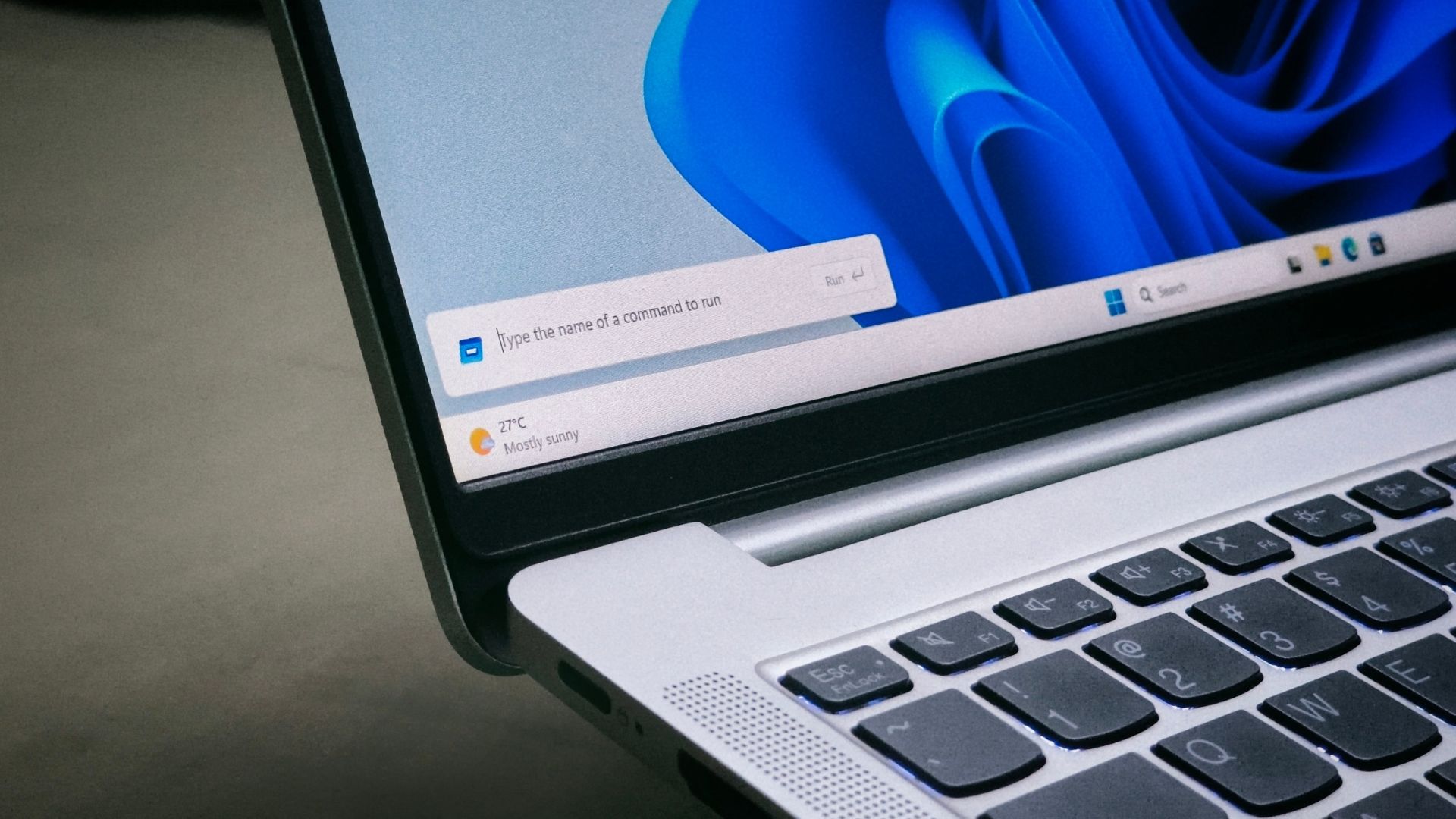
The new interface adopts WinUI 3 design and supports dark mode. The window will appear in the lower left corner of the screen in the form of a compact panel, listing recently run commands. Users can use the up and down arrow keys to browse the history. Enter "~" to quickly jump to the personal user folder, and then continue to enter the path; the original uses such as local and network paths, running commands, etc. are also retained.
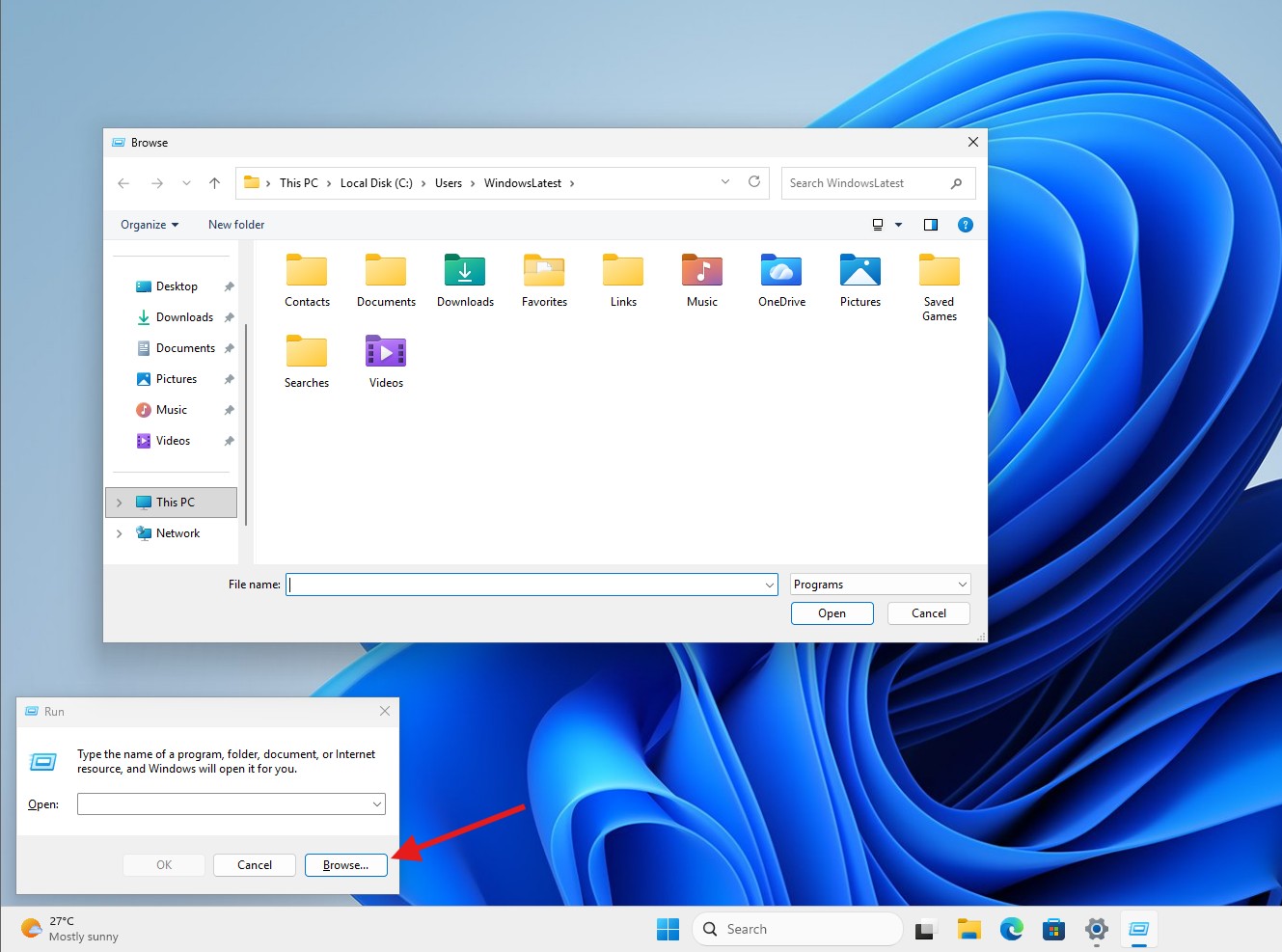
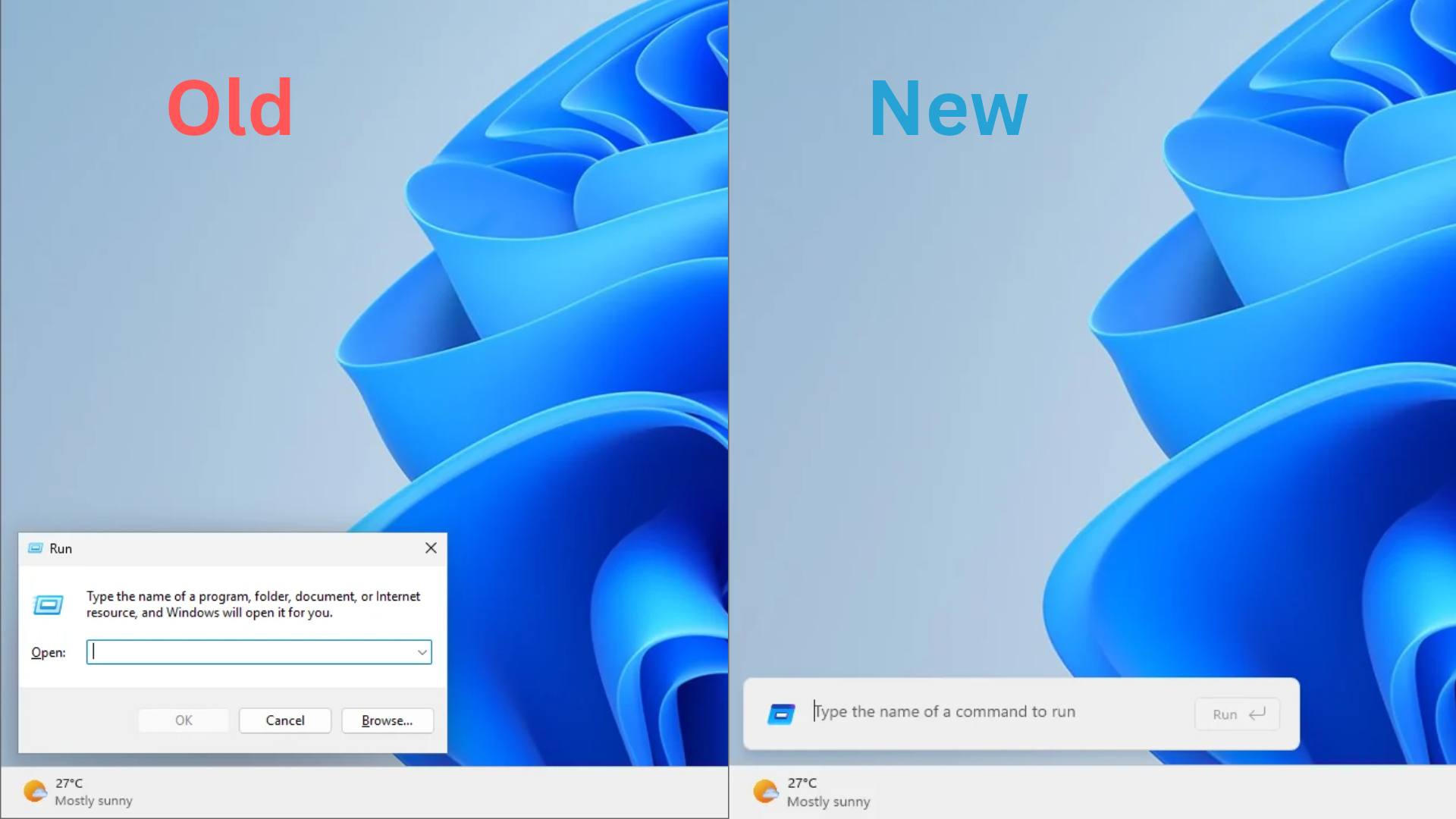
Microsoft once measured the usage of about 35 million users and found that the usage rate of the "Browse" button in the old dialog box was only 0.0038%, which translates to about 1,300 people. This button originally opened the file picker to allow users to find applications or files, but the new version removed it; Microsoft's observation also found that some users would paste text into the run box and then copy it out to remove text formatting.
Microsoft said that the median time for the new version of the window from pressing Win+R to appearing on the screen is 94 milliseconds, compared with 103 milliseconds for the old version, a shortening of about 9 milliseconds. This metric only counts the time it takes for the dialog box to be displayed, and does not include the startup time of the application after entering the command. The new version is written in C# and WinUI 3 and compiled into native code through .NET AOT, sharing some code with the Command Palette in PowerToys.
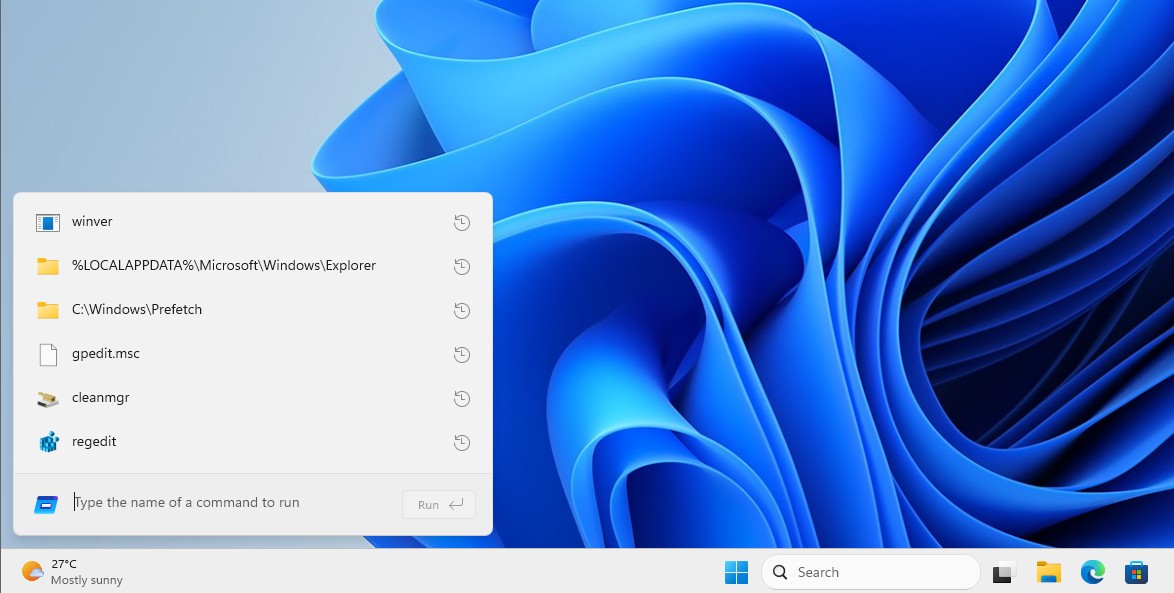
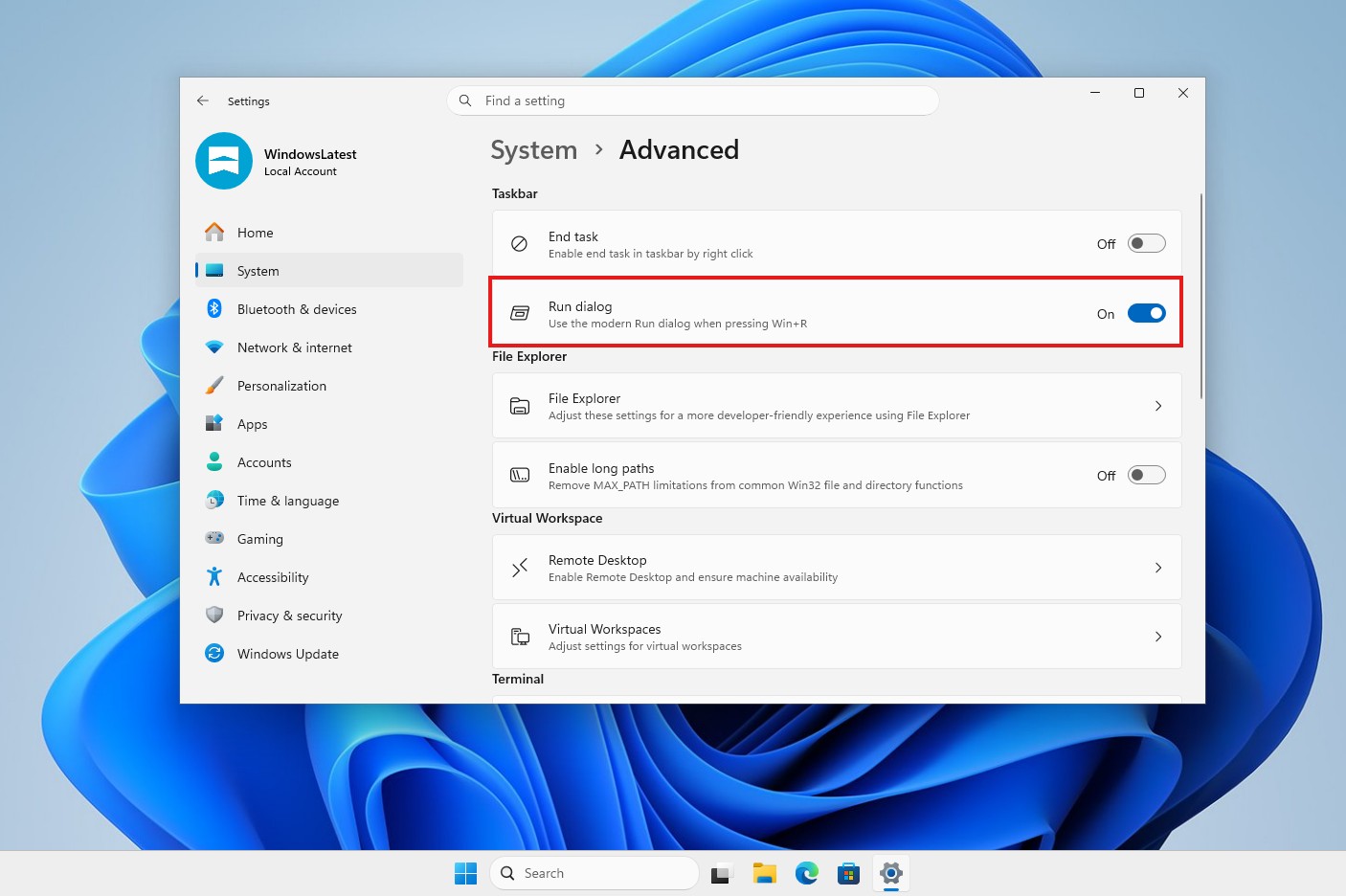
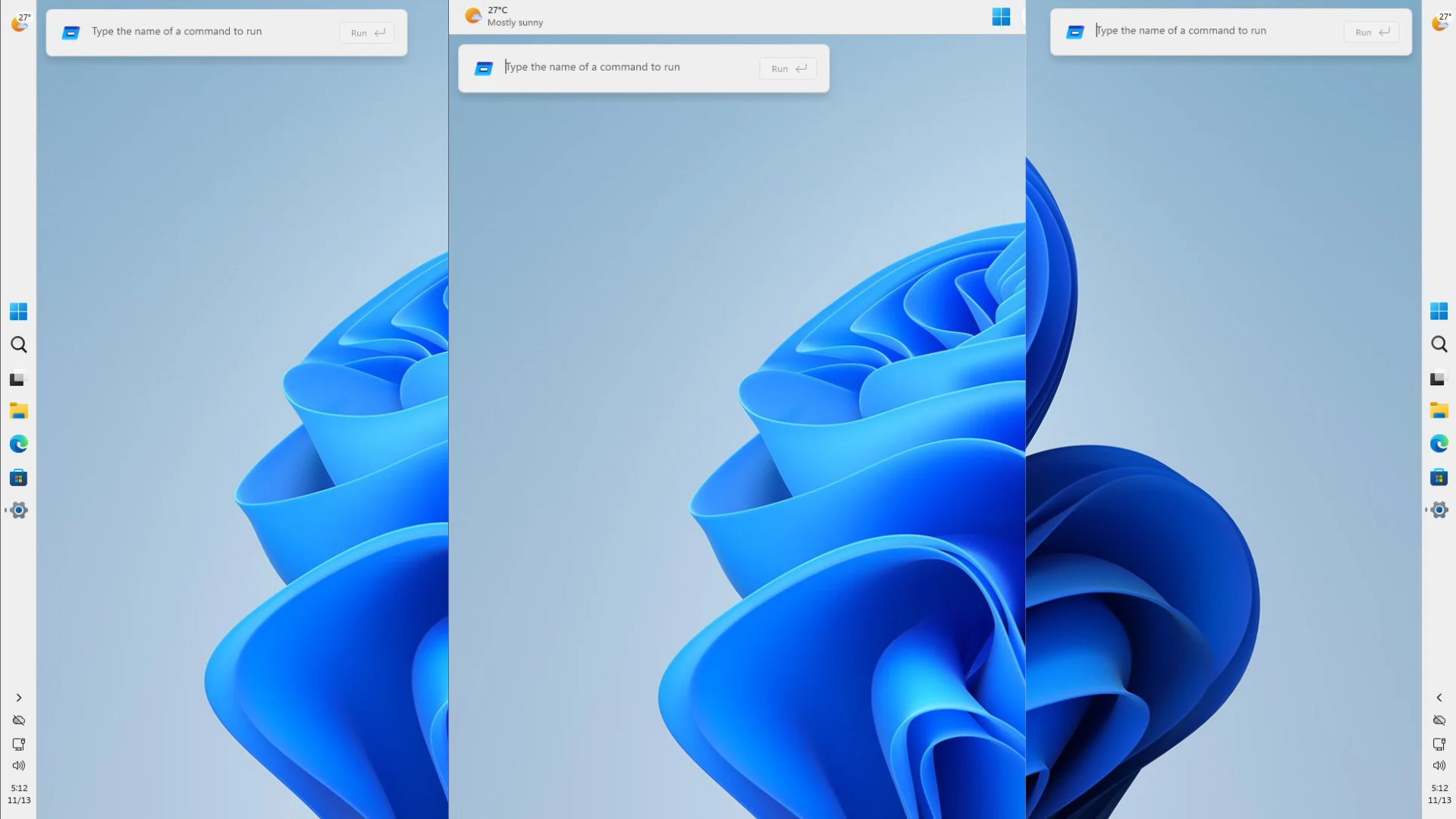
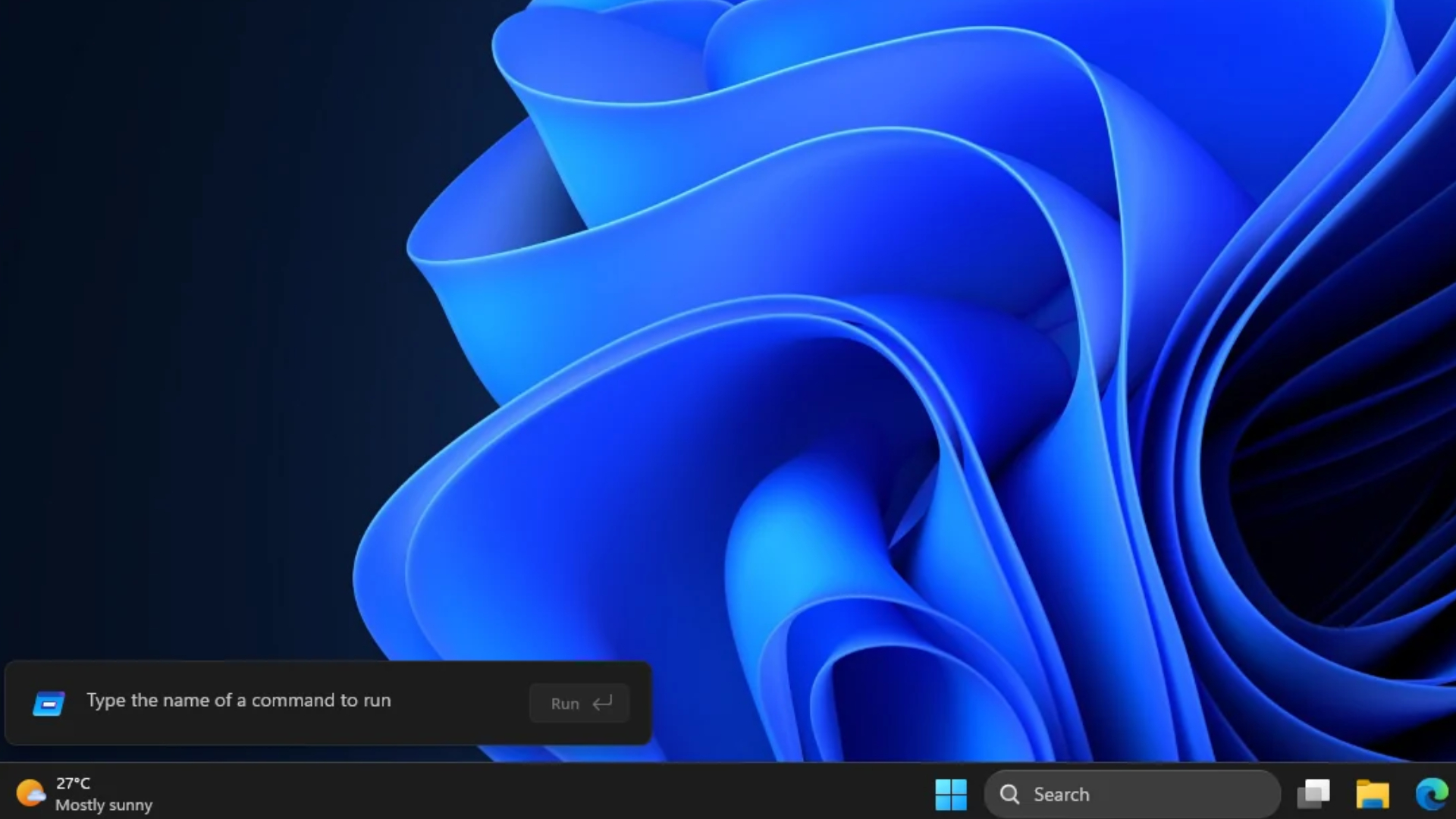
The new version is not mandatory to replace the old version. Users can turn on the "New Run Dialog" option in "Settings > System > Advanced"; if they don't like the new interface, they can also turn off the switch and switch back to the classic version. Microsoft also found that the operation of clearing the running history of the new version is not intuitive enough: you need to close the run box, reopen it, and then press the backspace key to clear the history.
The new run box is part of Microsoft's gradual replacement of old Windows dialog boxes. Microsoft's design team said that it is rewriting the old interface item by item, and the file explorer property window, autoplay and print management are also planned; the new version of Windows Search is also expected to be launched to more users in December.
Comments