
Abstract:
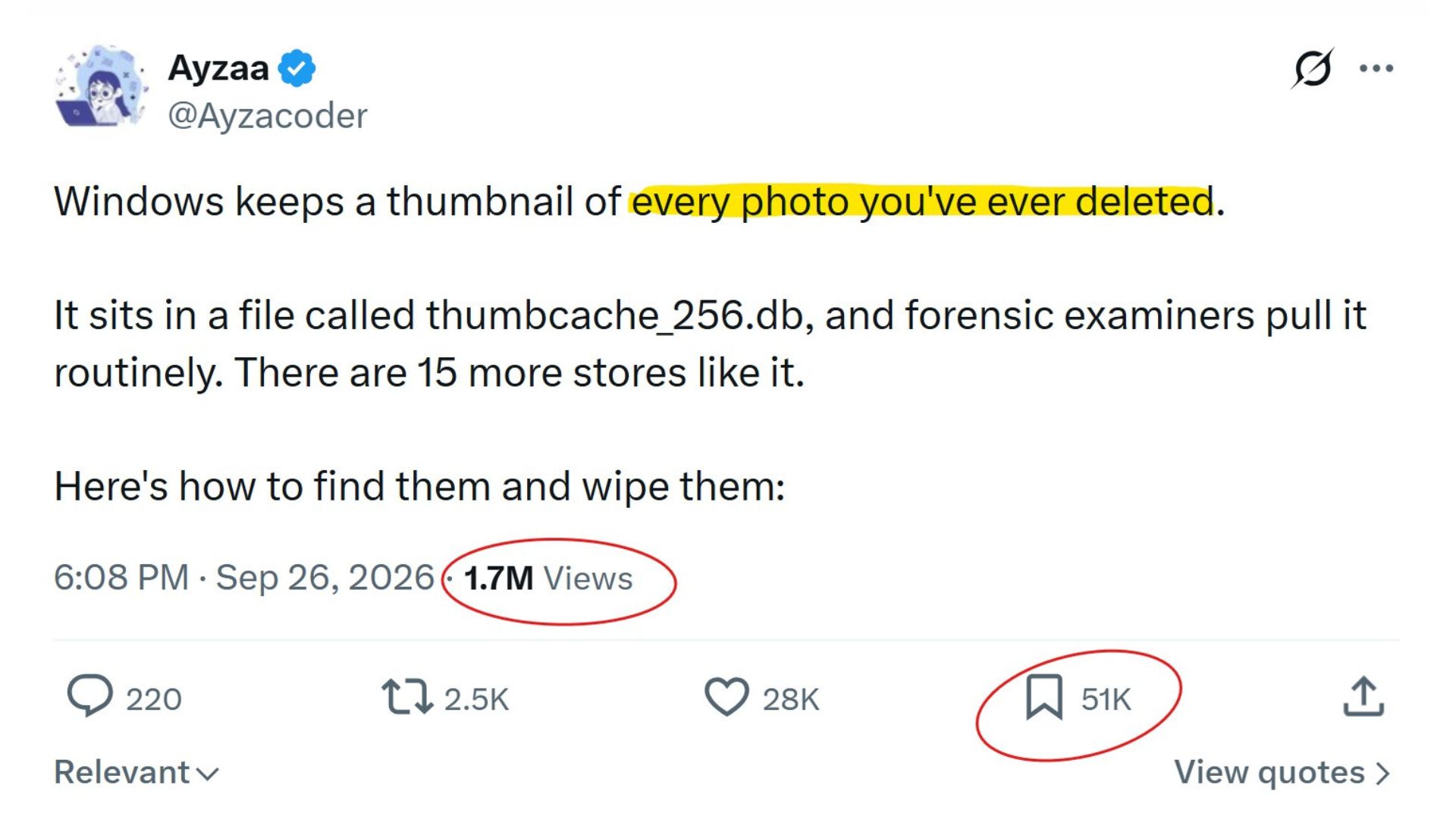
Recently, a claim that Windows 11 will "secretly save every photo that the user has deleted" has spread rapidly on social media, causing many users to worry about privacy issues. According to related claims, Windows will save thumbnails of photos deleted by users in a database file named thumbcache_256.db.
However, the actual situation is more complicated than this statement: Windows does retain some thumbnail caches of photos, and the thumbnails in the cache may continue to exist even if the original photos are deleted, but this does not mean that Windows will save every photo that the user deletes.
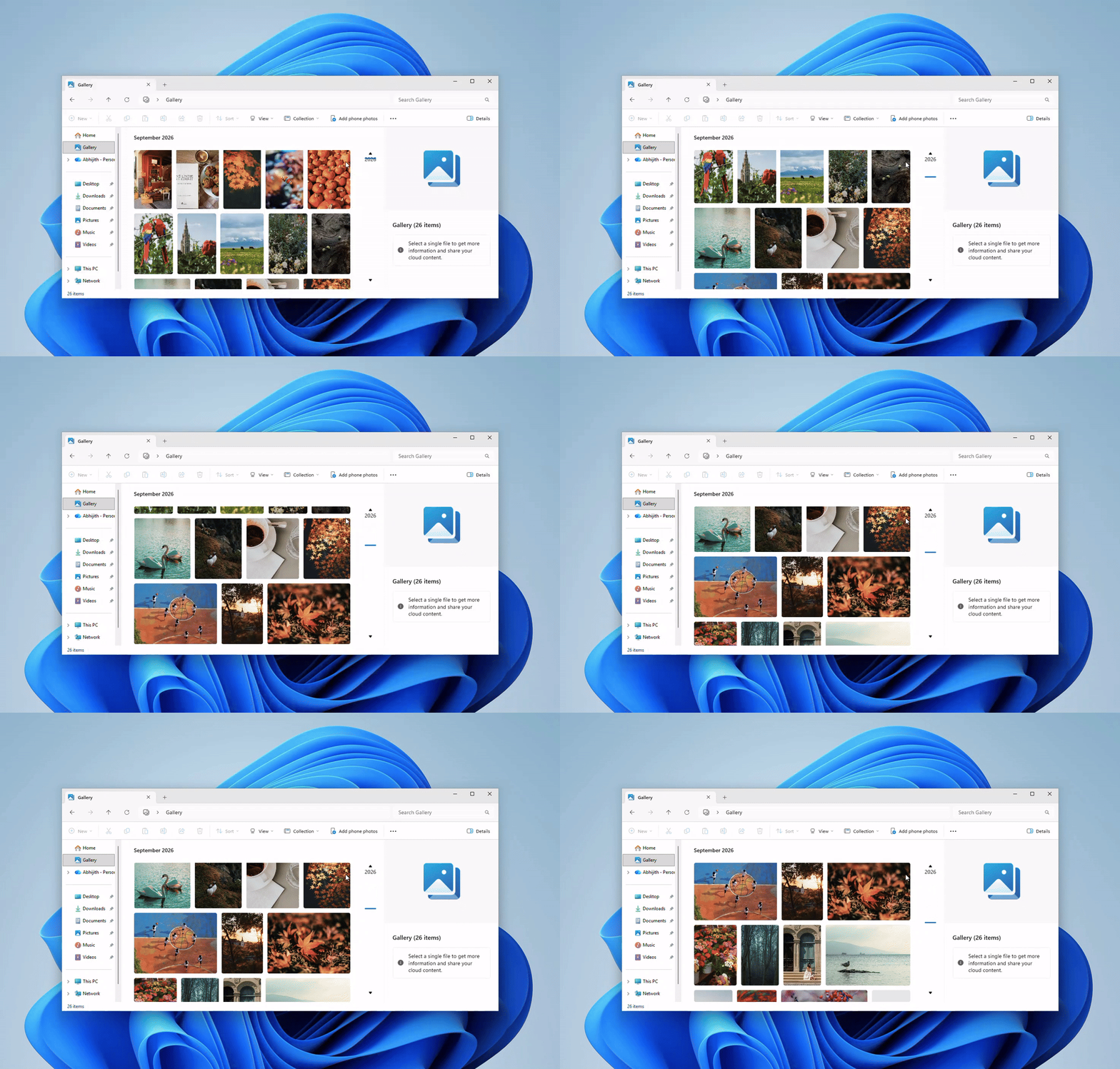
Windows File Explorer has long established a thumbnail cache. Its main purpose is not to record the user's files, but to speed up folder browsing. If the system had to regenerate previews from the original photos every time a folder containing a large number of images was opened, the browsing experience would be significantly slower. Therefore, Windows will save the generated thumbnails separately so that they can be called directly next time.
This mechanism is not unique to Windows. macOS also has a Quick Look thumbnail mechanism, the Linux desktop environment also adopts a common thumbnail caching standard, and Android also provides an API for generating and obtaining image thumbnails. In other words, saving thumbnails itself is a common technique adopted by modern operating systems to improve the efficiency of image browsing.
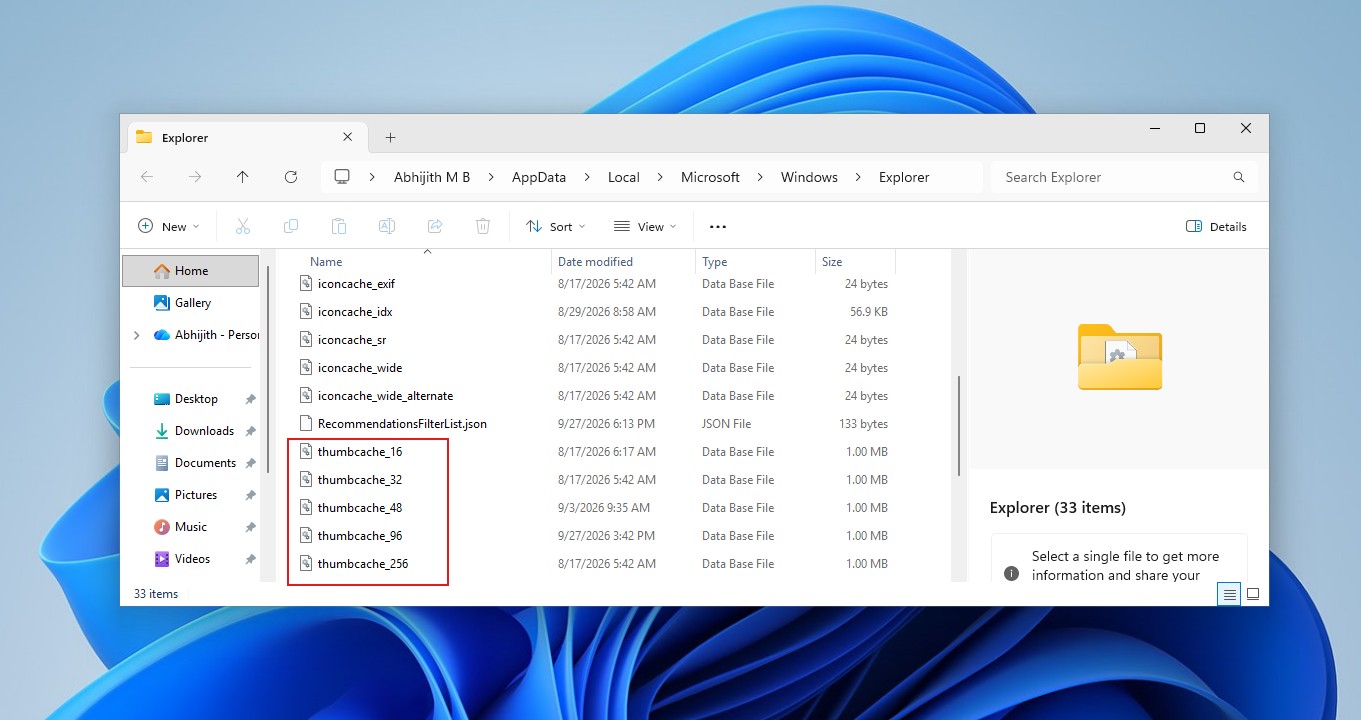
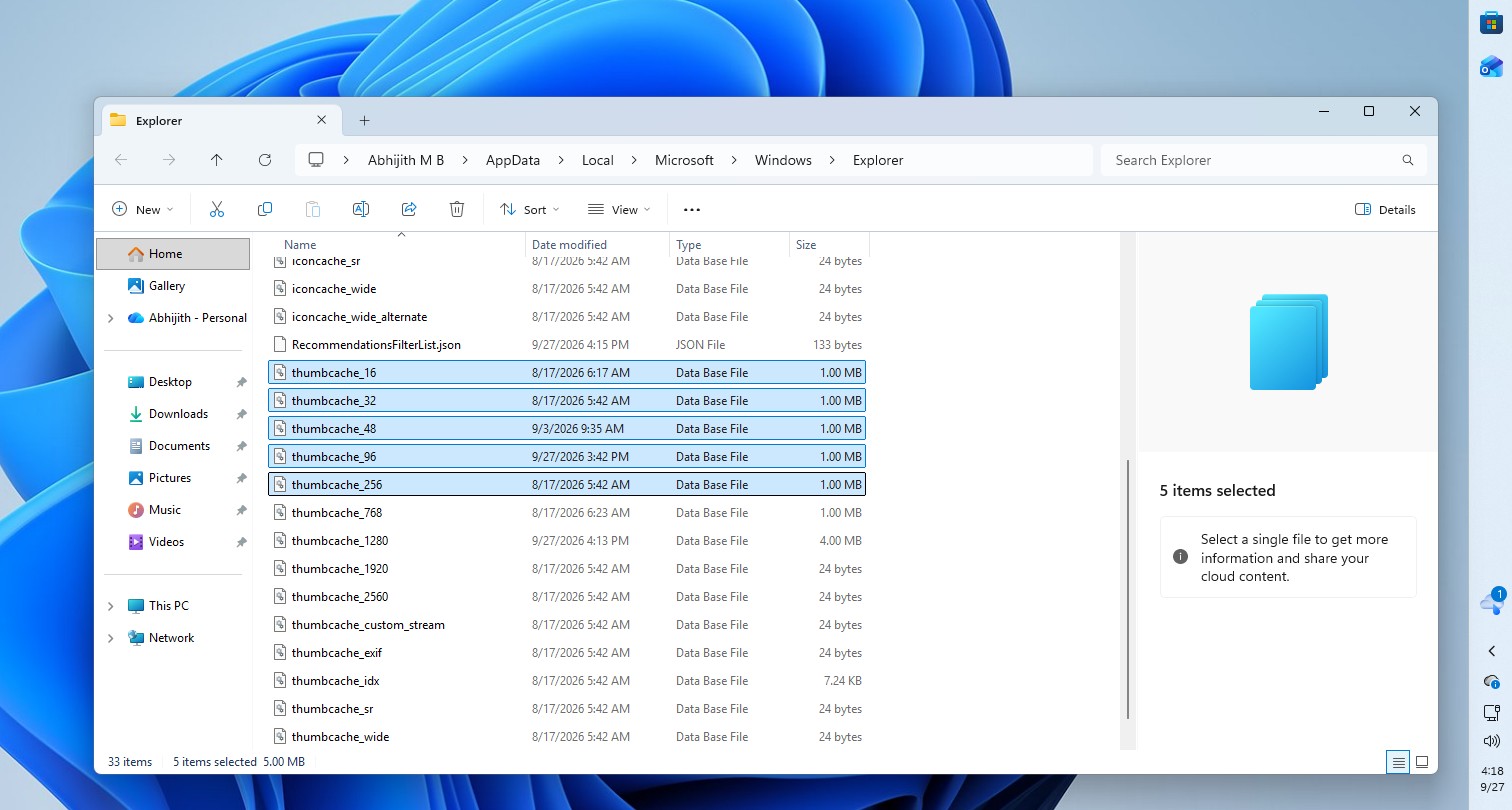
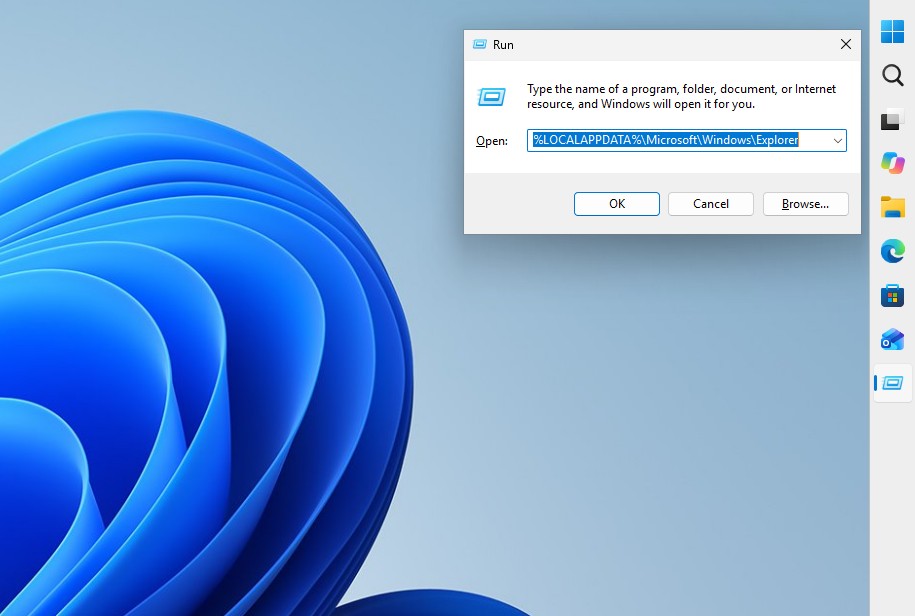
The thumbnail cache for Windows 11 is located in the Explorer directory under the user profile. The user presses Windows+R, enters "%LOCALAPPDATA%MicrosoftWindowsExplorer" and presses Enter, and then you can see database files such as thumbcache_32.db, thumbcache_96.db, thumbcache_256.db, and thumbcache_1024.db. Different databases save image previews of different sizes, and the specific file types will vary depending on the Windows version.
However, you will not directly see a "Deleted Photos Library" when you open this folder. If you want to extract the thumbnails saved in the database, you need to use specialized software for analysis.
More importantly, Windows does not automatically generate a thumbnail cache for users when they create or copy images. Microsoft engineer Raymond Chen previously explained that the cache entry is usually generated after File Explorer or other programs that use Explorer's thumbnail caching mechanism actually request the image preview. If a user has never viewed a photo in thumbnail mode, it's likely that the photo isn't cached at all.
This also explains why the statement "Windows saves every deleted photo" is inaccurate. The thumbnail must exist in the first place before it can possibly remain in the cache after the original photo is deleted. Windows does not have a hidden database of all historical photos.
The reason why the thumbnail can continue to exist after the original photo is deleted is that it has become data independent of the original file. When an application requests a thumbnail that has not yet been cached, Windows extracts the preview from the original file and saves it to the cache database. After that, even if the original photo is deleted, the cached copy in the database will not be automatically deleted because the original file disappears.
If users want to clear these possible remaining thumbnails, they can use the disk cleanup tool that comes with Windows. Press Windows+R, enter "cleanmgr" and press Enter, select the Windows system disk, usually the C drive, and then check the "Thumbnail" option. If you only want to delete the thumbnail cache, you don't need to check other items such as "Temporary files". After you click OK and delete the file, Windows clears the existing thumbnail cache.
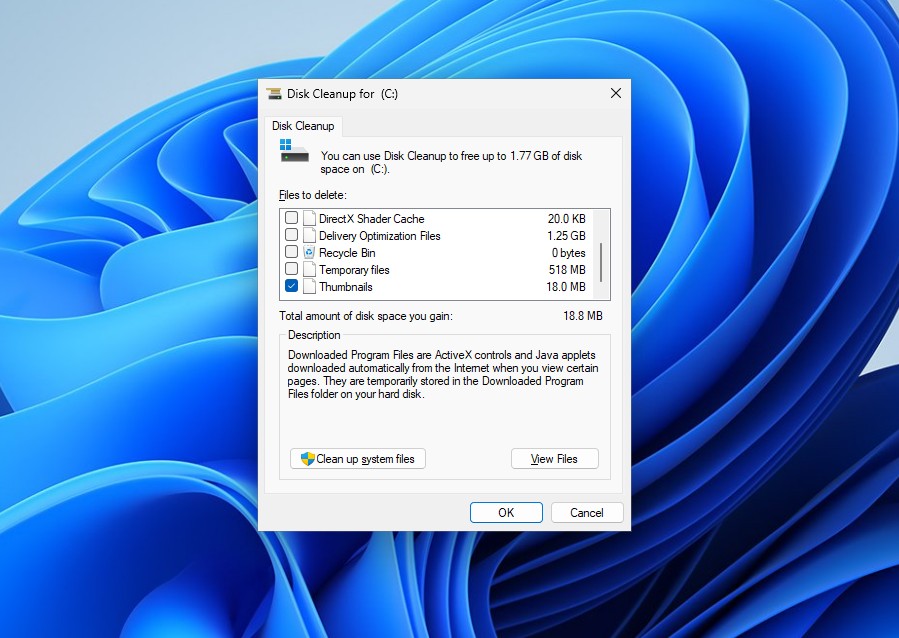
However, this does not permanently turn off thumbnail caching. As the user continues to browse the picture folder, Windows will still re-establish a new thumbnail cache.
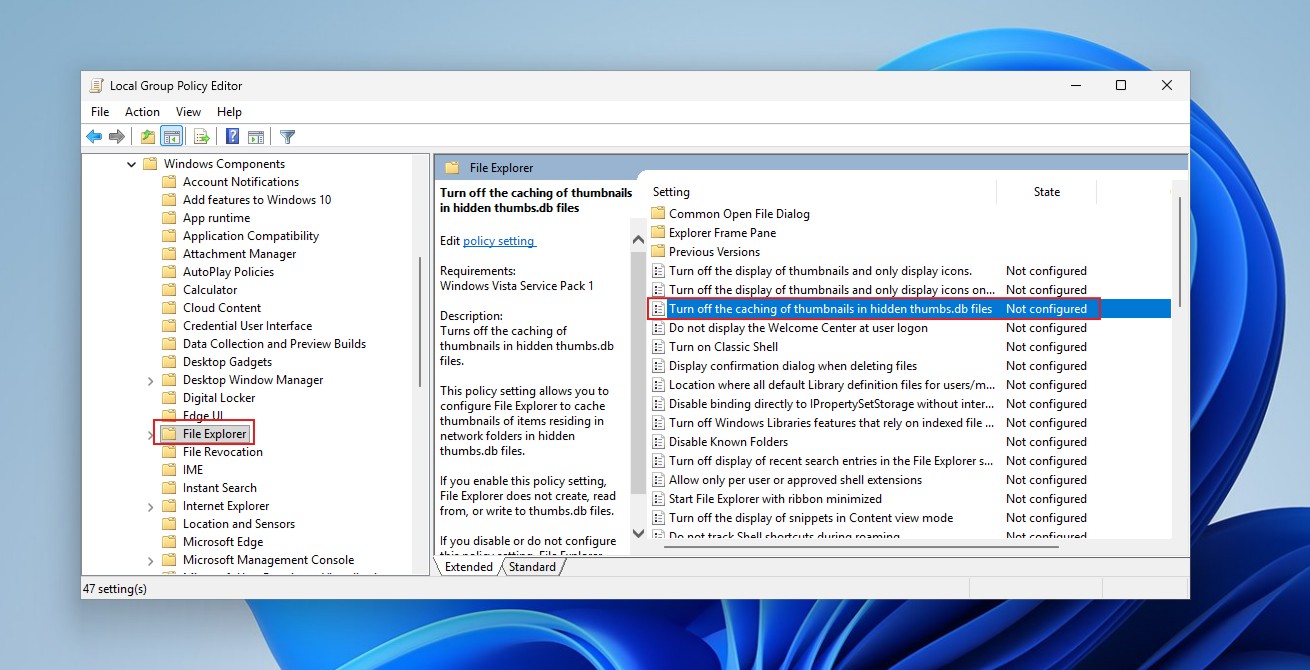
If you want to completely prevent Windows from generating thumbnails, Windows 11 Professional, Enterprise, and Education users can set this through Group Policy. Open "gpedit.msc", go to "User Configuration → Administrative Templates → Windows Components → File Explorer" and enable the "Turn off thumbnail image caching" policy. Microsoft has recommended that you consider turning off this feature on shared computers or devices with higher security requirements, because the thumbnail cache itself can be read.
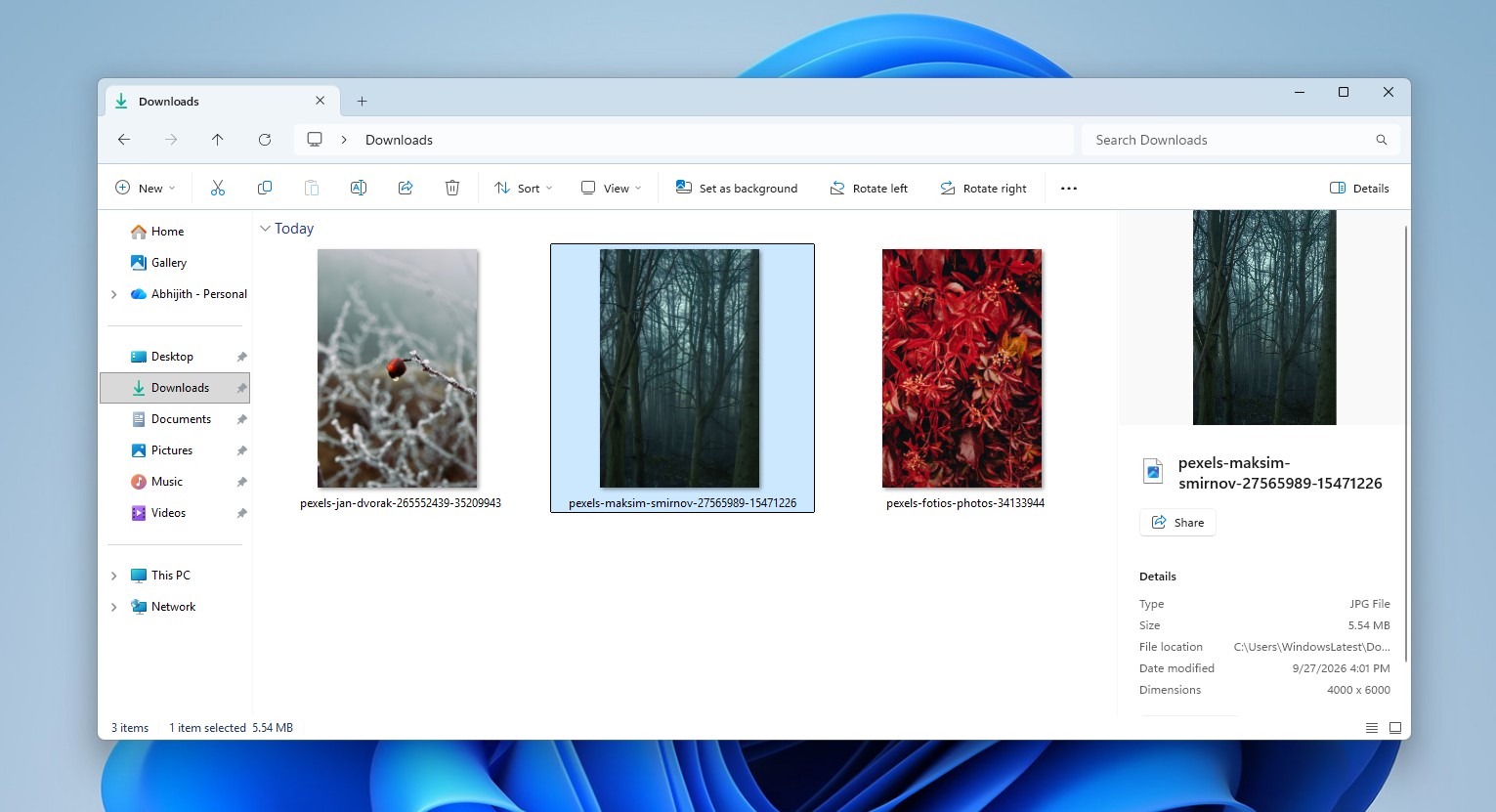
Windows 11 Home Edition does not have a Group Policy Editor, there is another way. Users can open the folder options of File Explorer and check "Always show icons, never thumbnails" in the "View" tab. This way File Explorer will not generate image thumbnails, but always display normal file icons.
Thumbnail caching does have some forensic value. Past research has shown that even if the original images in Windows are deleted, the corresponding thumbnail cache records may still exist, and investigators can use these caches to determine whether the system has viewed certain images in the past. However, what is in the cache is only a reduced preview, not the original photo itself. The actual ability to identify people or places and other information depends largely on the size of the thumbnail and the content of the original image.
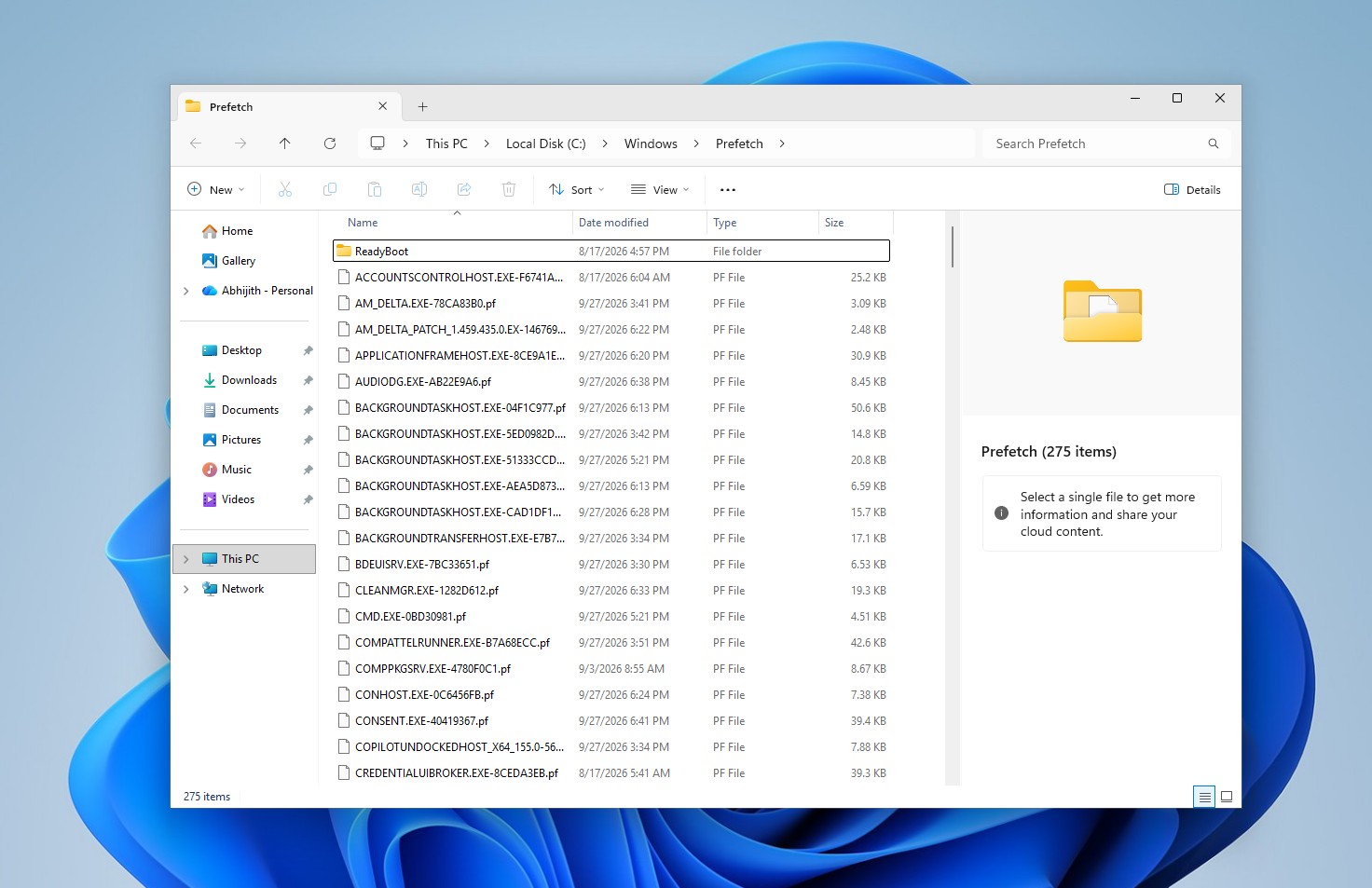
The social media post that sparked the discussion actually mentioned other caching and history mechanisms in Windows. For example, the Windows Prefetch file records information related to program running, including the number of times it was run and some recent startup times, but it is not a permanent historical file that records all programs installed by the user.
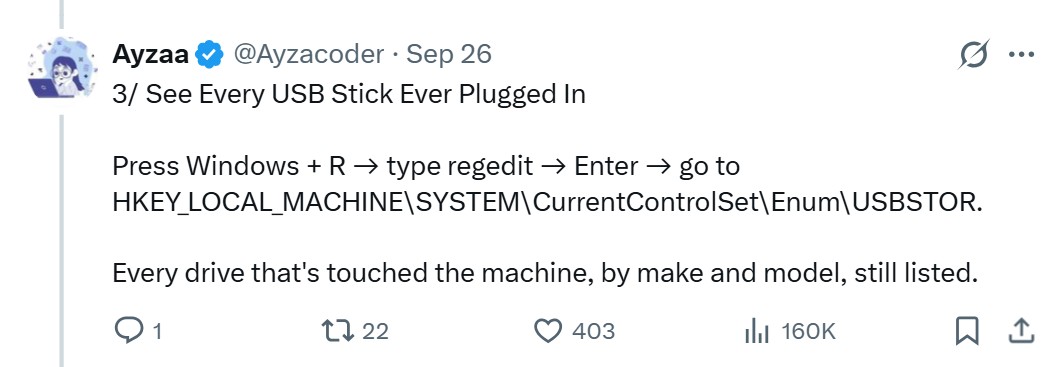
Windows will also retain some USB storage device information in the USBSTOR entry in the registry, even if the device has been unplugged, but this cannot be simply understood as a complete and permanently saved USB device usage record.
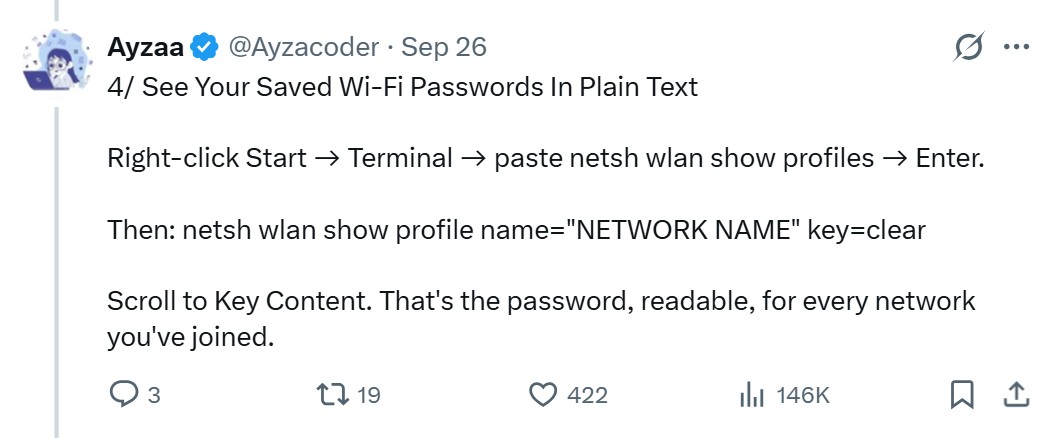
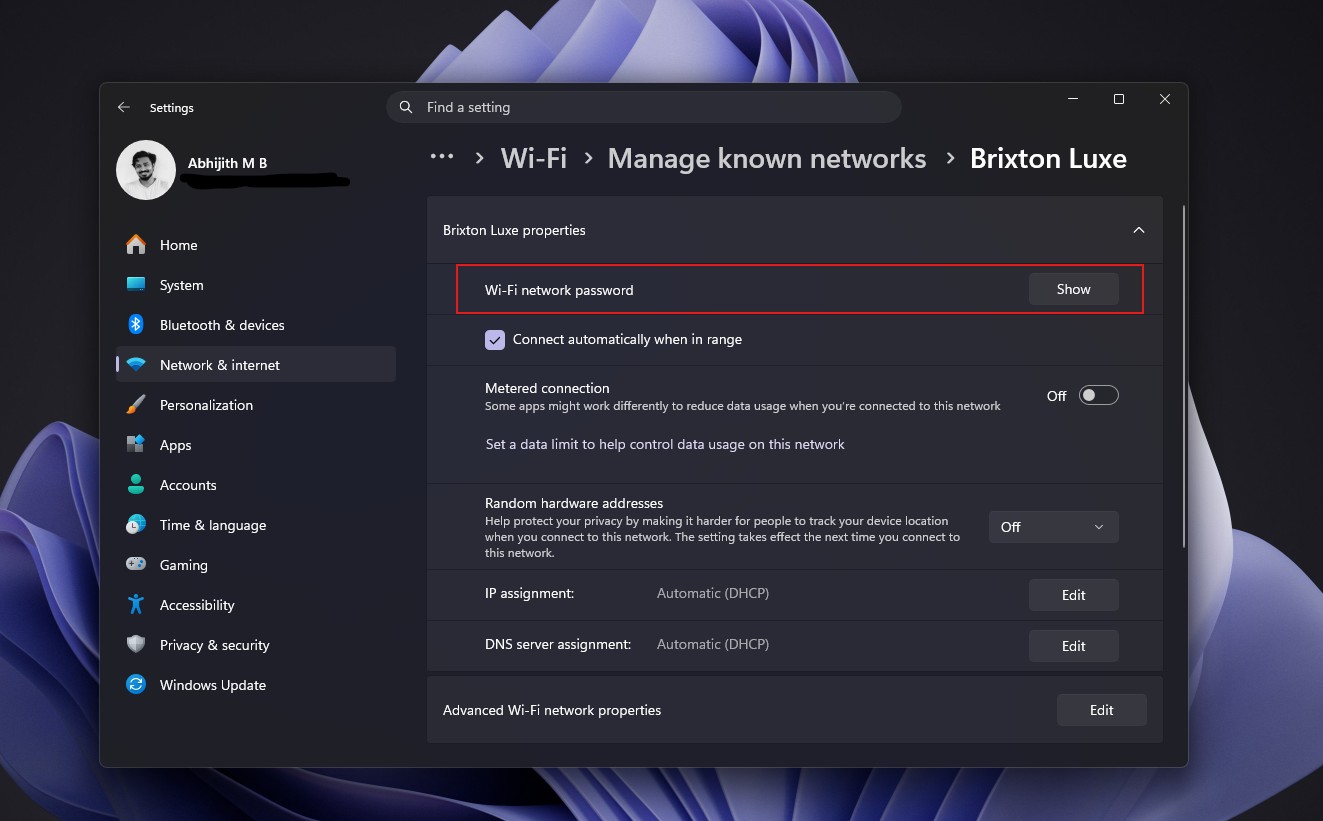
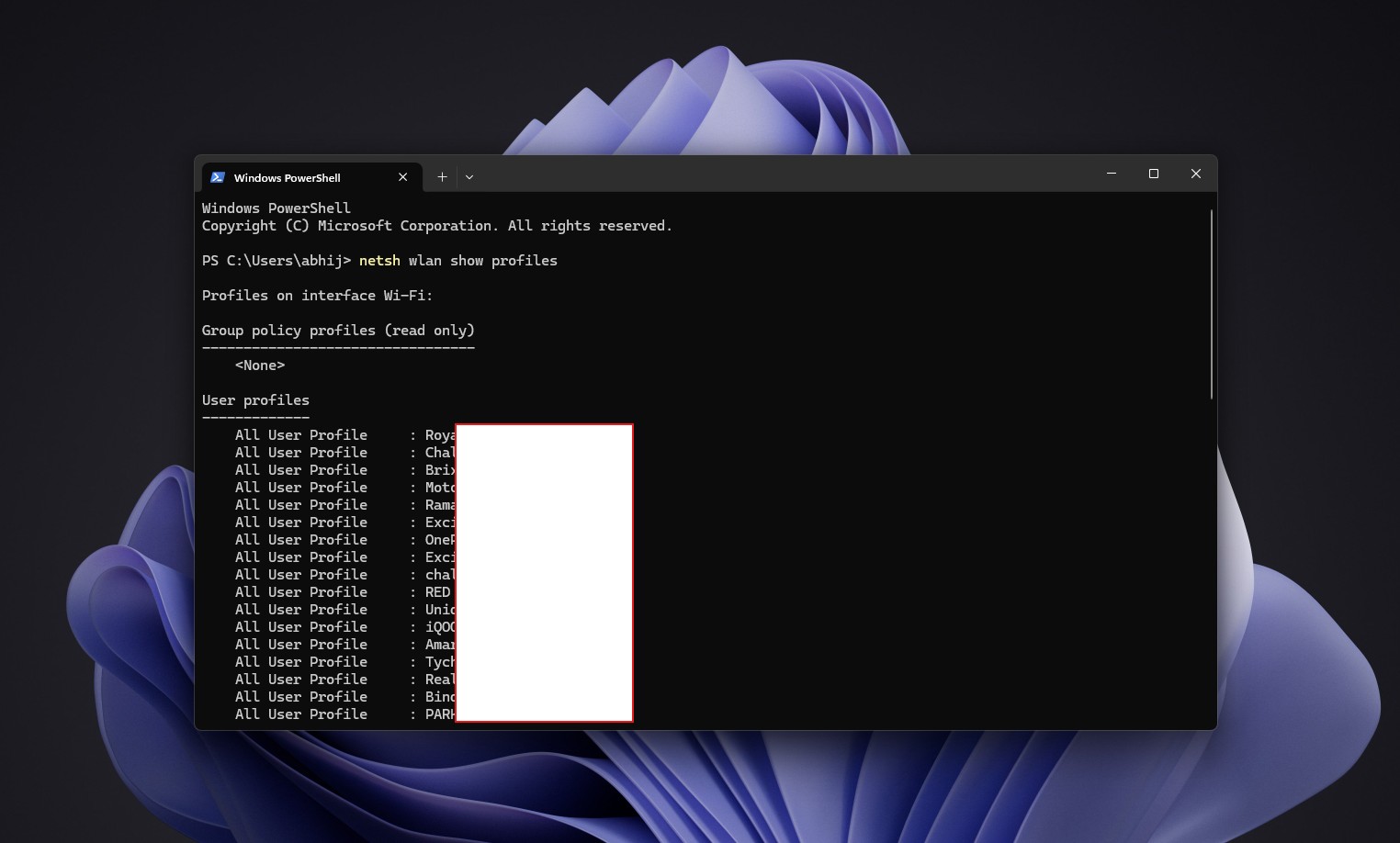
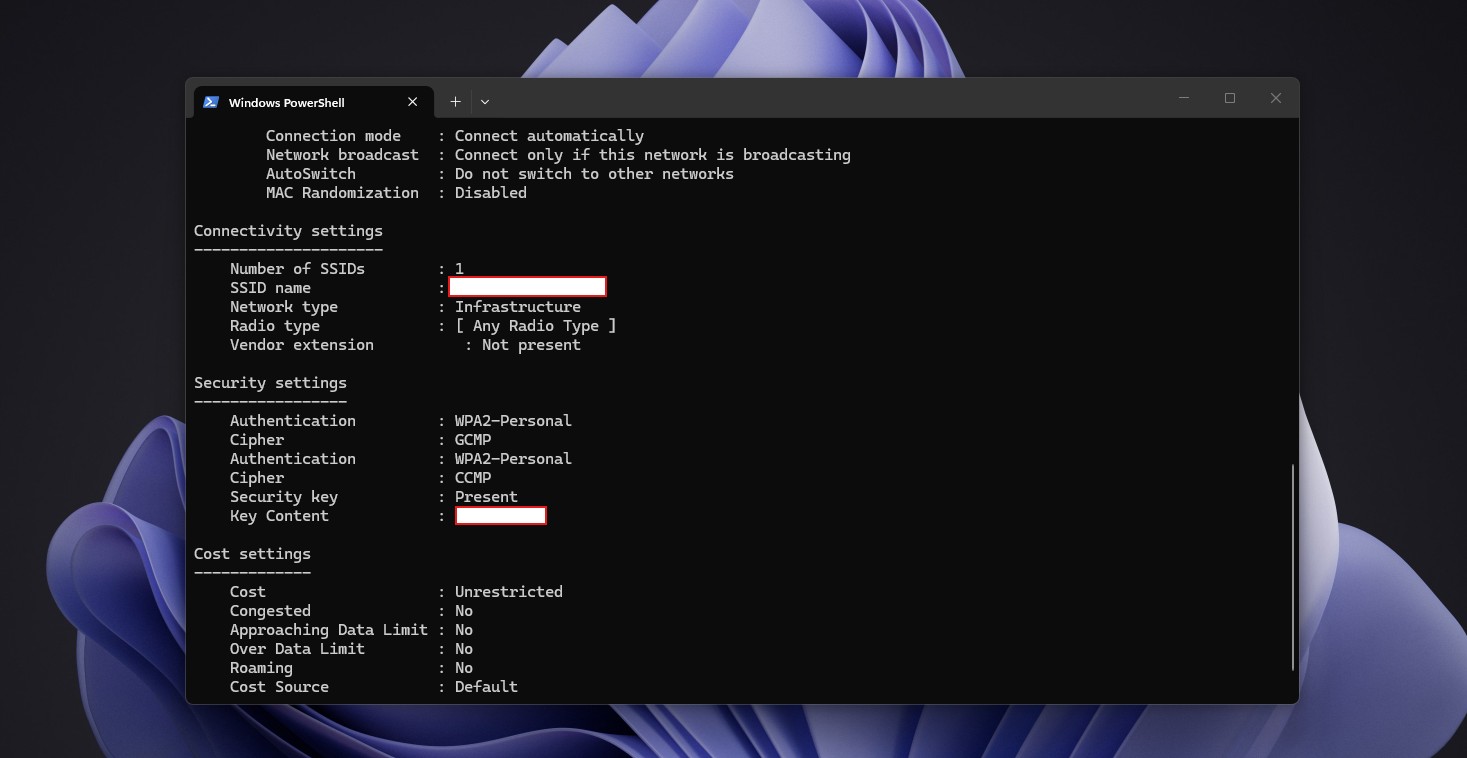
The Wi-Fi profile will save the information of previously connected wireless networks. If you have the corresponding permissions, Windows can display the password of the saved network. However, this is a normal network configuration function of the operating system and does not mean that the system is secretly recording all the user's network activities.
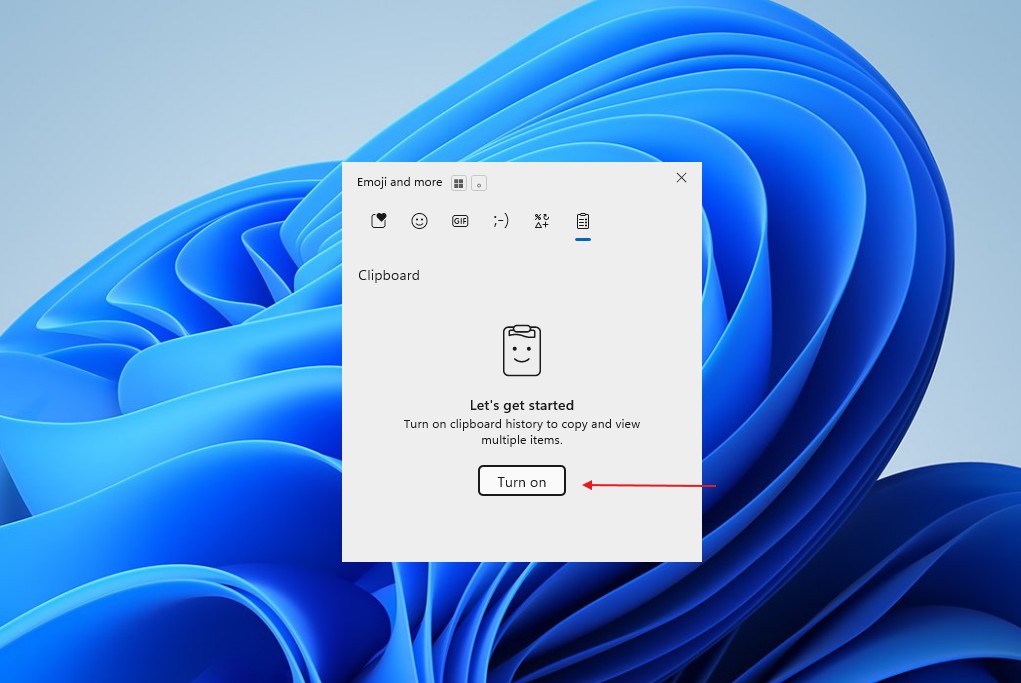
The history of the Windows clipboard is also often misunderstood. The clipboard history function is not enabled by default. When enabled, a maximum of 25 pieces of content can be saved, and unpinned content will be cleared after the system restarts. Users can also clear the clipboard history manually.
The "Recently Used" list in File Explorer also does not save a complete copy of the user's files. It mainly saves shortcut information pointing to the file, and the application can choose not to include certain open records in it. Users can also turn off "Show recently used files" in folder options.
From a broader perspective, Windows retaining thumbnails is not an anomaly. The Linux desktop system will save thumbnails in the user directory in accordance with the relevant standards of freedesktop.org. Apple also provides a Quick Look thumbnail mechanism for applications, and even recommends that photo applications cache thumbnails to achieve smooth scrolling.
What's really worth noting is that "deleting a file" and "completely erasing all data related to the file" are two different things. Windows may retain thumbnails of photos, and there are other caching and metadata mechanisms in place for the file system, so deleting the original file does not necessarily mean that the associated data will immediately disappear from all locations on the storage device.
As AI agents begin to gain the ability to access local files, the importance of this type of problem is likely to increase. Microsoft is pushing Windows 11 to become a platform for running AI functions and allowing some AI agents to process local files. It is also increasing control over data access permissions such as documents, pictures, cameras and microphones. There is currently no evidence that Windows' AI agent actively reads the thumbnail cache, but as software gains more and more capabilities to access local data, it is indeed necessary for users to understand what data may remain on the system after file deletion.
If a more thorough forensic-level data cleanup is required, ordinary disk cleaning does not guarantee coverage of all deleted data. Tools such as SDelete provided by Microsoft in the past can further clean up residual data by overwriting unallocated disk space. However, this already belongs to completely different data erasure needs than ordinary users deleting files.
Therefore, the statement spread on the Internet has a certain factual basis: Windows may indeed continue to retain the thumbnails of the original photos after they are deleted. But describing it as "Windows saves every photo you ever delete" is a clear oversimplification. Only pictures that have been actually generated and cached thumbnails by Windows or other related programs can leave such a preview, and the cache does not exist permanently.
Comments