
Abstract:
The statement that "Windows will permanently record all USB devices" has once again sparked discussion on social media recently. Faced with a large amount of disseminated content, Microsoft-related technical documents and historical materials have once again attracted attention. Microsoft stated that Windows does retain some USB storage device information after the device is unplugged, but this behavior is not to monitor the user, but is part of the normal operating mechanism of the system.
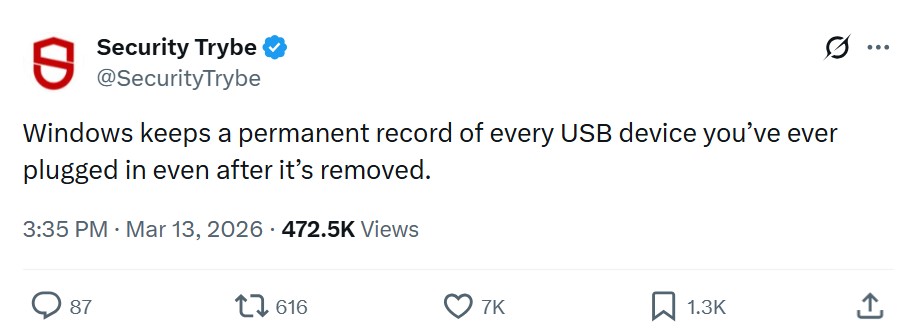
The incident originated from multiple posts that were widely circulated on the Internet. These contents claim that Windows will permanently save records of every USB device that the user has ever connected. Even if the device is unplugged or even no longer used, the relevant information will still remain.
However, Microsoft explained that although this statement is based on real system behavior, it has been significantly exaggerated in many communication processes.
In fact, not only Windows will save some hardware device information, but Linux and macOS also use similar mechanisms. The operating system needs to record hardware characteristics, driver information, and device configuration data to ensure that the device can be quickly recognized and work properly when connected again.
Microsoft pointed out that when a user plugs a USB storage device into the computer, the system creates a record entry called USBSTOR in the registry. This record is located under the corresponding path in the system registry and is used to save the information required by the operating system to identify and manage the device.
As early as 2012, Microsoft chief field engineer Jason Walker publicly explained this mechanism. He said at the time that when a USB storage device is connected to the computer, the system will create the corresponding USBSTOR registry entry, and the relevant content required by the operating system to identify the device will be stored here.

Microsoft further explained that the reason why relevant information is retained after the device is unplugged is because the system cannot determine whether the user is only temporarily removing the device or will never connect it again.
For example, if a user pulls out a USB flash drive today, it is still possible to insert it into the same computer again tomorrow. If the system completely deletes the relevant configuration every time, the complete identification and configuration process will need to be performed again the next time you connect. Therefore, Windows' Plug and Play mechanism will retain the corresponding device instance to improve subsequent connection efficiency.
Microsoft even has a name for these devices that have been removed but still retain configuration records.
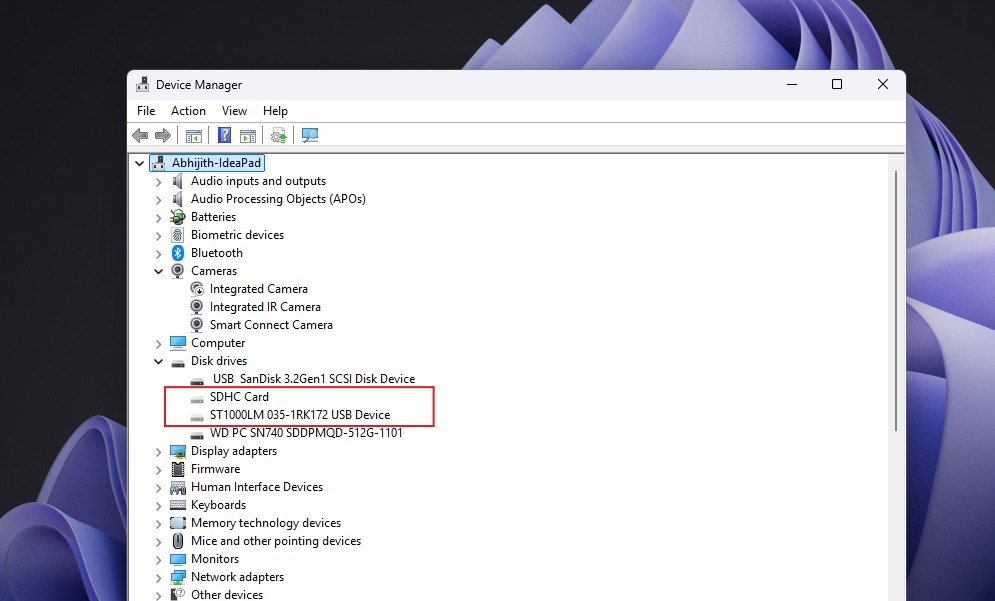
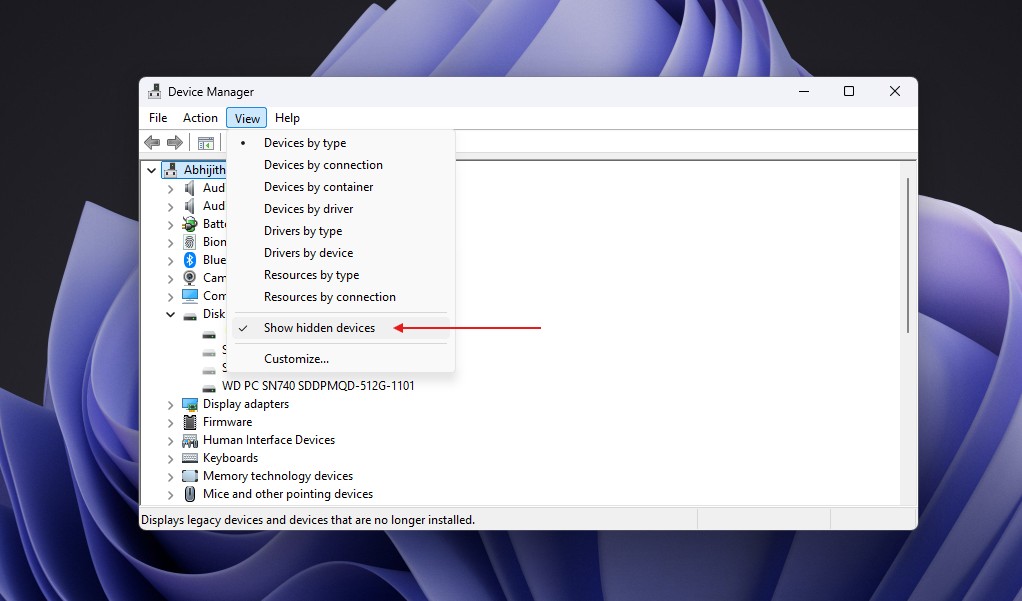
These devices are called "Non-Present Devices" and sometimes "Phantom Devices". Users can view these historical device records by turning on the "Show Hidden Devices" option in Device Manager.
However, Microsoft emphasizes that USBSTOR is not a secret database that records all USB activity.
Relevant records are mainly used to identify the hardware itself, such as device manufacturer information, product model, serial number, driver configuration, etc. It does not record which files the user has copied to the USB flash drive, nor does it save the actual data content in the device.
In other words, the system remembers "this device has been here before" rather than "what is installed in this device".
For many users who are preparing to sell, give away or reset their computers, a more concerning question is whether this information will continue to exist after the system is reset.
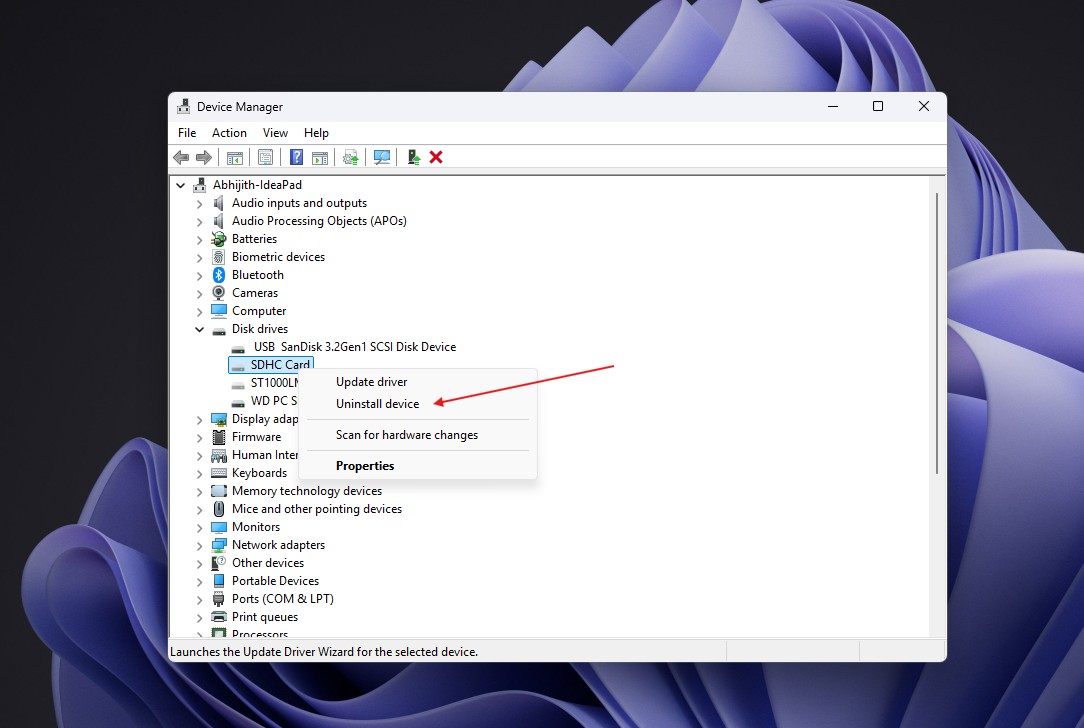
Microsoft said that if users perform a complete Windows reset or reinstall the system, these device records will usually be cleared along with the system configuration. USB device history information saved in the current Windows installation environment will not be automatically retained with the new system.
At the same time, Microsoft also pointed out that the relevant behavior has been publicly explained in official documents and is not a hidden function. The core purpose of these records is to improve compatibility, device identification efficiency, and troubleshooting capabilities, rather than to collect users' personal privacy data.
Industry insiders believe that this discussion once again reflects the public’s increasing sensitivity to digital privacy. But from a technical perspective, Windows saving connected device information is not a mysterious behavior, but a hardware management mechanism commonly used by modern operating systems.
For ordinary users, the system remembers the USB flash drives that have been used, which is closer to a caching strategy to improve the user experience, rather than the "permanent monitoring record" described by some external online posts.
Comments