Google's popular image editing tool Nano Banana is built on the Gemini 2.5 Flash Image model. After gaining wide popularity in Gemini applications, it has now been extended to support AI mode and the Google Lens platform.
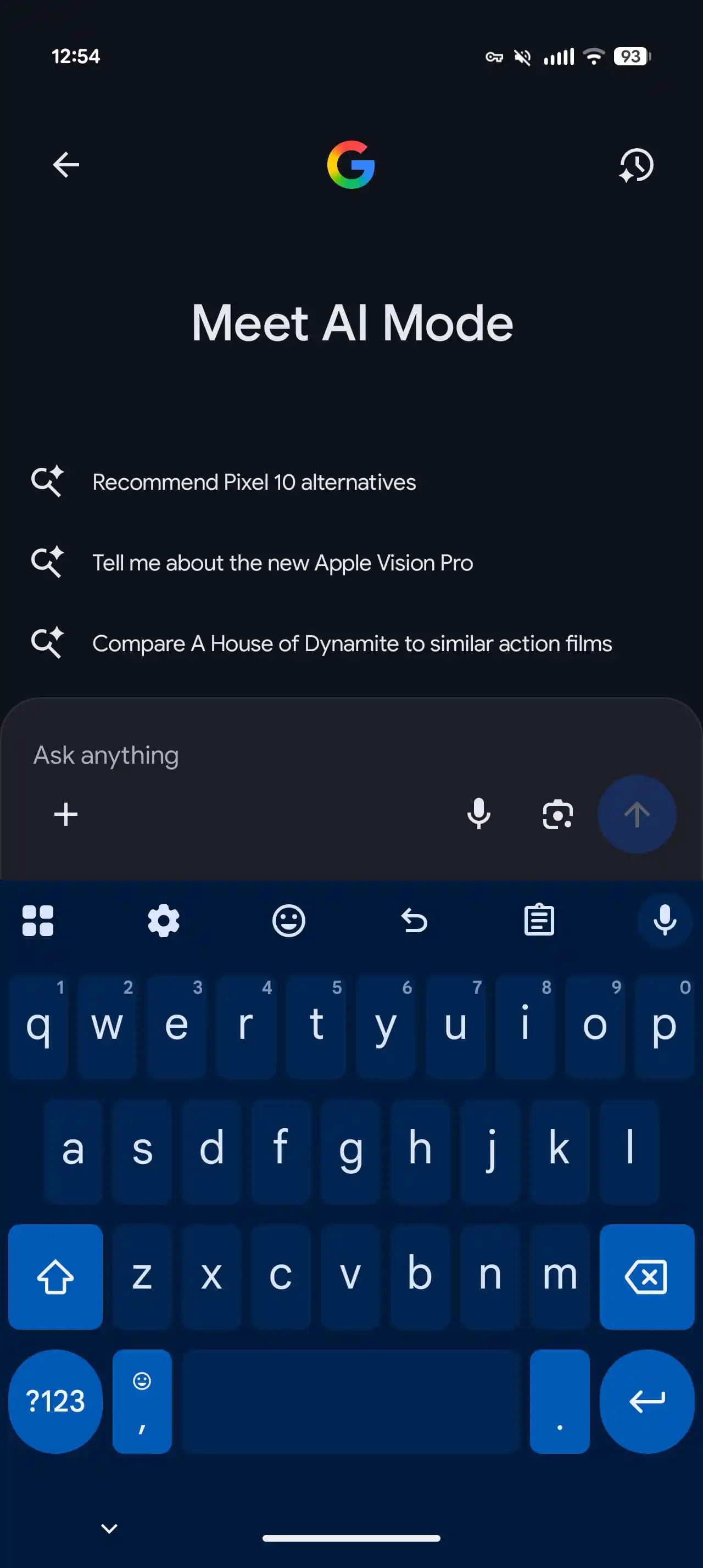
In the AI mode interface of Google search, users will see a new "plus sign" icon appear in the lower left corner of the prompt box, and the voice input and Lens buttons will be moved to the right. In addition, the page suggestion carousel has been replaced by a more practical list of suggestions.
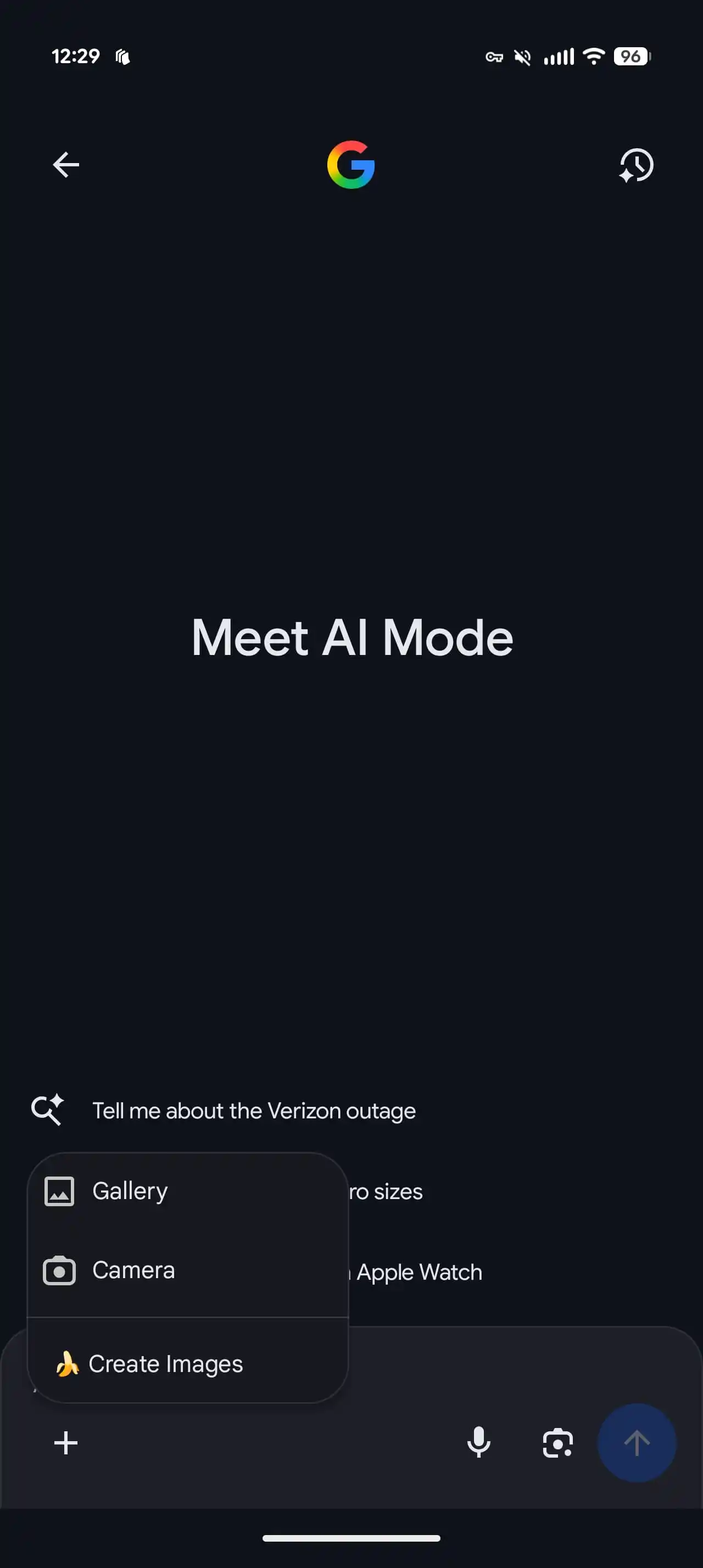
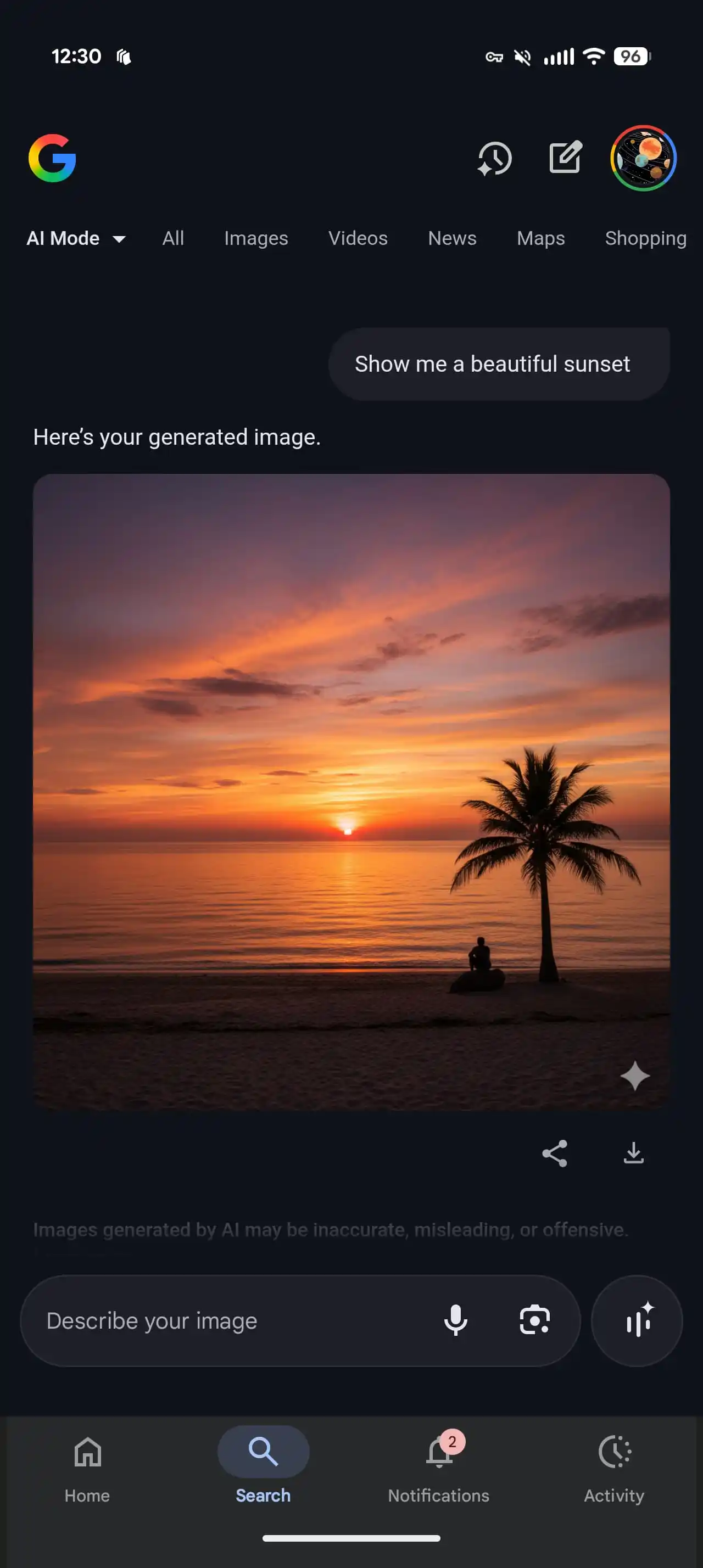
After clicking on the menu, users can access the gallery, camera, or create their own pictures via the banana emoticon button as before. When you select the creative option, the prompt box will change to "Describe your image", which can be used to generate a new image or add an existing image for editing. Consistent with the Gemini application, users can download and generate images and share them. The new image is equipped with a Gemini exclusive watermark on the bottom right side of the image.
The more significant update to Nano Banana is in Google Lens. Following the direct integration of Search Live and the "Work" filter into search, a new "Creation" tab is added to the Lens page. A small interface change moves the text labels below the icons, allowing more filters to be displayed side by side. Users can capture, generate and share images through the creation button, which also displays Banana emoticons. Compared with other filters, "Creation" uses the default front camera for selfies and provides lens switching buttons. After shooting, the picture will be synchronized to the AI mode prompt box, and the user can further enter a description for in-depth editing.
Currently, the Nano Banana function is available in Google Lens and AI mode on the Android platform (in the United States), and an account is required to join the AI Mode Search Lab experiment. At the same time, Google announced this week that the AI model has been expanded to 35 new languages and more than 40 countries/regions, bringing the total coverage to 200. The complete list can be found on Google’s official support page.