Apple today officially released iOS 26.4 and iPadOS 26.4 to users. This is the latest official version update of the iOS 26 and iPadOS 26 systems, about six weeks after the previous launch of iOS 26.3 and iOS 26.4. Eligible iPhone and iPad users can already download and install this update OTA through "Settings > General > Software Update".
One of the highlights of iOS 26.4 this time is the addition of a new feature called Playlist Playground to Apple Music, which uses AI to automatically generate playlists based on the user's text description. Users can enter text prompts such as mood, atmosphere, scene or specific activities, and the system will generate a personalized playlist including title, introduction and complete track list. Apple Music has also added a new "Concerts" entrance, which recommends nearby performance information and new artists that may be of interest based on the user's database and listening preferences. The "Offline Music Identification" function in the control center can identify the songs being played without a network connection, and automatically return the identification results after the device is reconnected to the Internet. In addition, the new "Ambient Music" widget can bring curated playlists on topics such as "Sleep," "Relaxation," "Efficiency," and "Physical and Mental Health" directly to the home screen. Album and playlist pages also incorporate full-screen background designs, bringing a more immersive visual effect.
In terms of ease of use and accessibility, iOS 26.4 adds a "Reduce Brightness Effect" option to reduce strong flickering or highlighting effects when clicking buttons and other interface elements, improving comfort for light-sensitive users. Subtitles and closed captioning settings are now directly accessible via the subtitles icon in the player, allowing users to quickly find, adjust and preview related options. The "Reduce Motion Effects" setting has also been improved. For users who are sensitive to screen motion, the system's reduction in interface animations such as Liquid Glass will be more stable and predictable.
In terms of emoticons, this update adds 8 new Emojis to the system emoticon keyboard, including new patterns such as killer whale, trombone, landslide, ballet dancer, and distorted expressions, providing users with more expressions during social communication. Apple's creative application Freeform has gained more advanced image generation and editing tools, access to a set of advanced material content libraries, and joined the Apple Creator Studio system. The Reminders application supports marking "urgent" directly through the quick toolbar or long-pressing an item, and can be filtered by "urgent" conditions in the smart list, making it easier to handle higher-priority tasks.
"Purchase Sharing" in Family Sharing has also received a very practical adjustment: adult members of the family group can choose to use their own payment method when purchasing apps, subscriptions, or media content, without relying entirely on the payment method bound to the family organizer's account. In terms of keyboard input experience, Apple said that this update further improves input accuracy in fast typing scenarios.
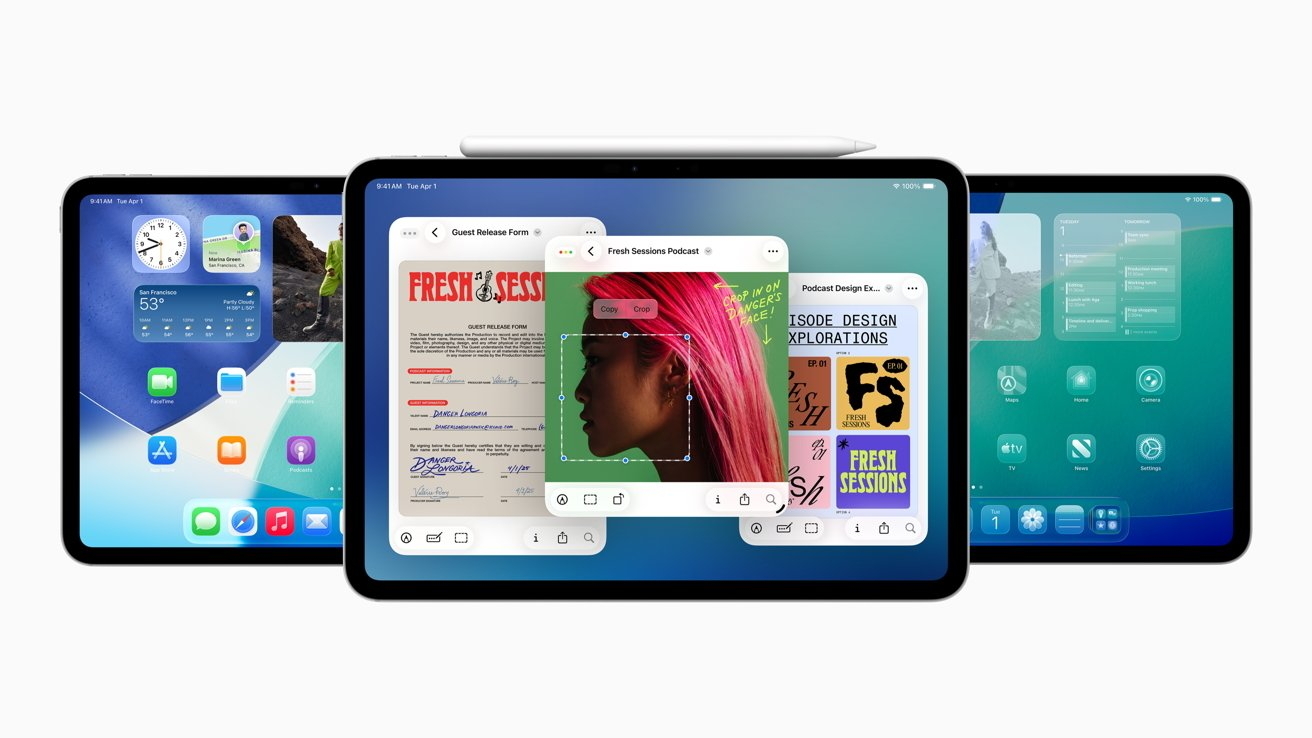
Apple reminded in the update instructions that some new features may not be available in all regions or on all iPhone models. For specific support information, please go to the "iOS Feature Availability" page of the official website to check. Regarding the security content of this software update, users can visit Apple's technical support page for detailed information; Apple also emphasized again that system updates like this one often bring new features and improvements, which may have a certain impact on device performance and battery life. According to past trends, the beta versions of iOS 26.5 and iPadOS 26.5 are expected to be open to developers and public beta users in the near future, and the first beta version may be released as early as this week.