The well-known web browser Opera recently launched a major update for its flagship browser Opera One, officially introducing the "vertical tab" feature that has become popular in recent years, and further enhancing the integration of the Google Lens icon on the homepage.
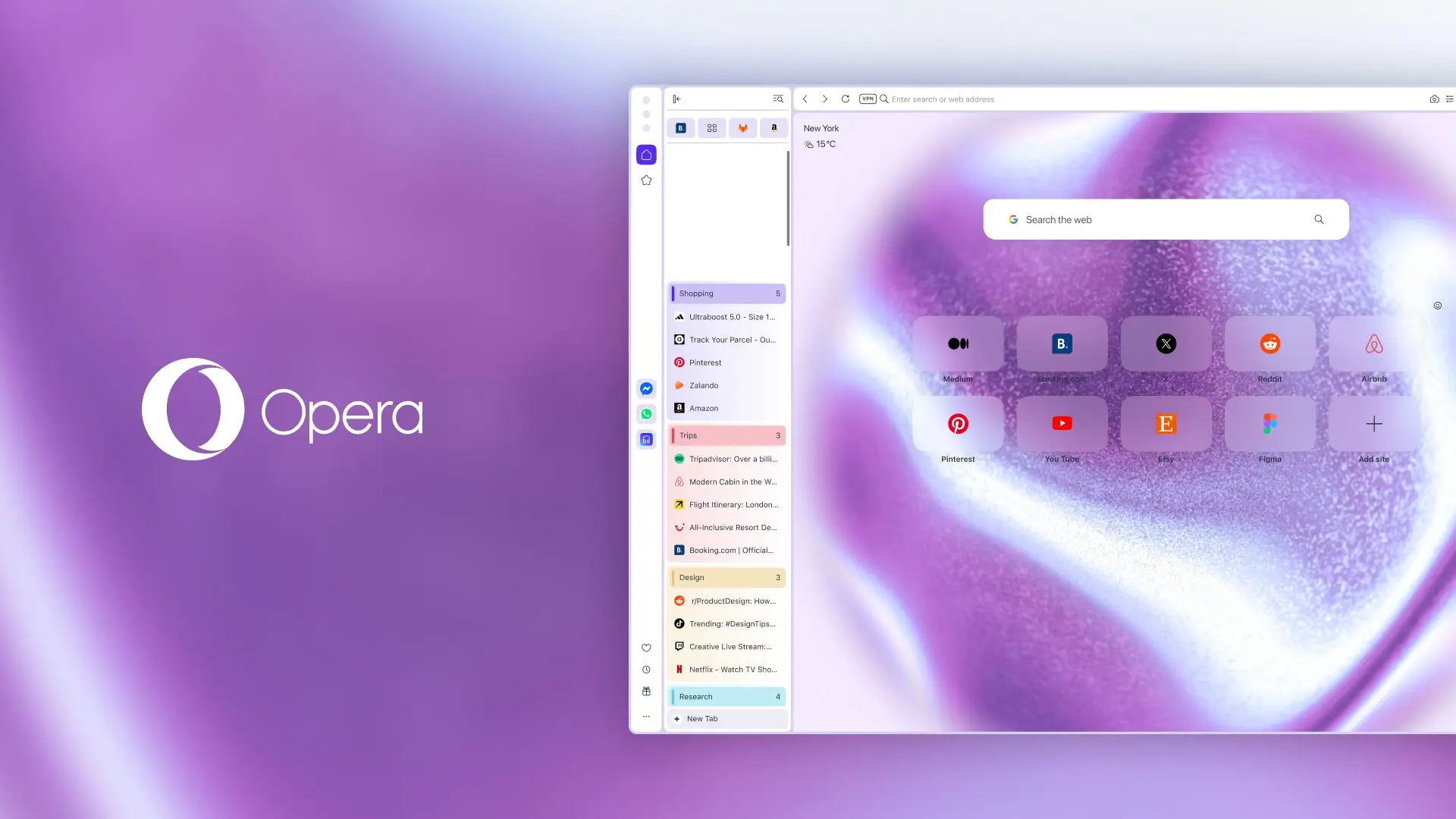
Vertical tabs have now become one of the core interface elements that major mainstream browsers compete with. Previously, many browsers including Zen Browser, Brave and even Google Chrome have launched similar features, and this update of Opera also allows Opera One users to experience this new browsing perspective. After turning on this feature, the traditional horizontal tab bar originally located at the top of the browser will be moved to an independent adjustable panel on the left side of the window. This arrangement significantly improves the readability of names in multi-tab scenarios. Users can open vertical tabs through a variety of convenient ways: just right-click on any tab and check "Use vertical tab bar" at the bottom of the menu, or toggle the switch in the "Easy Setup" and "Settings - Browser - Tabs" paths in the sidebar. In addition, the vertical panel can be folded at any time to free up more screen space.
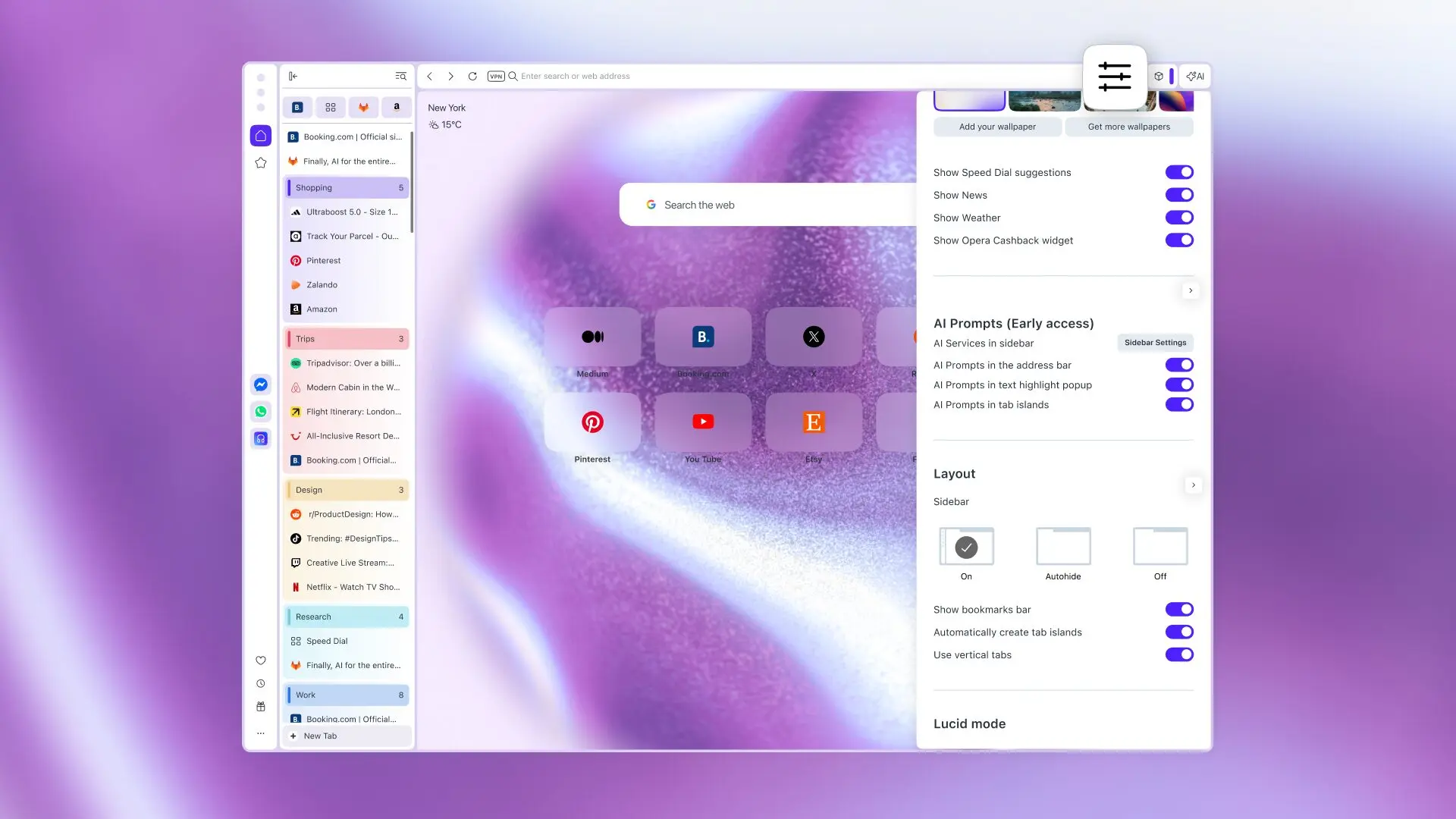
For Opera's unique "Tab Islands" grouping function, corresponding optimization adjustments have also been made in vertical mode. Each tab island will now visually display the number of tabs contained inside, and will automatically be assigned a default name such as "Tab Island One" for users to personalize. At the same time, Opera has also redesigned the color system of the tab island, adopting a light gradient scheme that is easier to distinguish with the naked eye, which greatly improves the recognition during multi-tasking.
In addition to major upgrades to the tab layout, Opera has also enhanced the Google Lens search experience on the Start Page. Now, the Google Lens icon is directly integrated into the search bar, allowing users to initiate image searches directly from the homepage without complicated operations. The new function not only supports searching for web images, but also allows users to directly upload local image files or paste images in the clipboard for quick identification and retrieval.