
Abstract:
Apple officially launched macOS Golden Gate 27 to users around the world on September 14, local time. This is Apple’s new generation desktop operating system for Mac computers. As a new version after macOS 26 Tahoe, macOS Golden Gate did not continue to carry out large-scale interface reconstruction. Instead, it focused on Siri AI, Apple Intelligence, Liquid Glass optimization and system performance improvements. It also officially ended support for Intel Macs.
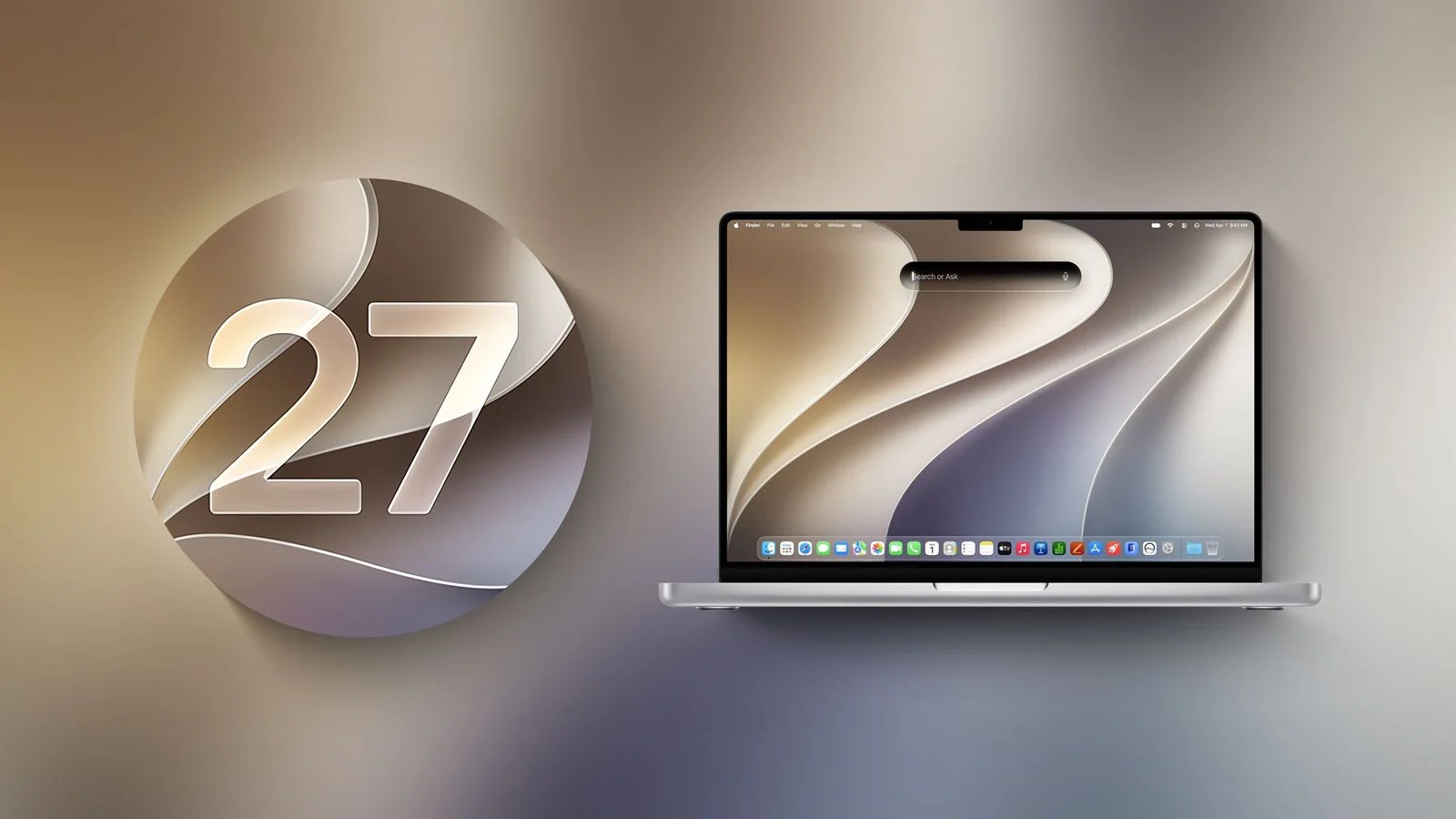
macOS Golden Gate can be downloaded and installed for free through Software Update in System Settings. However, unlike previous versions, this generation of systems only supports Macs using Apple's self-developed chips, and all Intel processor Macs cannot be upgraded. This means that the Intel Mac era, which Apple has continued to promote since 2006, is officially over.
Devices that can run macOS Golden Gate include MacBook Neo launched in 2026, MacBook Air equipped with Apple Silicon chips, Apple Silicon version MacBook Pro launched in 2020 and later, Apple Silicon version iMac launched in 2021 and later, Apple Silicon version Mac mini launched in 2020 and later, Mac Studio in 2022 and later, and Mac Pro in 2023 and later.
Therefore, the last few Intel Macs that can still run macOS Tahoe, including the 2019 16-inch MacBook Pro, the 2020 13-inch Quad Thunderbolt Port MacBook Pro, the 2020 27-inch iMac, and the 2019 Mac Pro, are officially blocked from macOS Golden Gate. However, Apple still plans to continue to provide security updates for Intel Macs, and support is expected to continue for several years.
One of the most important changes in macOS Golden Gate is that Siri has finally received a true AI upgrade. Apple officially named the new assistant Siri AI. It is no longer just a tool for executing simple voice commands, but has transformed into an AI assistant that can conduct natural conversations, understand personal context, analyze screen content and perform cross-application operations.
Siri AI is deeply integrated into Spotlight. After the user presses Command+Space, they will see a new "Search or Ask" interface. They can continue to search for files, applications and other system content as in the past, or they can directly ask questions to Siri AI. The system can use personal information in Mac, including emails, messages, photos, etc., to help users find information related to the problem after obtaining the corresponding permissions.
Siri AI also has broader knowledge of the world, so users can ask it open-ended questions, brainstorm, or engage in natural multi-turn conversations just like a normal AI chatbot. Apple also allows Siri AI to perform cross-application tasks, such as handling calendars, reminders, and other system functions, thereby moving the AI further from "answering questions" to "completing things for users."
In addition to Siri AI, Visual Intelligence is also coming to Mac for the first time. Users can use this function to analyze the content currently displayed on the screen. Everything from pictures, text to web page information can become AI analysis objects. Users can ask questions about the content on the screen, and the system will provide relevant information based on the recognition results.
Apple also continues to expand the application scope of Apple Intelligence in built-in Mac applications. Safari has added more intelligent tag organization capabilities, which can classify relevant tags according to themes; the password application can identify weak passwords and help users automatically modify them; photos have added a new AI editing function that can adjust the composition, framing and perspective effects of photos.
Image Playground has also been upgraded. Users can generate images using natural language, and the new version further enhances the ability to generate realistic images. Apple hopes to integrate this AI creation capability directly into macOS, rather than requiring users to rely on third-party AI applications.
Shortcut commands also add AI capabilities. Users can directly describe the automated tasks they want to complete, and the system uses artificial intelligence to help generate shortcut instructions. This means that complex automated processes that used to require manual setup of multiple steps can now be completed through natural language.
Mail and messaging apps also get AI capabilities. Email search capabilities have been enhanced, and quick action suggestions have been added; messaging applications can provide corresponding action suggestions based on the current conversation content, such as helping users select and insert photos and other content.
macOS Golden Gate also makes significant adjustments to the Liquid Glass design. Apple adopted the Liquid Glass design language on a large scale for the first time in macOS 26 Tahoe. However, the highly transparent interface has been criticized by some users, especially on complex backgrounds, which may affect the readability of text and icons.
Golden Gate has made corrections to address these issues. Apple has re-adjusted the refraction effect and contrast to make the interface content easier to read, and added a new transparency slider so that users can adjust the visual effect of Liquid Glass from highly transparent to fully tinted.
Window and application interfaces have also been reorganized. The new application adopts a more consistent top toolbar, the sidebar can be extended to the edge of the window, the window shape and menu bar icons have also been adjusted, and the overall interface is more unified. At the same time, Apple has reduced unnecessary icons in the menu bar to make the desktop environment look cleaner.
Apple also emphasized the underlying performance of the system this time. macOS Golden Gate does not simply add a large number of new features, but also makes a lot of optimizations to the core technology of the system, hoping to make the overall Mac run faster and smoother. File transfer, network file browsing, information synchronization and Spotlight search have all been improved.
AirDrop has also been optimized for performance, and the file transfer speed has been further improved; the response speed of network file browsing has been improved; and the synchronization speed of information applications has also been improved. Apple hopes that these changes will allow users to experience a more obvious improvement in response speed in daily use, rather than just adding a few new function buttons.
File management is also part of this update. Apple has made detailed adjustments to the Finder and the system sidebar to make navigation between different applications more unified. Combined with the new Liquid Glass design, macOS Golden Gate attempts to find a more balanced state between visual changes and operational efficiency.
Child safety features have also been upgraded. Apple is further improving protection mechanisms for minors across iPhone, iPad and Mac, including parental controls and age-related content restrictions. macOS Golden Gate is therefore not only a Mac-specific system upgrade, but also part of Apple’s child safety policy for the entire Apple device ecosystem.
It is worth noting that macOS Golden Gate was officially released on the same day as iOS 27, iPadOS 27, watchOS 27, tvOS 27 and visionOS 27. Apple is further making the software experience between different devices more consistent through a unified "27" version system.
The AI capabilities between Mac and iPhone have also been further connected. As Siri AI, Apple Intelligence, and cross-device capabilities continue to increase, Apple hopes that users can naturally continue tasks between different devices, rather than treating Mac, iPhone, and iPad as completely independent platforms.
For Apple Silicon Mac, macOS Golden Gate also has a special meaning. Apple has been gradually reducing its reliance on Intel architecture for several consecutive years, and this time it has completely eliminated Intel Mac support, which means that software development for the Mac platform will be completely optimized around Apple Silicon.
However, Apple is not immediately giving up running old Intel apps on Apple Silicon Macs. macOS Golden Gate still retains the complete Rosetta conversion layer, which is also Apple's last major version of macOS to provide complete Rosetta support. Through this mechanism, users can still run a large number of applications compiled for Intel Macs in the past on Apple Silicon Macs.
This means that Apple is completing the final step of architectural transition: the operating system itself no longer supports Intel Macs, but Apple Silicon Macs can still continue to be compatible with a considerable amount of old software. In the future, developers will need to gradually complete the migration of applications to the native Apple Silicon version.
Overall, macOS Golden Gate is not a large-scale revision that emphasizes visual changes like macOS Tahoe, but is more like an upgrade centered around AI, performance and system maturity. Apple focused on solving the readability problem of Liquid Glass, and at the same time finally brought the long-awaited Siri AI to Mac, and integrated Visual Intelligence and more Apple Intelligence capabilities into daily applications.
For Mac users, the biggest watershed in this upgrade is not the number of functions, but the processor architecture. macOS Golden Gate officially announced that Intel Mac will withdraw from Apple’s latest operating system. In the future, the software and hardware ecosystem of Mac will completely revolve around Apple Silicon. As Siri AI and Apple Intelligence gradually become the core experience of macOS, Apple is also further transforming Mac from a traditional desktop computer into a computing platform that deeply integrates AI capabilities.
Comments