
Abstract:
DeepSeek Harness, finally has an official desktop version? This time, DeepSeek did not make an announcement, but the relevant download link has been uploaded on social media:

We opened the link, downloaded and installed it, and found that it actually worked.
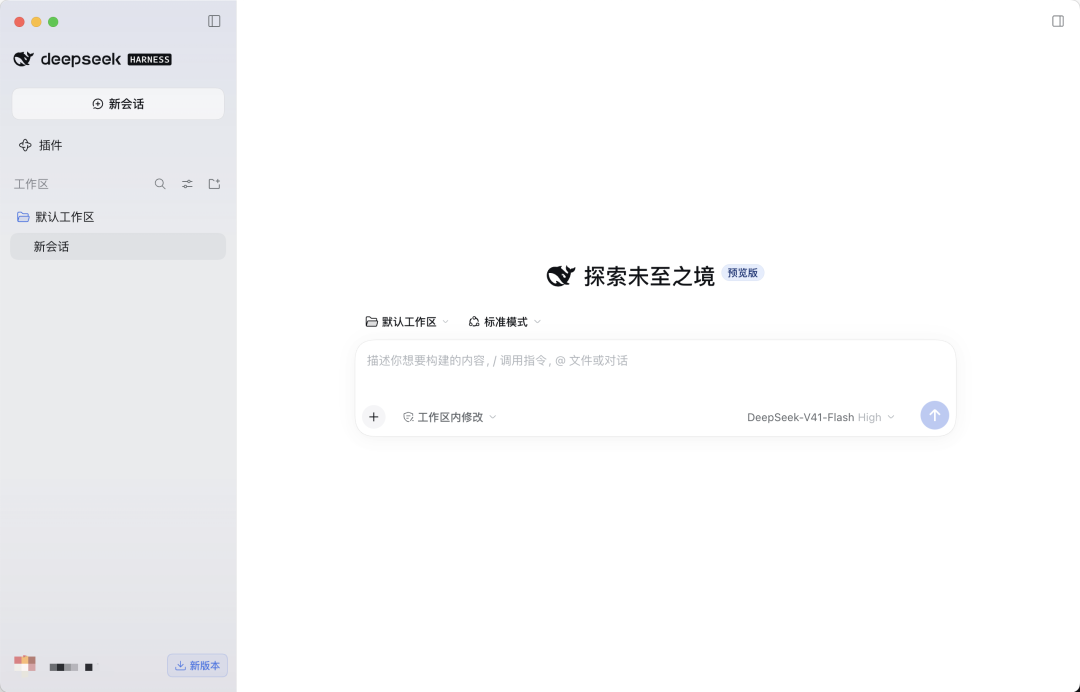
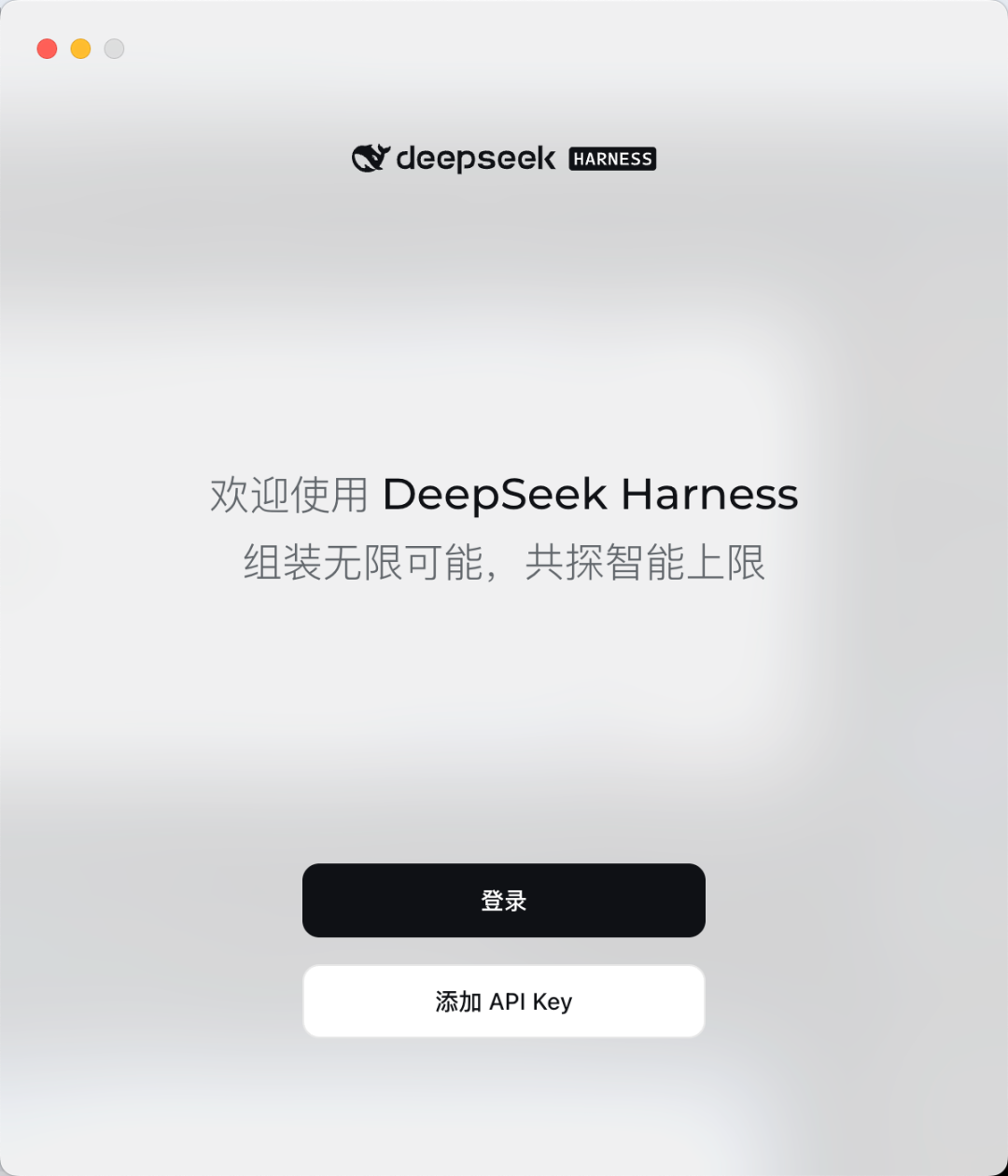
From the interface point of view, it is already a fairly complete GUI: open the App, log in to a DeepSeek account or add an API Key, select a local folder as the workspace, and then directly assign tasks to the Agent just like using a normal desktop AI application.
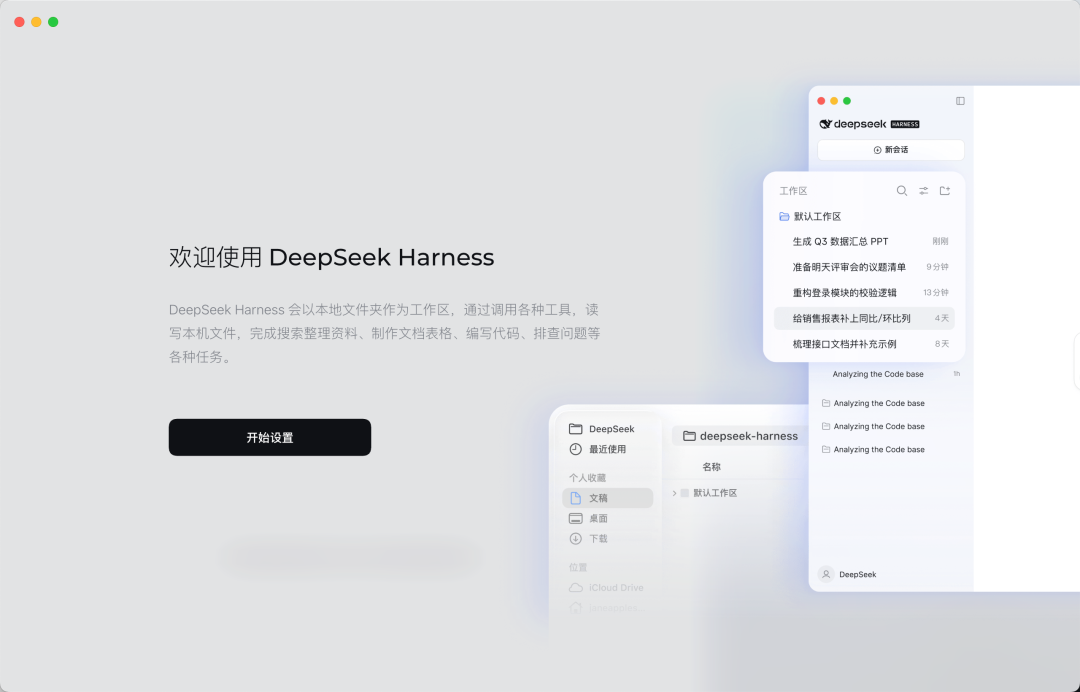
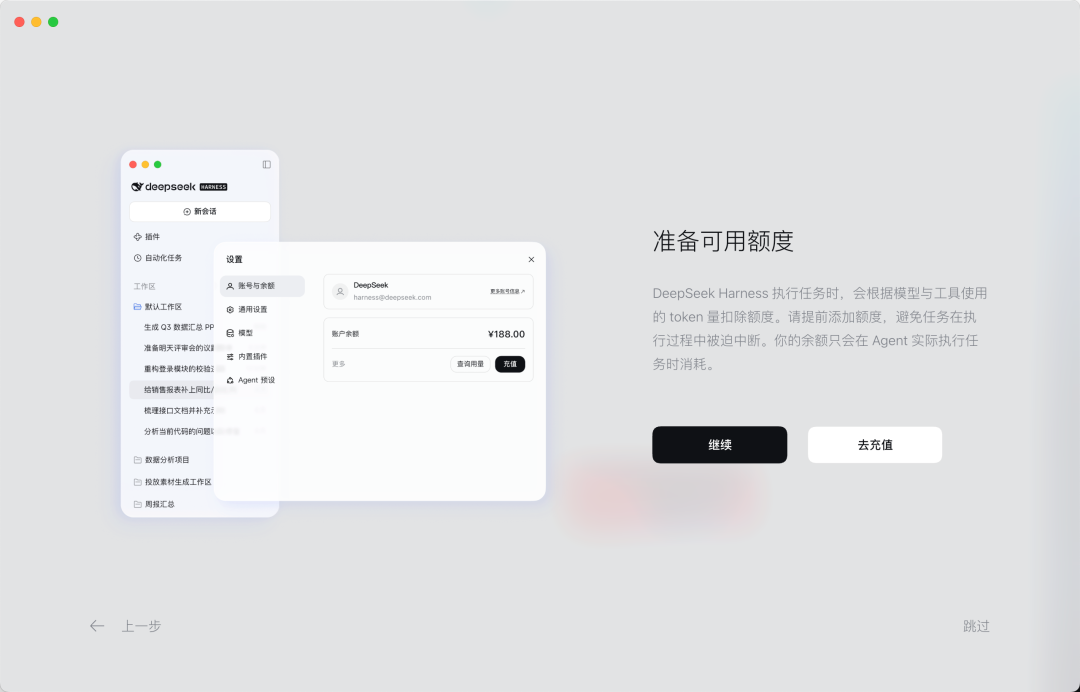
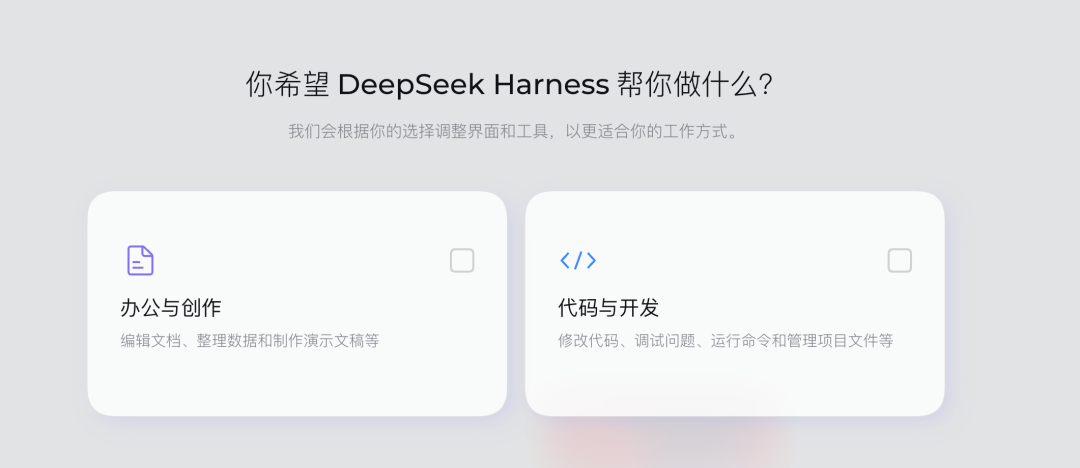
Harness then lets the user choose their own direction of use. It roughly divides requirements into categories such as office research and code development.
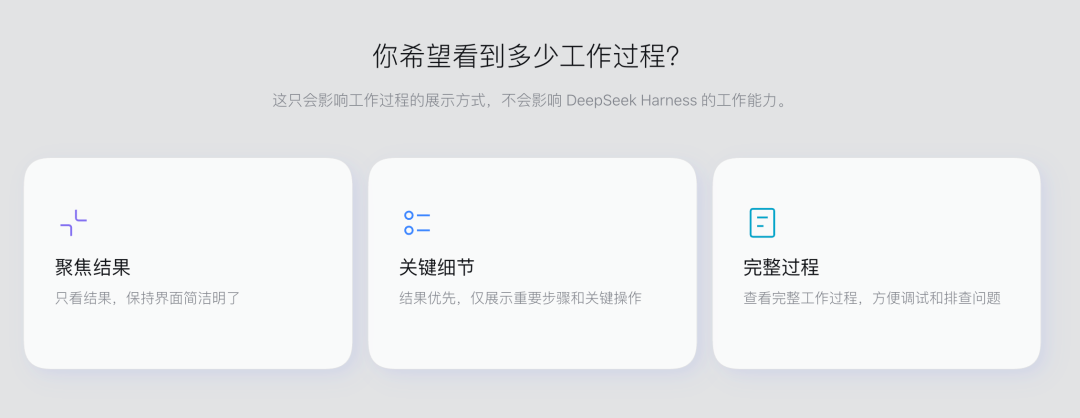
Next, it also asks the user which workflow they prefer.
DeepSeek has also prepared several "working modes" for Agent: standard mode, PTC mode, minimalist mode, and creative mode.
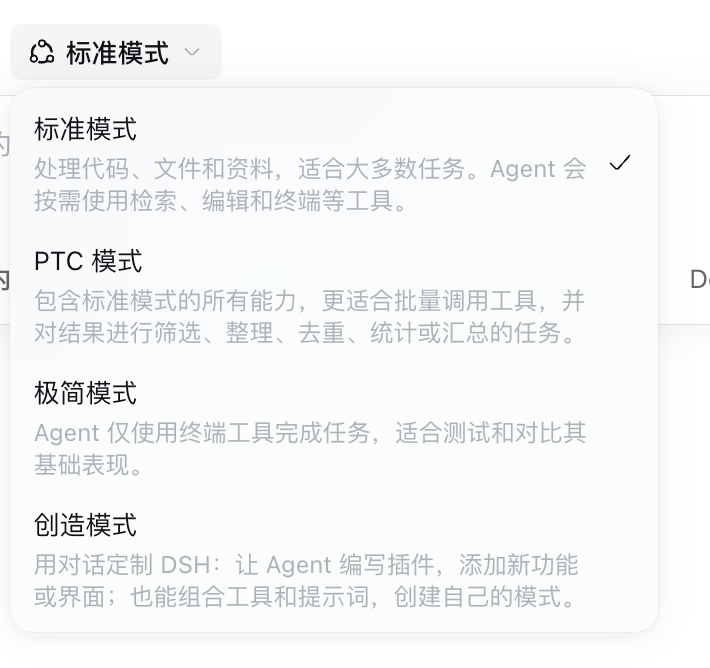
Standard mode is suitable for most tasks and is probably the easiest way for ordinary users to understand how to use Harness.
PTC is a little more technical, allowing the model to write a small program first, and then organize and call tools in batches through the program, which is especially suitable for batch processing.
Minimalist mode is simpler and more crude. The Agent only uses terminal tools to complete tasks, which is closer to the traditional Coding Agent and is very straightforward for developers who are familiar with the command line.
Creative mode allows Agents to write plug-ins, add new functions or interfaces, and create their own modes by combining tools and prompt words. This is consistent with the design concept that DeepSeek Harness has emphasized from the beginning - the official summarizes its architecture as Everything is a Plugin, that is, designing Harness's capabilities into composable and extensible plug-ins as much as possible.
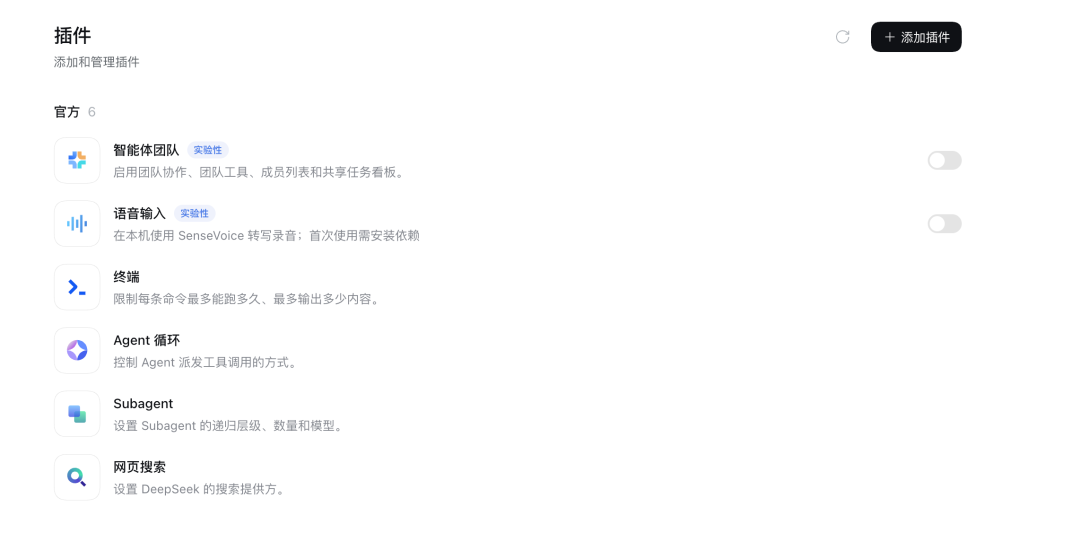
Judging from the current interface, DeepSeek Harness has built-in 6 official plug-ins, including agent team, voice input, terminal, Agent loop, Subagent and web search. Among them, "Agent Team" and "Voice Input" are currently marked as "Experimental". The former is used to enable multi-Agent collaboration and supports team tools, member lists and shared task boards; the latter can call SenseVoice locally to convert speech directly into text, but the first use requires additional installation of dependencies.
A few other plug-ins are closer to Harness’s core capabilities. The terminal is responsible for invoking the local command line and can limit the maximum running time and maximum output of a single command; the Agent loop controls how the Agent calls tools in turn and continues to perform tasks; the Subagent can set the recursive level, number and model used of sub-Agents, which is equivalent to allowing an Agent to split off multiple "little assistants" to handle sub-tasks; web search is used to configure DeepSeek's own search provider.
Overall, this is very much like an AI product guide for ordinary people.

Previously, although DeepSeek Harness has provided a Web UI, the officially recommended startup method is to install Node.js first, and then enter a line of commands in the terminal: npx @deepseek-ai/dsh web. Harness will start the service locally and then open the browser page. For developers, it's not complicated. But for a large number of people who are not familiar with the command line, it always has a strong flavor of "developer tools". Once the desktop version is released this time, the threshold for use is greatly lowered.
However, under the relevant news, the most debated question is: Is this the official version?
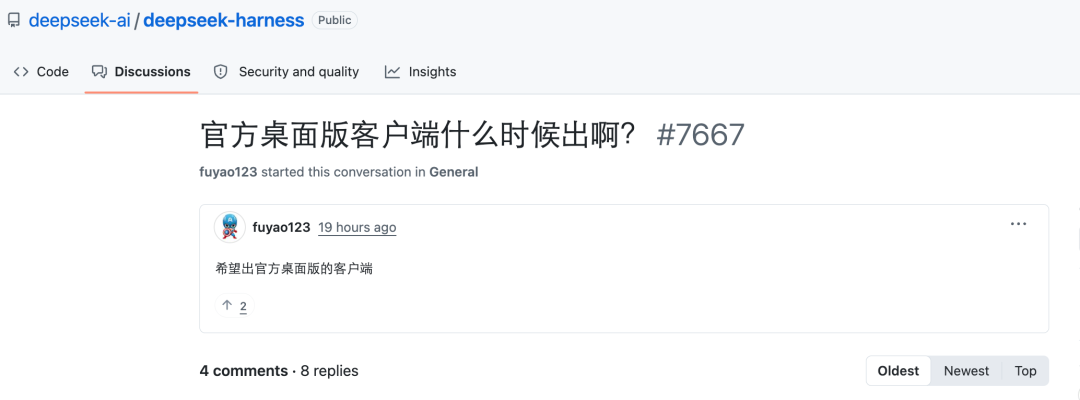
We found a discussion thread on GitHub. This post asks about DeepSeek "when will the official desktop client be released?"
A user named "overFloweee" replied: In fact, there is already a product (but there is no official announcement).
The information he gave was very specific. He checked the download source, version number, installation package, signature and official website status. One of the more critical pieces of information is: this App was signed with the Apple developer certificate corresponding to the DeepSeek company, and it has also been notarized by Apple. Its signature subject, Hangzhou DeepSeek Artificial Intelligence Co., Ltd, directly points to DeepSeek.
But he also pointed out: DeepSeek has not officially announced it. This version uses the nightly channel, which is more like a candidate build that has entered the official production and distribution system. It cannot be directly equated to "the official stable version has been released."
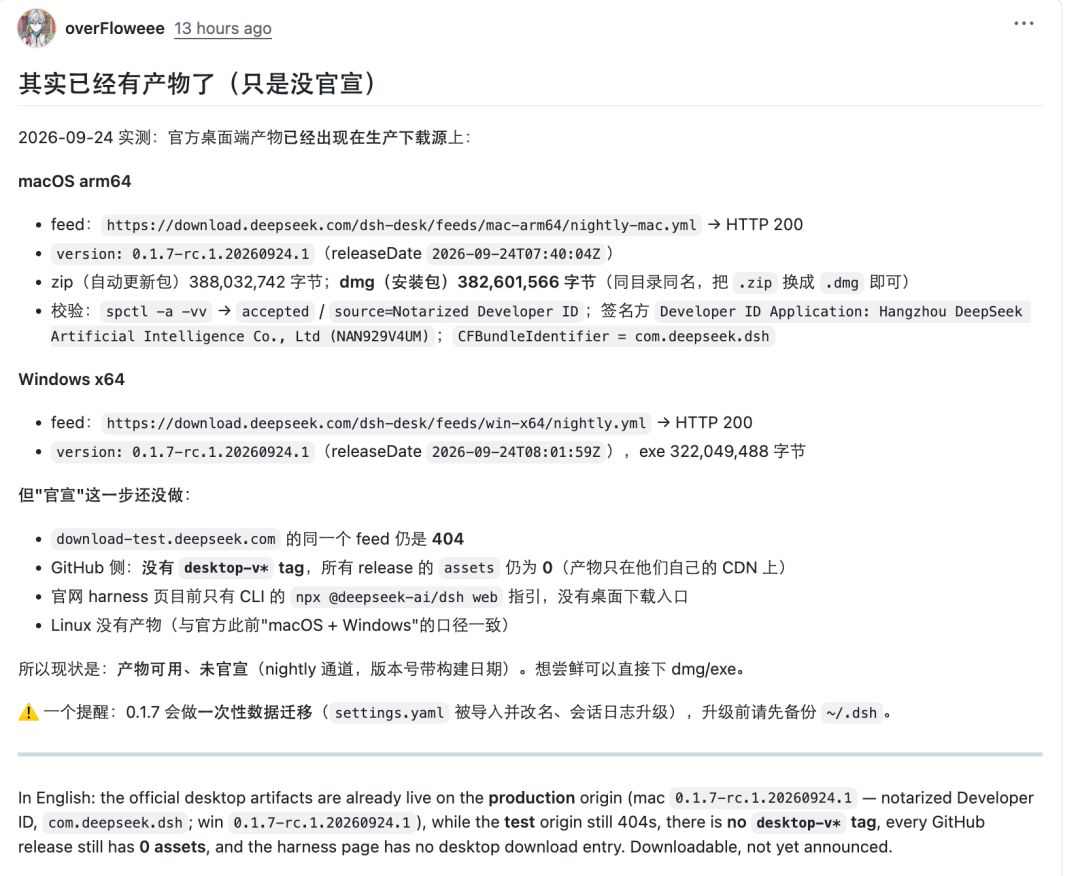
Therefore, many of the features above may not be mature yet.


We also ran some commands in this client to verify and found some key information mentioned by the above netizens.
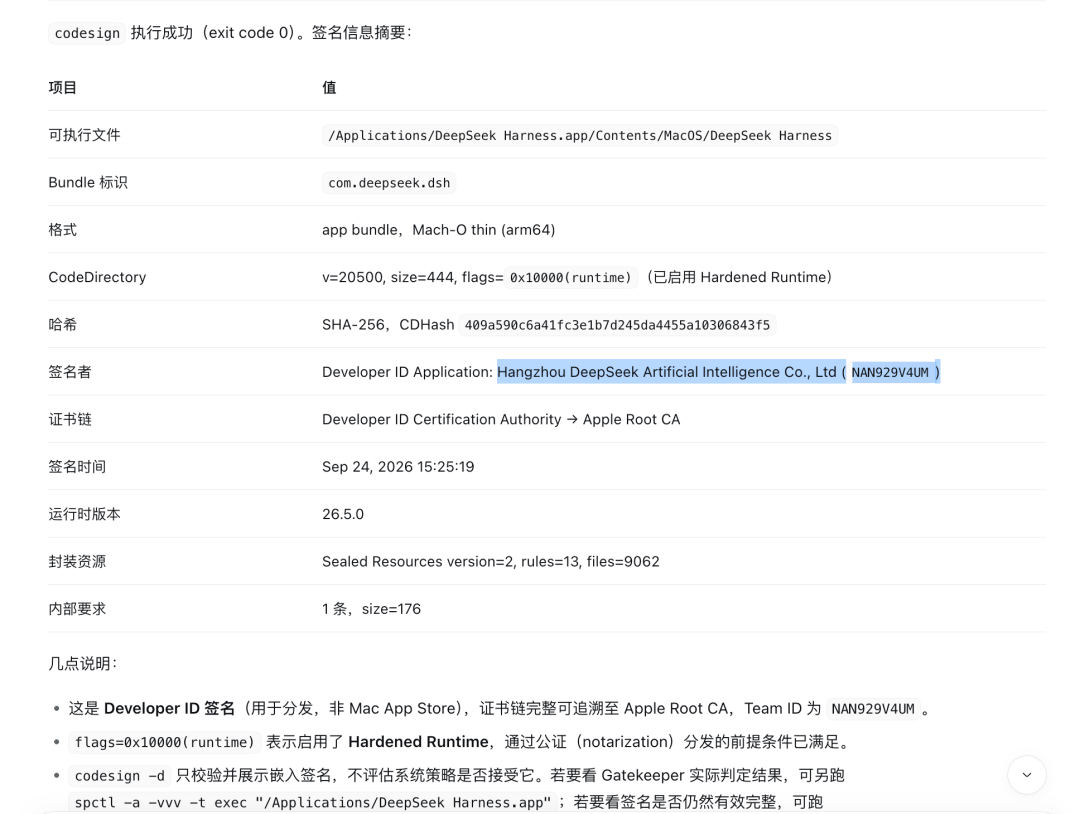
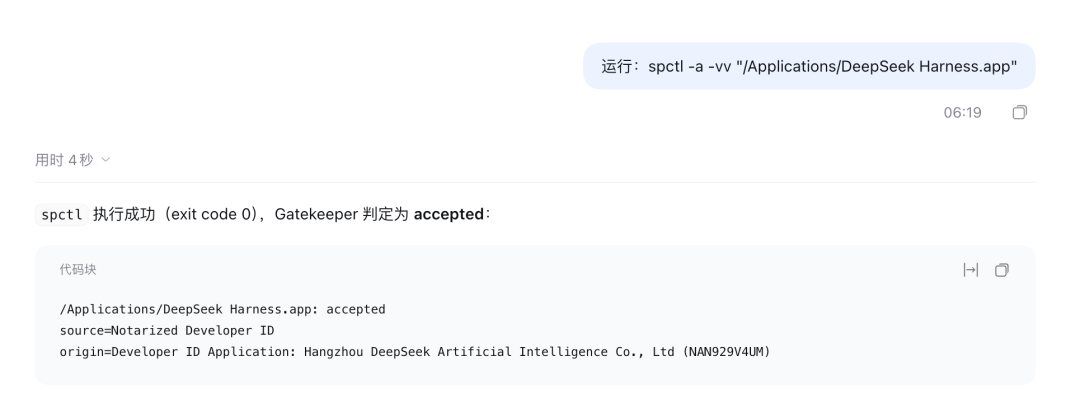
At present, the community has already had some preliminary experience evaluations:
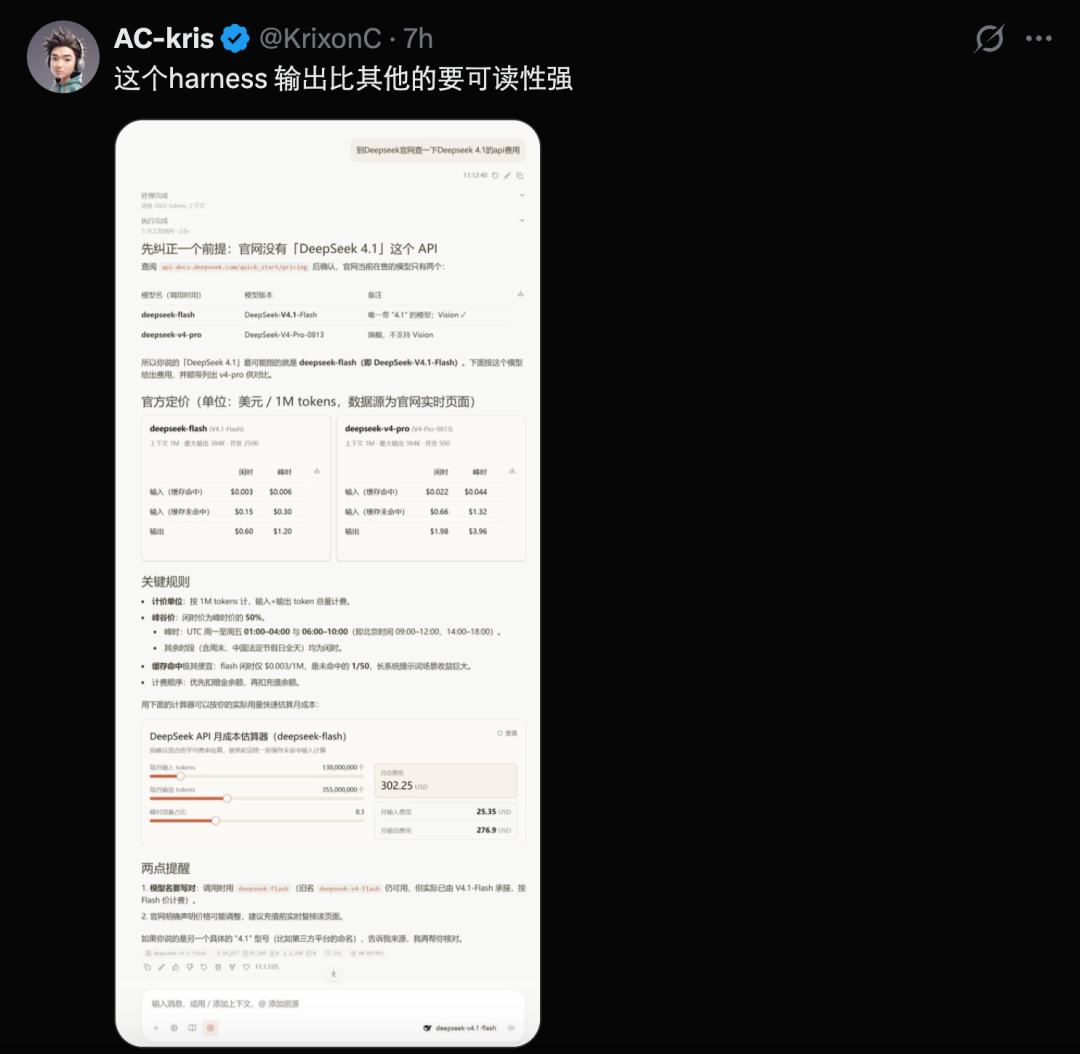
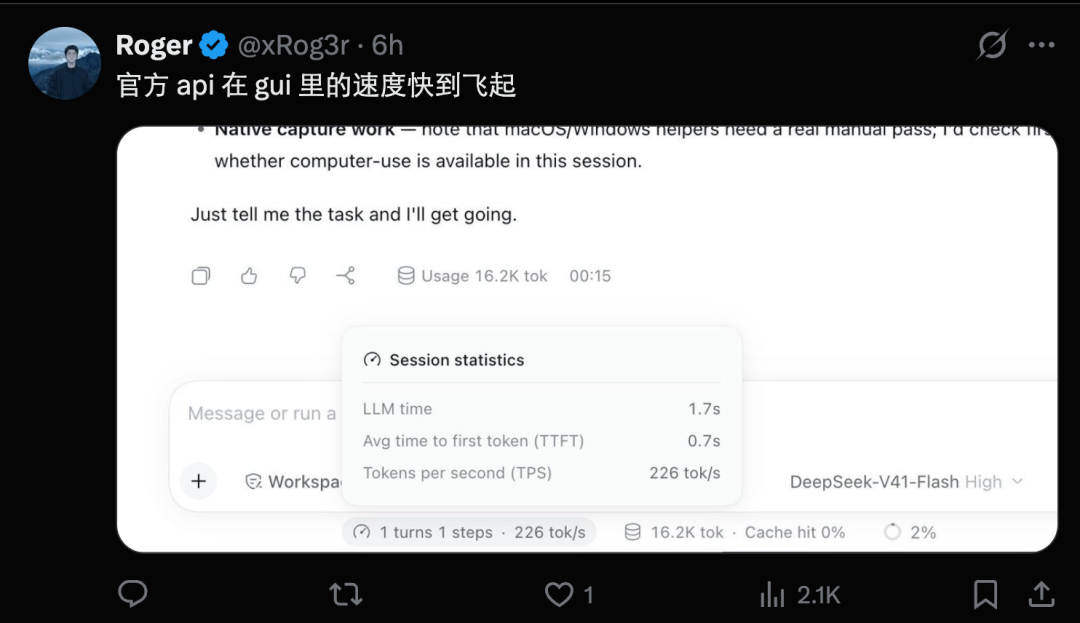
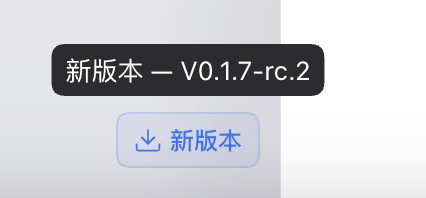
What’s interesting is that we have just successfully installed it based on the address circulated in the community, and it has already prompted a new version. It seems that the team behind it is speeding up the iteration.
However, this client does not currently support Linux, thus creating a world where only Linux users are hurt.

Comments