
Abstract:
Microsoft Windows 11 finally re-added the long-awaited taskbar position adjustment feature five years after its launch, but this belated improvement still has obvious flaws. Mikhail Parakhin, the former head of Microsoft's Windows and Bing business, recently publicly criticized that the taskbar experience of Windows 11 still cannot meet his needs.
Although after installing the Windows 11 26H2 update, users can already move the taskbar to the left, right or top of the screen, the vertical taskbar still does not support automatic hiding, and the taskbar size adjustment is not flexible enough.
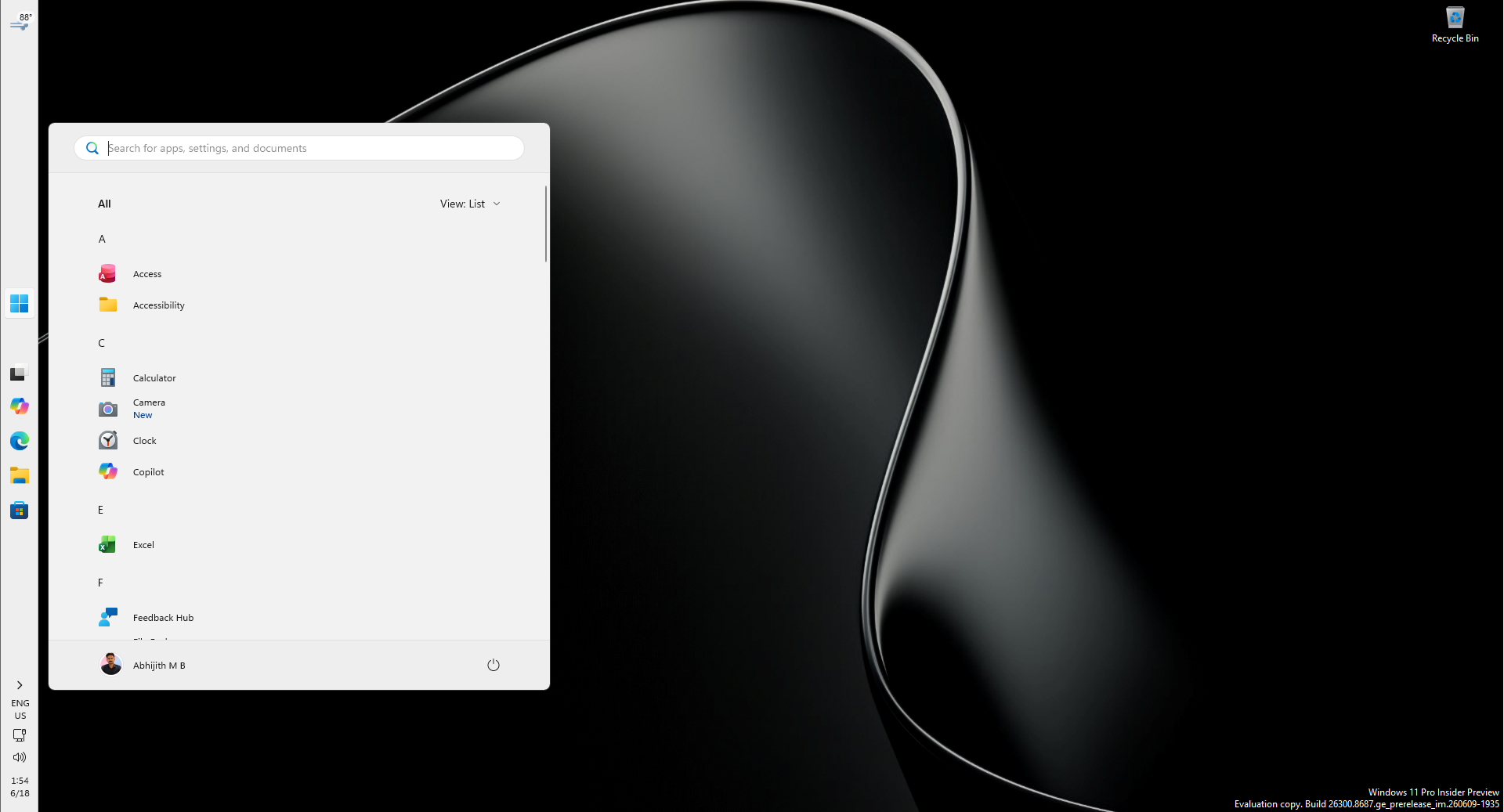
Palashin said on the social platform He pointed out that the automatic hiding function of the taskbar cannot meet the needs normally, nor can it be resized according to one's own habits, so the current experience is still unavailable. Subsequently, he directly shouted to Pavan Davuluri, the current head of Windows at Microsoft, hoping that Microsoft would truly improve this feature.
Palashin used to be responsible for Windows and Bing-related businesses at Microsoft, and has now left Microsoft to serve as Shopify's chief technology officer. However, he continues to use Windows and sometimes uses Linux to get work done. His criticism of the taskbar didn't come out of the blue, but was a continuation of dissatisfaction expressed many times before.
Earlier this year, Parashin revealed that when discussing the design of Windows 11 within Microsoft, he worked hard to retain the taskbar position adjustment function of the Windows 10 era. He especially likes to place the taskbar vertically on the left side of the screen and turn on the auto-hide function. He thinks this layout is an excellent solution for improving work efficiency. He said he has used a similar desktop layout for almost his entire career using Windows.
In his opinion, the vertical taskbar can make full use of the horizontal space of the widescreen monitor while reducing the taskbar's occupation of the work area. This layout is especially convenient for users who often have multiple windows open at the same time and need to quickly switch applications.
However, when Windows 11 first launched in 2021, Microsoft removed the ability to move the taskbar to the top or sides of the screen. Users could only pin the taskbar to the bottom of the screen, a change that sparked long-running controversy.
Palashin previously explained that the Windows 11 design team wanted to create a more symmetrical interface layout. For example, content such as weather, information, and widgets are arranged on the left side of the screen, while notifications and system control areas are on the right. The design team believed that the vertical taskbar might interfere with this interface structure, so the related functionality was not retained when the system was initially released.
Microsoft also redesigned the taskbar at that time, adopted a new interface framework, and re-implemented some traditional functions. This means that the taskbar behavior that already existed in the Windows 10 era cannot simply be ported to Windows 11 unchanged. Microsoft needs to redevelop the relevant logic and ensure that the start menu, search box, system tray and various pop-up interfaces can work properly when the taskbar is running in different locations.
However, it has been more than five years since Windows 11 was launched, and the features that users have been waiting for have still not been fully restored.
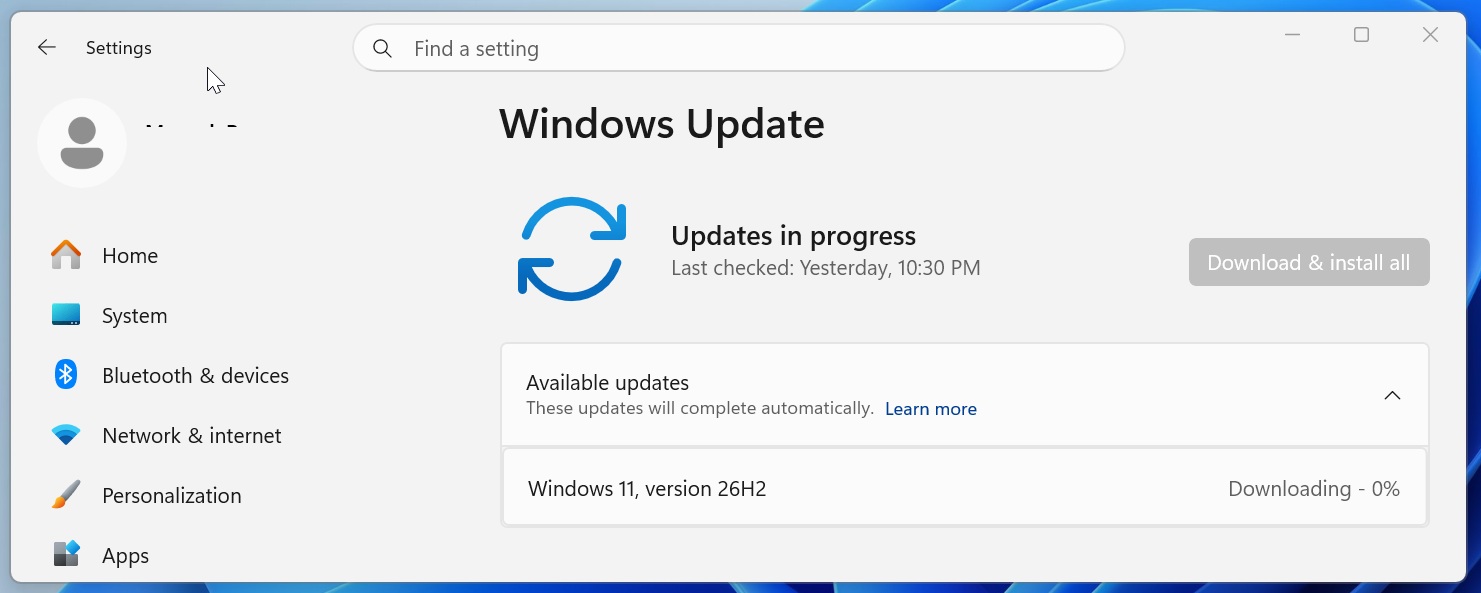
In the Patch Tuesday update released in September 2026, Microsoft began to gradually provide Windows 11 users with the option to adjust the taskbar position and shrink the taskbar. Due to the phased rollout, these features may not be immediately available to all users. With Windows 11 26H2 starting to roll out on September 29, more users who have not yet received related features will finally be able to use the new taskbar settings.
It should be noted that 26H2 does not mean that Microsoft has redesigned a complete set of taskbars. It's largely enabling wider enablement of features that have been gradually rolled out to Windows 11 24H2 and 25H2 builds. Therefore, what users get after upgrading is mainly the ability to customize the taskbar, rather than a comprehensive desktop experience upgrade.
According to the update instructions released by Microsoft, users can now go to "Settings - Personalization - Taskbar - Taskbar Behavior - Taskbar Position" and choose to place the taskbar at the bottom, top, left or right side of the screen. Tooltips, pop-up menus, and animations on the taskbar will also adapt based on location, and most customization options, such as unmerging taskbar icons, will also work in different locations.
In addition, Microsoft has also added the option to shrink the taskbar. Users can select a smaller taskbar size, shrinking both the taskbar icons and the overall height to display more content within limited screen real estate.
But compared with Windows 10, Windows 11 still lacks some basic operations.
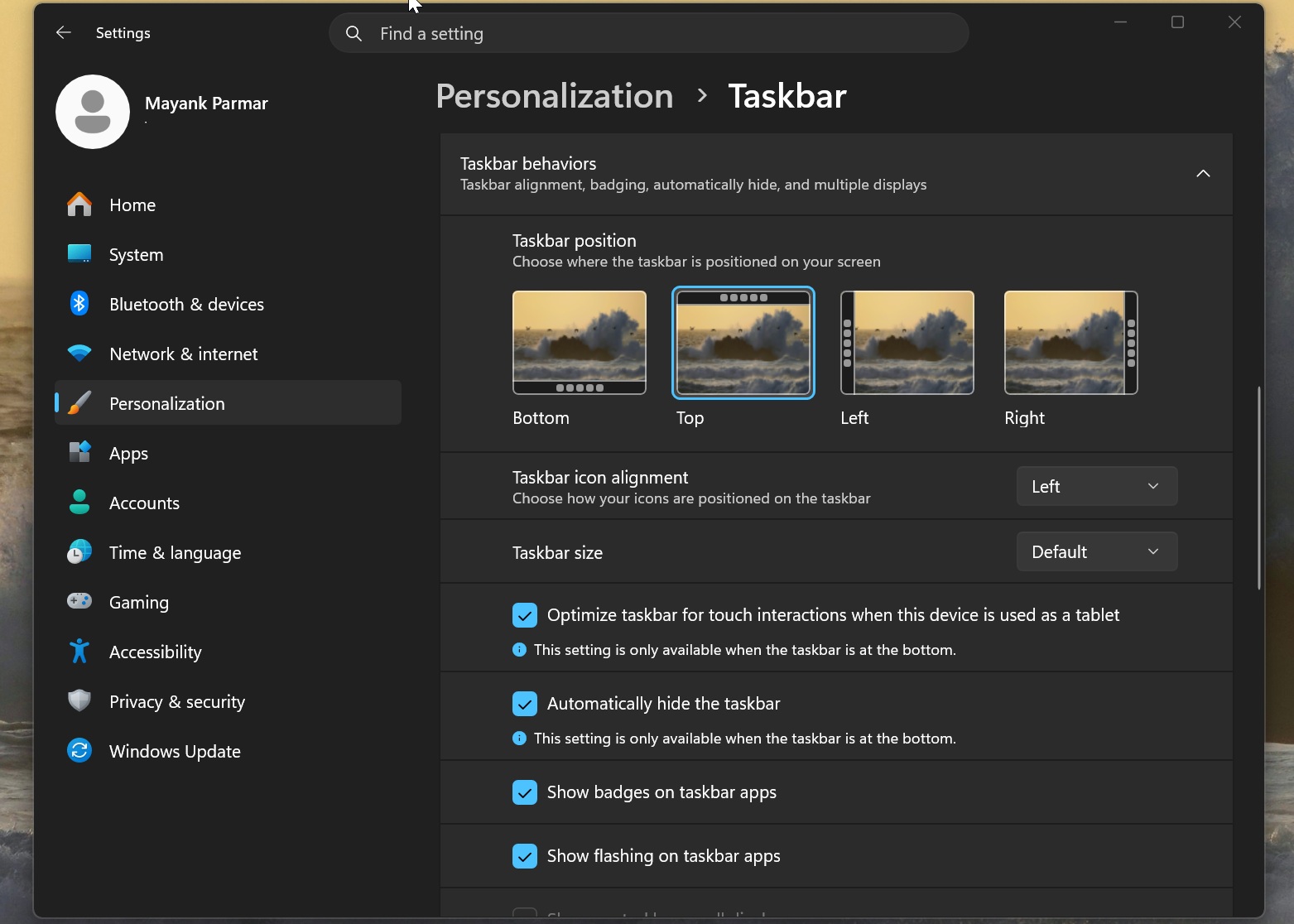
First of all, users cannot directly press and hold the taskbar and drag it to the top or sides of the screen like Windows 10. In Windows 11, you must go into system settings, find the corresponding option, and manually switch locations. For users who occasionally adjust the layout, this may not be a serious problem, but for people who often change the position of the taskbar according to work scenarios, the operation process is not intuitive enough.
The more important flaw is the auto-hide feature.
In Windows 10, users can place the taskbar on either side of the screen and turn on automatic hiding. This way, the taskbar collapses when not in use and only reappears when the user moves the mouse to the corresponding edge of the screen, thus maximizing the use of the display area.
Windows 11 currently does not implement the same behavior when the taskbar is at the top, left, or right. If the user turns on the auto-hide option, the system settings will clearly indicate that this feature is only available when the taskbar is at the bottom of the screen.
This limitation is particularly inconvenient for users who prefer a vertical taskbar. Placing the taskbar on the left side of the screen is originally intended to reduce the horizontal space occupied, and automatic hiding can further free up the display area. If it cannot be automatically hidden, the taskbar will continue to occupy the edge of the screen, preventing some users from getting the expected desktop layout.
Puzzlingly, third-party tools have been able to implement some taskbar position adjustments and automatic hiding functions in Windows 11 for many years. Although third-party solutions are not exactly the same as the system's native implementation, they at least illustrate that this kind of interaction is not completely impossible to achieve.
Microsoft has admitted that the inability to automatically hide the taskbar after being moved is a known limitation, but it has not yet announced when this feature will be restored.
A similar problem exists with taskbar resizing. Although Windows 11 has added a "small taskbar" option, users still cannot directly drag the edge of the taskbar to freely adjust its height or width like in Windows 10.
In Windows 10, users can unlock the taskbar and then drag the edge of the taskbar to change the size of the taskbar. For example, after placing the taskbar on the left side of the screen, users can increase its width to display longer application names or more taskbar buttons.
Windows 11 currently relies mainly on preset sizes rather than providing continuous and free adjustment capabilities. This means that although users can choose a smaller taskbar, they cannot precisely set the size of the taskbar based on their monitor resolution, number of icons, and personal habits.
The right-click menu is also one of the reasons why the Windows 11 taskbar has been criticized.
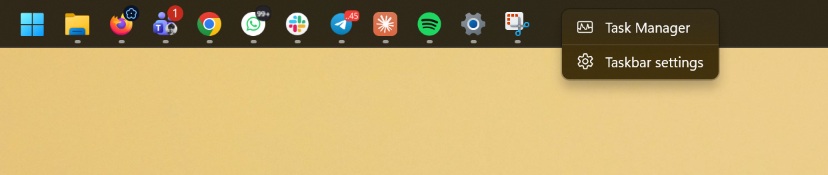
In Windows 10, users can access multiple operations through the taskbar right-click menu, including locking or unlocking the taskbar and adjusting related settings. The taskbar right-click menu of Windows 11 is more streamlined, with significantly fewer available options, and many operations require entering system settings to complete.
These changes reflect the design trade-offs Microsoft has adopted in Windows 11: the interface is simpler, but some familiar advanced operations have also disappeared. For ordinary users who only use the default layout and rarely adjust the system interface, the streamlined menu may not have much impact; but for advanced users who have used Windows for a long time and rely on specific desktop layouts to improve efficiency, this change may mean that their operating habits are interrupted.
Palashin's criticism also reignited discussions about the design direction of Windows 11. Adjusting the taskbar position may seem like a small function, but it involves users’ long-term habits of desktop space, operation paths, and work efficiency. For some professional users, the taskbar is not just a decorative interface, but a core operating area that needs to be used frequently every day.
Microsoft has not yet made a public response to Palahin’s criticism, nor has it promised when it will restore the vertical taskbar’s automatic hiding, free drag positioning and manual resizing. Considering that related features have been waiting for many years, it is still unclear whether Microsoft will complete it all at once in the next update or continue to adopt a phased rollout approach.
The changes to the Windows 11 taskbar also reflect a real problem faced by large-scale operating system redesigns: rebuilding the interface framework can bring a more unified visual style, but it may cause mature functions in the past to need to be redeveloped. For users, whether the interface is beautiful is only part of the experience. Whether daily operations can remain flexible and efficient is equally important.
This 26H2 update does make Windows 11 a step closer to Windows 10 in terms of taskbar customization, but functions such as position adjustment, auto-hide, free zoom, and right-click menu have not yet been fully restored. For users who are accustomed to using the left vertical taskbar, what they are looking forward to most may not be more visual changes, but the return of these seemingly basic operations.
If you have installed Windows 11 26H2, you can go to "Settings - Personalization - Taskbar - Taskbar Behavior" to check whether your system has obtained the taskbar position and size options. However, if you are most concerned about the automatic hiding of the vertical taskbar, you still need to wait for further updates from Microsoft.
Comments