
Abstract:
Google has recently begun pushing the November 2026 system update to Googlebook laptops, focusing on improving device performance, stability, and reliability. This update involves many aspects such as memory management, browser operating efficiency, peripheral compatibility, Linux development environment, and system security. It aims to improve many issues reported by users since the product was launched.
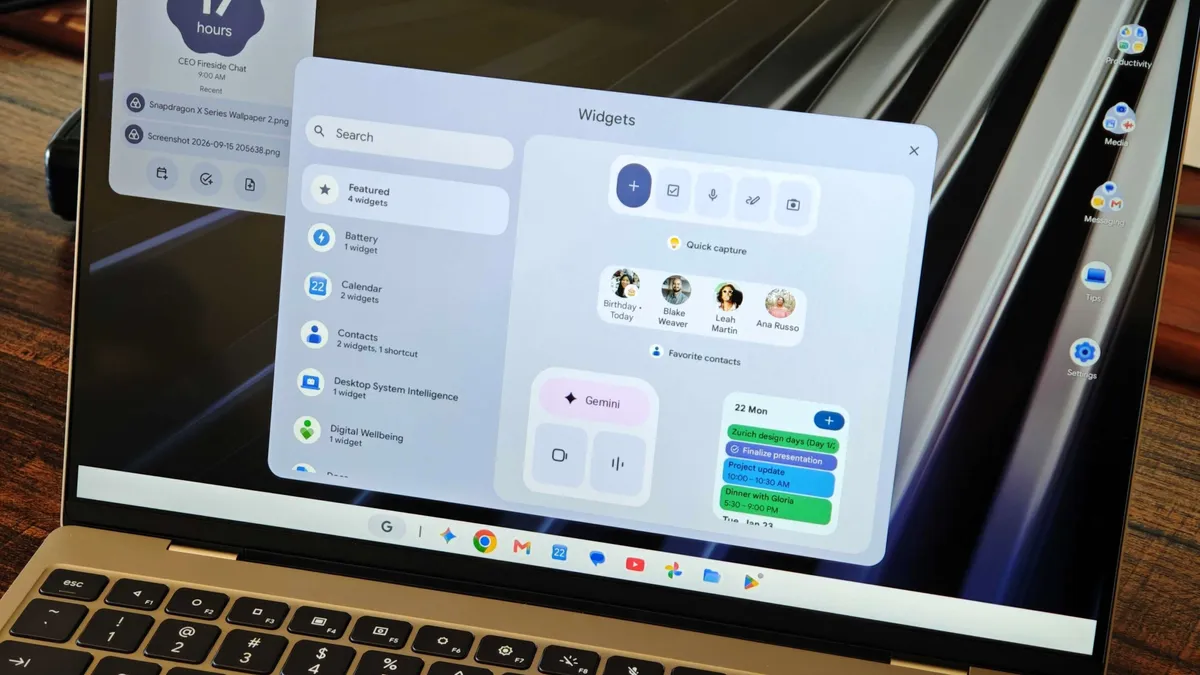
One of the most notable changes in this update is memory optimization for on-device AI services. Google updated the NPU driver and improved AICore's memory management mechanism, allowing the system to free up approximately 3GB to 6GB of available memory. For Googlebook models all equipped with 16GB of memory, this is equivalent to freeing up to one-third of system resources, helping to improve multitasking capabilities, especially when running a large number of applications and browser tabs at the same time.
At the same time, the stability of the Chrome browser under high load scenarios has also been enhanced. The update optimizes the system's resource recycling mechanism when the background AI service competes with the browser process for memory, reducing unexpected tab reloads and browser crashes, thereby improving the overall user experience.
In terms of hardware compatibility, this update fixes a variety of known issues. For convertible 2-in-1 devices, users are no longer prone to keyboard and trackpad unresponsiveness when switching between tablet and laptop modes. Google also fixed an issue that caused Zoom to crash when using virtual backgrounds, filters, blur effects, and 3D avatars.
External monitor compatibility has also been improved. Previously, some users would experience a black screen when playing DRM-protected streaming content when connected to a monitor. Now this problem has been fixed, and services such as Netflix can display the screen normally. In addition, USB microphone and multi-channel audio interface compatibility has been improved. Users using Bluetooth headsets will experience lower audio and video synchronization latency, while the reconnection stability of wireless Bluetooth mice has also been enhanced.
For the developer community, Google continues to improve the Linux Terminal beta version. The update will make terminal sessions more stable when the device resumes from sleep, SSH port forwarding will perform more reliably, and the multi-window management experience will be improved. The development team also fixed the memory leak problem that occurred when closing the terminal tab, and optimized the Linux virtual machine upgrade process so that user files and customized SSH configurations can be retained during system updates to avoid losing settings due to upgrades.
In addition to functionality and performance improvements, security updates are also an important part of this release. Google pushed the November 1, 2026 Android security patch for Googlebook, which fixed a total of about 60 security vulnerabilities. At the same time, the system has also upgraded the Linux 6.18 kernel and Ti50 security chip firmware to further solve problems such as unexpected restarts, startup loops, and abnormal fan noise in some devices.
It is understood that this update will be pushed to Googlebook devices of brands such as Acer, ASUS, Lenovo, HP and Dell in stages, and the corresponding version number is CL3B.260622.286.R2. Some users have reported that after installing the update, the system's running smoothness and overall stability have improved. However, a few users have reported that after the update, there are still problems with Chrome's spell check and abnormal notification synchronization after the device resumes from sleep. Related situations still need to be further fixed and optimized by Google.
With the implementation of this large-scale update, many performance and stability issues exposed by Googlebook in the early stages of its launch are gradually being resolved, which also shows that Google is continuing to improve this new notebook platform ecosystem through software updates.
Comments