
Abstract:
"If you are already iOS 26, then I recommend that you upgrade to iOS 27 when the official version is released." This is the advice given to everyone by the super guy three months ago after experiencing the iOS 27 Beta version. I was still thinking about how good it is, how can I say it as if I have received money from Apple... Just in the past few days, the official version of iOS 27 has also been launched. After using the beta version for more than half a year, I have to show you how the official version works.
And I haven’t tried out the newly released iPhone 18 Pro series (definitely not because I can’t afford it). This time it’s completely different. We dug out an iPhone 14 Plus from the library and upgraded it directly to iOS 27.
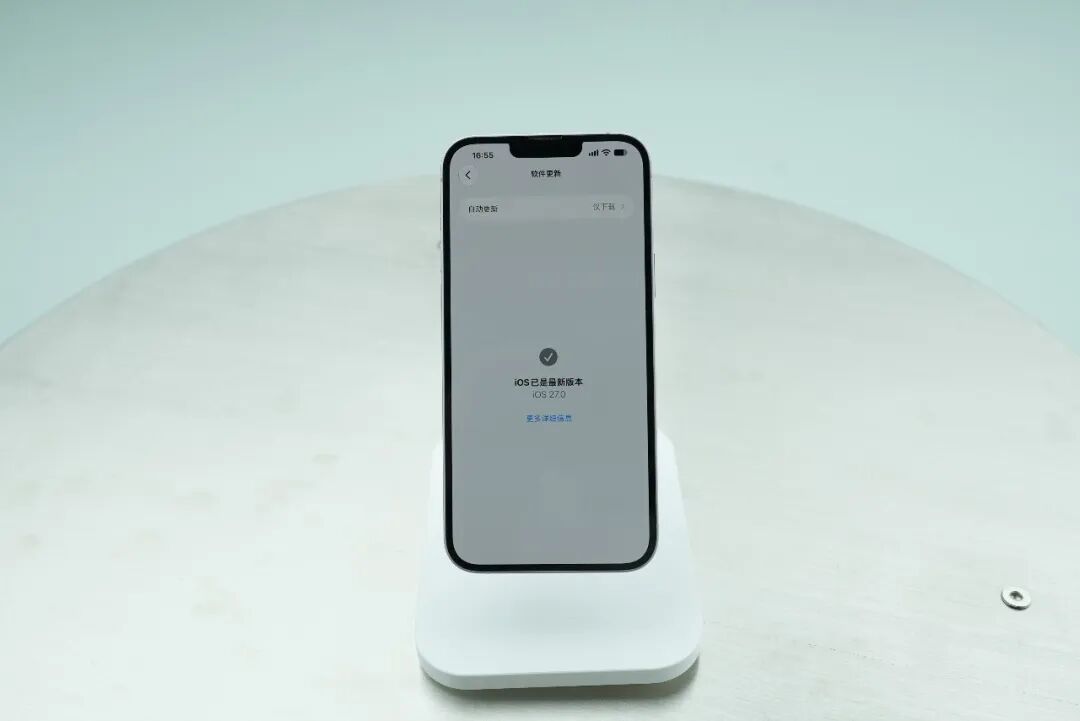
The reason for this is that these days, many water friends have reported that they can’t afford a new iPhone. What about the old one?
So, this wave of testing on old models can also let users of old models see whether they need to update iOS 27. How many more years can the old iPhone in their hands last?
>/ # iOS 27 supported models
First of all, not all old iPhones can be upgraded to the latest version of iOS 27 - the first step to pass is to see if the iPhone in your hand is on the iOS 27 adaptation list.
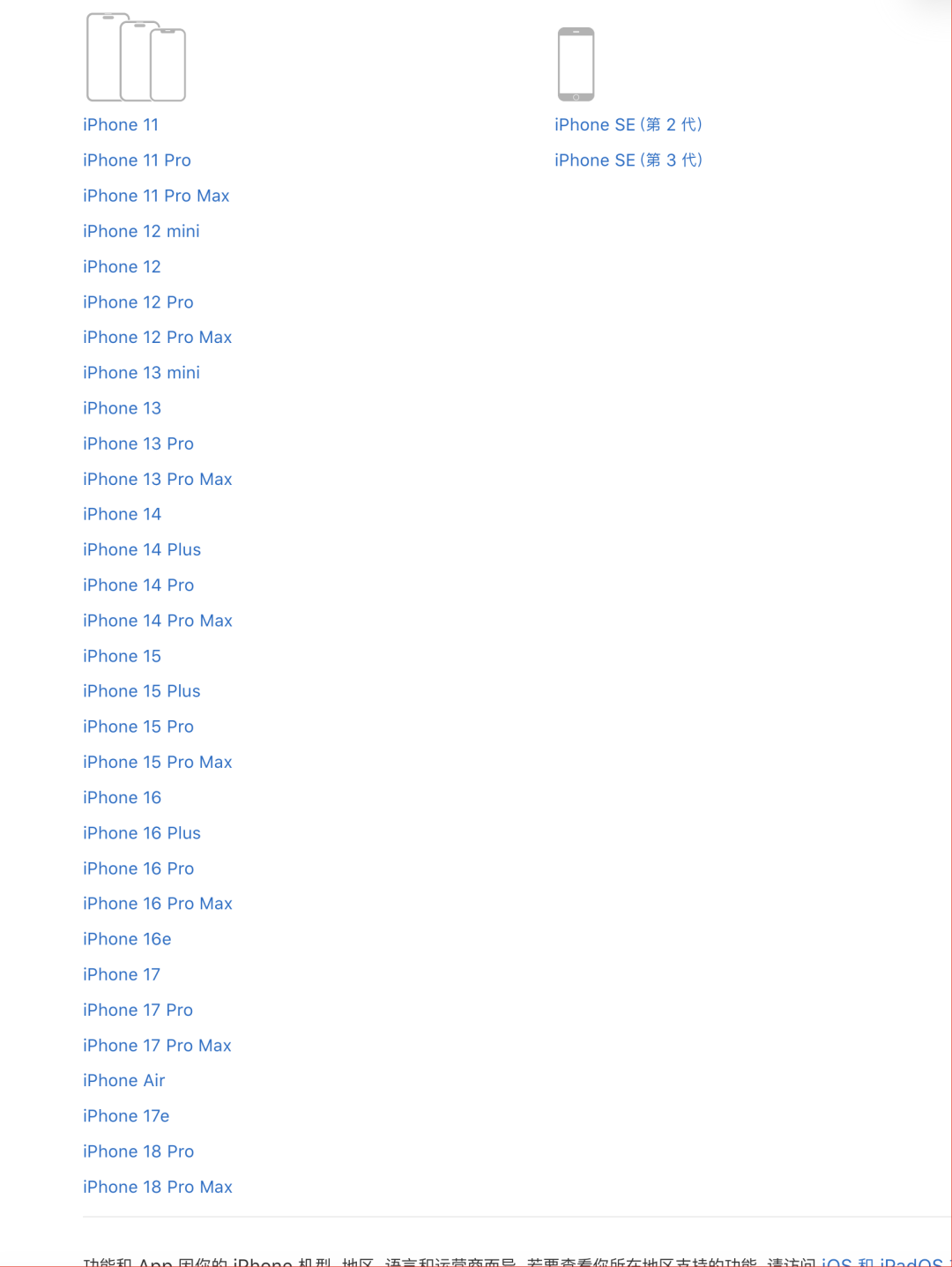
But Apple deserves to be Apple: According to Apple’s official website, this iOS27 official version update supports as many upgraded models as ever. The digital series supports all the way to the iPhone 11 generation seven years ago, and the iPhone SE 2nd and 3rd generations can also be used.
After confirming that your phone is within the supported range, just click on Settings-General-Software Update and go to the banner below to see the update details. The rest is just waiting to click "Restart now".
>/ # Fluency adaptation
The first thing Tony has to do after entering the system, and it is probably the thing that countless police officers have to ask is - "Do you want to see the card?"
We compared the actual situation of 14 Plus and 18 Pro Max in desktop sliding, system built-in application sliding, and third-party information flow application sliding.
It can be seen that even for ancient models such as the 14 Plus, after upgrading, the basic sliding is basically not stuck.
Of course, because the 14 Plus still has a 60Hz screen, it definitely doesn’t look as smooth as the other two.
We also used high-speed cameras to carefully observe the application startup speed of the next three machines on iOS 27.
As you can see, the gap between the iPhone 14 Plus and iPhone 14 Plus in this regard can still be seen.
Fortunately, the animation level of iOS 27 is still online. Although the opening speed of the 14 Plus APP is not that fast, the opening animation is not compromised. Richer and more coherent animations will also alleviate the "stuttering feeling" experienced by users during actual use.
However, ensuring smooth sliding and no lag when opening apps is still the first step. iOS 27 has upgraded many system-level designs and functional experiences. It is also important whether 14 Plus and other old Gulu sticks can take advantage of these upgrades.
>/ #Upgrade point
Let’s first briefly review the upgrade points of iOS 27:
We have already introduced many of these to you at WWDC 2026, such as holiday alarm clocks, adjustable iPhone mirror windows, oversized desktop widgets, and the acclaimed child safety.
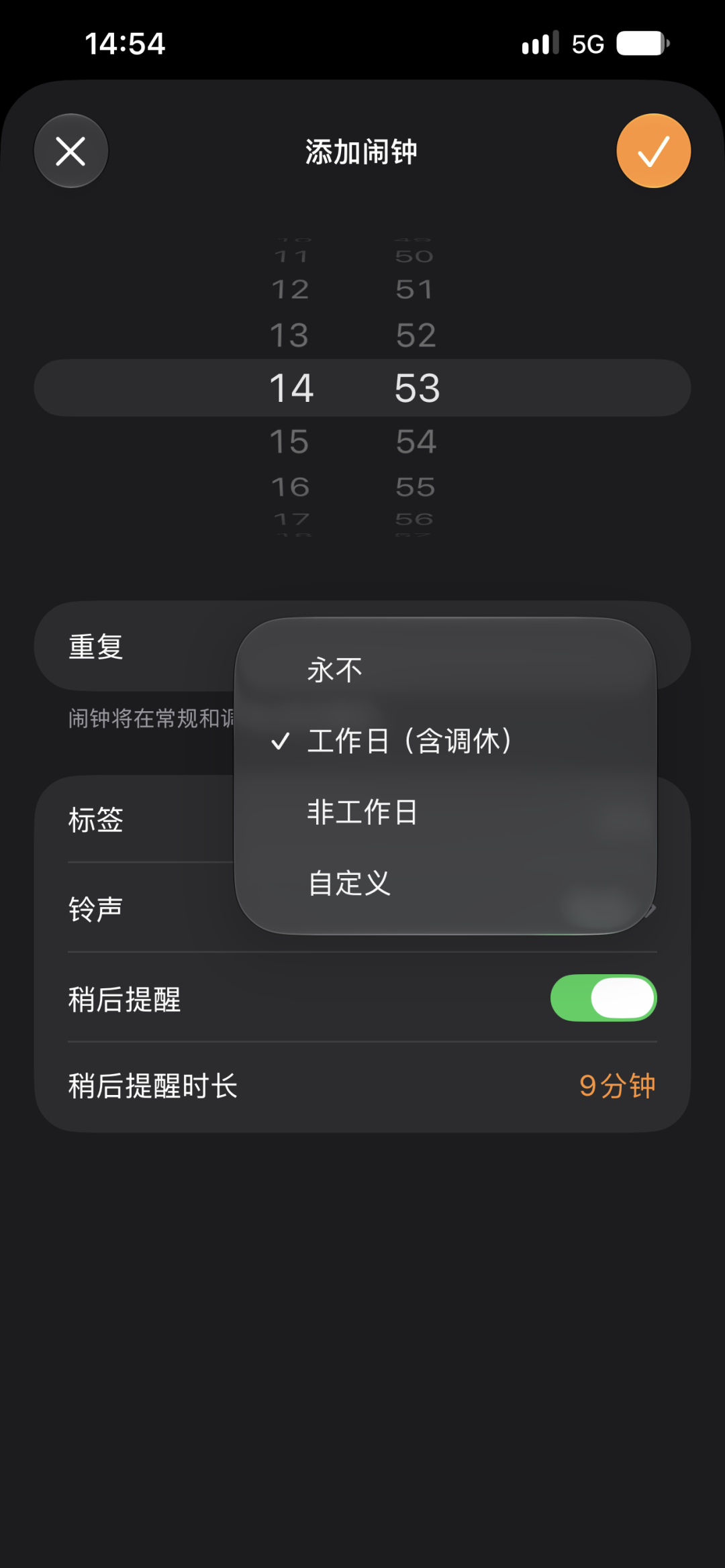
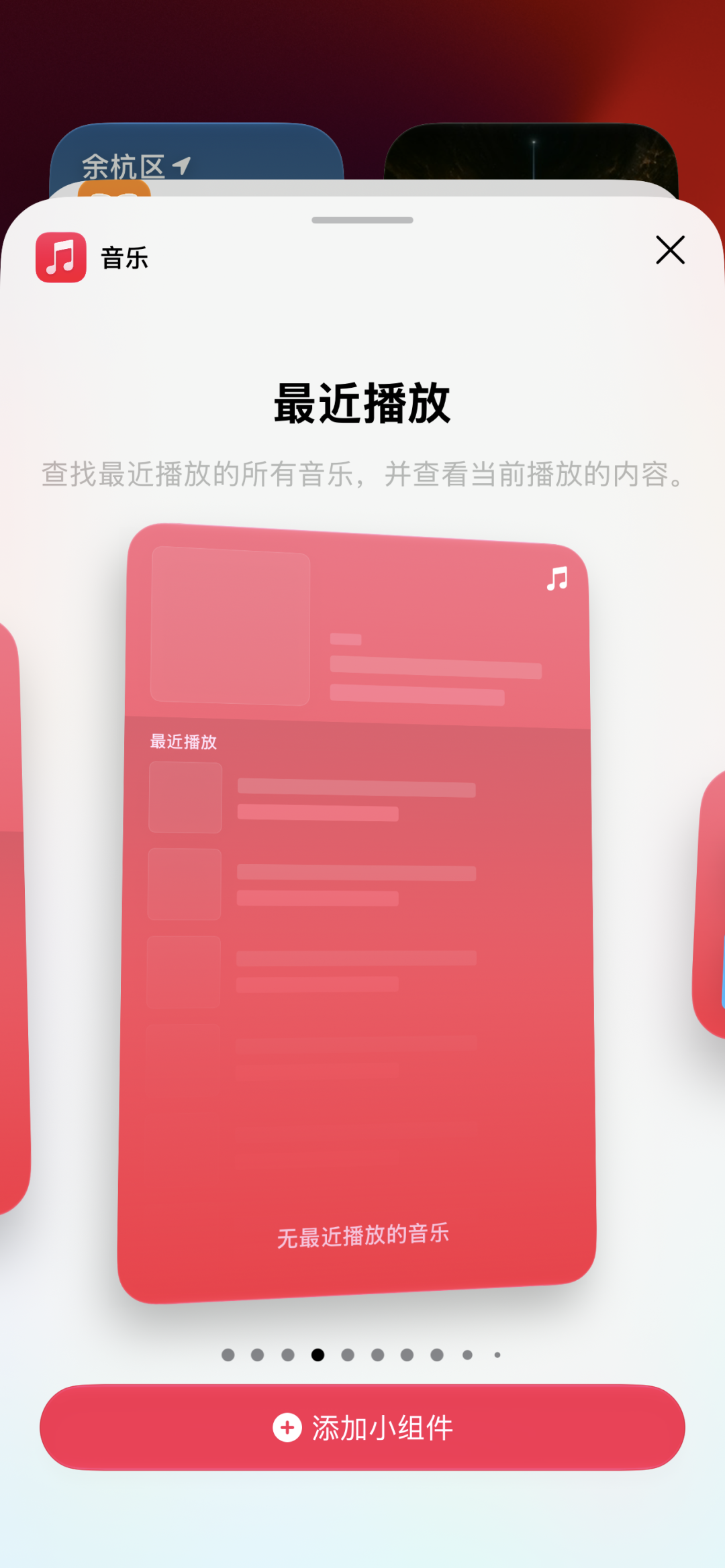
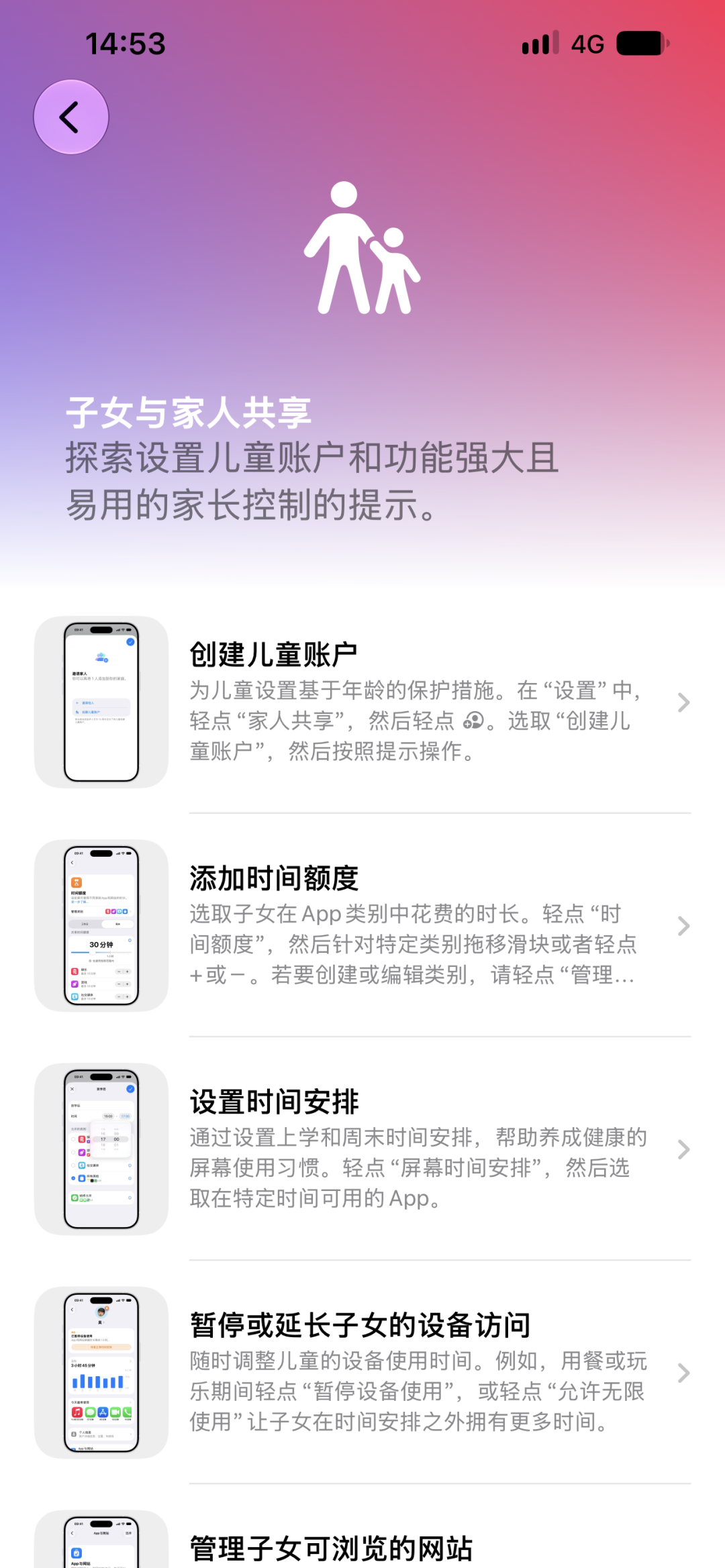
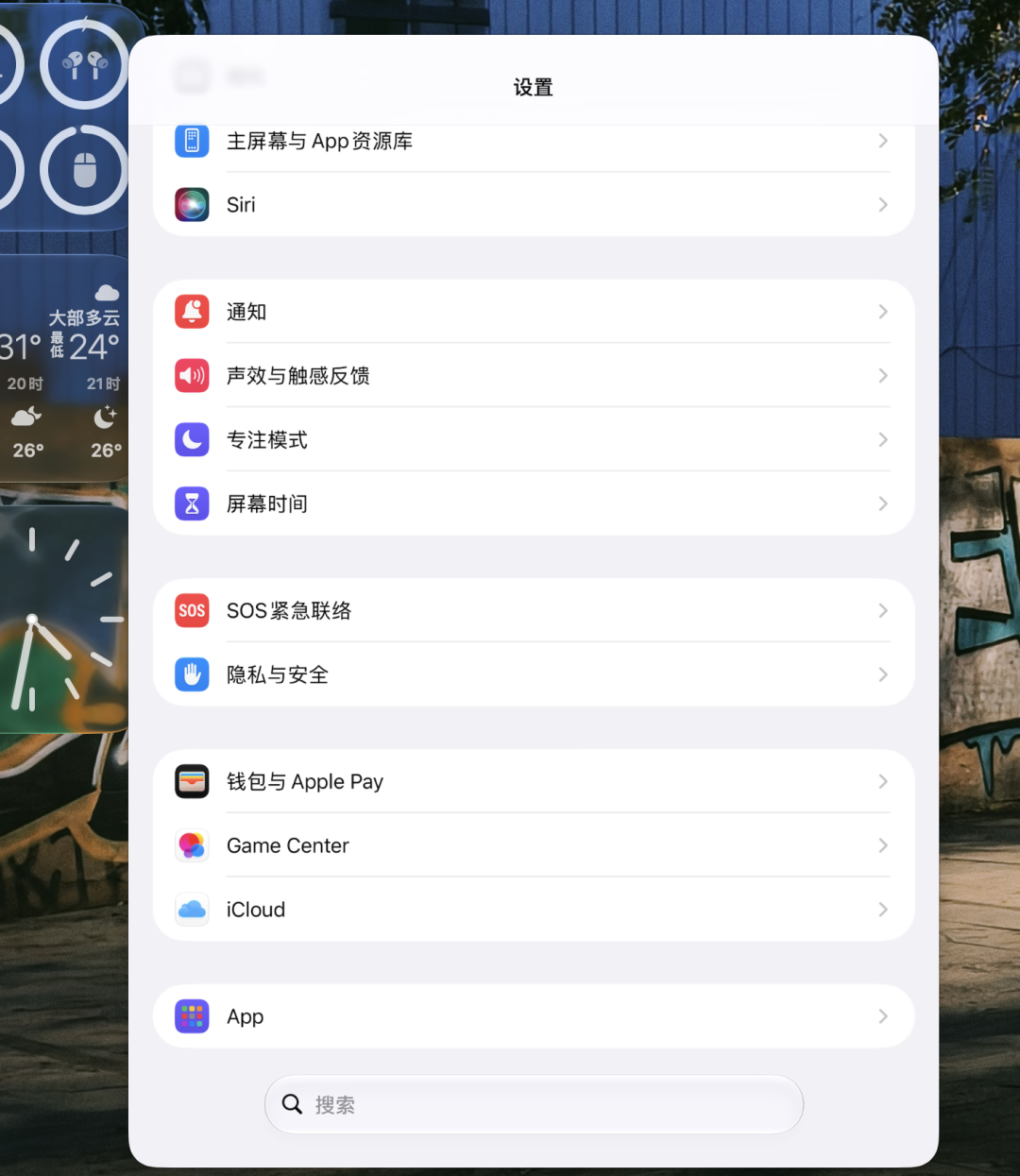
Not only that, we also discovered many new features added to the official version.
>/ # UI Design & Liquid Glass & Smart Island & Siri
Let’s start directly from the moment the screen turns on.
When Liquid Glass first came out, Apple redesigned the lock screen clock component of iOS so that the clock component could be lengthened, and the time would automatically adjust its position and size based on the subject of the photo and the number of notifications, trying not to block the subject of the wallpaper.
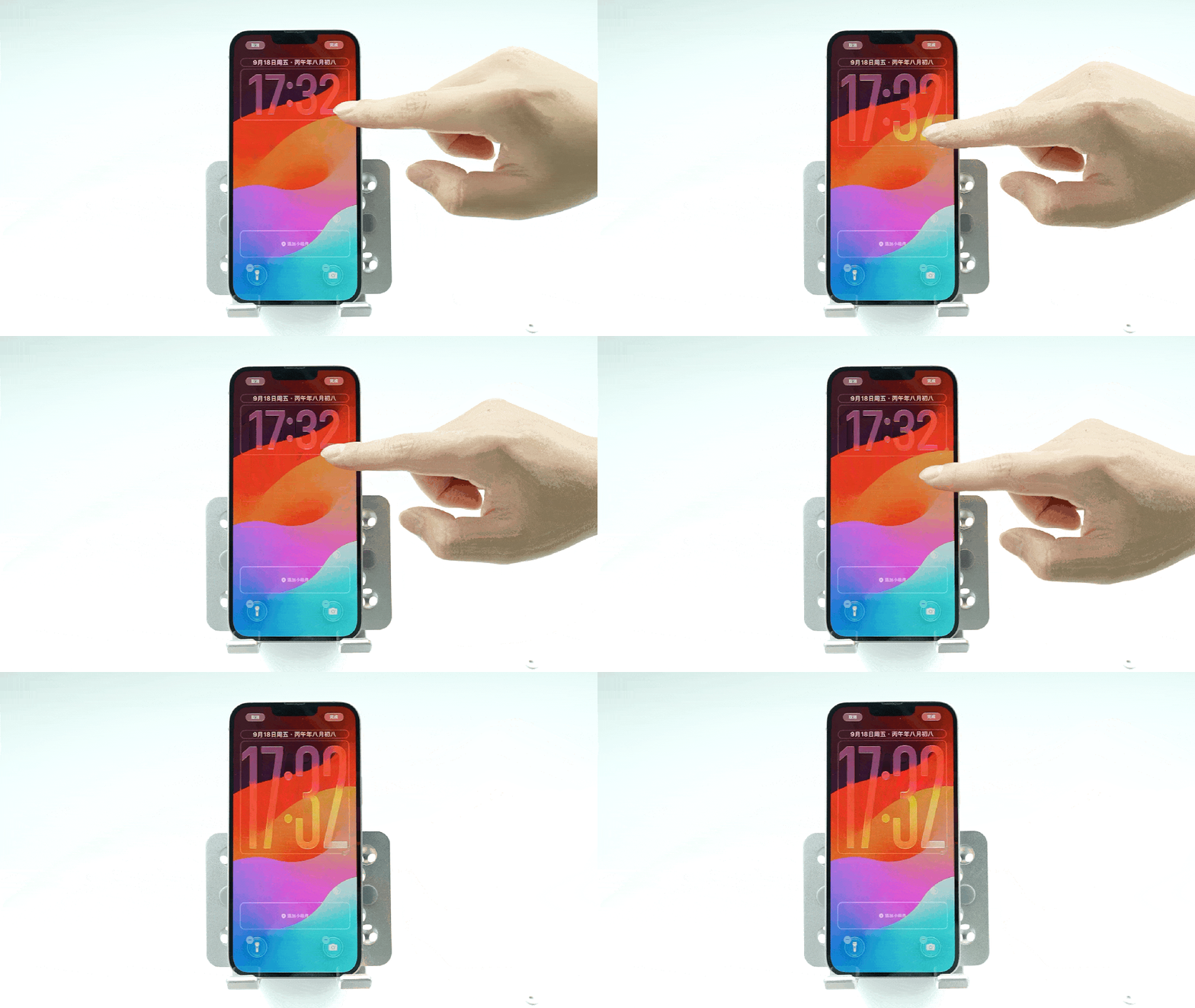
On iOS 27, there is new support for shrinking the clock into a small strip and moving it to the top together with the date.
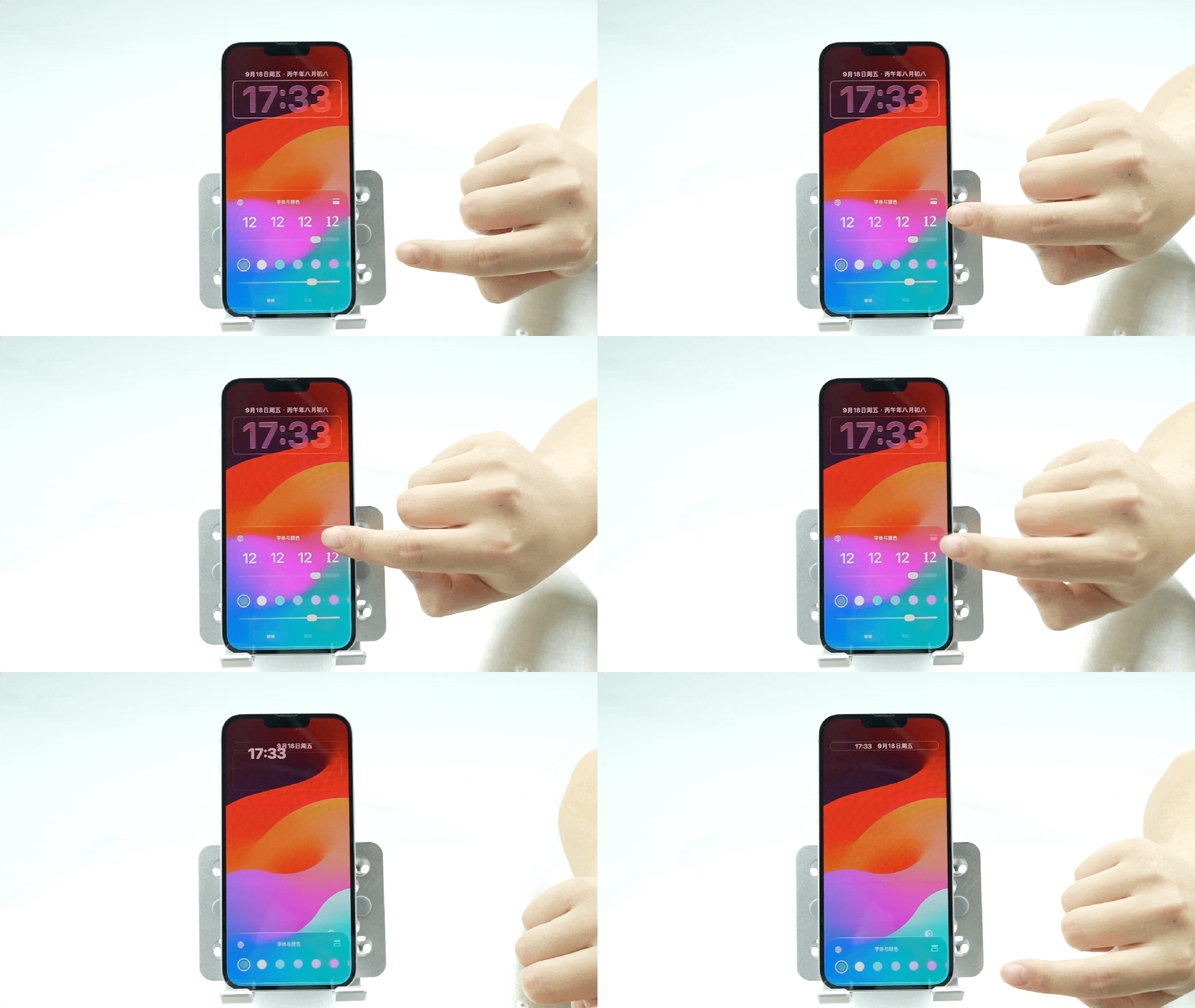
If you happen to have strong financial resources and buy the 18 Pro series, you will find that the lock screen clock component can also be linked to the exclusive wallpaper. Drag the clock component and the wallpaper will also move accordingly, which is also full of emotional value.
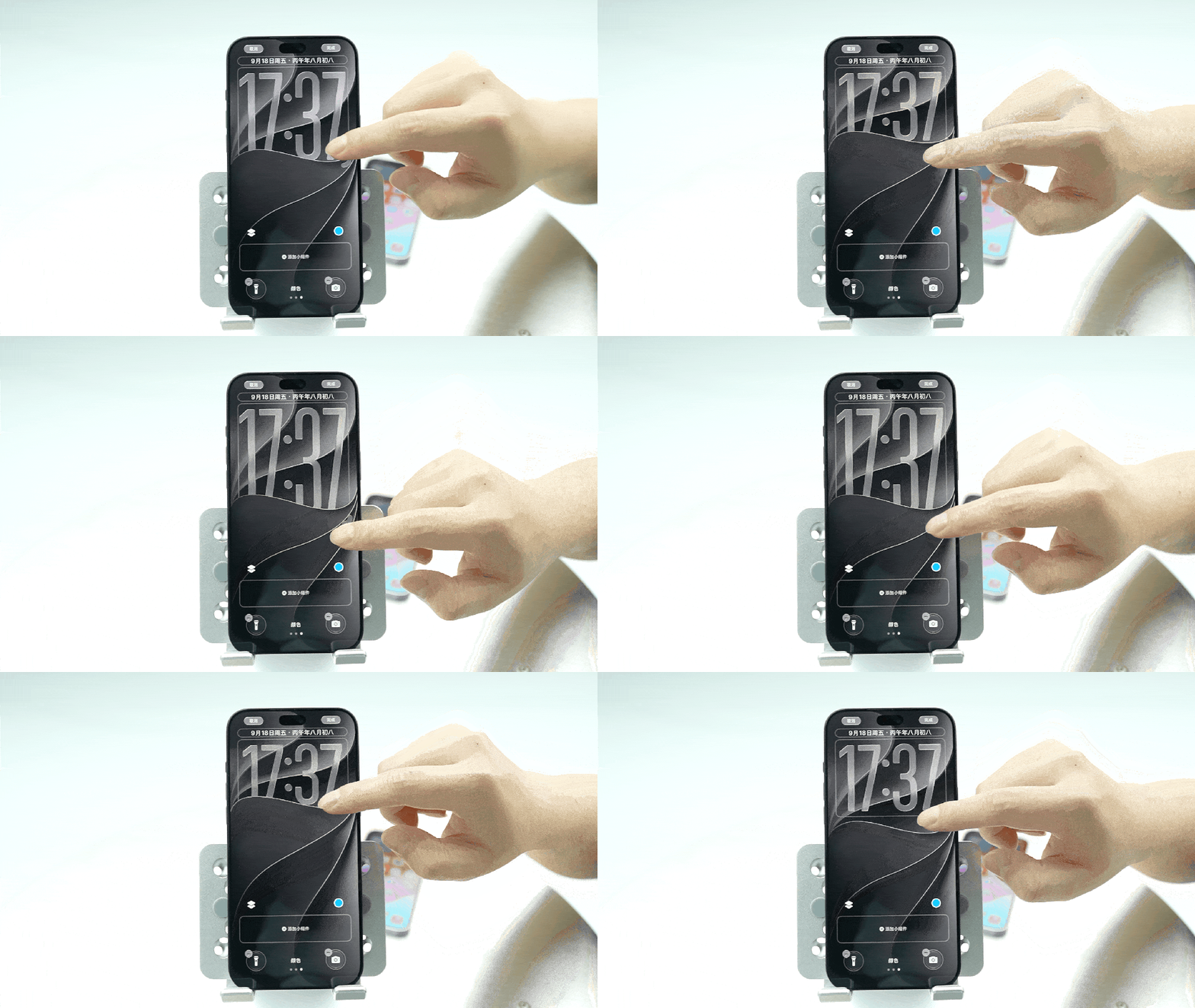
Careful friends also discovered that the 14 Plus also has Liquid Glass, and it seems to work well?
I can only say that it looks really good to the naked eye. The Liquid Glass on the 14 Plus looks no different from the one on the newly released 18 Pro.
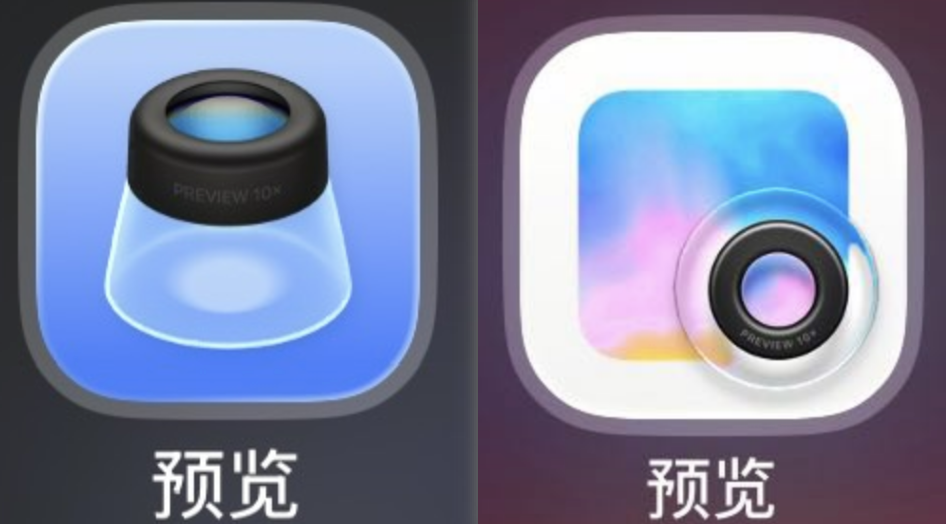
iOS 27 has also redrawn the icons. Many icons look more "glassy". The most obvious one is the preview APP icon. You can feel it.
On the left is iOS 26 and on the right is iOS 27
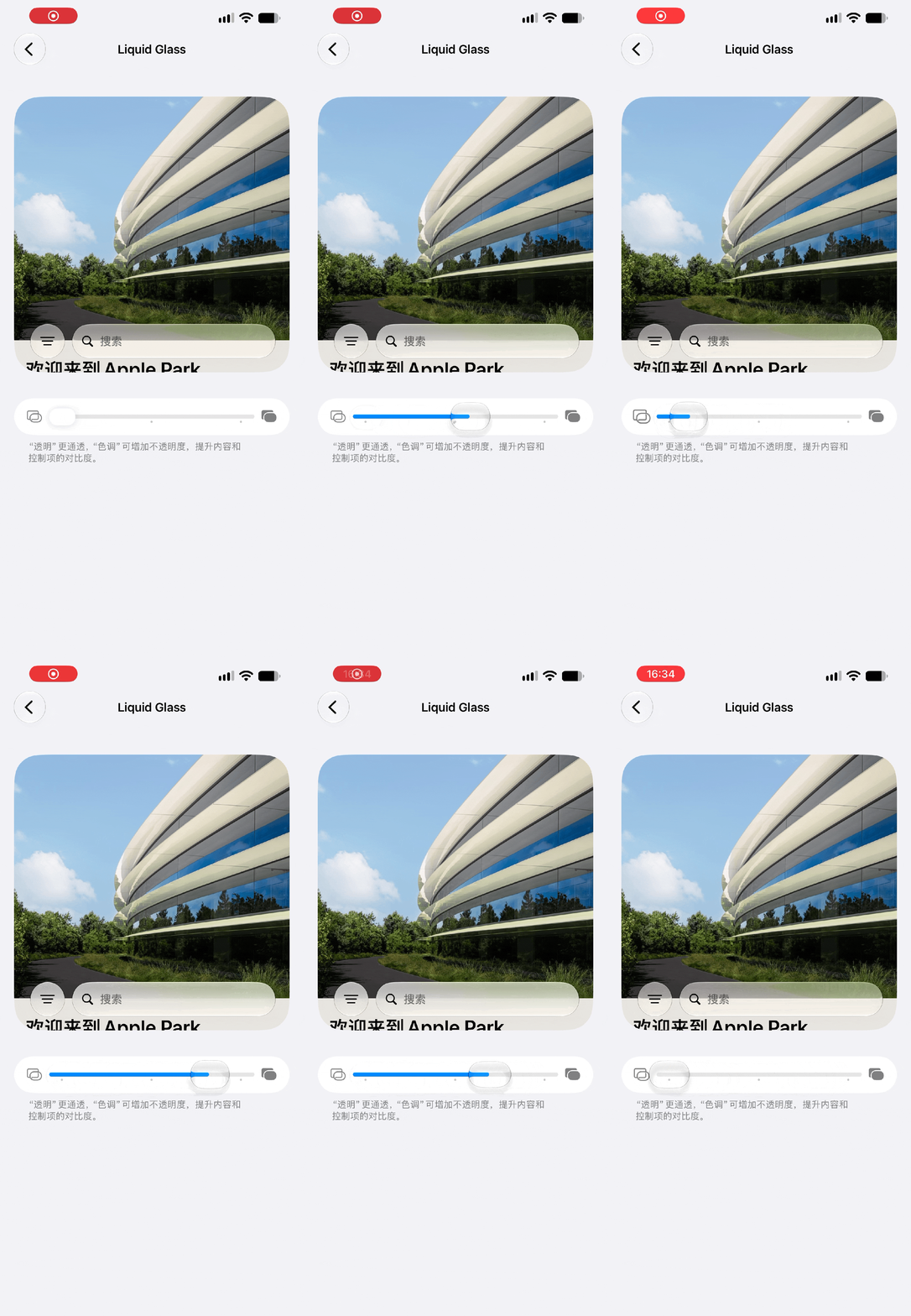
Oh, by the way, Liquid Glass’ opacity adjustment is also supported on iPhone 14 Plus.
Apple has also hidden a small easter egg here. In the effect preview interface, if you continue to slide up, the input box linkage will be triggered. The input box will automatically enter sample text and will vibrate.
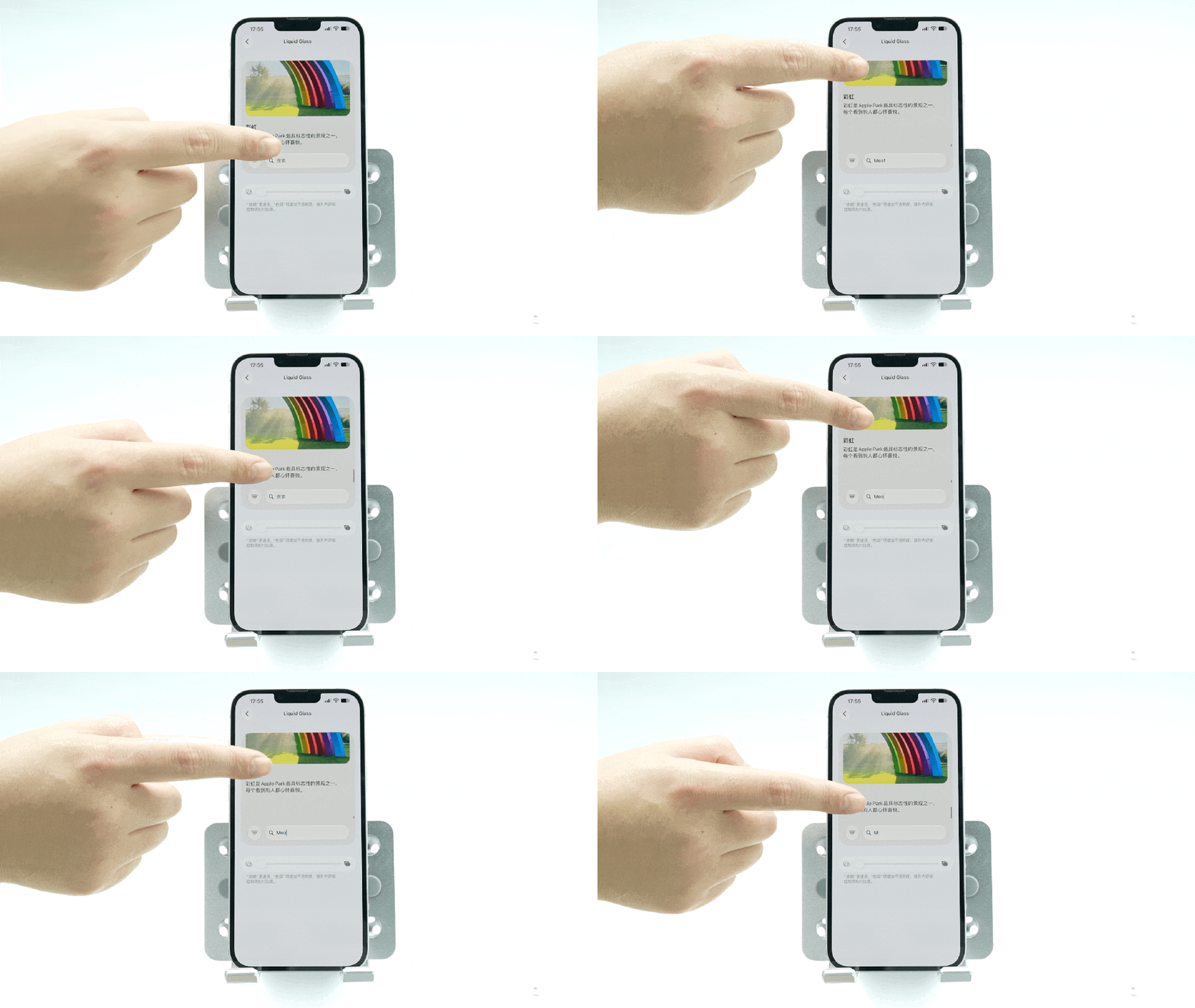
What's even more amazing is that if you repeat this upward stroke, you will get a "dog and cow" photo.
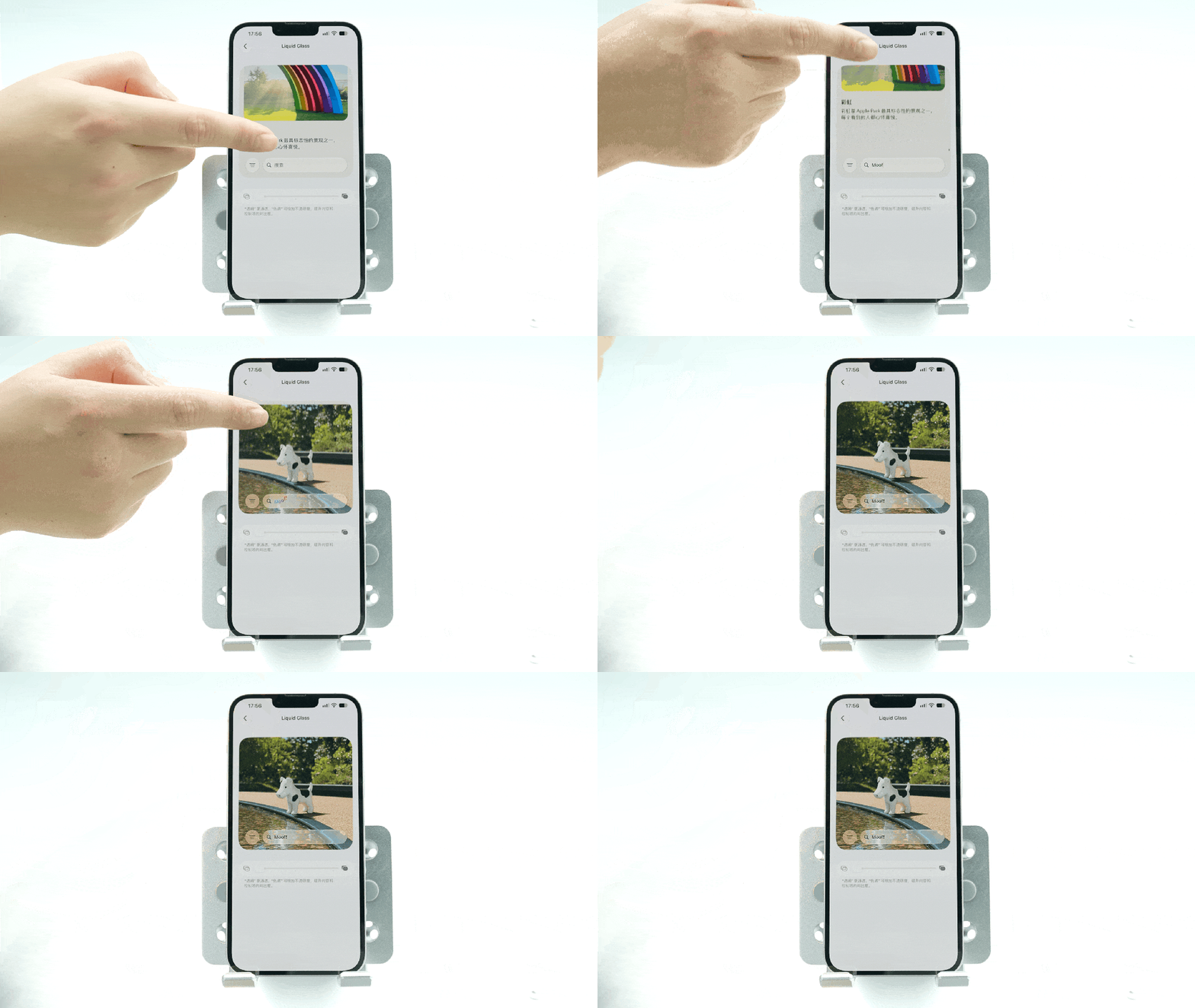
Let’s look down.
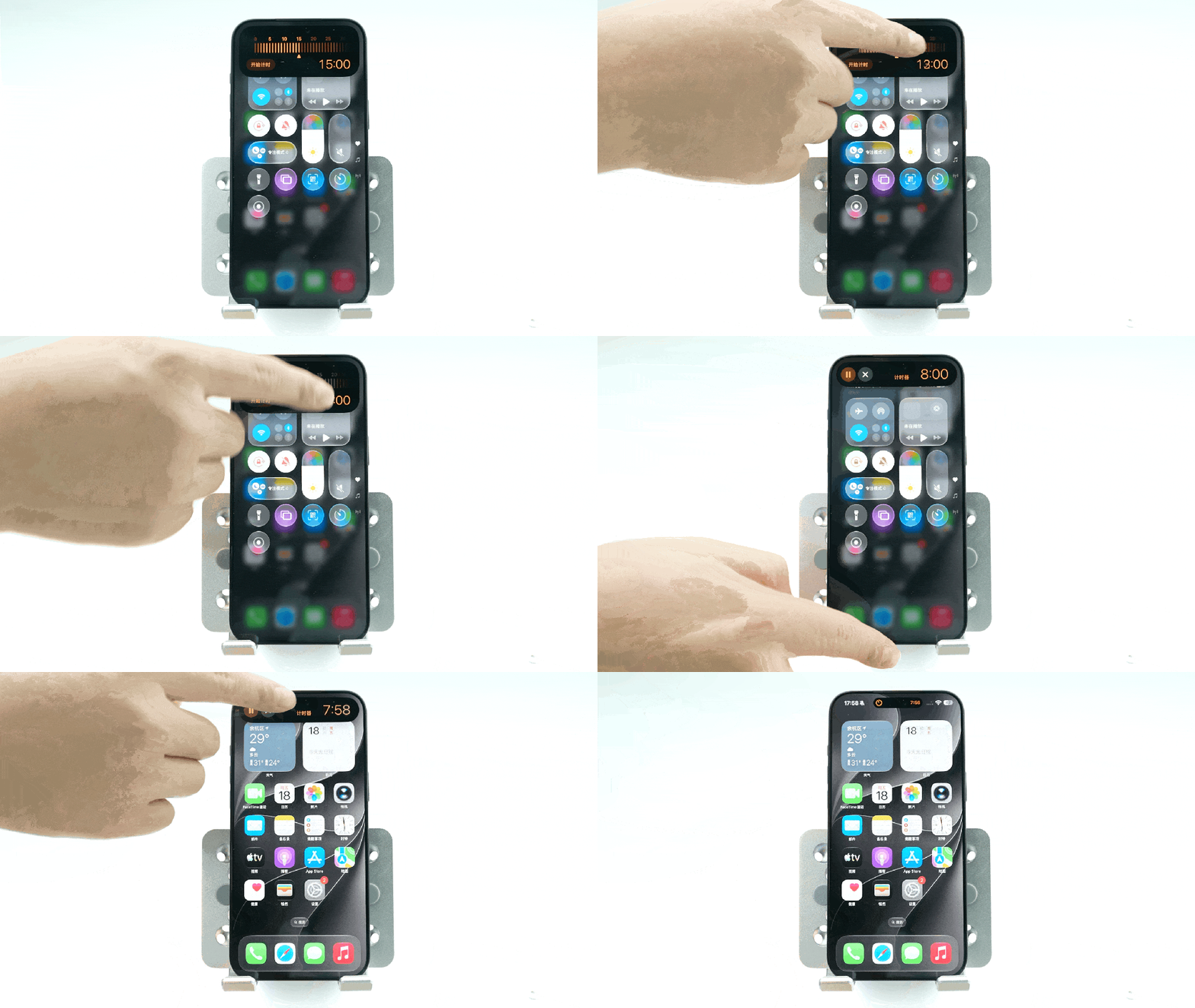
Sliding down to pull out the control center, Tony found that the quick countdown inside had also been presented in a more convenient way.
Click the timer button, and a pop-up window will pop up. You can select the timing duration by simply sliding on it.
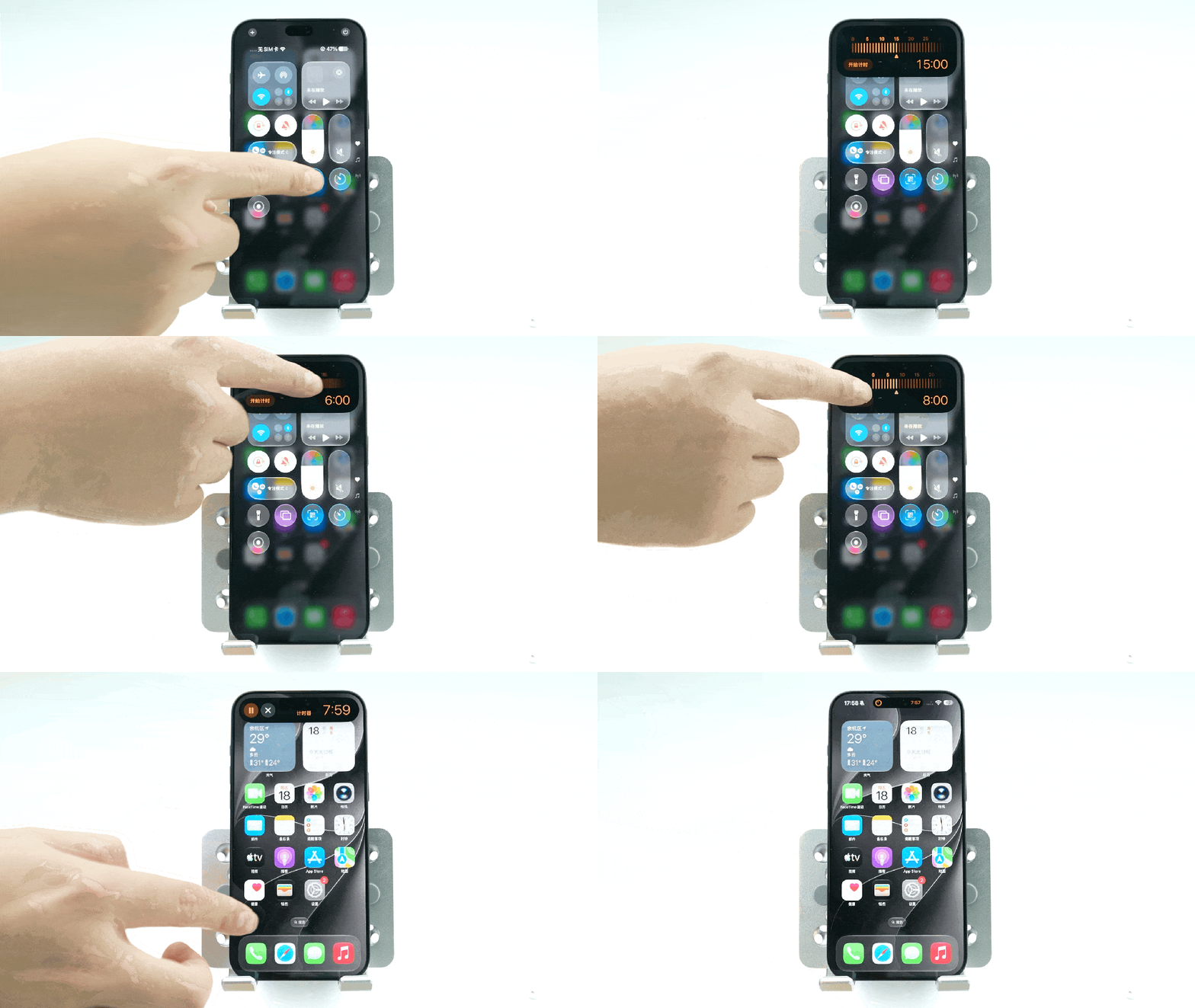
It should be noted that this function does not depend on the Smart Island hardware. The 14 Plus I have can also trigger it with a notch screen.
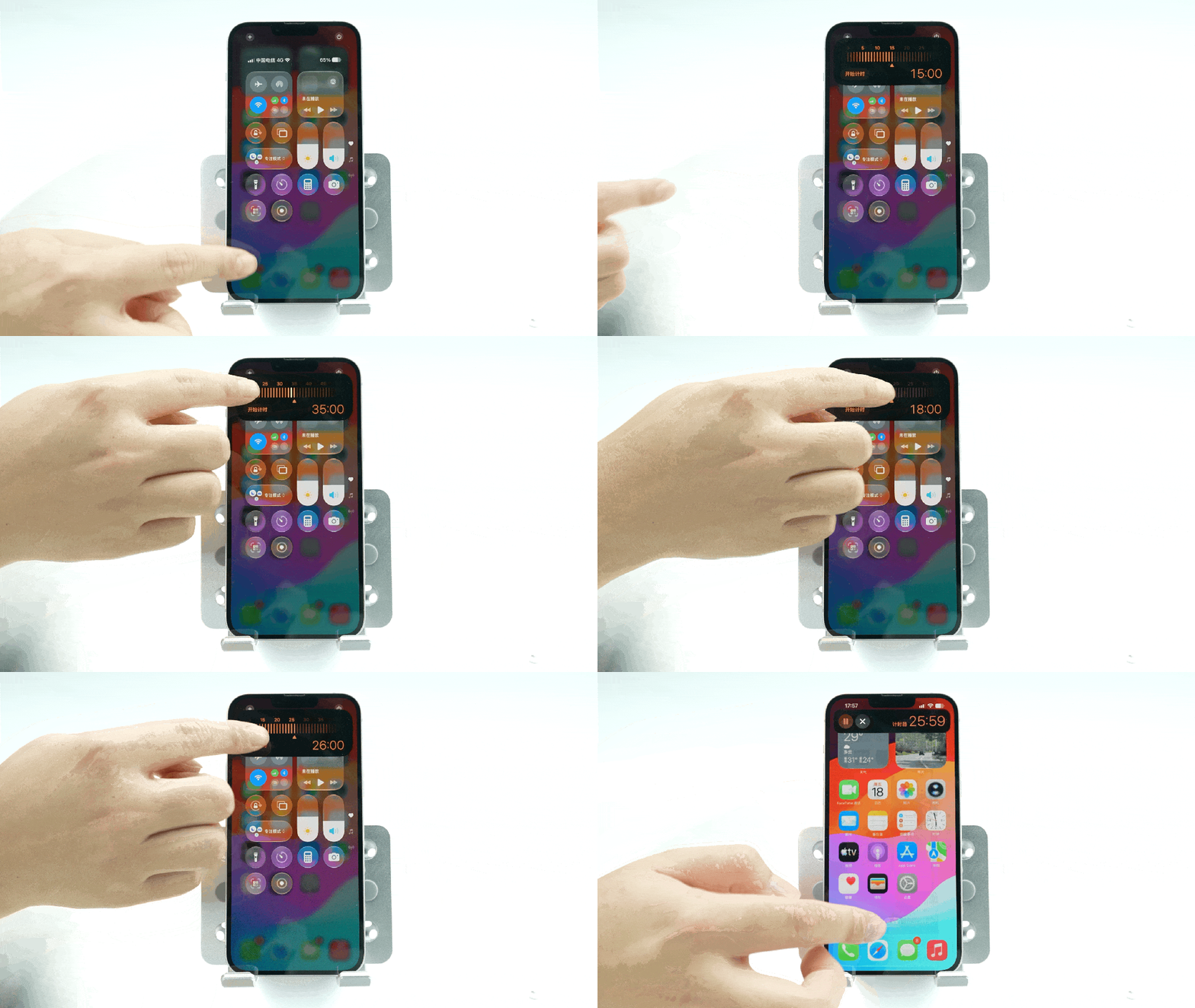
But after returning to the desktop, Liu Hai will not display the timing control, and you have to pull down the notification bar to operate the timer.
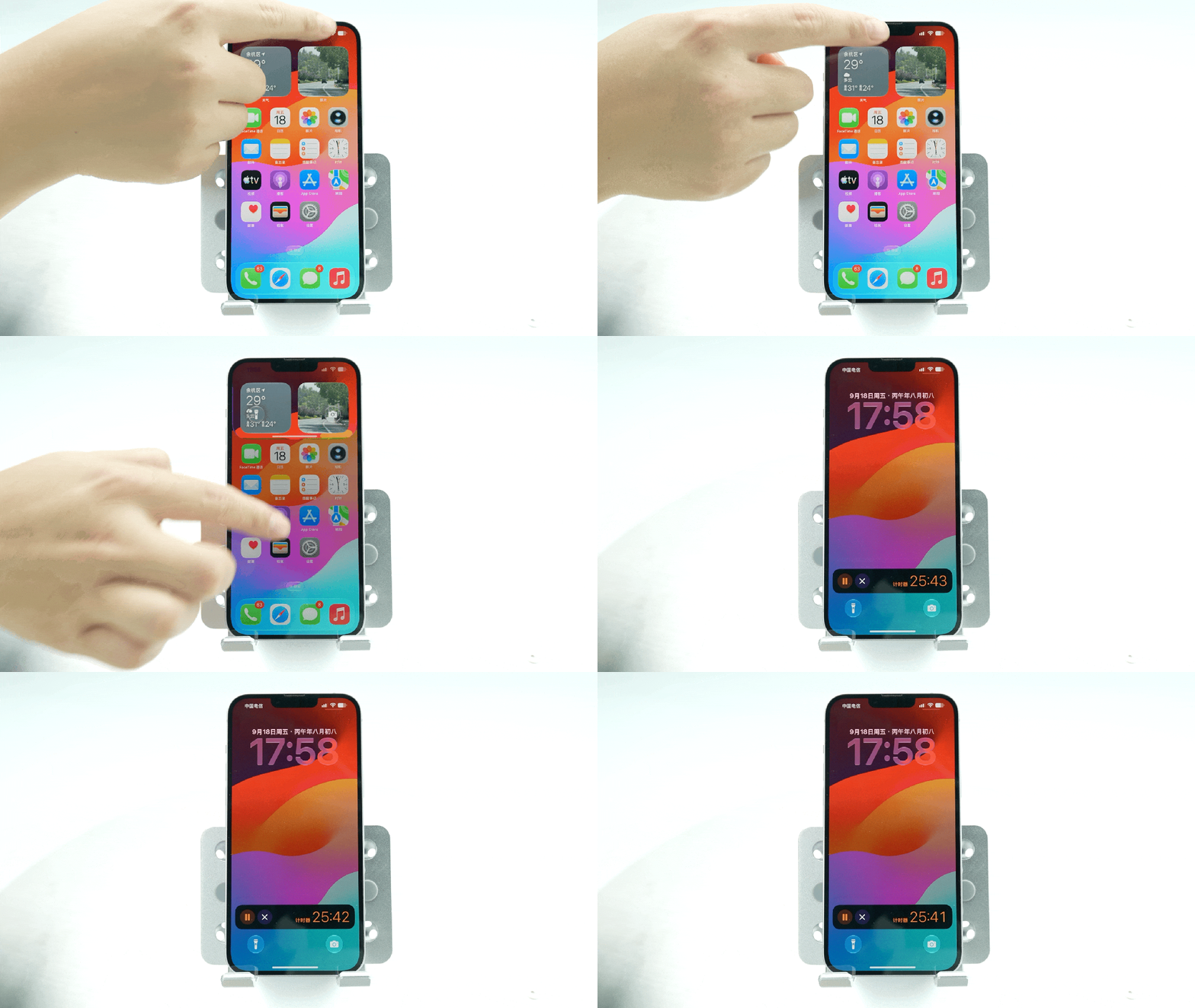
If you are using a model with a smart island, after the timer starts, the pop-up window will be directly indented into the smart island and will continue to display.
If you press and hold the power button to call up Siri, you will find that Siri is still the original ball and has not become a new UI floating out from Smart Island as previously rumored.
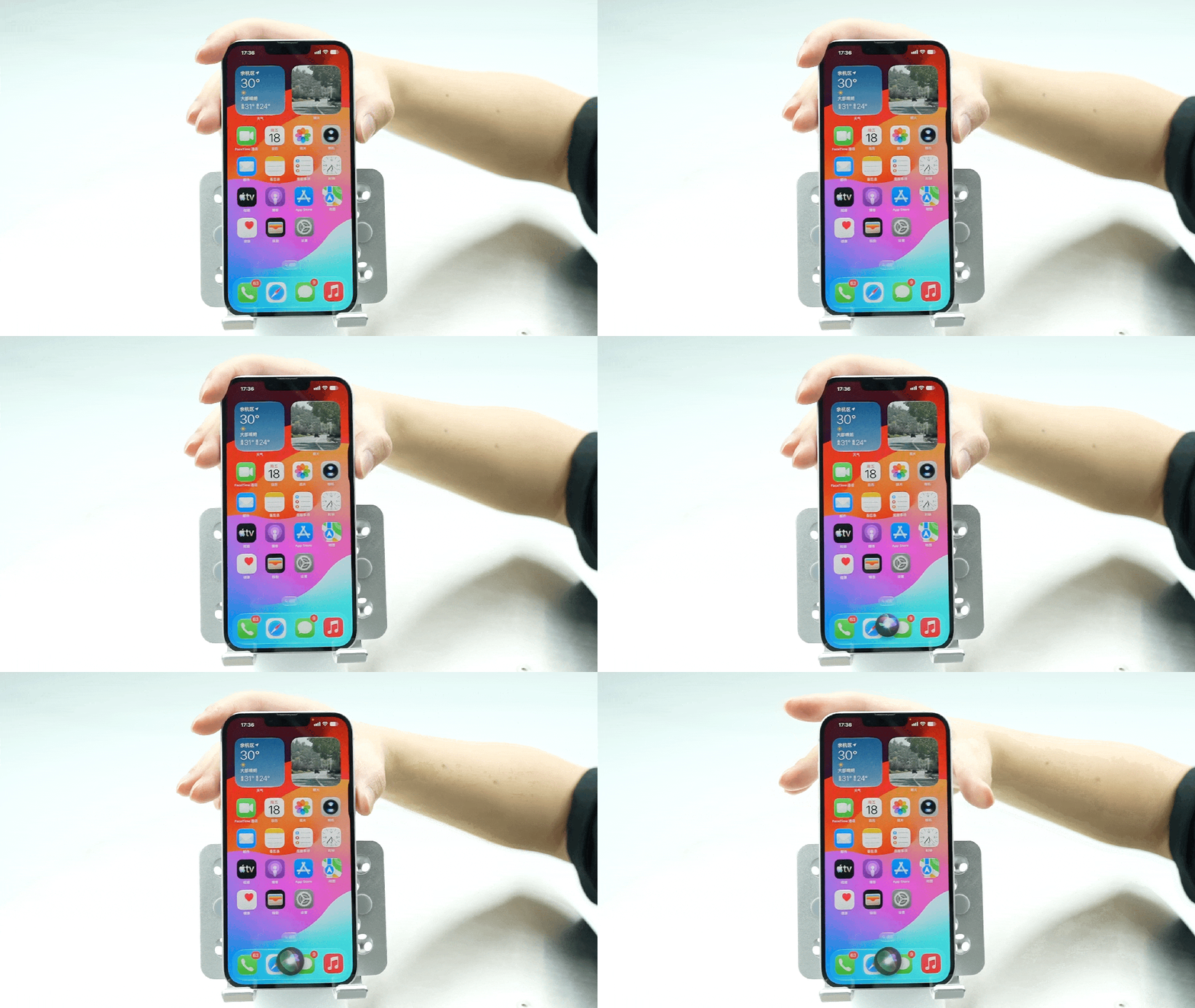
And not surprisingly, in the Chinese version of iOS 27, Siri still does not have access to Apple Intelligence...
But the good news is that Siri is not completely unchanged. Isn’t there a new speech rate adjustment for Siri’s voice broadcast (dog head
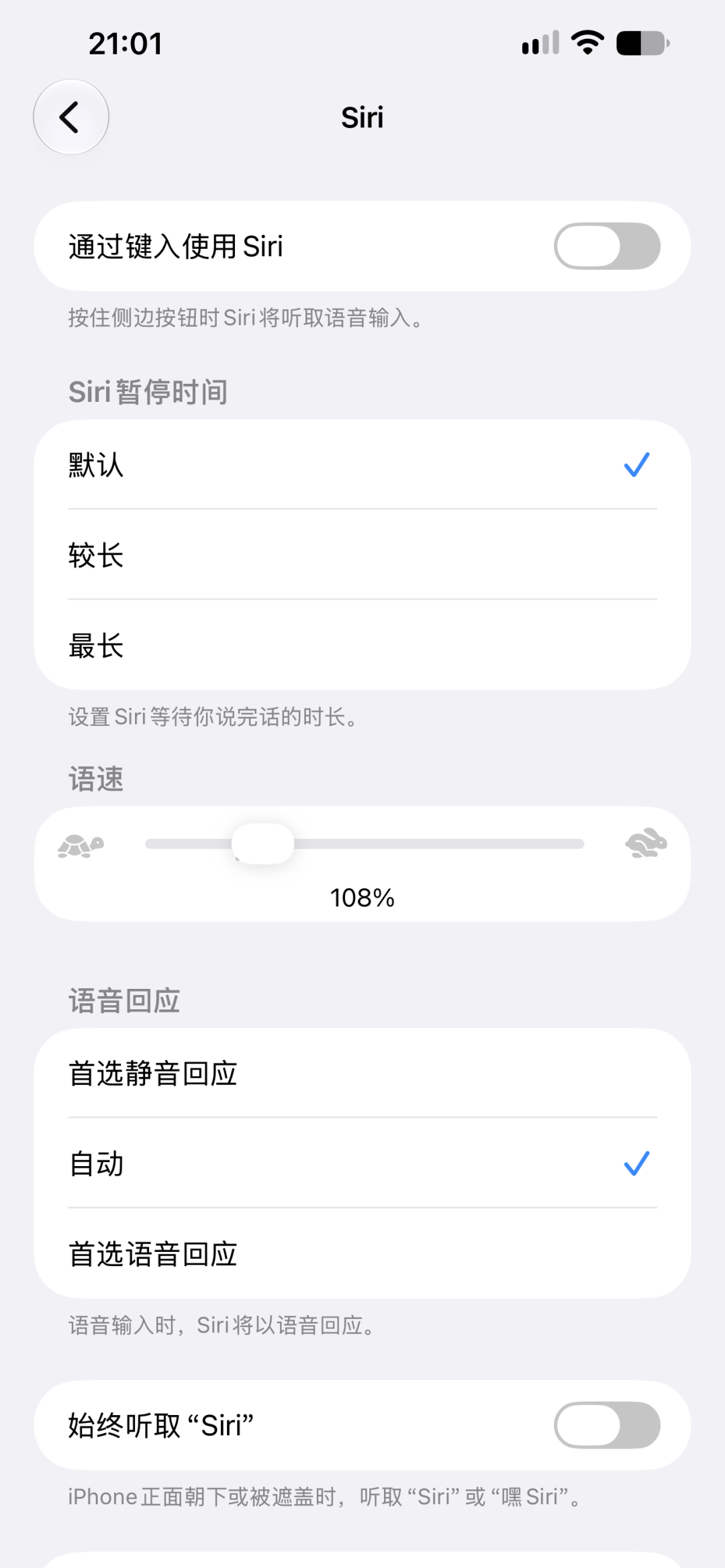
This feature is hidden in Settings-Siri-Accessibility Settings.
>/ # App New Highlights
After looking at these infrastructures, let’s take a look at each application.
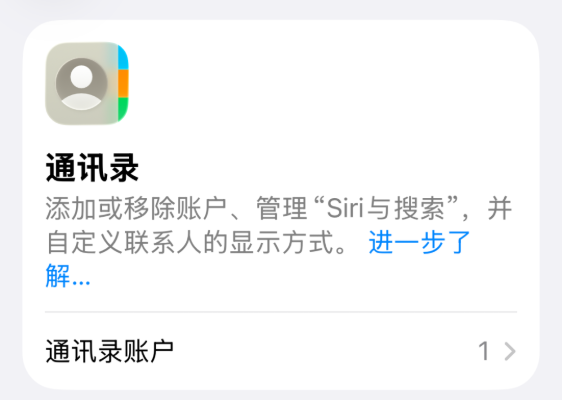
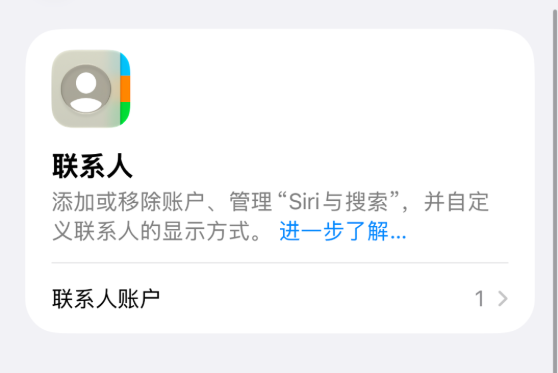
The first is the change in the name of the APP: the previous address book APP has changed its name in the official version of iOS 27. It is now called "Contacts". Don't make a mistake when looking for it.
Then Tony and I discovered that iOS 27 apps all have a common direction, which is to adapt to horizontal screens.
Regarding this point, there is currently a saying that although the iPhone Duo uses a customized version of iOS and is not a branch of the candy bar machine, the candy bar machine has also received many better horizontal screen adaptations because of the emergence of the iPhone Duo.
We can't verify the authenticity of this statement, but I can try it out for everyone.
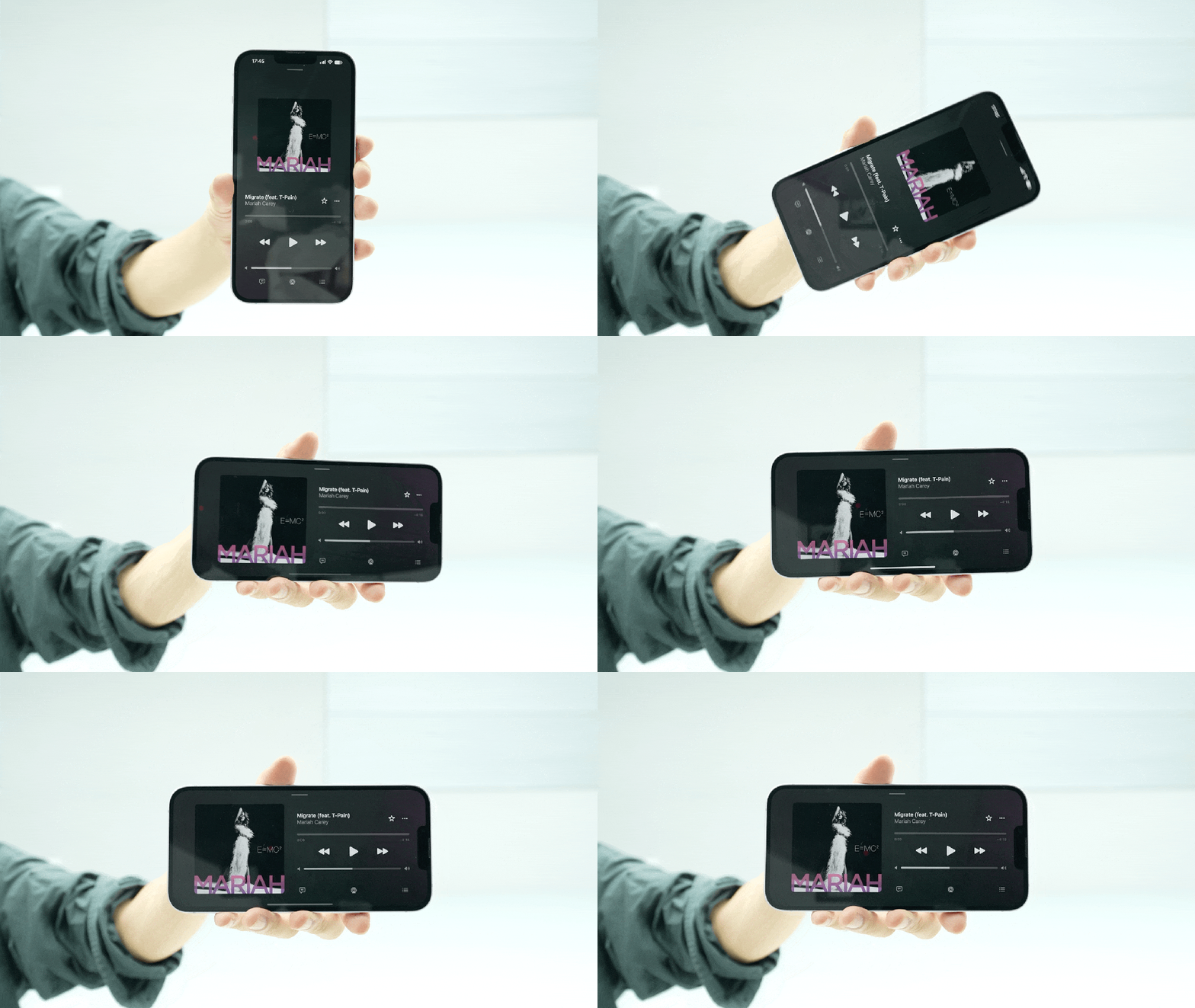
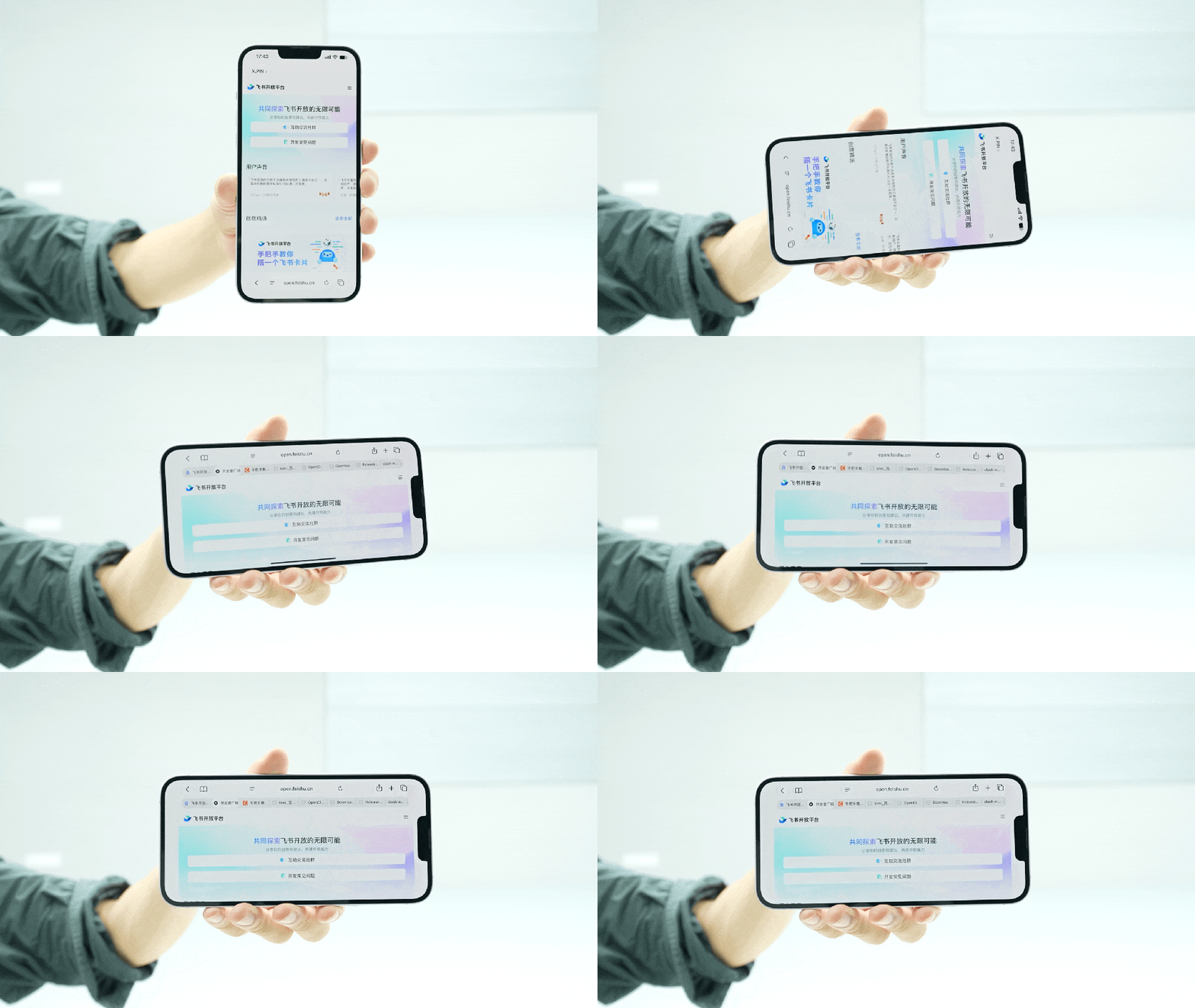
After turning off the vertical orientation lock and turning the screen sideways, the UI layout of weather, information, Apple Music, calendar, reminders, notes, voice memos, compass, fitness, files, search, contacts, etc. will all change.
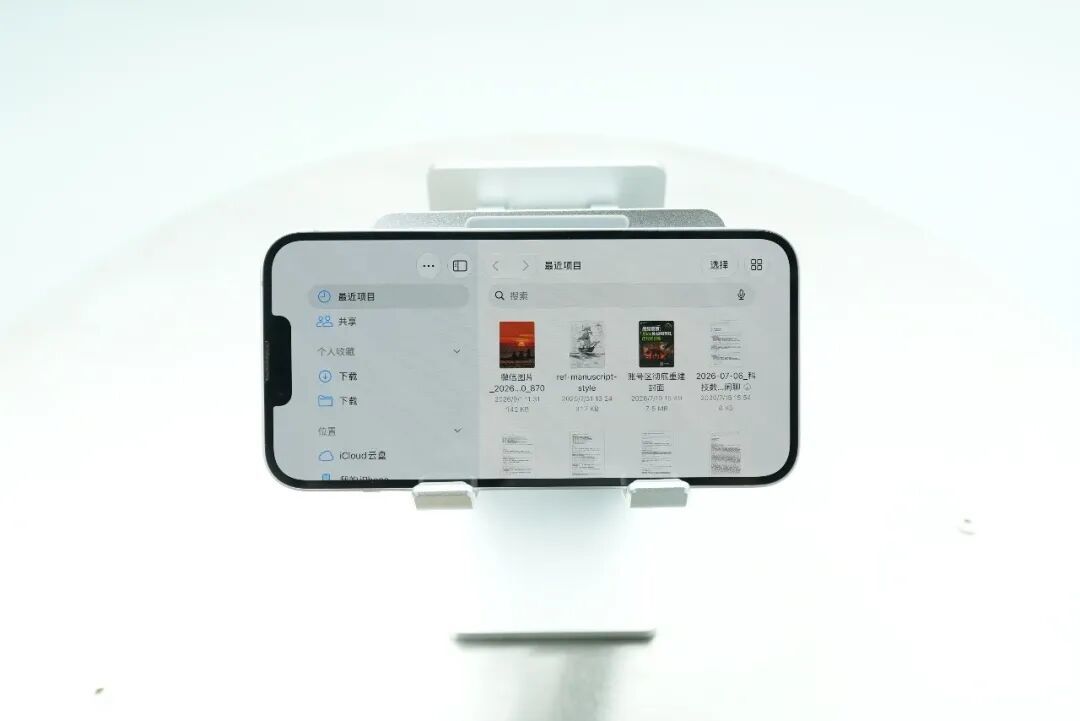
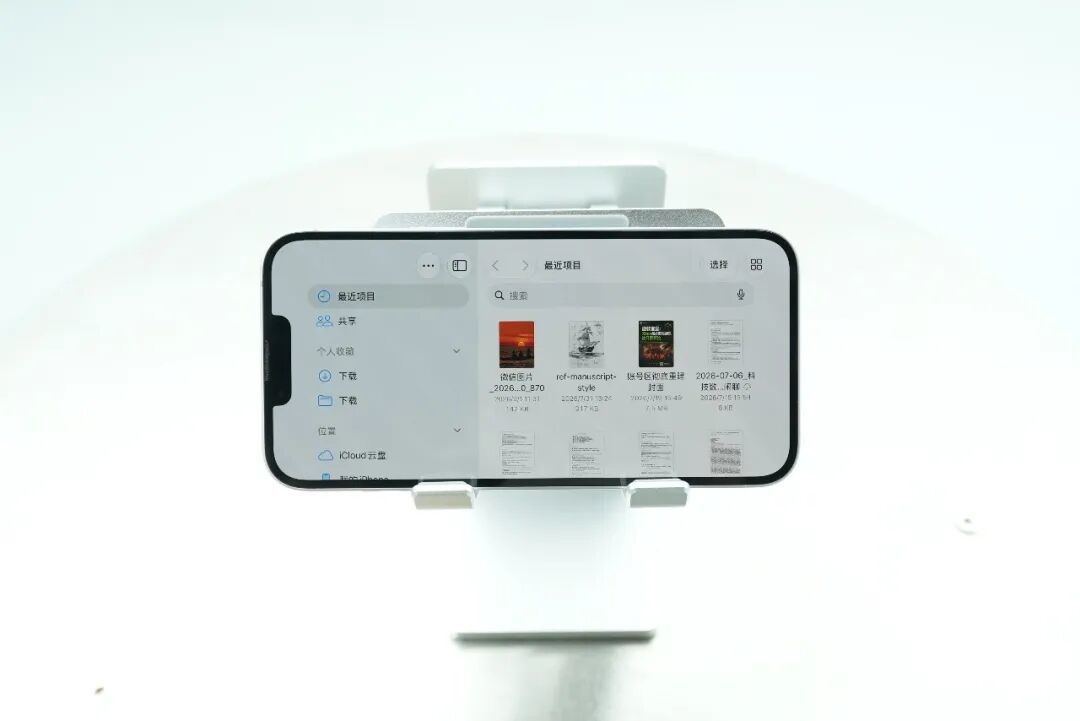
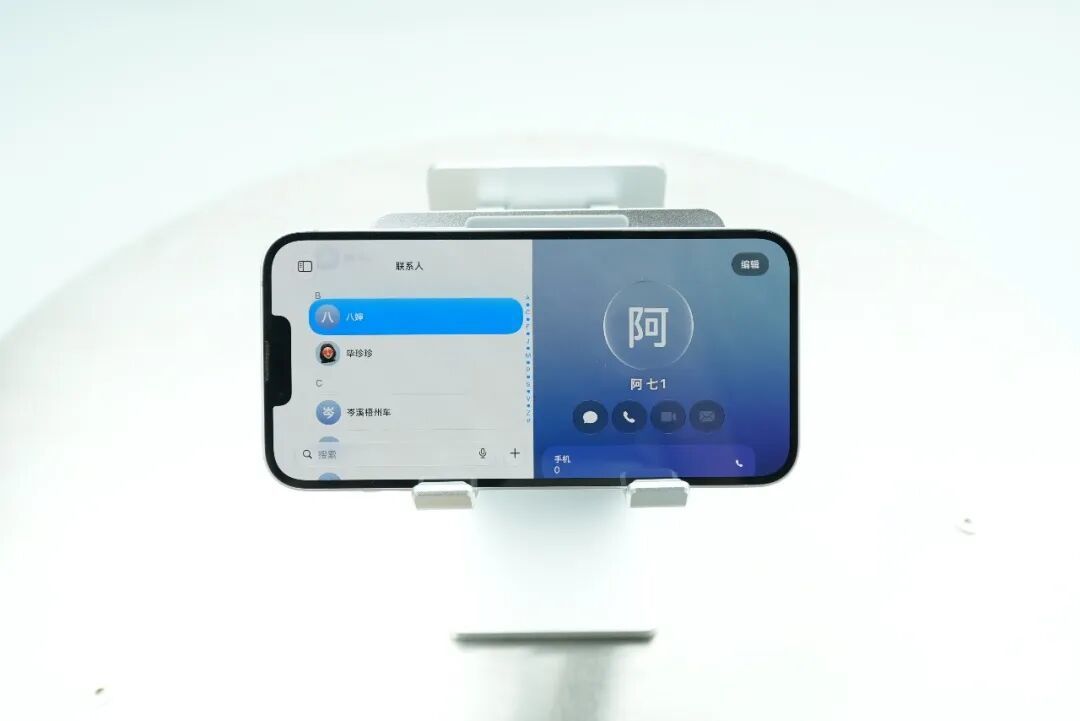
Player software such as Apple Music and Podcasts will place content on the left and various control sliders on the right.
Safari will have an additional tab bar similar to desktop browsers.
Apps such as files, messages, memos, contacts, etc. will divide the application interface into two, with the navigation bar on the left and the details page of the selected object on the right.
Why does this layout feel a bit familiar - what are you thinking, I'm talking about iPad OS (dog head
Let’s take a look at some of the detailed updates for each application individually.
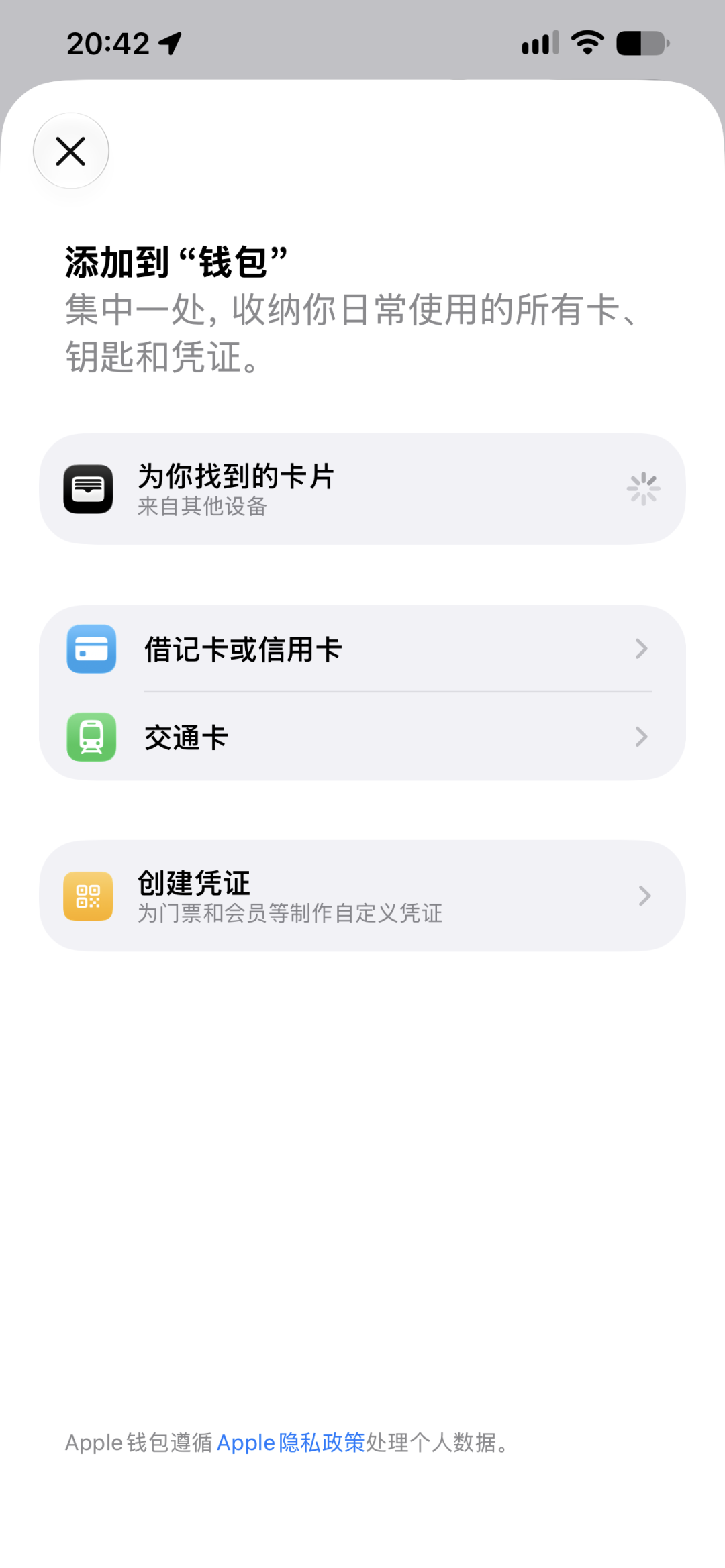
When you click on the plus sign at the top of the wallet homepage, you will find an additional option to create a certificate.
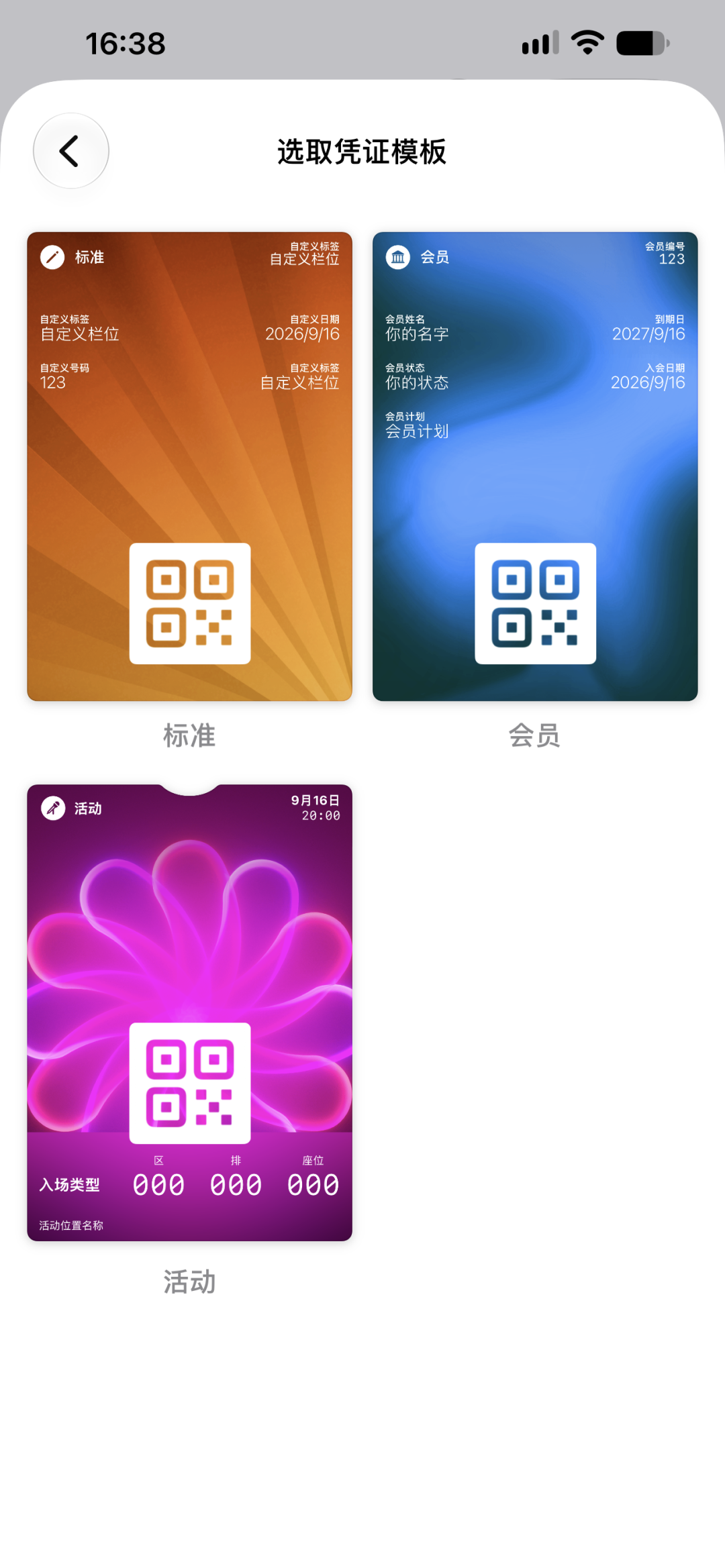
It provides three templates. I tried the "Standard" template and found that the degree of freedom is quite high.
Basically, you can fill in all the information that should be on a card or ticket, and you can also add a QR code.
However, judging from current testing, this function only supports adding QR codes on paper vouchers, and the dynamic QR codes of electronic bills have not yet been adapted.
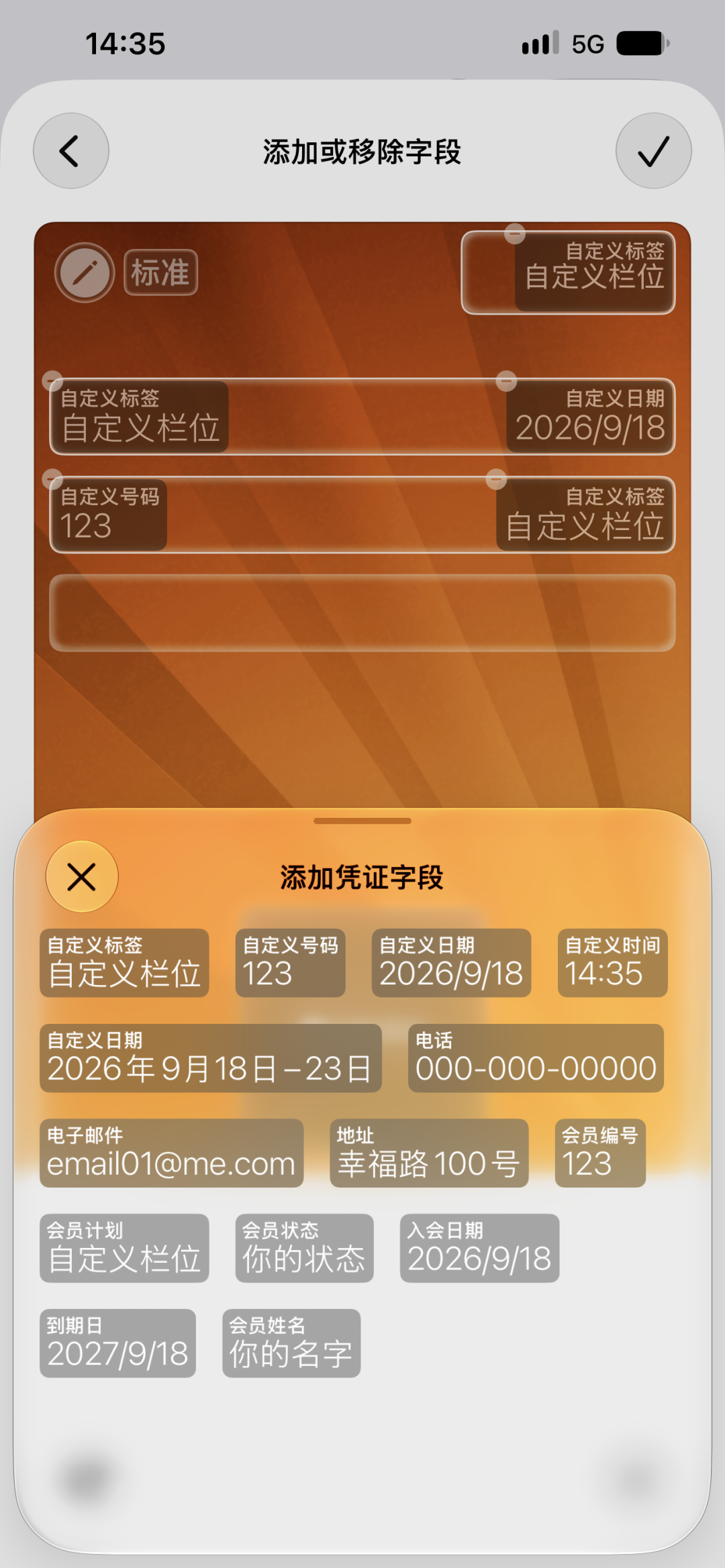
People like us who often attend exhibitions and press conferences will really cry when we see this function. In the future, we will add it to every exhibition, and at the end of the year, we can take a screenshot to prove the workload to the bad reviewers (bushi
The current version does not support one-click scanning and adding. All information still needs to be modified line by line. I don’t know if automatic recognition will be added in the future.
In addition to the wallet, the camera also adds many new functions.
First of all, in the viewfinder interface, you will see that the button layout is slightly different. The previous “More” entry has been moved from the upper right corner of the screen to the right side of the shutter button.
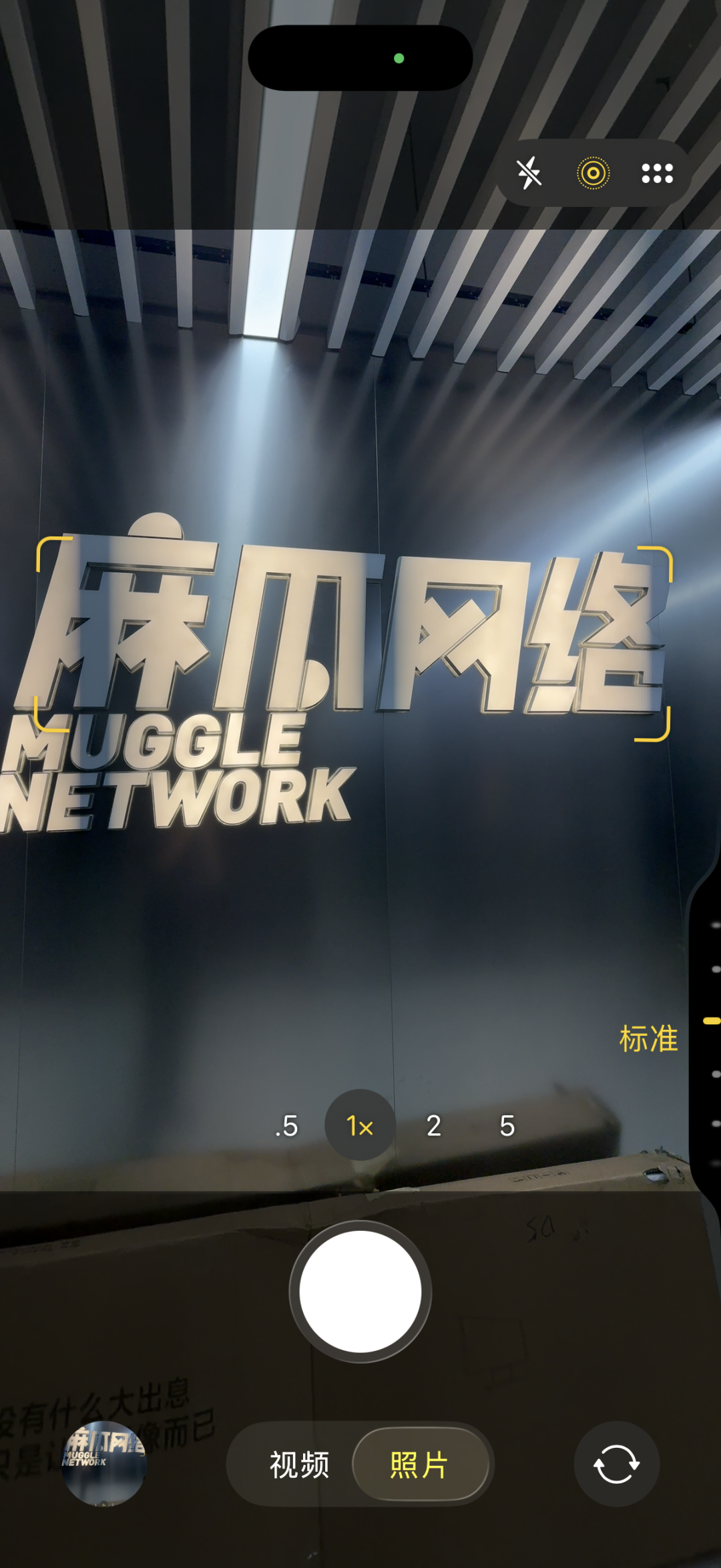
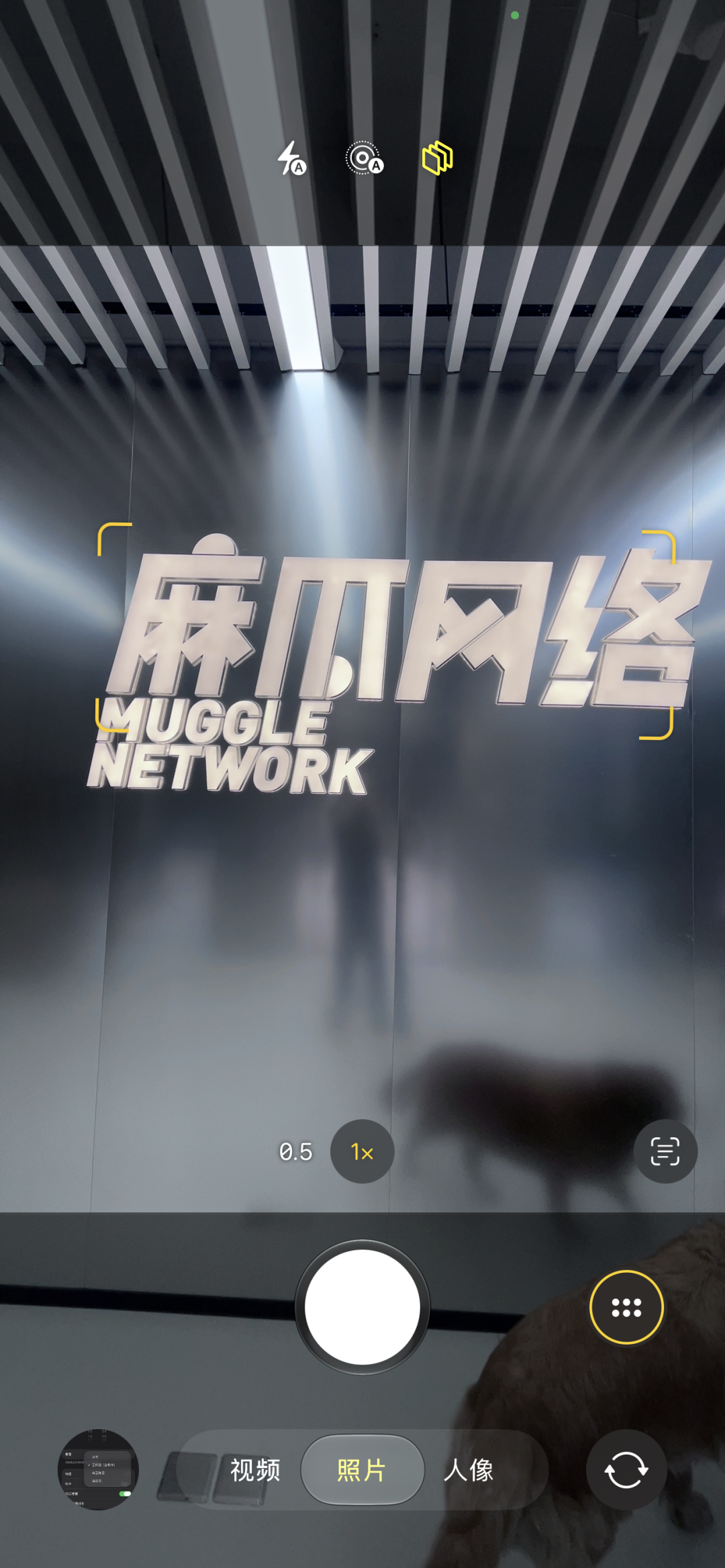
After clicking in, you will find that there is an additional function called "Style".
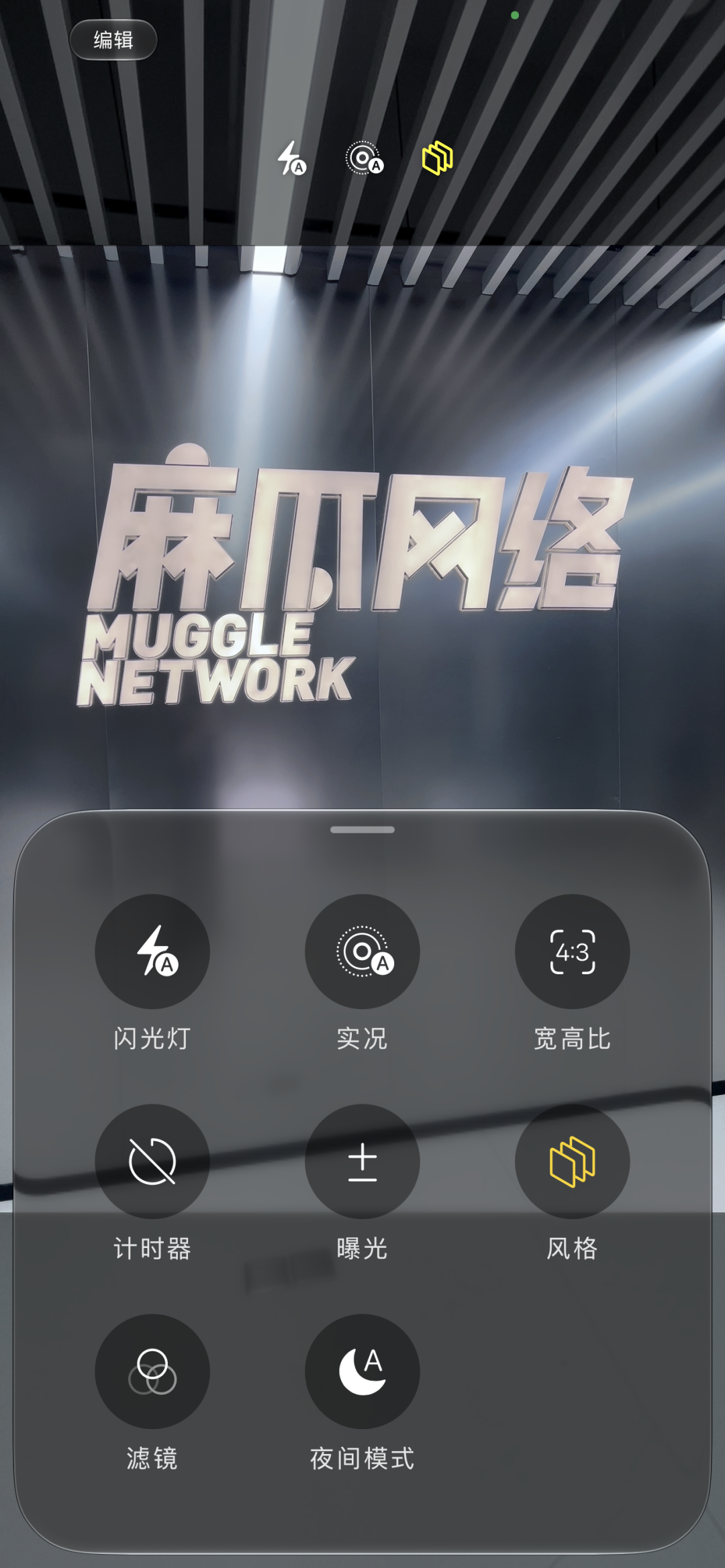
The interesting thing comes at this time. It is also iOS 27, and the "Style" icon of iPhone 14 Plus looks like this.
After clicking to enter, only a few fixed shooting styles are given, and you can switch by sliding left or right. There are only two options for hue and color temperature at the bottom of the interface, and users can slide left and right to adjust the values.
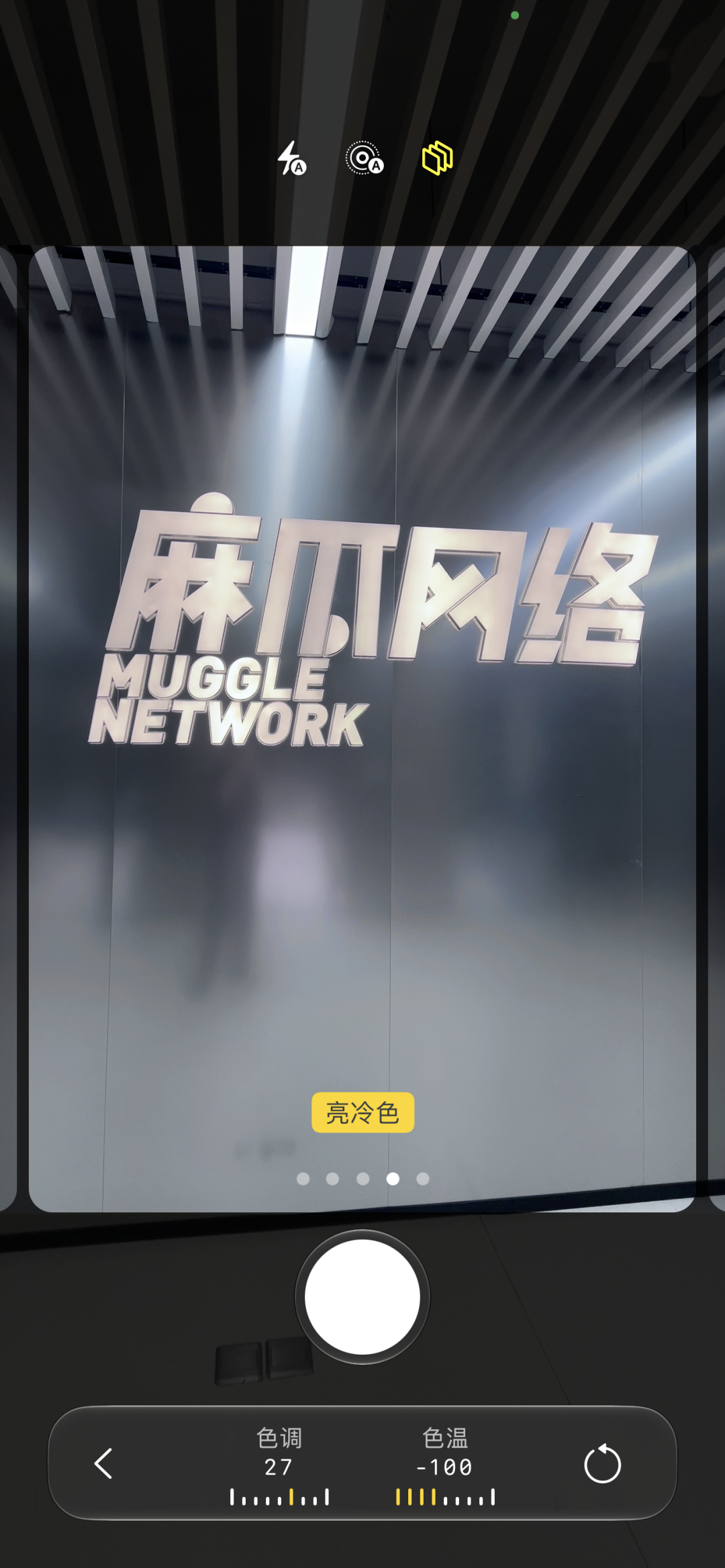
However, this feature is obviously different on the iPhone 18 Pro series. The icon looks like this.
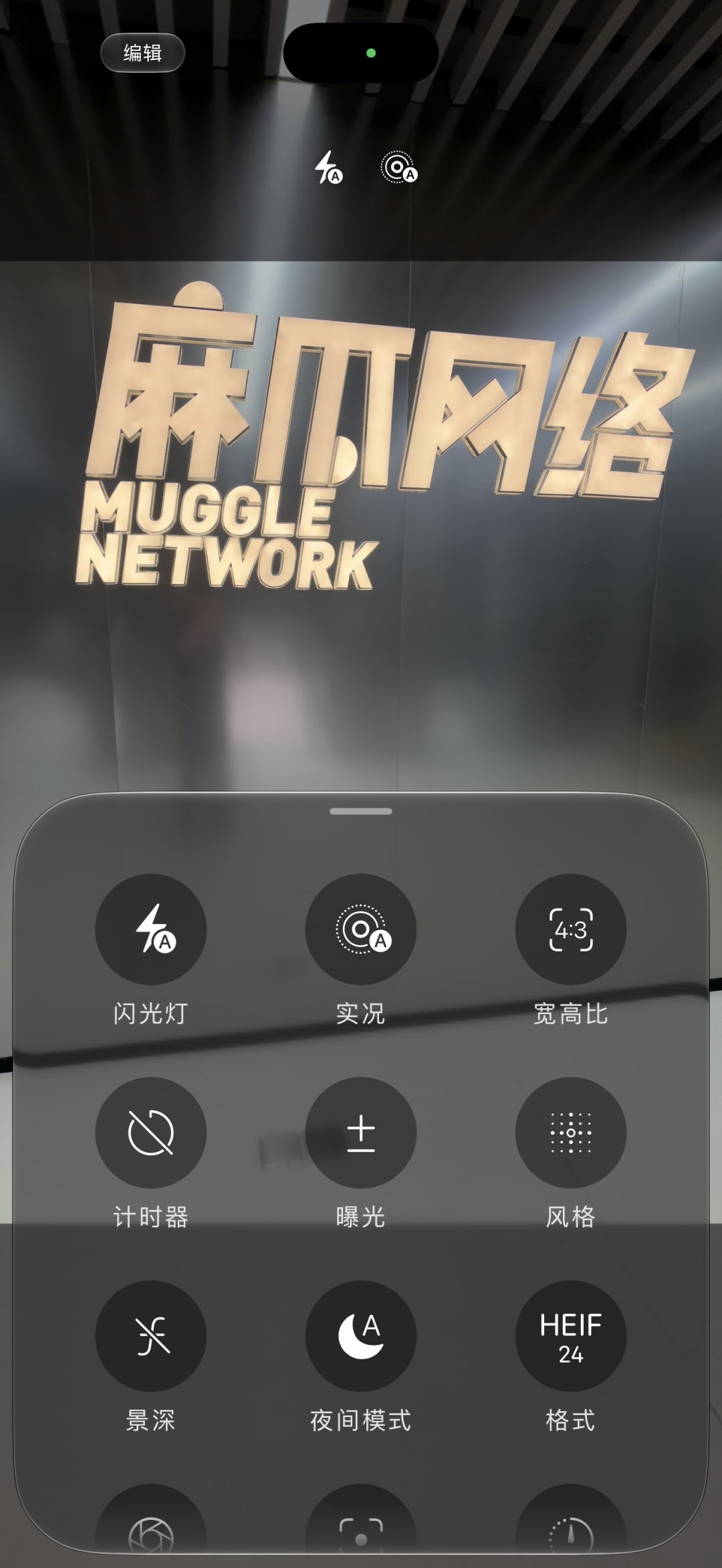
After clicking in, not only can you slide the menu below left or right to switch to different styles, but there is also an additional customization option. Clicking in will refresh the "palette" of Xiaohongshu.
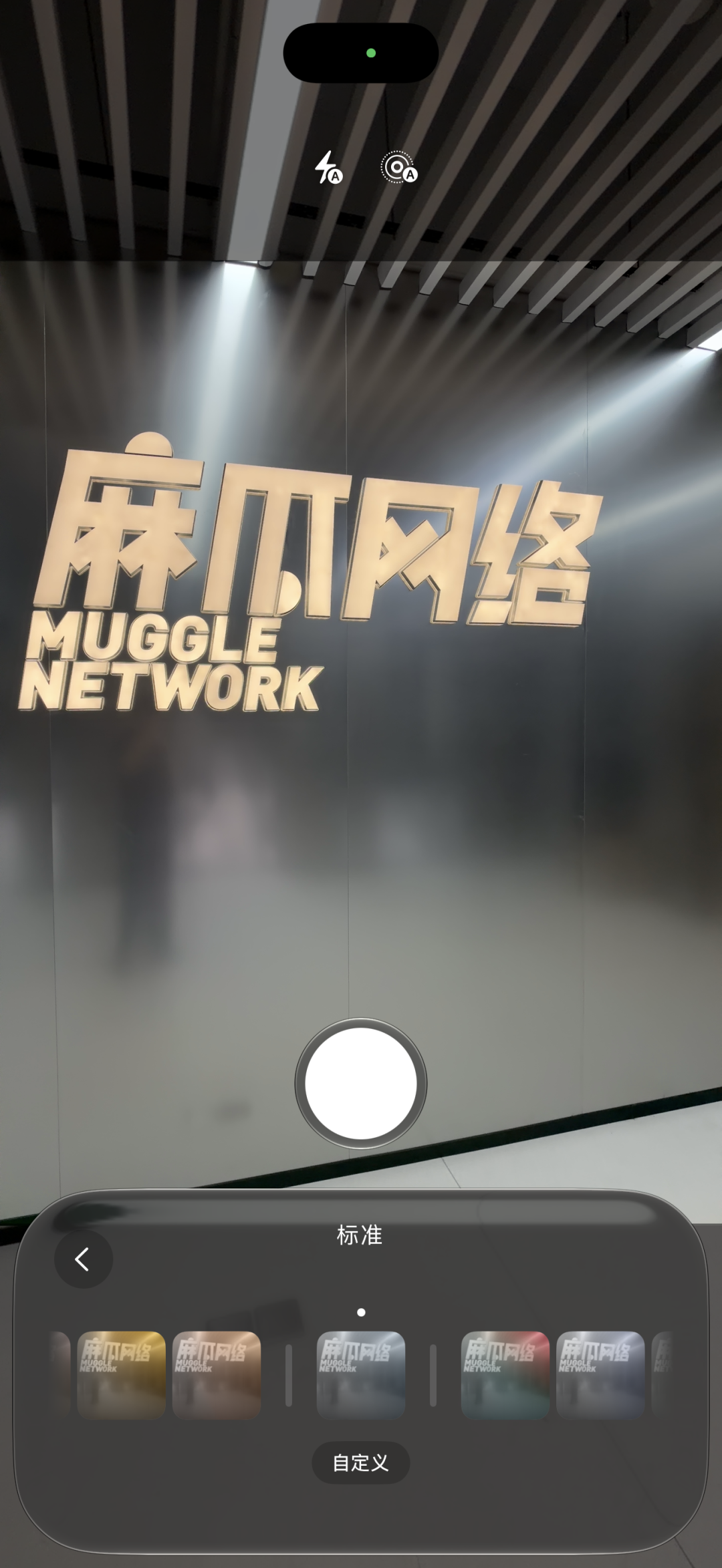
The 18 Pro Max also adds a “Texture” menu next to the “Palette”.
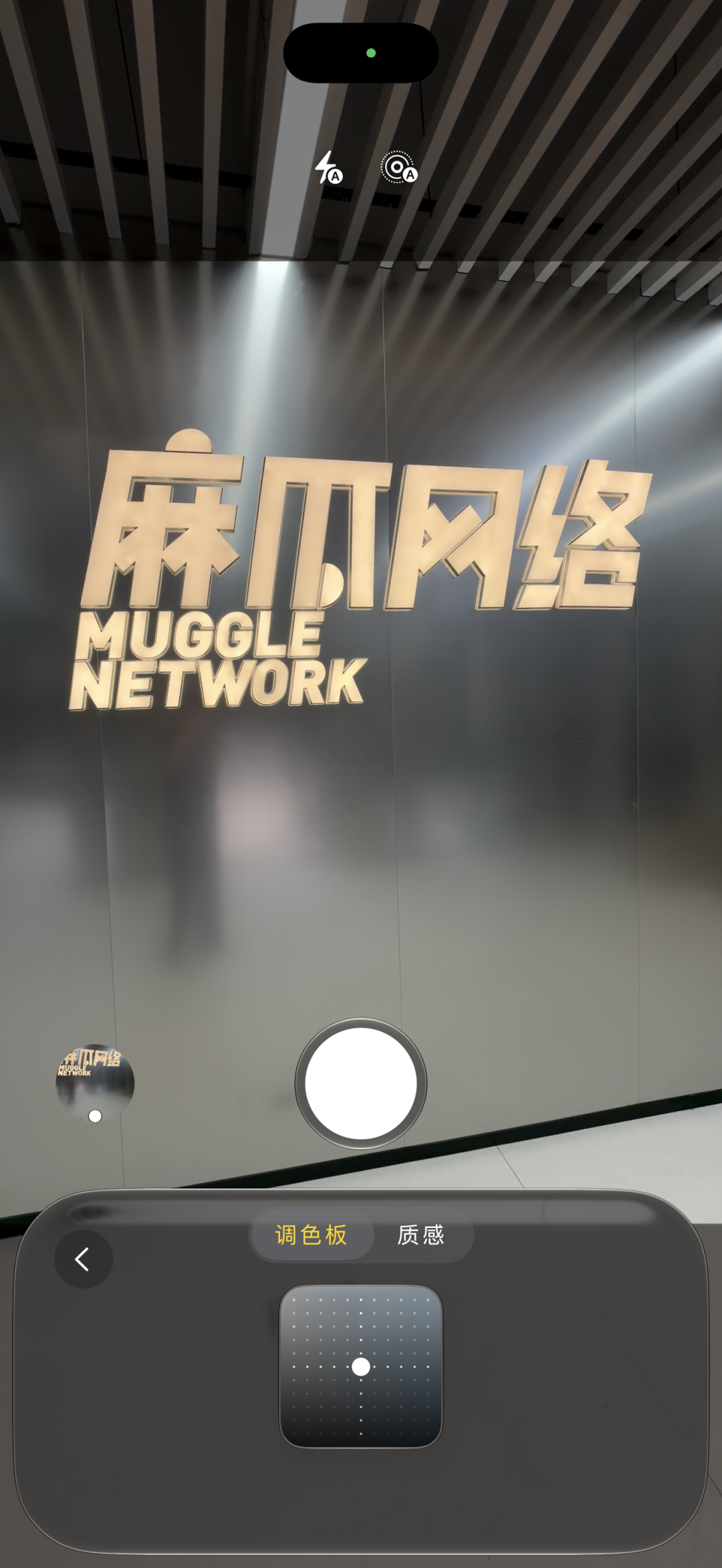
There are a lot of good things here. Not only is there a "soft skin" that can adjust the skin color and a light and shadow that can adjust the atmosphere, but even when you click on the film, a small option will pop up. On one side, you can adjust the intensity of the film's tone, and on the other side, you can choose whether it has granularity.
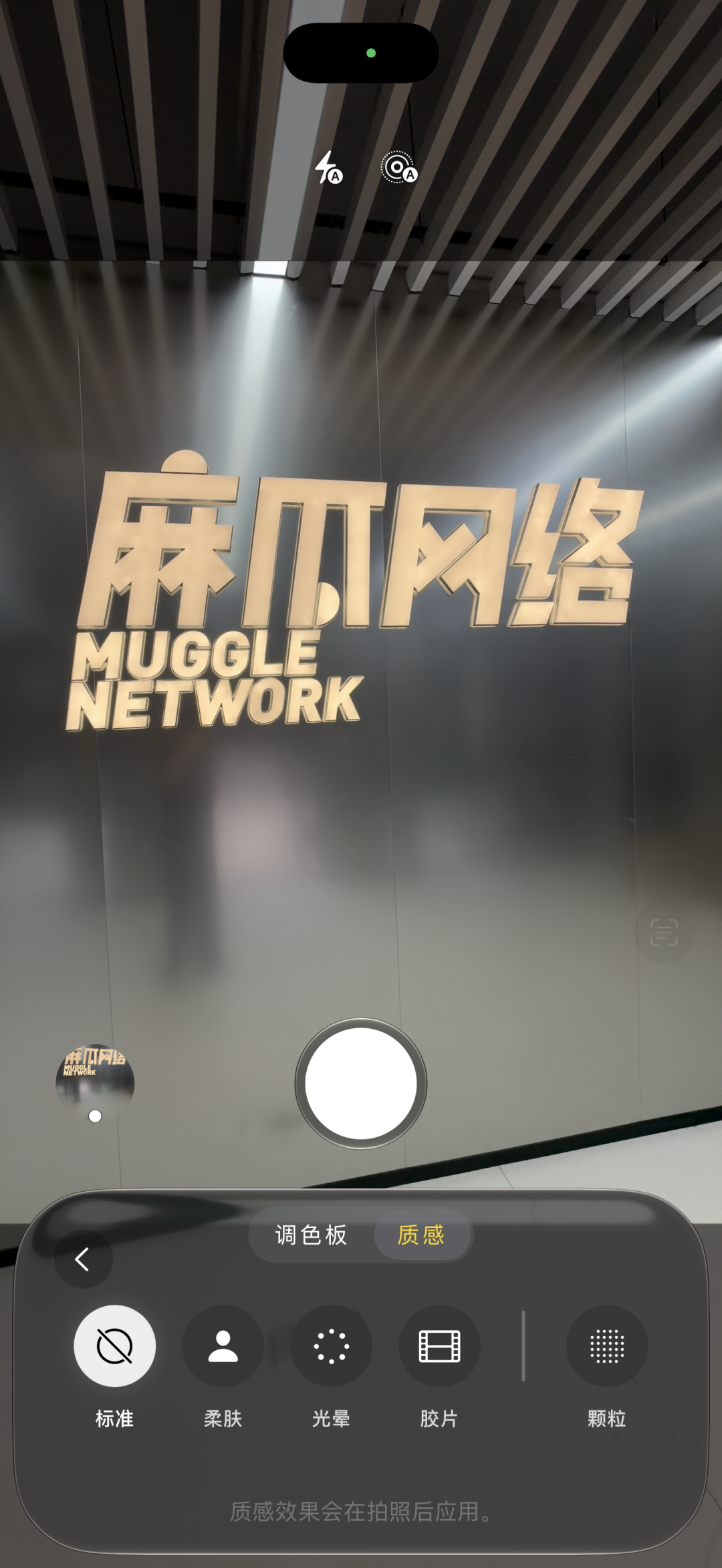
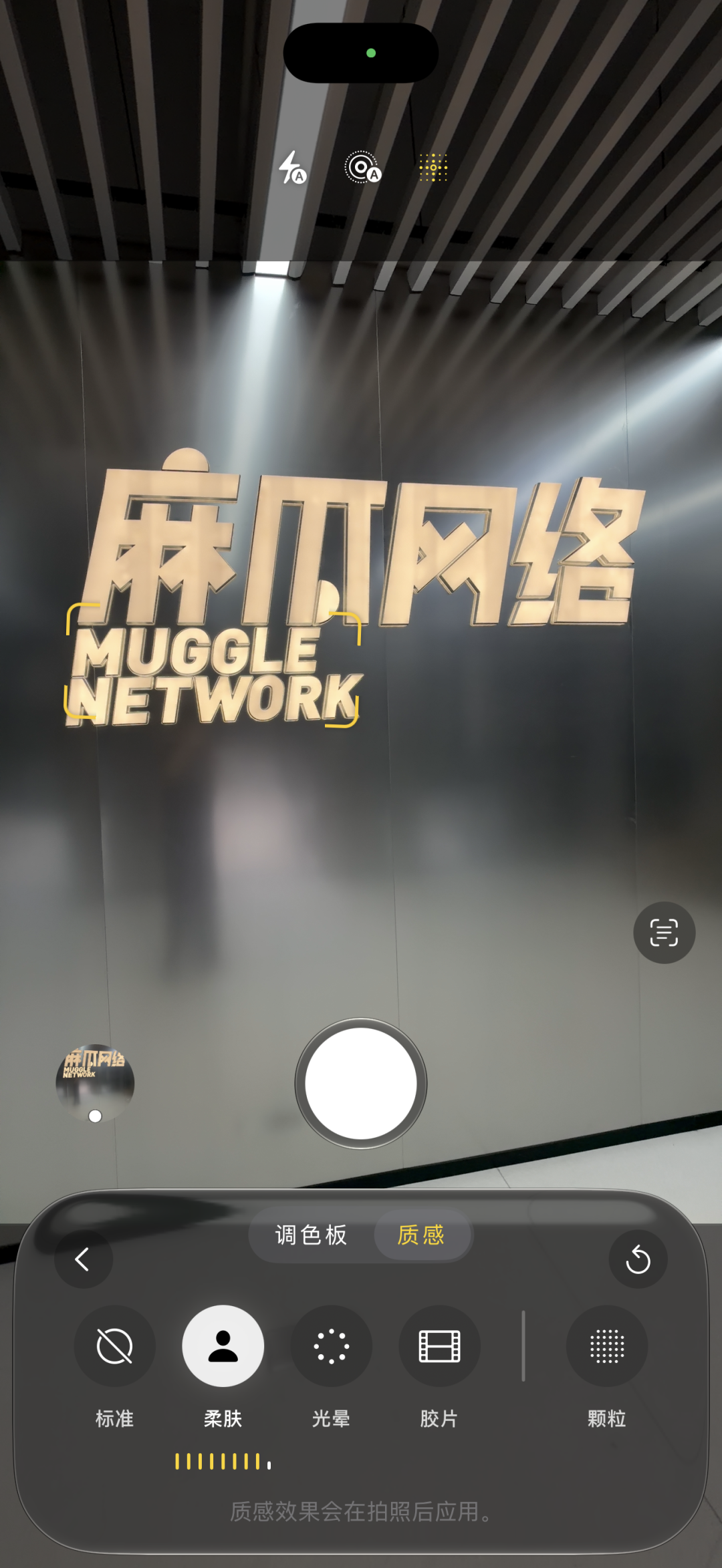
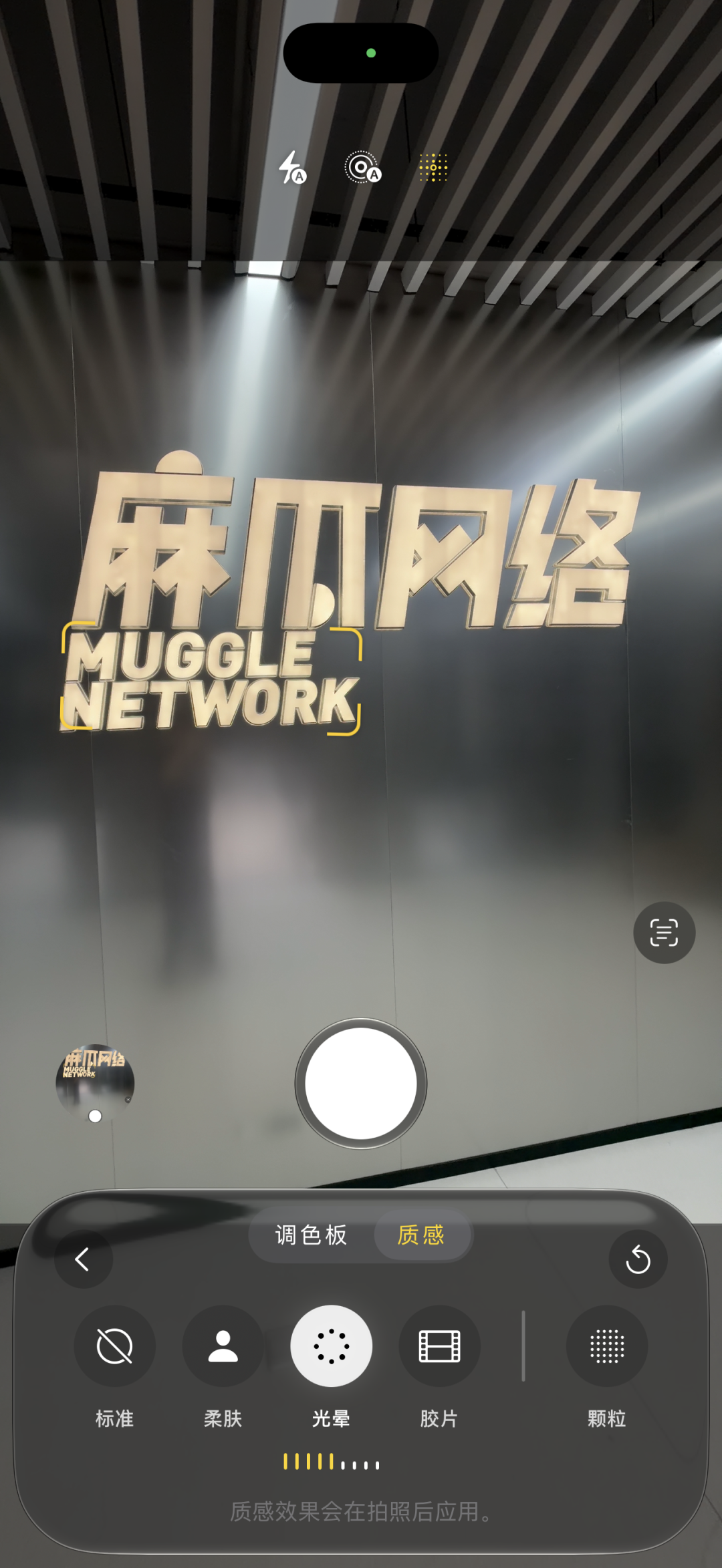
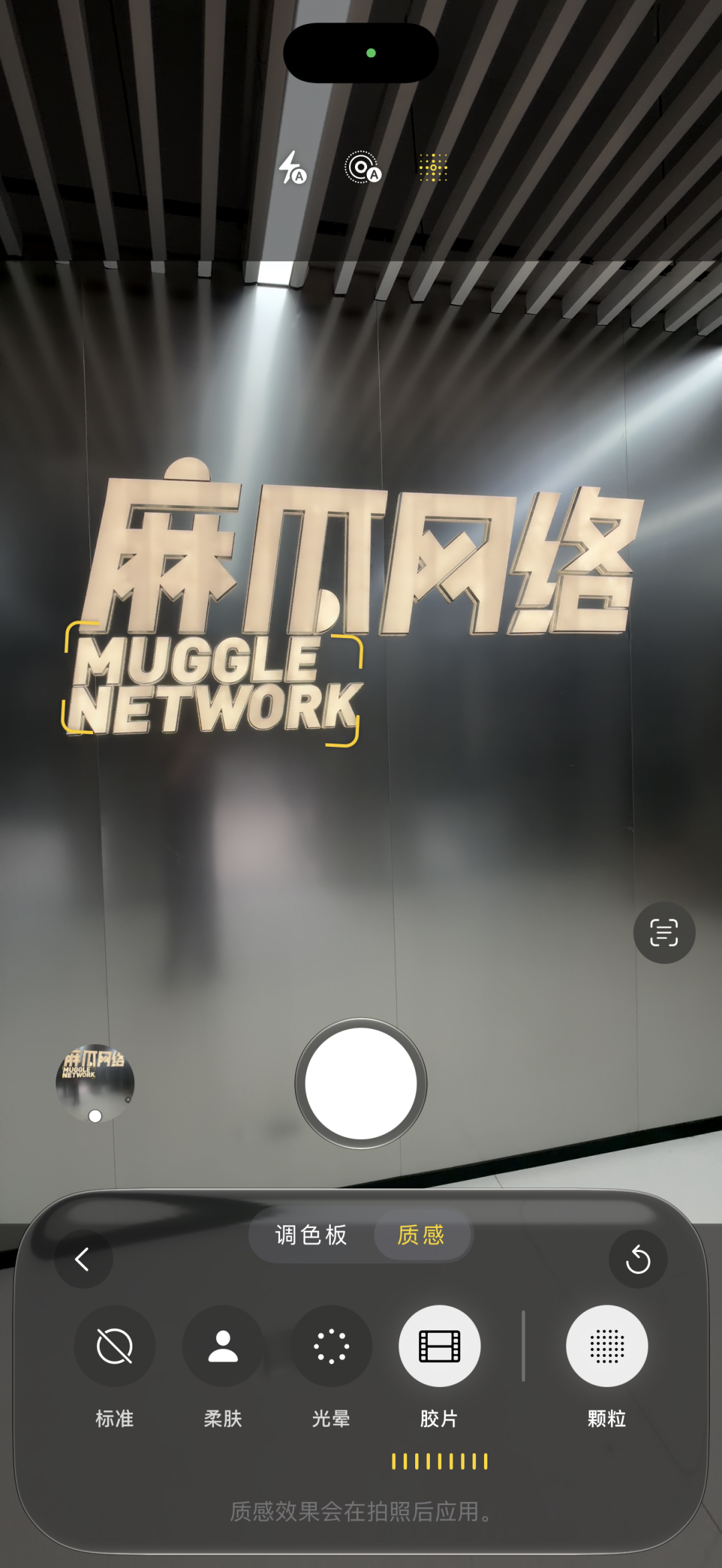
Swipe left
I don’t know if you have noticed it - the old Gulu stick like iPhone 14 Plus does not support color palettes even if it is upgraded to iOS 27. It can only rub the pulley, let alone the new gameplay of "texture".
Regarding these differences, I also took a look at Apple's official website for everyone, and found that Apple only said that this function depends on the iPhone model, but did not explain which models support custom styles.
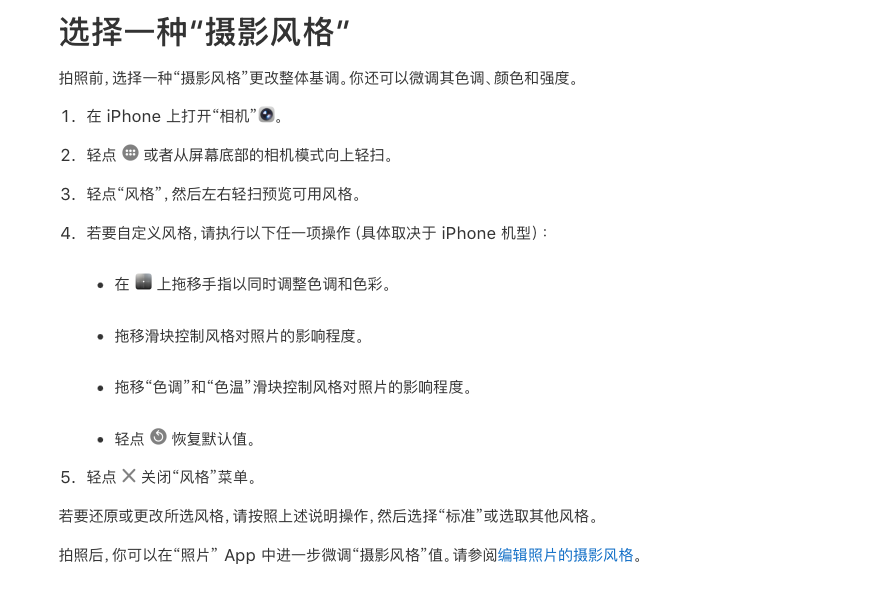
Tony can only give everyone a try one by one. The general difference is as follows:
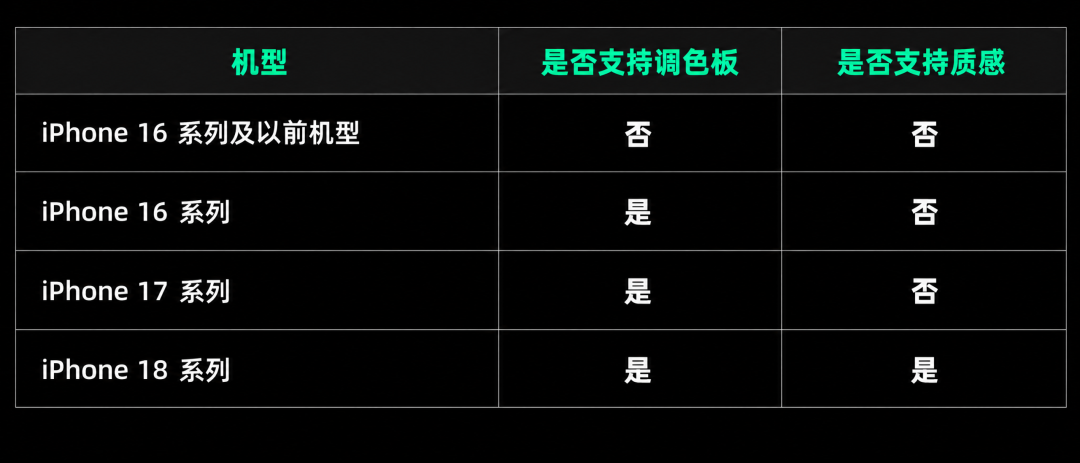
It can be seen that the newer models support more styles of gameplay, and the "texture" is exclusive to the 18 series.
This is a very hierarchical area.
I have to remind you all, I just saw that the skin tone and atmosphere can be adjusted in the texture. When you go out to take pictures with your best friends or brothers in the future, don’t believe the nonsense that the original iPhone camera used by him/her does not have beauty enabled. What if you are using the iPhone 18 series?
The picture above shows soft skin and the picture below shows soft skin turned off


Let’s go ahead and look at the new app features on iOS 27. The camera has changed, and the photo app has also changed a lot, and these new features are quite practical. In one sentence, they increase the convenience of image filtering.
For example, the "Photographed by me" category was added to the collection page. This category contains photos taken by users using Apple devices.
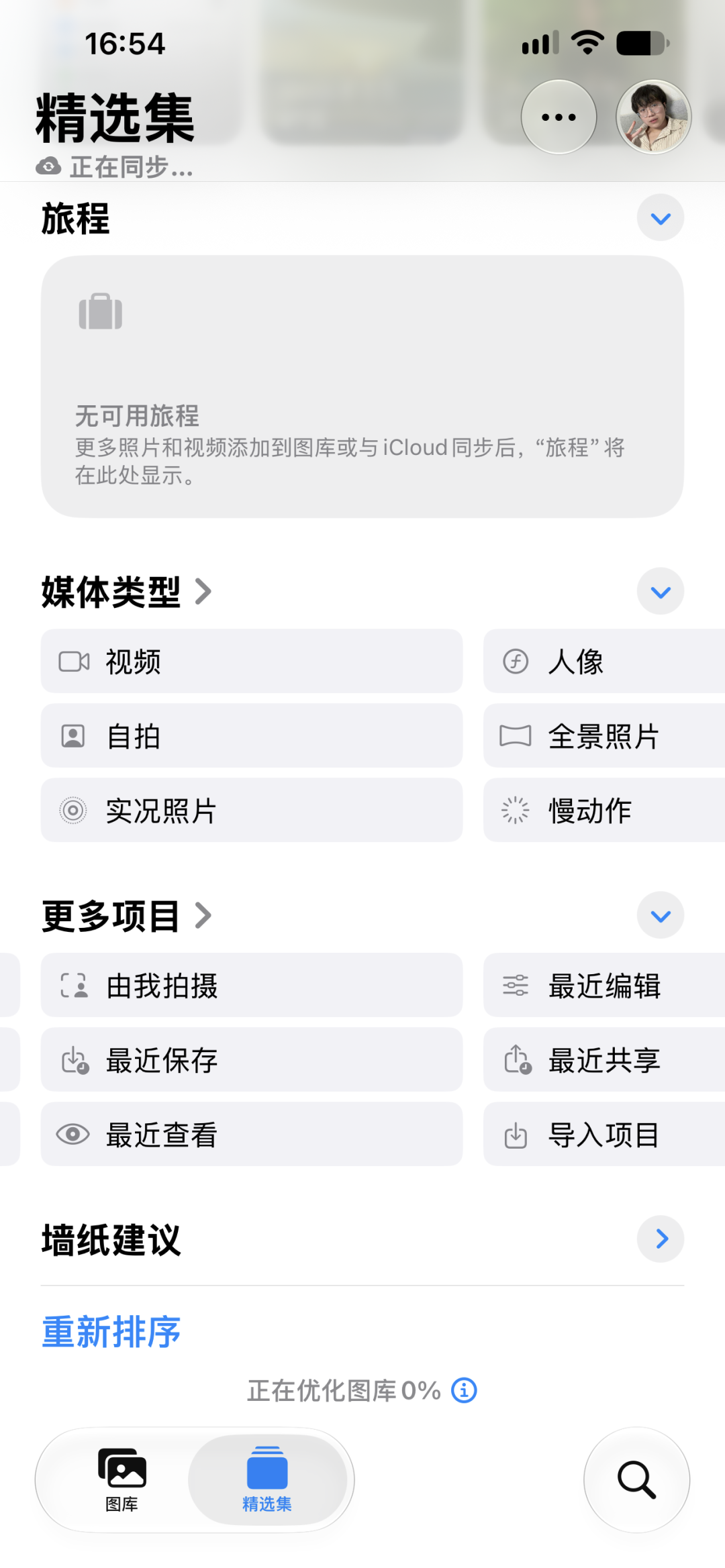
Note that what I am talking about here are photos taken with Apple devices. I mention them specifically because there are tricks in this.
We found 3 iPhones, one was equipped with iOS 27 from the factory, one was upgraded to iOS 27, and one was equipped with iOS 26. These three iPhones are all logged in to the same Apple ID.
We took a photo with each of these three iPhones and transferred them all to this iPhone with iOS 27.
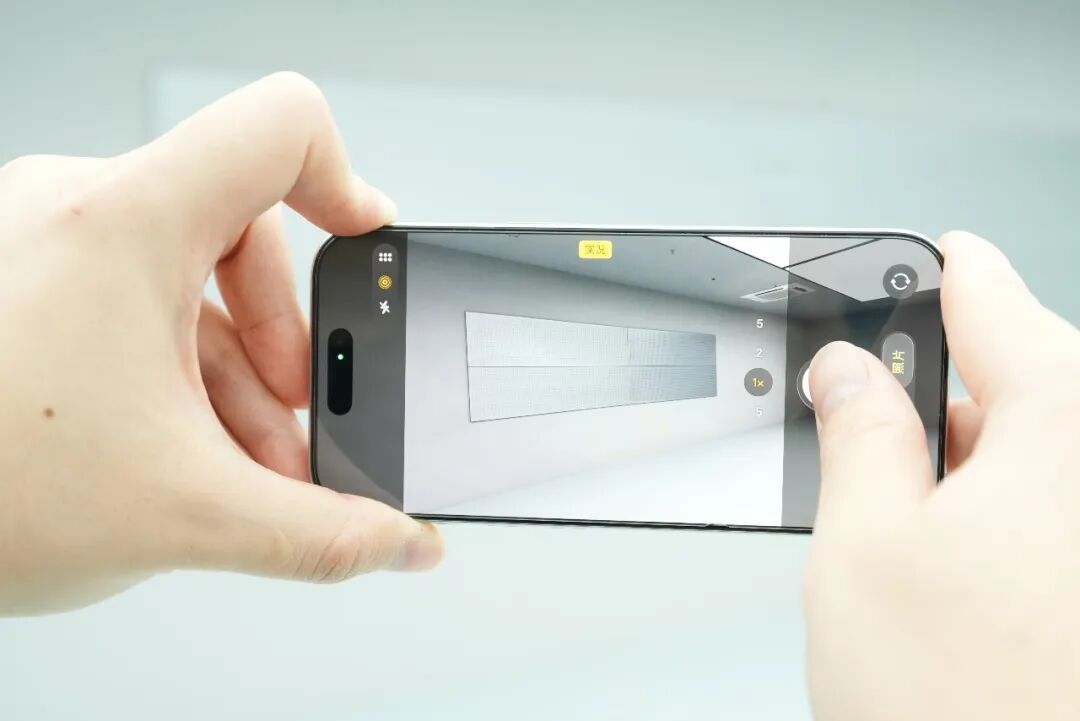
The reason why you are doing this is to see how far this "photographed by me" category can be divided?
As a result, I really saw something interesting at this glance.
Whether it can be recognized as taken by me depends entirely on the method of delivery.
If you use iCloud to automatically synchronize directly, the photos taken by any phone will be recognized as "taken by me".
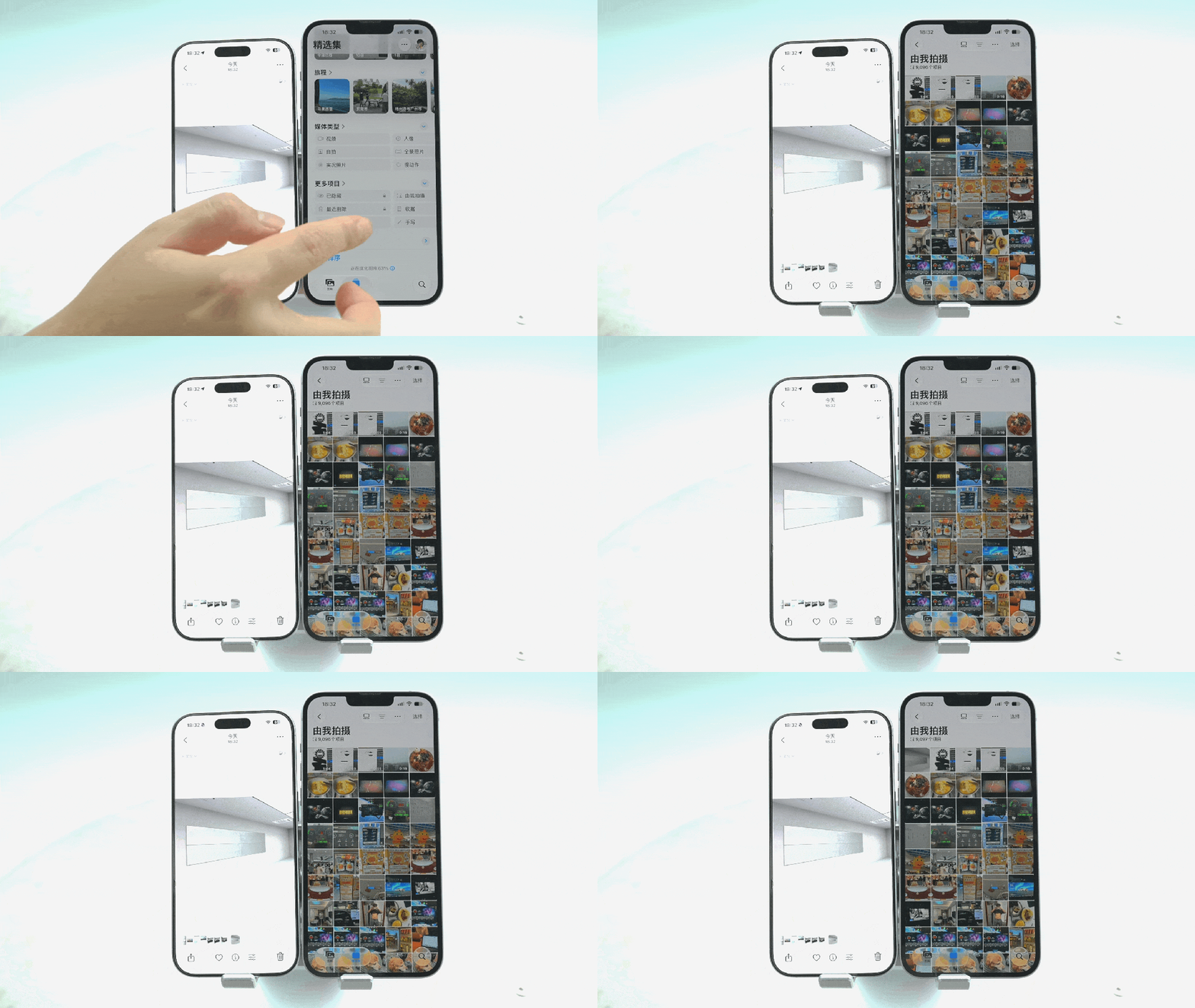
But if you use Air Transfer and transfer a photo from one iPhone to another, it will not be recognized as "taken by me", even if the two iPhones are logged in to the same Apple account. It is also recommended that brothers and sisters who are planning to buy the 18 Pro series, if you want to use this category, remember to use iCloud when uploading photos.
But no matter what, it’s good to have another category like this. Screenshots, emoticons, and pictures saved online don’t have to be crowded together with the photos taken by the camera.
But what really surprises me is the photo star rating.
This function can be traced back to the era of Windows 98, and it will be available on ACDSee.
Basically all photo studios or photographers will use star ratings to screen photos.
This time iOS 27 finally brings it to iPhone.
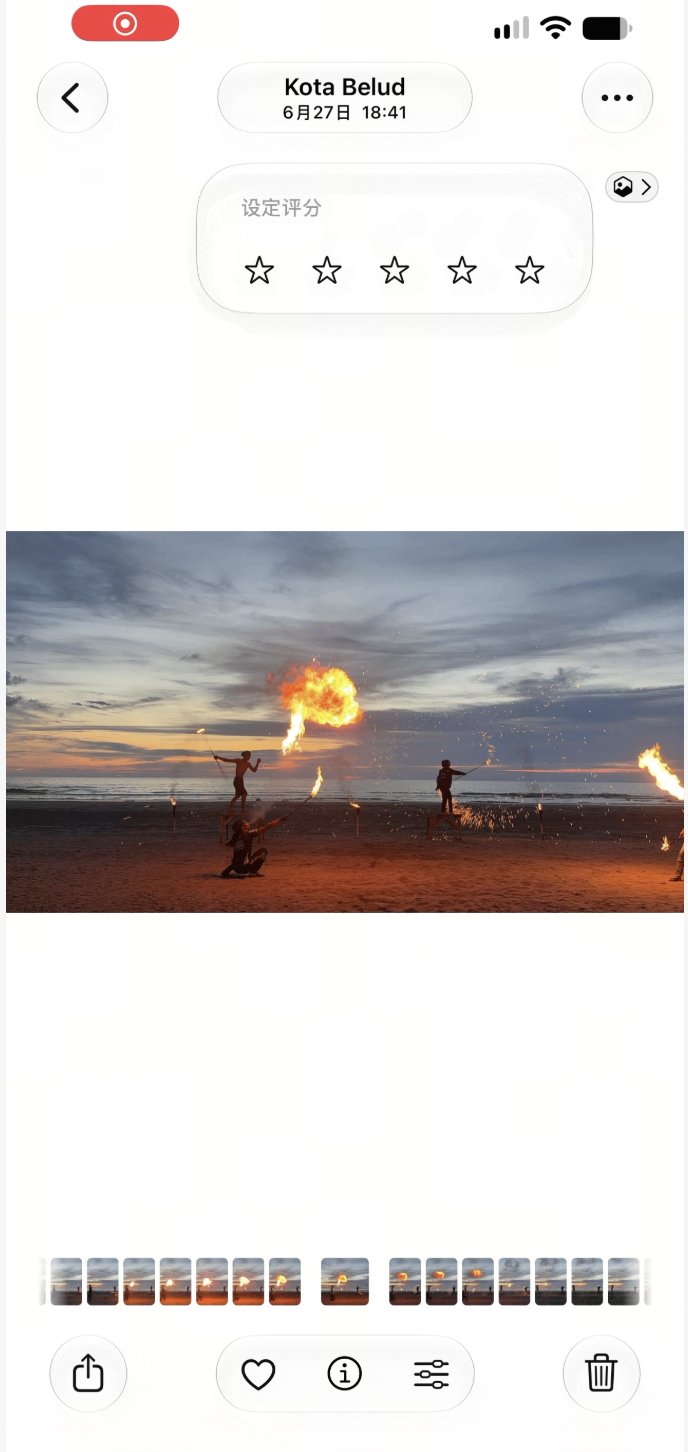
This function allows users to add 1-5 stars to each photo or video. After rating, they can also quickly filter out photos with different scores based on the number of stars.
The way I am thinking of using it now is that when I go out to play in the future, I can take many pictures of the same scene, try different compositions and angles, and then slowly compare and score them when I come back, and then choose the group with the highest score and post it to Moments.
However, you still have to look for it to turn on this function. Its switch is placed in Settings - App - Photos - Display Options - Display Rating Control.
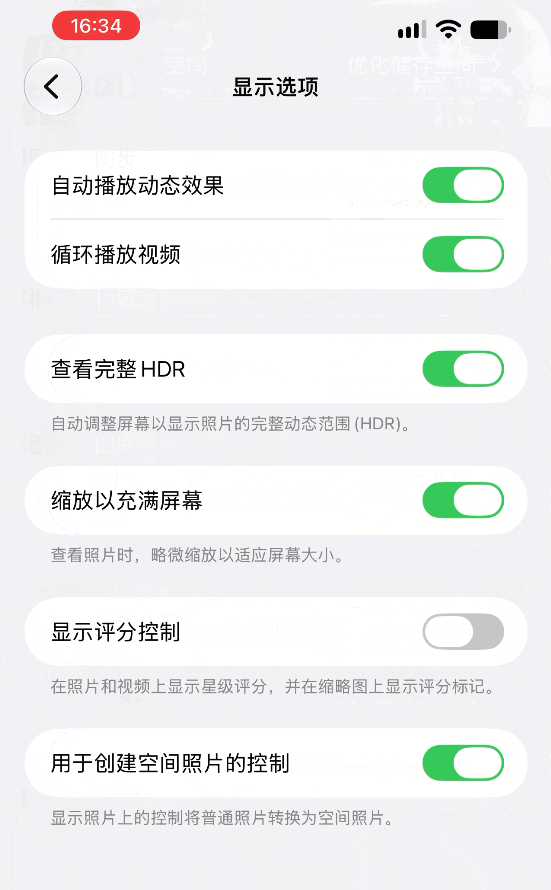
In contrast, another picture function called "Show Selection" is relatively simple and intuitive.
In the past, when you selected multiple photos in the iOS Photos App, the text below would only remind you how many photos you had selected. You could only see the check mark in the upper right corner of the photo to see which photo you had selected.
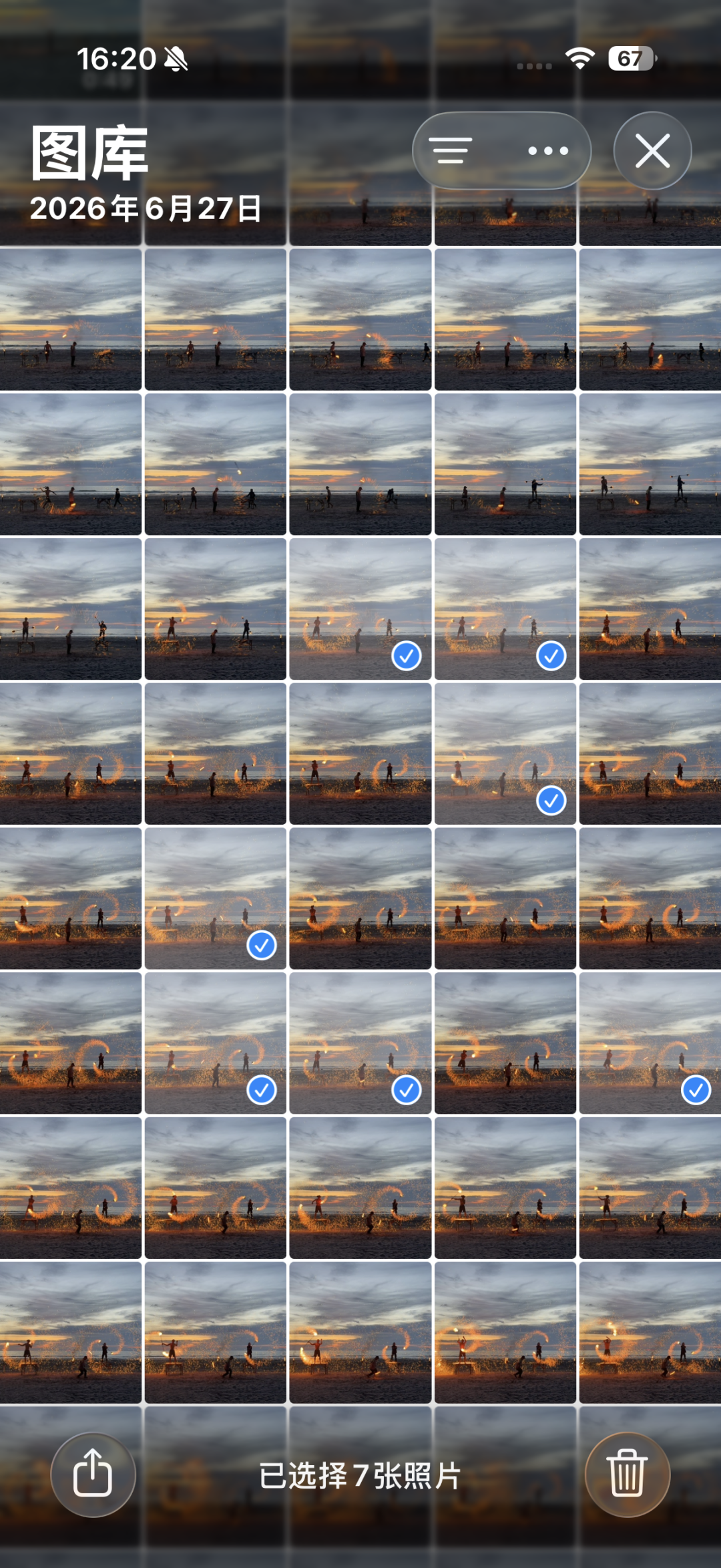
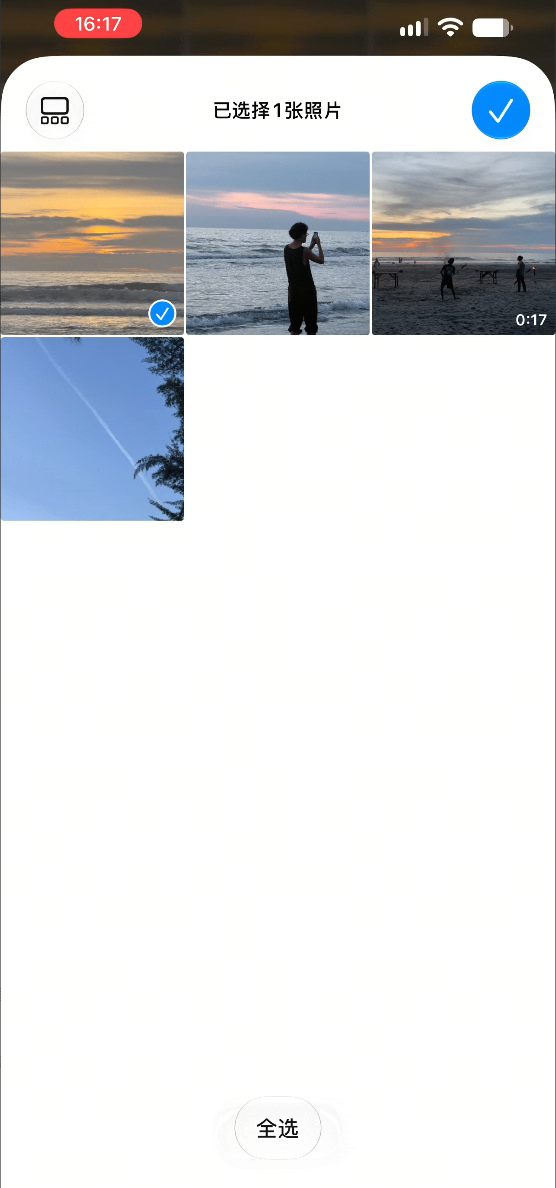
On iOS 27, after triggering multi-selection, there will be an option to display the selected photos at the bottom of the album. Click on it to see directly which photos you have selected.
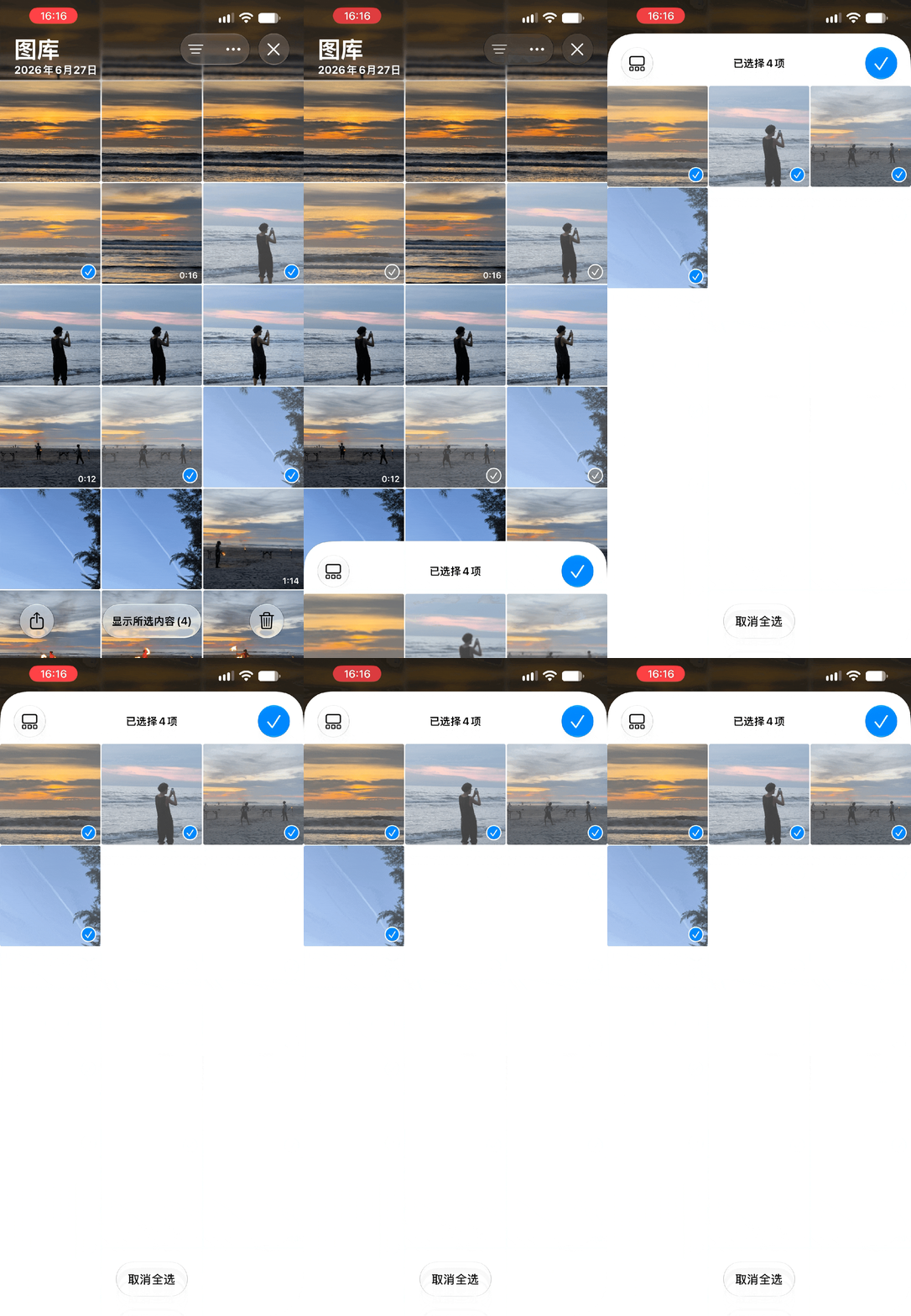
You can also filter twice directly on this interface.
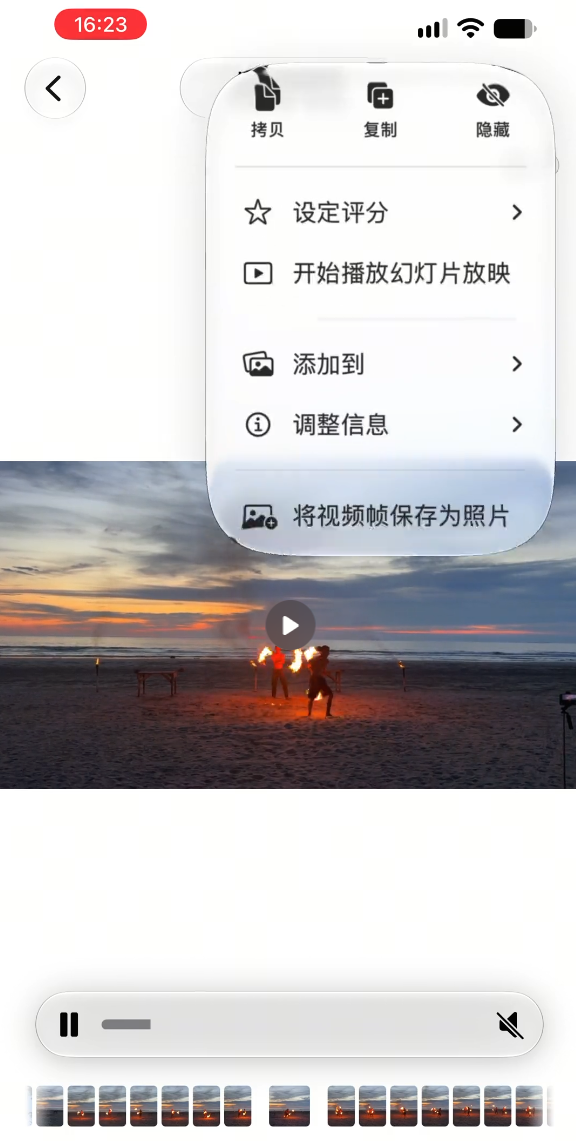
In addition to these new designs for easy organization, iOS 27 also adds a practical feature called “Save video frames as photos”.
Open the video in "Photos", drag it to the desired frame and pause it, then click "..." in the upper right corner and select "Save video frames as photos", and the system will save it at the original resolution of the video.
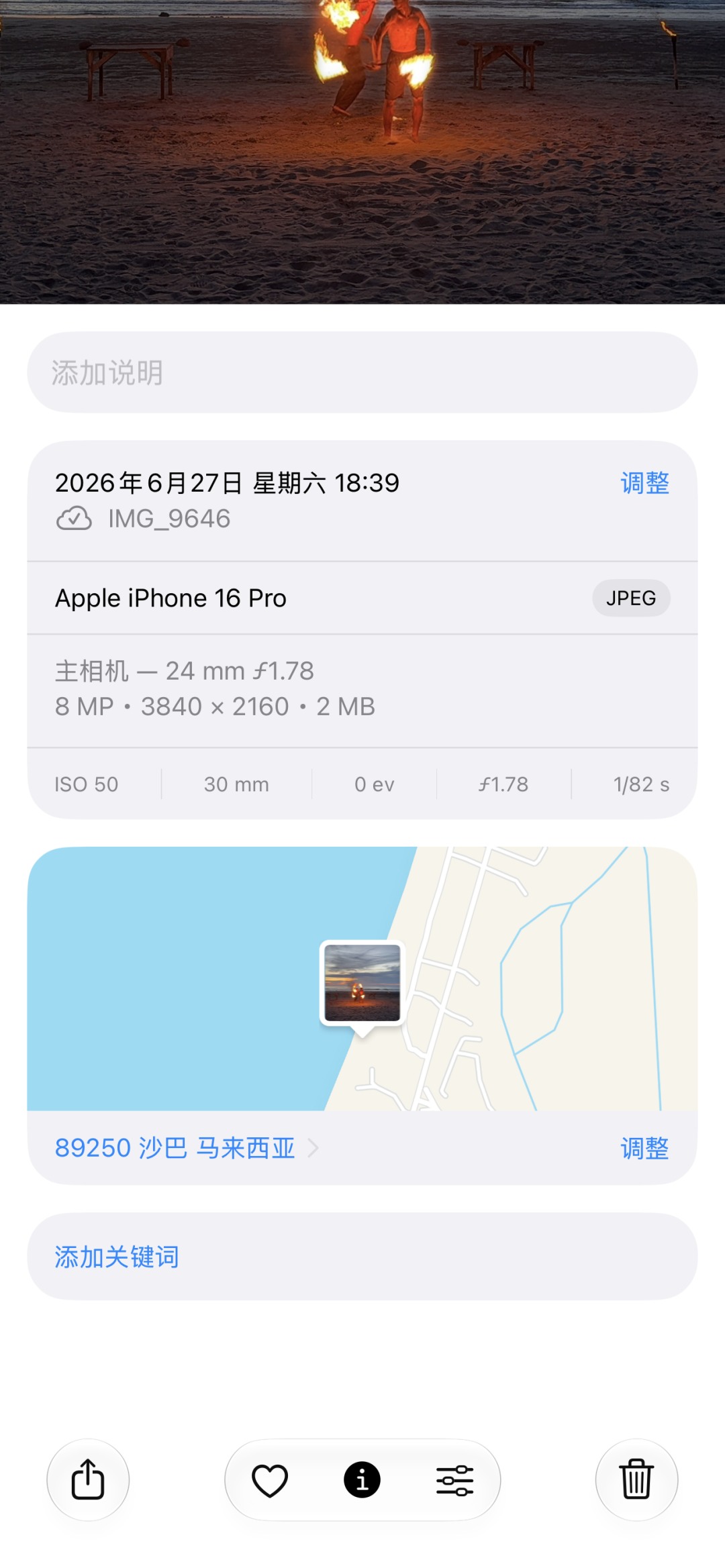
The captured pictures will also retain the shooting time, location, model and other information.
It would be even better if you could keep video frames as Live Photos.
There are some minor updates to other applications, so I won’t go into details and talk to you one by one.
# Accessories related upgrades
Finally, let’s look at the next update related to AirPods.
After the mobile phone is updated to iOS 27, AirPods will also have new firmware. This new firmware adds a custom equalizer, which can adjust low frequency, mid frequency and high frequency respectively.
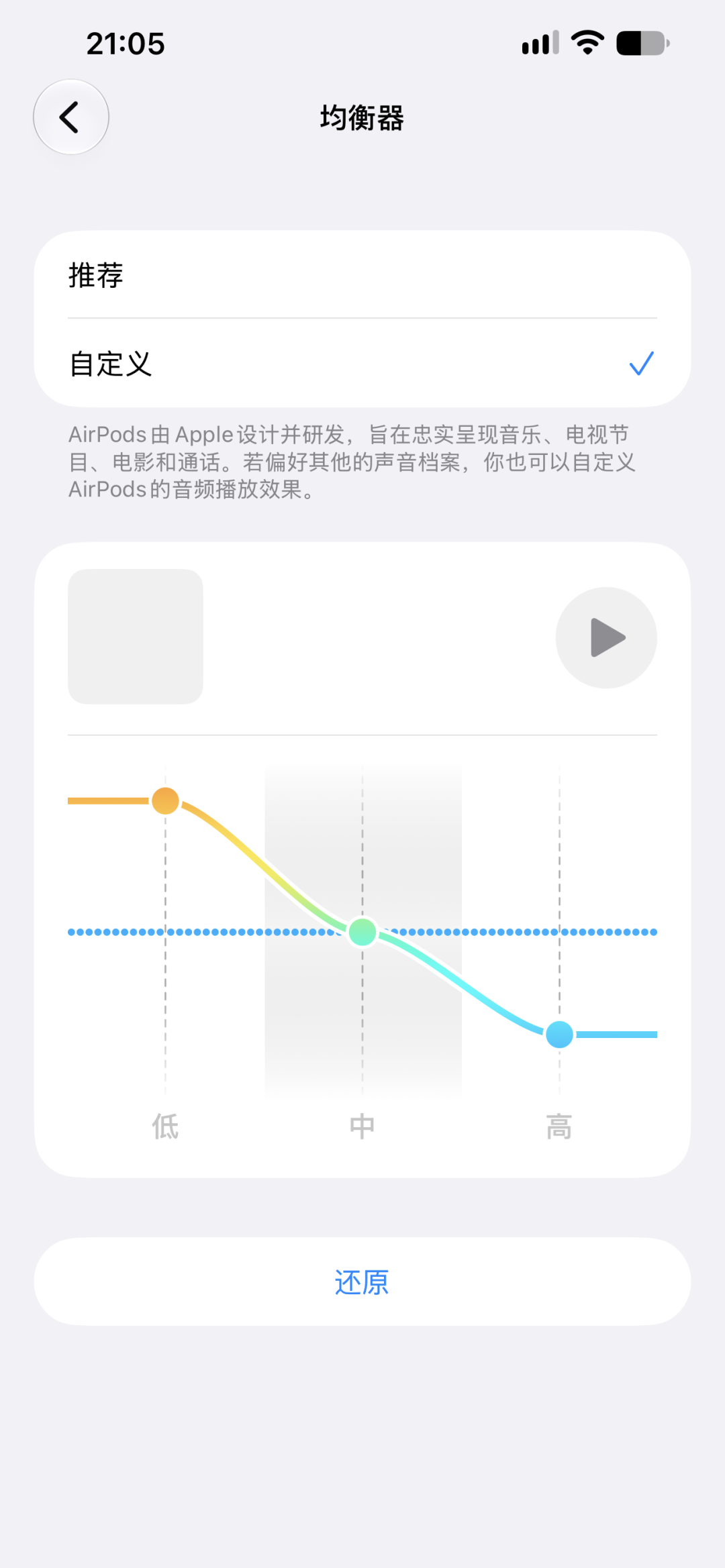
After putting on and connecting AirPods that support this feature, go to "Settings", click the AirPods name at the top, then select "Equalizer - Customize" and drag the three sliders.
Although it is only the most basic three-band EQ, it is definitely not comparable to professional players, but the good thing is that there is no need to install additional tuning software, it can be operated in the system settings, and the adjusted parameters will be directly stored in the headphones, and they will continue to take effect when switched to a paired iPad or Mac.
OK, let’s talk about the updates to the official version of iOS 27 and its adaptation to older models first.
In general, although there are no big surprises, there are still many hidden ideas.
What is even more rare is that it has maintained the excellent performance of iOS in adapting to old models. Although some functions have been model-differentiated, the upgrade points that affect the basic experience are basically given to old models.
If you have to choose, I can only say that you should quickly add a set of exclusive logic for non-Smart Island models, otherwise many functions exclusive to Smart Island models will not be used by older models. Many of them are quite practical, and the experience of old models can be improved to a higher level after using them.
Comments