
Abstract:
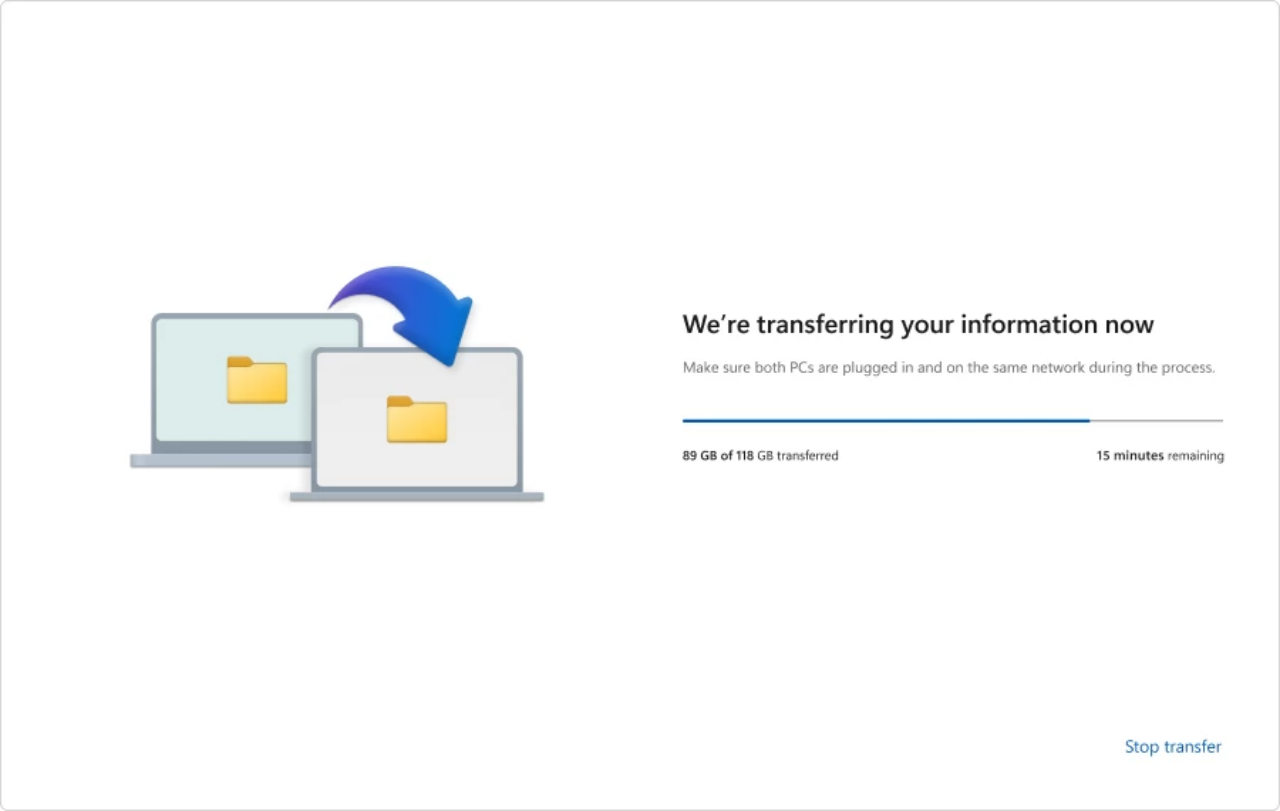
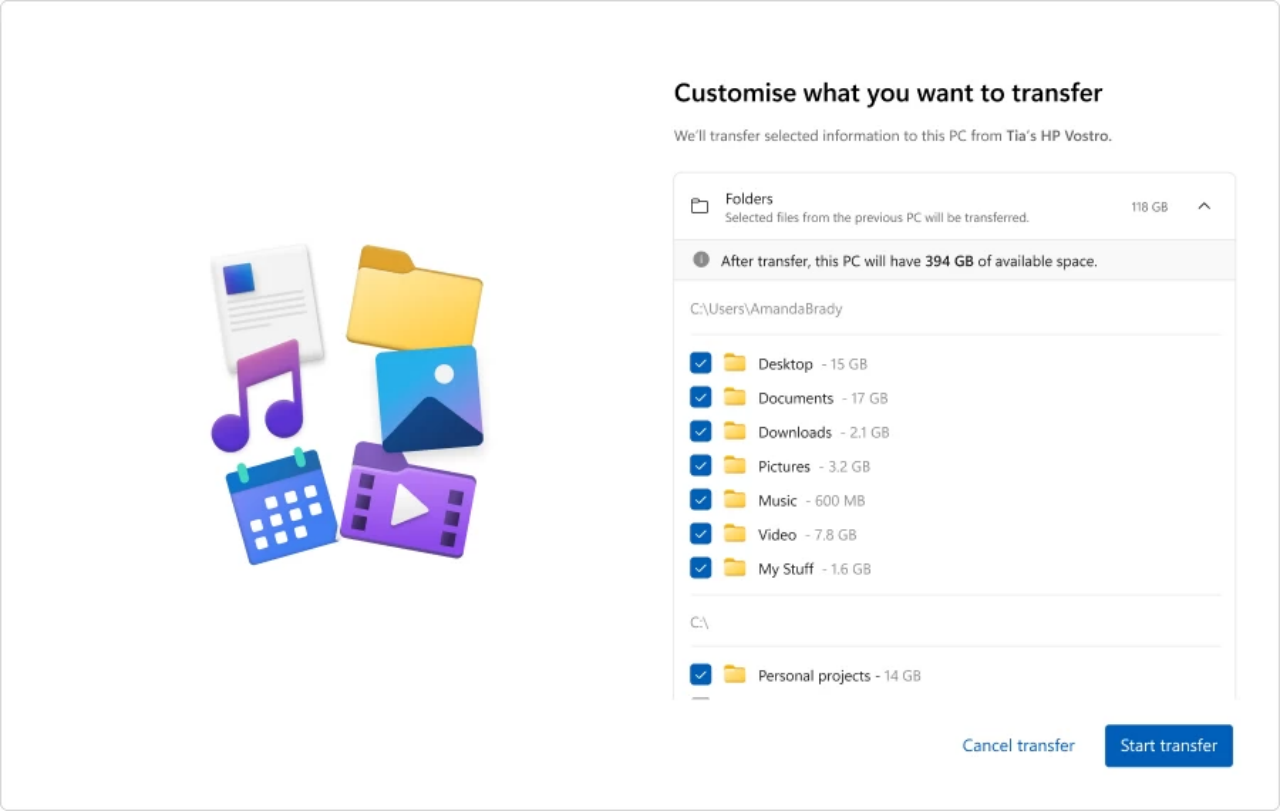
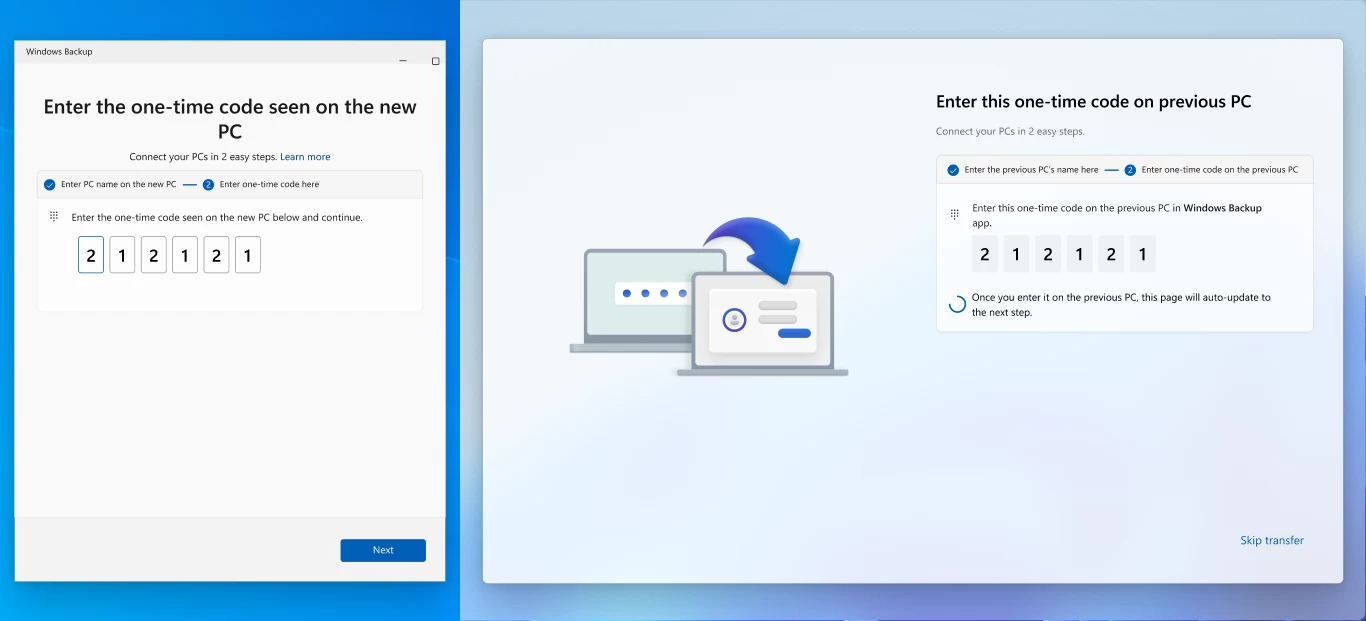
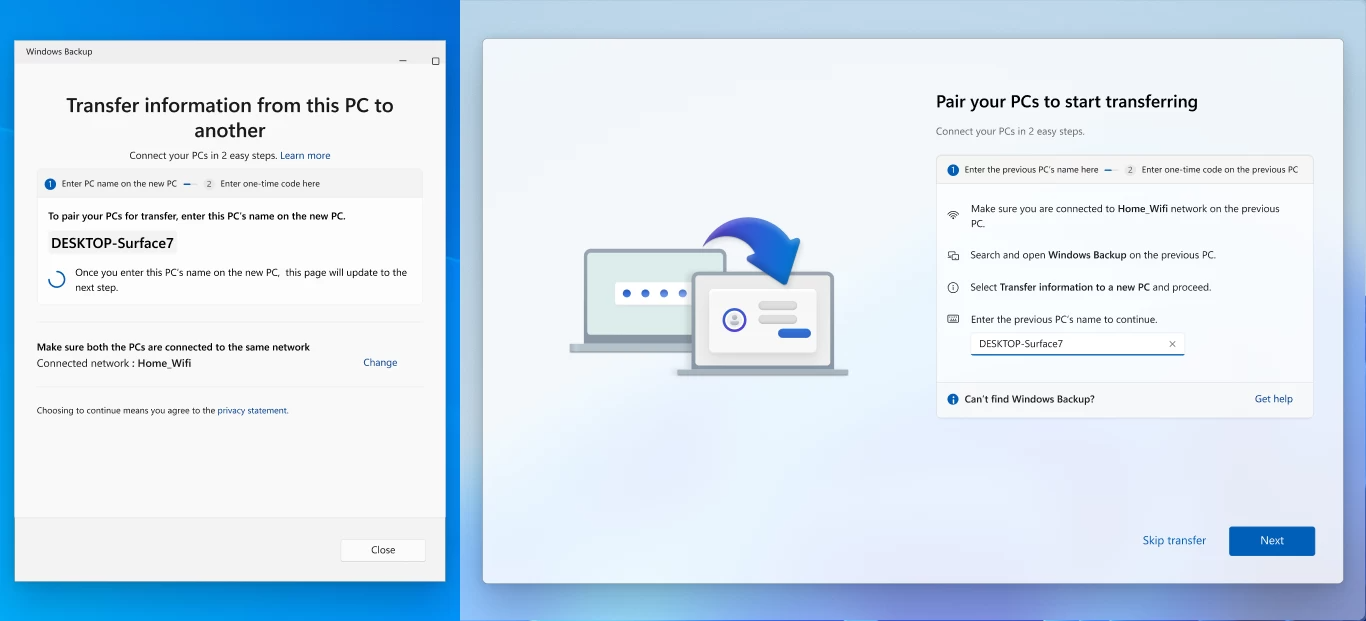
In July 2025, Microsoft tested the PC-to-PC migration function in the Windows 11 preview version. This function is based on the Windows Backup application and can migrate the entire hard disk data to a new computer. However, Microsoft has now updated the instructions to confirm that the migration function has been deprecated and recommends that users switch to Windows Backup and Restore.
It’s better to delete the useless functions:
The migration function test has not reached the official version of Windows 11 for 1 year. The reason is probably that the migration function is too useless for users to want to use it. There is a reason why it is said to be useless: the Windows 11 migration function never supports the complete migration of the entire system to a new PC. It is said to be a migration but in fact only supports the migration of personal-related files.
For example, users can migrate personal files, settings, and some personalized settings, but they cannot migrate installed applications, OneDrive files, saved passwords, and login credentials. Although the entire hard disk data can be moved through Windows Backup, all that can be done is to move files instead of migrating all the registry, settings, credentials, etc. generated by the software.
Therefore, if users want to migrate the whole machine through the migration function, it is impossible. It is better to use third-party software to package the entire system disk as an image and then reinstall the system on the new computer. Bluepoint has recently migrated computers, but has never used the Windows 11 migration function. Instead, it uses third-party software to complete the whole machine migration.
Microsoft now recommends using OneDrive to migrate files:
After deleting the migration function, Microsoft recommends that users use the Windows Backup and Restore function to back up specified folders, system settings and some account information to a Microsoft account, and then log in to the same Microsoft account on the new computer for data recovery.
Users can also use OneDrive to back up files in folders such as desktops, documents, pictures, etc., and then use OneDrive to restore them on a new computer. However, both Windows Backup and OneDrive rely on cloud backup, so users must open a Microsoft 365 subscription, otherwise the storage space will not be enough.
Comments