
Abstract:
The system is occupied by a certain program and the processor resources are full, causing the task manager to be unable to click. This is a situation that Windows users are very familiar with. On October 27, Microsoft senior engineer Raymond Chen answered questions that have been asked repeatedly on the developer blog, and then rejected the idea of setting high priority for the taskbar and task manager.
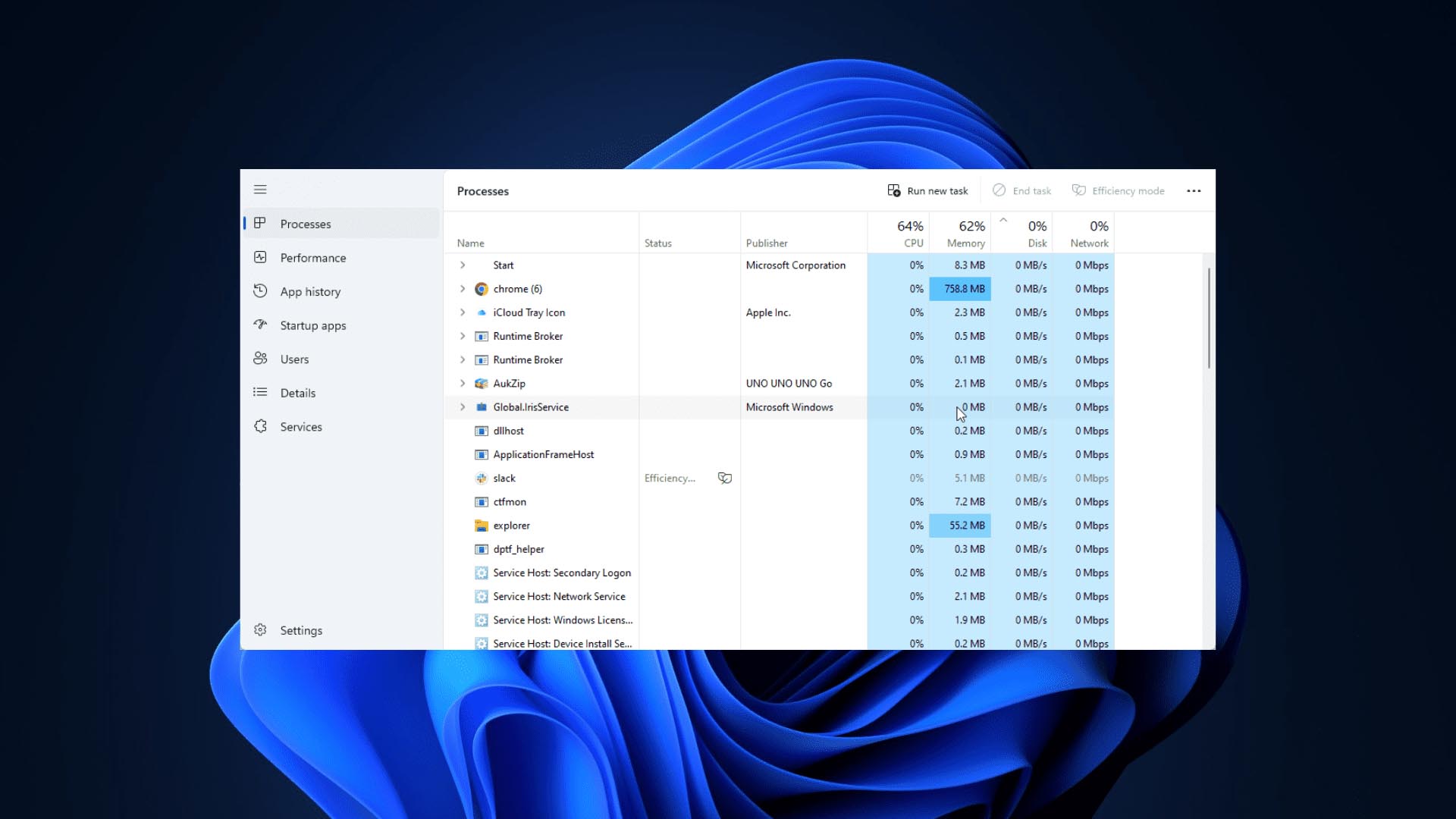
Priority can only determine the queue position:
When you press Ctrl+Shift+Esc, the Task Manager will also become unresponsive. This is not a failure of the Task Manager. When a system becomes stuck due to exhaustion of CPU resources, all processes are affected, including the taskbar and task manager that users rely on to end runaway processes.
If you increase the priority of the taskbar and task manager processes, can you ensure that it can remain responsive even after the system freezes? Raymond Chen said that high priority can only determine when a thread can get processor resources, but it does not allow a thread to skip locks, files or shared resources that are occupied by other threads.
Even if the code prevents priority inversion and temporarily transfers the priority of the waiter to the thread holding the resource, the wait still exists. And the thread holding the resource may be doing something very slow, such as accessing a file through the network. In this case, no matter how high the processor priority is, it cannot be accelerated.
The interface program also needs to squeeze the UI system:
This problem is particularly acute for interface code. The taskbar and task manager eventually call the Windows UI system, so these processes must compete with all other UI threads in the system for resources. If an out-of-control program in the underlying interface subsystem drags down the system, the task manager will not be able to escape the problem alone.
Raymond Chen said it is inherently difficult to fix a system that is out of control. The tools you use to save the day may already be out of whack, and it's even harder if some of those tools must share critical resources with the thing that's out of control.
Microsoft’s current approach:
The current approach is to give a certain scheduling priority to the program in the focus state. If you can also switch the focus to the taskbar or task manager, this is probably the best situation that can be achieved. But this preferential treatment is only within a certain range. Once the preferential thread is stuck on a resource controlled by a non-priority thread, it will continue to wait.
Source:
Microsoft Devblogs
Comments