
Abstract:
Microsoft is further strengthening the system security policy of Windows 11. According to recent user and media observations, more and more devices installed with the latest version of Windows 11 have begun to automatically enable the "Memory Integrity" function. This technology, which Microsoft regards as an important line of security defense, can improve the system's ability to resist malware and driver attacks, but at the same time, it has once again caused some gamers to worry about performance losses.
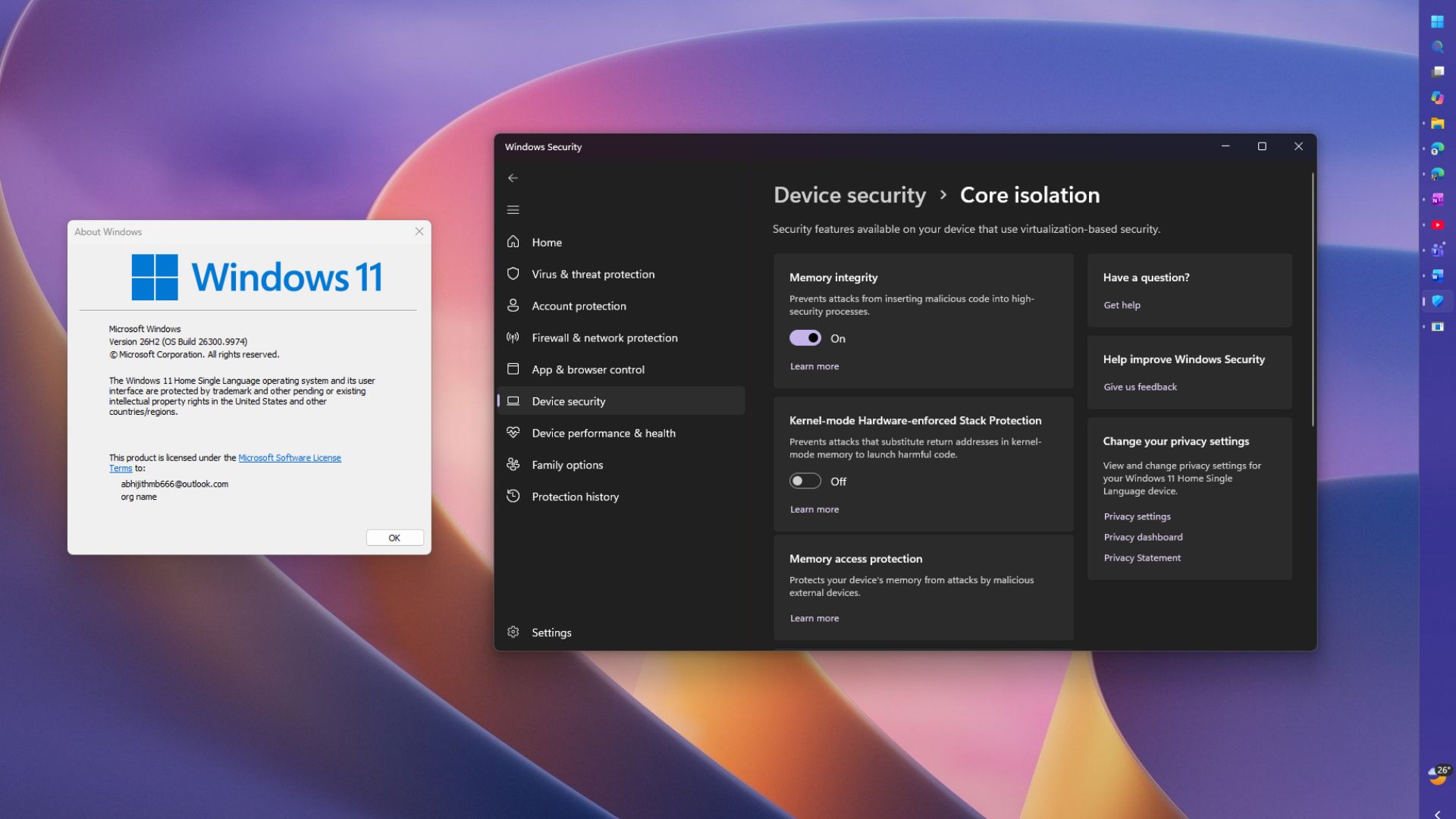
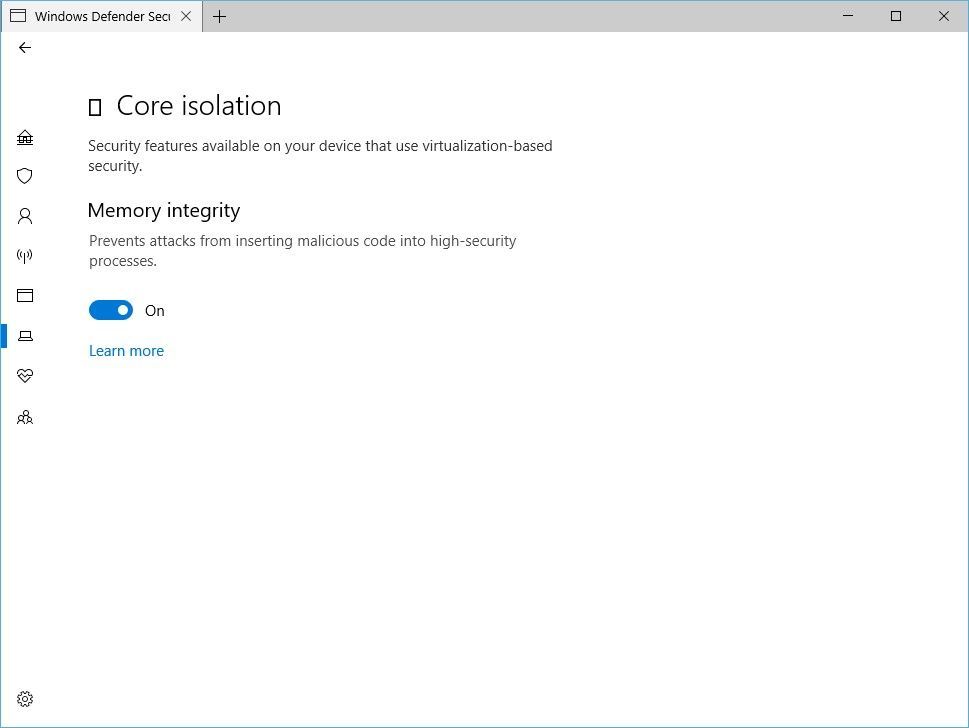
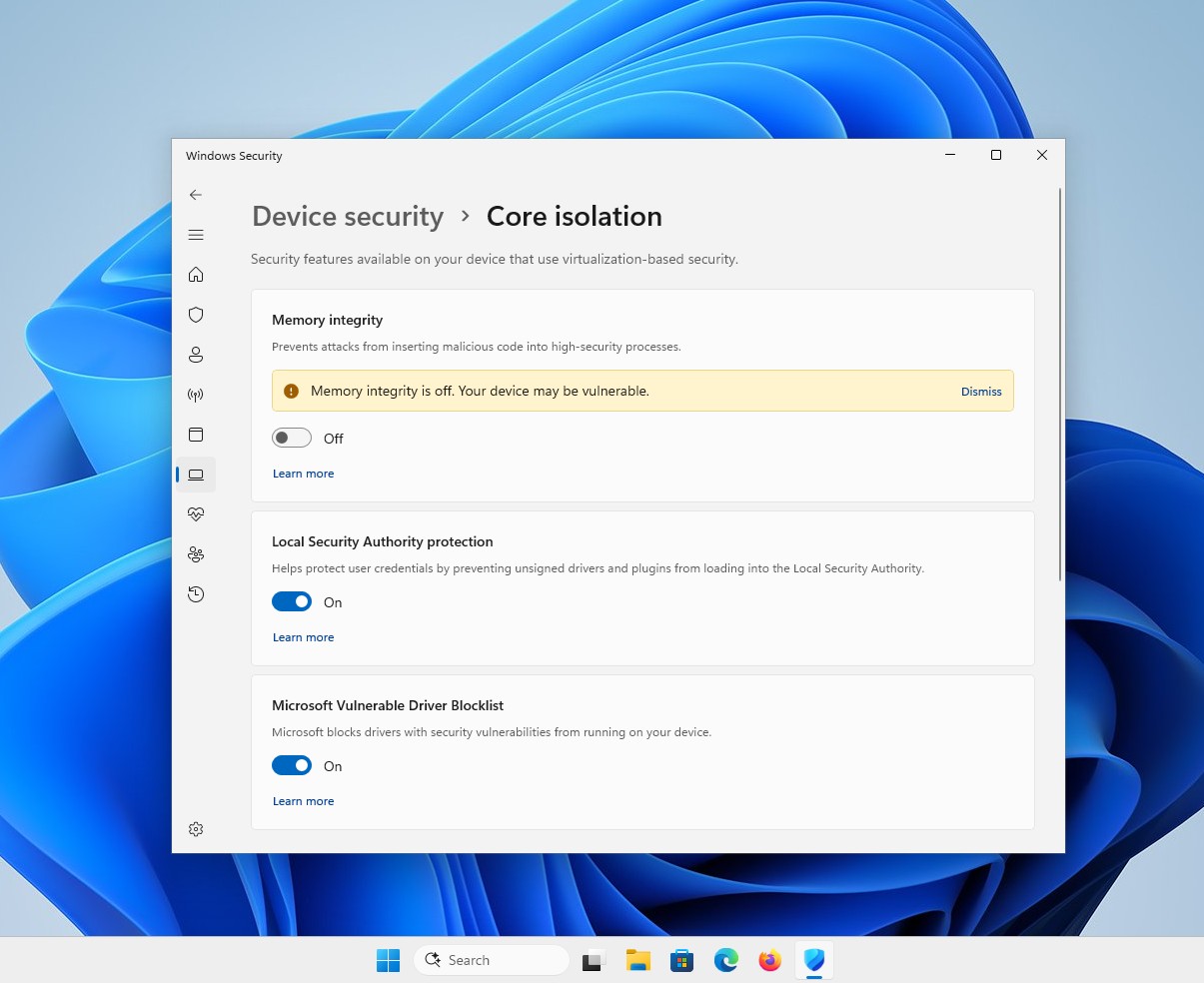
Memory integrity is part of the "Core Isolation" function of the Windows Security Center, and its technical foundation is virtualization-based security mechanism (VBS). This feature prevents malicious code from tampering with the kernel memory space by isolating critical system processes from ordinary applications, thereby reducing the risk of high-privilege attacks.
In fact, Microsoft has been promoting the popularity of this feature for years. For new devices that meet the hardware requirements, Windows 11 has gradually enabled it by default. However, as recent system updates have further expanded the scope of deployment, some computers that had not previously enabled this feature have begun to automatically obtain this security configuration.
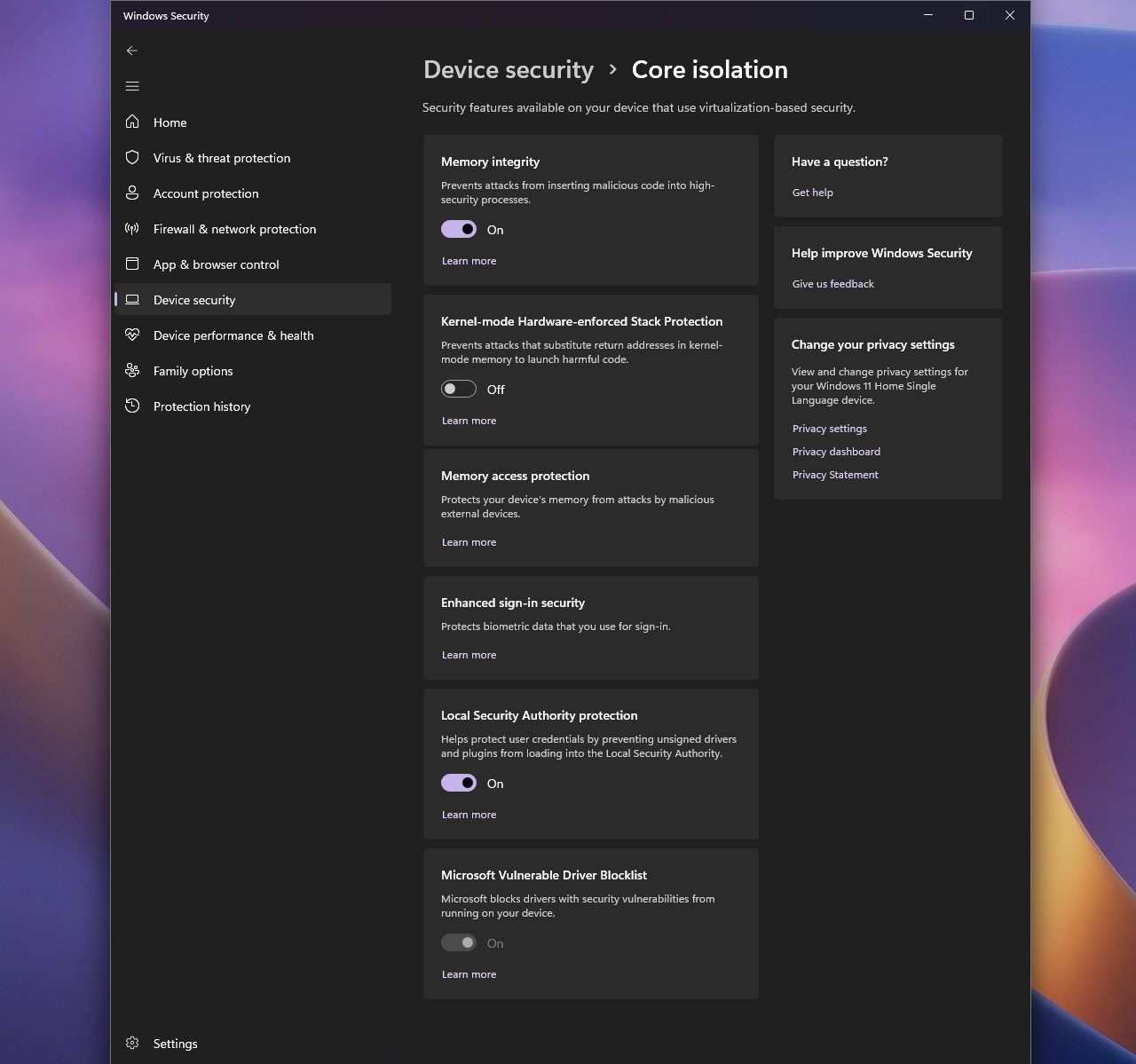
Microsoft has publicly acknowledged that memory integrity may have an impact on some applications, especially games. This technology adds some system overhead as it requires additional security checks to be performed on an ongoing basis. On modern high-performance hardware, this effect is usually smaller, but frame rate drops are still possible on lower-end computers or in certain games that are sensitive to CPU and memory latency.
A number of independent tests and player feedback have shown significant differences in the degree to which different games are affected. Some works will barely notice any performance changes, while other competitive games that rely on high refresh rate running environments may experience performance losses of several percentage points or even higher. However, the actual impact often depends on the processor model, driver status, and specific game engine, so there is no uniform result.
Microsoft emphasized that after enabling memory integrity, the system can prevent unauthorized or risky drivers from loading, thereby improving the overall security level. In recent years, more and more advanced malware has begun to exploit driver layer vulnerabilities to gain the highest privileges on the system. This is one of the important reasons why Microsoft continues to promote relevant protection mechanisms.
In addition to the security benefits, enabling memory integrity helps build a runtime environment that is compliant with Microsoft's future security standards. As the Windows platform gradually transitions to a more stringent hardware security architecture, functions including VBS, TPM 2.0, and secure boot are being integrated into a unified protection system.
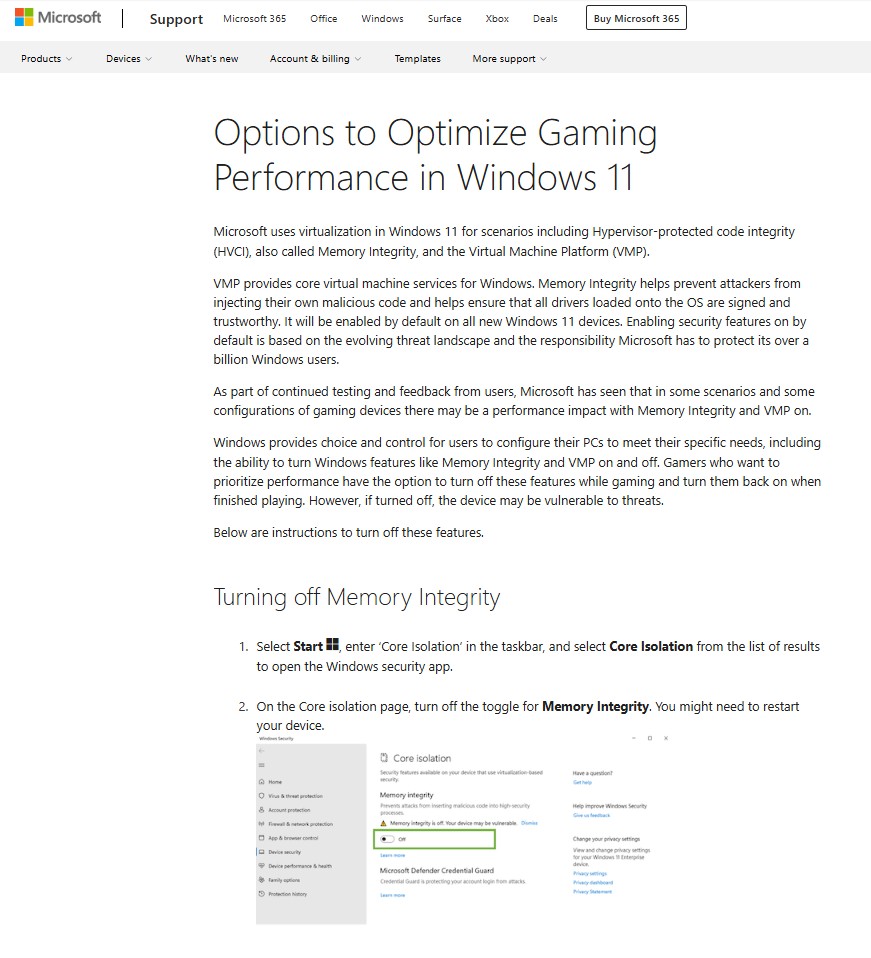
However, this change is not entirely welcomed by some players who aim for maximum gaming performance. Some users believe that in e-sports or high frame rate gaming scenarios, even a small performance loss is worthy of concern, and therefore tend to turn off related protection measures in exchange for more performance space.
Microsoft still allows users to decide whether to turn off this feature. Users can enter "Core Isolation Details" on the "Device Security" page of the Windows Security Center and manually adjust the memory integrity switch status. However, Microsoft also reminds that turning off this feature will reduce the security protection capabilities of the system and make the device more vulnerable to some advanced attack methods.
As cybersecurity threats continue to grow, Microsoft is clearly prioritizing security over performance considerations. For the vast majority of ordinary users, the security benefits brought by memory integrity may be far greater than the potential performance impact; and for enthusiast players who pursue the ultimate performance, how to strike a balance between security and performance will still be a question that needs to be weighed.
Comments