
Abstract:
Recently, senior Microsoft engineers explained the Windows 11 Task Manager lagging problem that some users have long reported. He said that when the system is under extremely high CPU load, the Task Manager itself is also affected by resource competition, so it is not surprising to experience sluggish interface refresh, delayed response, and even brief freezes.
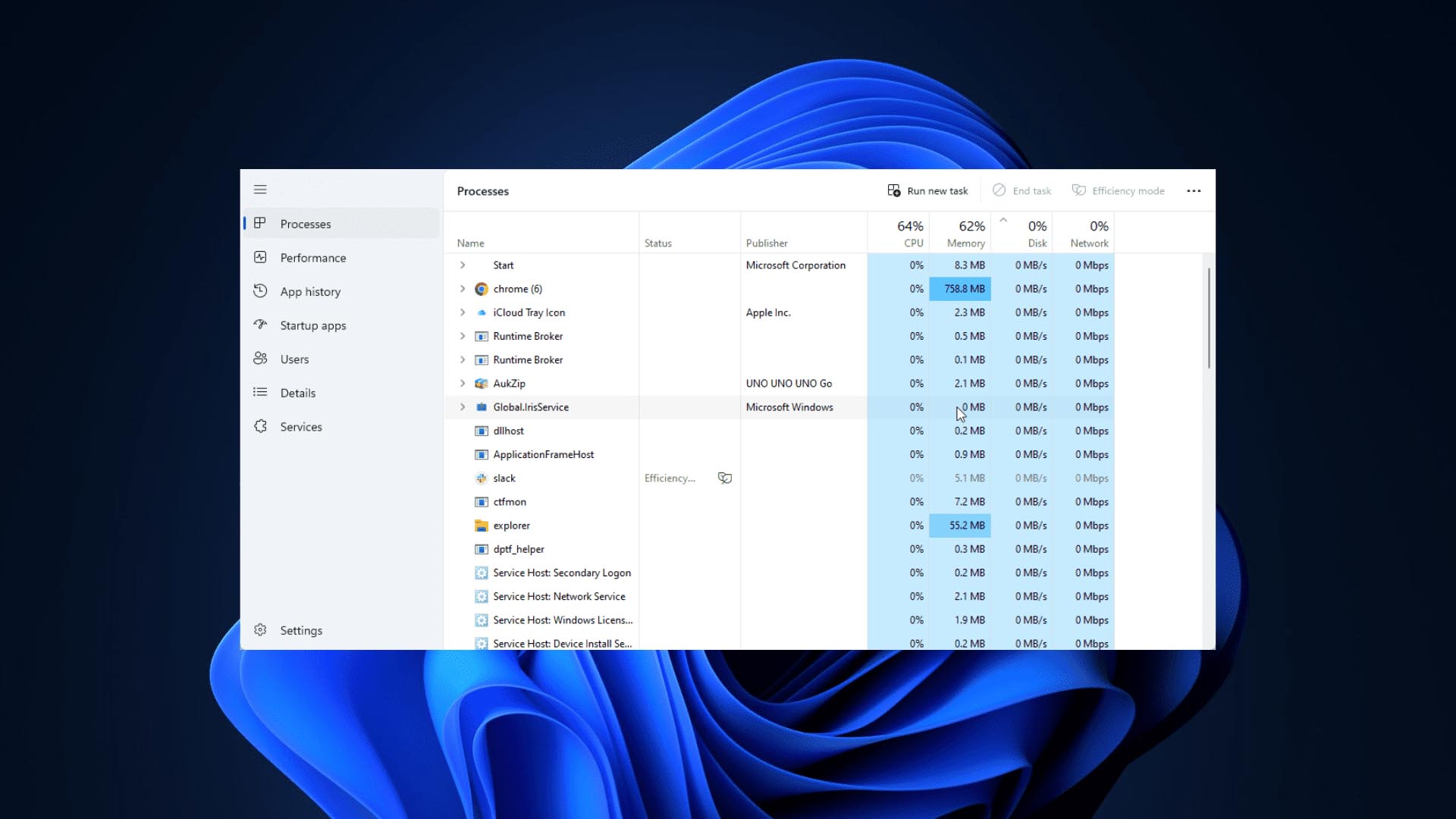
For a long time, many Windows 11 users have discovered that when computer performance is abnormal and the CPU usage soars to nearly 100%, the Task Manager originally used to diagnose the problem sometimes becomes sluggish. This makes it difficult for users to check in a timely manner which program is consuming system resources, and has also triggered discussions on the rationality of the design of the task manager.
In this regard, senior Microsoft employees who have participated in Windows development explained on social media that the Task Manager is essentially an ordinary application and needs to rely on the operating system to schedule CPU time slices to run properly. When the processor is already occupied by other high-priority or high-load tasks, the task manager will also face the problem of insufficient resources, so its refresh speed and user interface responsiveness may be significantly reduced.
He pointed out that many users would believe that the Task Manager should always remain fully fluid because it is responsible for system diagnostics. But from a technical perspective, Task Manager cannot obtain additional computing resources out of thin air. When a system is close to resource exhaustion, it needs to compete with other processes for processor time, so performance degradation is expected.
The engineer also said that the task manager has been designed to reduce its own overhead as much as possible to avoid further burdening the system. However, even so, it still needs to periodically collect and update a large number of system metrics, including processor usage, memory usage, disk activity, and background process information. Under extreme stress scenarios, these update operations themselves may also become slower.
At the same time, he mentioned that some users may notice that third-party performance monitoring tools appear smoother in similar situations, but this is often related to the frequency of monitoring data updates, the complexity of the interface, and the implementation method adopted. It does not mean that these tools are completely unaffected by system load.
This explanation also triggered further discussion in the technical community on the design ideas of system monitoring tools. Some users believe that Microsoft can consider providing a more lightweight emergency diagnostic mode for the task manager in the future, giving priority to displaying the most critical resource information when the system is close to losing response; others point out that any monitoring software must ultimately rely on system resources to run, so there is no solution that is completely unaffected by high load.
Overall, the explanation given by Microsoft emphasizes a real problem: when processor resources are consumed in large quantities, the task manager does not stay out of the situation, but is subject to the system scheduling mechanism like other applications. Therefore, lagging, delayed response, or reduced refresh speed under extreme CPU load does not necessarily mean that the task manager itself is faulty, but rather reflects that system resources are approaching their limit.
Comments