
Abstract:
Microsoft recently announced a new version of the server system: Windows Server 2028, which is now open for testing. Interested developers and IT administrators can obtain the latest build image files through the Windows Insider project.
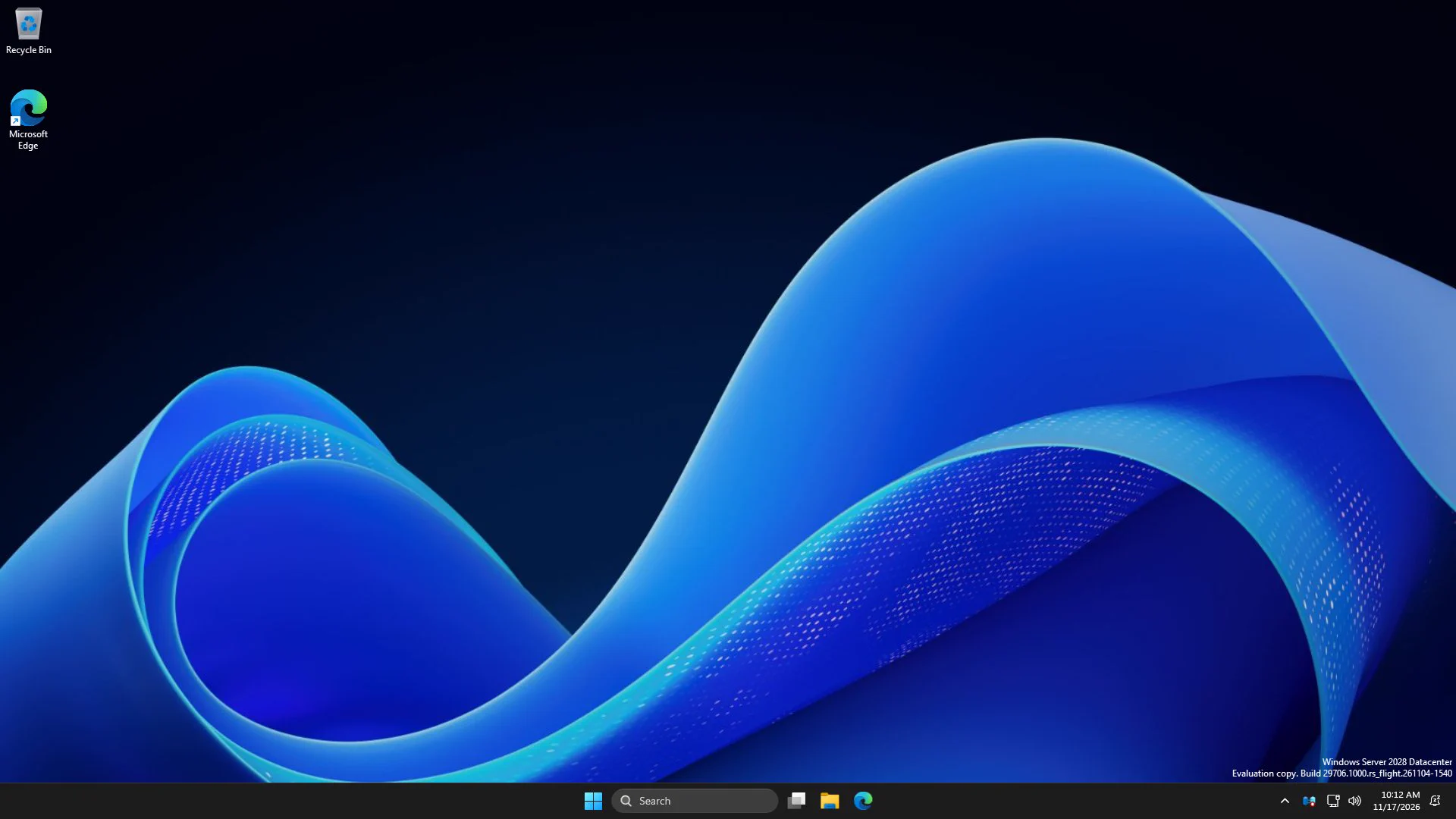
The new server system focuses on upgrading the storage system, security architecture, virtualization and centralized management. At the same time, Microsoft has also begun to provide infrastructure for enterprise local AI inference through the new version. Microsoft has not announced the specific release time of the official version of Server 2028.
Native NVMe mechanism enabled by default:
Windows Server 2028 no longer uses the traditional storage path of converting NVMe instructions to SCSI commands in the past, but enables the native NVMe storage stack by default, which can reduce CPU overhead and access delays caused by instruction set conversion.
Windows Server 2025 already provides native NVMe mechanism through updates, but IT administrators need to manually turn it on. Starting with Windows Server 2028, native NVMe will become the default option to improve overall server performance.
Test data previously released by Microsoft shows that native NVMe can increase IOPS by approximately 80% and reduce single I/O processor cycles by approximately 45% in 4K random read loads in NTFS format. These performance improvements are important for servers to provide better performance in high-load environments.
Add NVMe network storage and ReFS boot:
Built-in NVMe over Fabrics client, supports NVMe/TCP and NVMe/RDMA
TCP mode can directly use standard Ethernet, and RDMA mode is for low-latency, high-throughput networks
The remote NVMe namespace will appear as a normal Windows disk after connecting
Supports installing and starting Windows Server 2028 from a ReFS-formatted system partition
ReFS boot disk supports checksums, active error detection, block cloning and sparse configuration
Note: NVMe-oF is currently in the early testing stage. If you need to enable this feature for testing, please use the nvmeofutil.exe command line tool to configure it. The specific configuration method will be announced by Microsoft through the technology blog at a later date.
In addition, ReFS startup requires UEFI firmware and does not support traditional BIOS, so it cannot be used for the first-generation Hyper-V virtual machine. When actually installing Windows Server 2028, you can format the C drive to ReFS directly in the system settings interface.
Server Core enters the hardening state immediately after installation:
Windows Server 2028 changes from the default policy of first ensuring compatibility and then hardening by administrators. New servers installed through Server Core will apply hundreds of security settings by default from the first boot, and are aligned with industry benchmarks such as CIS and DISA STIG.
Default hardening content includes:
Prefer using Kerberos to strengthen LSASS protection
Firewall, SMB signature and encryption mechanisms are enabled by default
Turn off legacy name resolution and unauthenticated RPC
TLS uses modern cipher suites and adds ML-KEM hybrid post-quantum key exchange technology
Enhance code signature verification, administrator privilege escalation and paging file protection
The stricter default configuration may affect old protocols, traditional authentication methods and some management scripts. Microsoft requires enterprises to verify the compatibility of applications and operation and maintenance tools before formal deployment, and only relax corresponding settings for workloads that really need it.
Preview information and download:
The initial preview version is Windows Server 2028 Build 29706 (vNext branch), which provides standard and datacenter editions, desktop experience and server core experience, ISO images are available in 18 languages, and VHDX images are only available in English.
It is important to note that the Windows Server vNext preview version before Build 29531 does not support direct upgrade. Test users need to re-download Build 29706 version and install it freshly, and then they can smoothly upgrade to subsequent test versions.
Download address:
https://www.microsoft.com/en-us/software-download/windowsinsiderpreviewserver
(The account must have joined the Windows Insider Preview Program)
Comments