
Abstract:
At the 2026 Ignite conference, Microsoft made it clear that it will continue to invest in WinUI and will not abandon this framework or replace it with other frameworks. Microsoft also used the redesigned "Run" dialog box in Windows 11 as an example to illustrate WinUI's recent progress and hopes that more developers will adopt this native application framework.
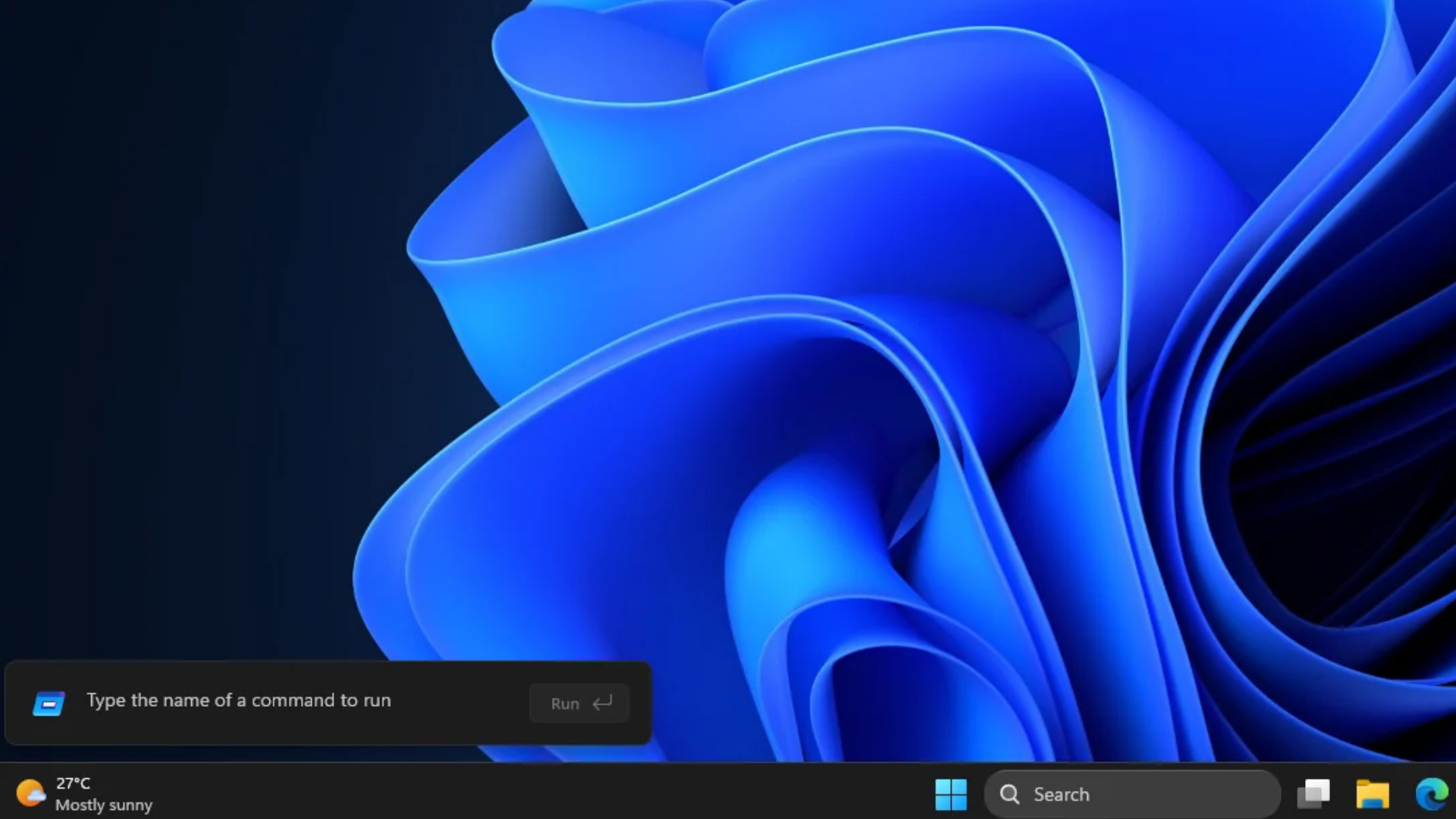
Microsoft called WinUI a "future-oriented platform choice" at the conference and emphasized its advantages in modern input, Fluent design, and GPU-accelerated experience. The company stated that WinUI is not only for ordinary consumer applications, but also can meet the needs of enterprise-level applications, and can be expanded between consumer-level and enterprise-level scenarios.
Performance is still the focus of WinUI this year. Microsoft said it is tuning the entire framework, with the goal of making some WinUI applications lighter by default, starting faster, and taking up less memory. However, Microsoft also admitted that WinUI is not perfect, and even directly stated that "there are still many bugs that need to be fixed."
As Ignite 2026 draws to a close, Windows Developer Platform Engineer Beth Pan responded to long-standing complaints from developers. She said: "We have heard everyone's voices. There are many minor pain points and many bugs on the WinUI platform." She also admitted that there are gaps in basic capabilities such as window APIs, and the team has been working hard to make up for them. This is one of the important reasons why developers still have a wait-and-see attitude towards WinUI. She also mentioned that there are also shortcomings in the way the app handles input, but progress has been made in areas such as controller support.
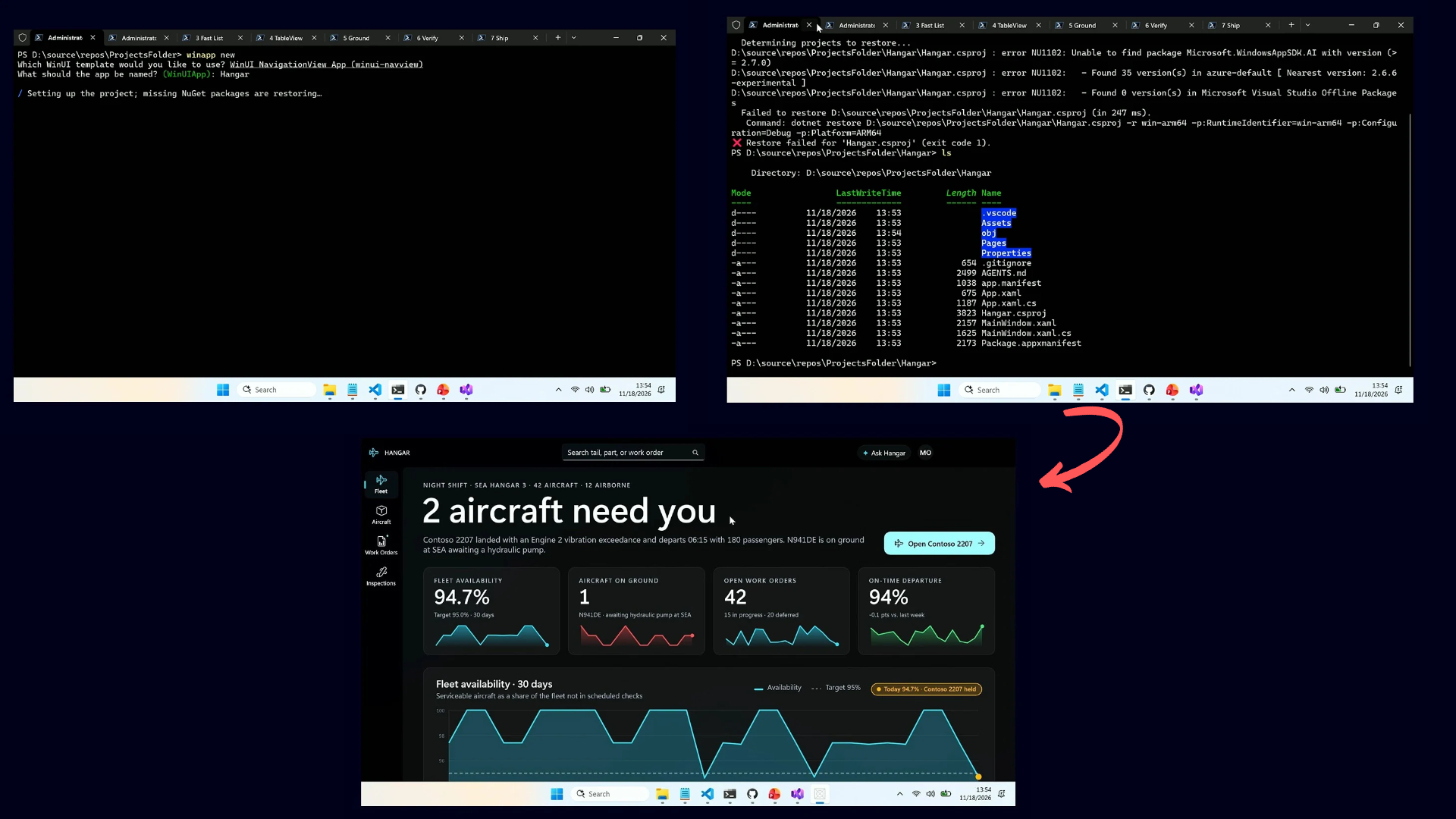
Microsoft is also trying to improve the development experience of WinUI. The WinApp CLI command line tool was introduced at the conference, which developers can use to create, build, run, inspect, test, analyze, package and sign Windows applications. The tool is also designed to work with AI agents, using Microsoft-supported skills and plug-ins to help the AI find the right commands and resources rather than relying on guesswork.
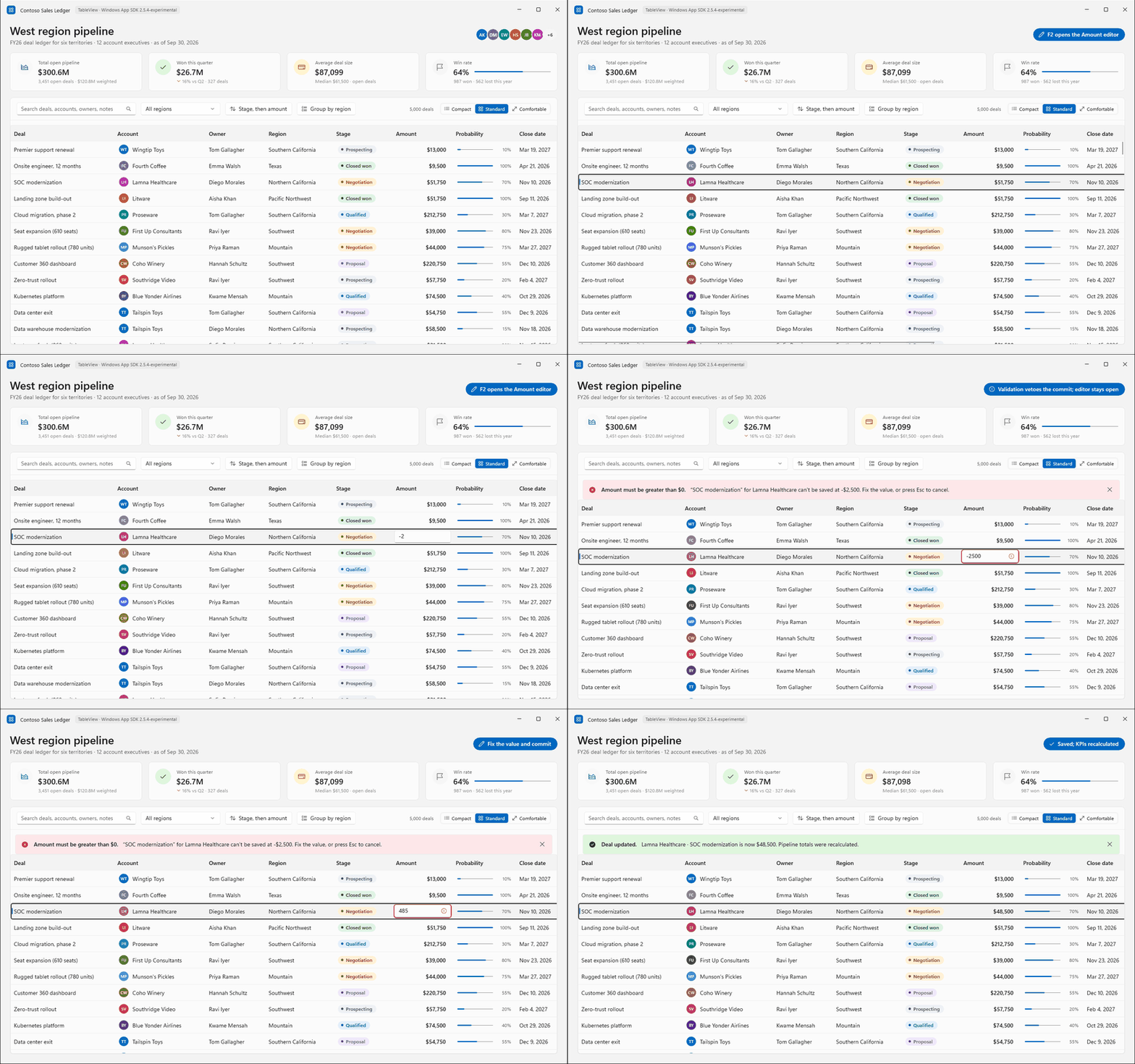
Microsoft admitted that the initial process of developing Windows applications in the past was quite painful, leading some developers to turn to other cross-platform frameworks or even stop developing Windows applications altogether. With the launch of WinApp CLI, Microsoft says getting started has become much easier. TableView, Chart Control and InkCanvas have also entered the experimental software package, and Microsoft invites developers to try it out in their applications and provide feedback.
WinUI problems even affect the most basic application development. Since the framework is open source, developers can see various defects directly in the issue list of the code repository. In May 2026, a developer showed a keyboard bug: a small demo application with only a file upload button and Enter operation. It should have opened the file selector again after pressing Enter, but nothing actually happened. WinUI can detect that the application window has gained keyboard focus, but cannot recognize the keys until the developer clicks inside the window again before returning to normal. The issue was eventually fixed in the August 2026 update.
Similar problems are not uncommon. In 2022, some developers asked when WinUI 3 would support InkCanvas. This feature was already supported by older applications on Windows 11, but Microsoft did not give an answer at the time. In 2023, Microsoft said it was studying ink support in Windows App SDK 1.5. It was not until August 2026 that the company integrated the pen toolbar and canvas in the experimental version. Microsoft's own InkCanvas feature took a full four years to appear, from the time developers first asked about the timeline, and initially still only existed in experimental versions.
Comments