
Abstract:
Microsoft is further advancing its Windows 11 modernization plan, and the traditional dialog boxes and old system interfaces that have existed for decades are expected to usher in a new round of cleanup. Based on the changes found in the latest test build, the software giant is trying to replace more legacy components with new interfaces that are in line with the Windows 11 design language to improve overall system consistency.
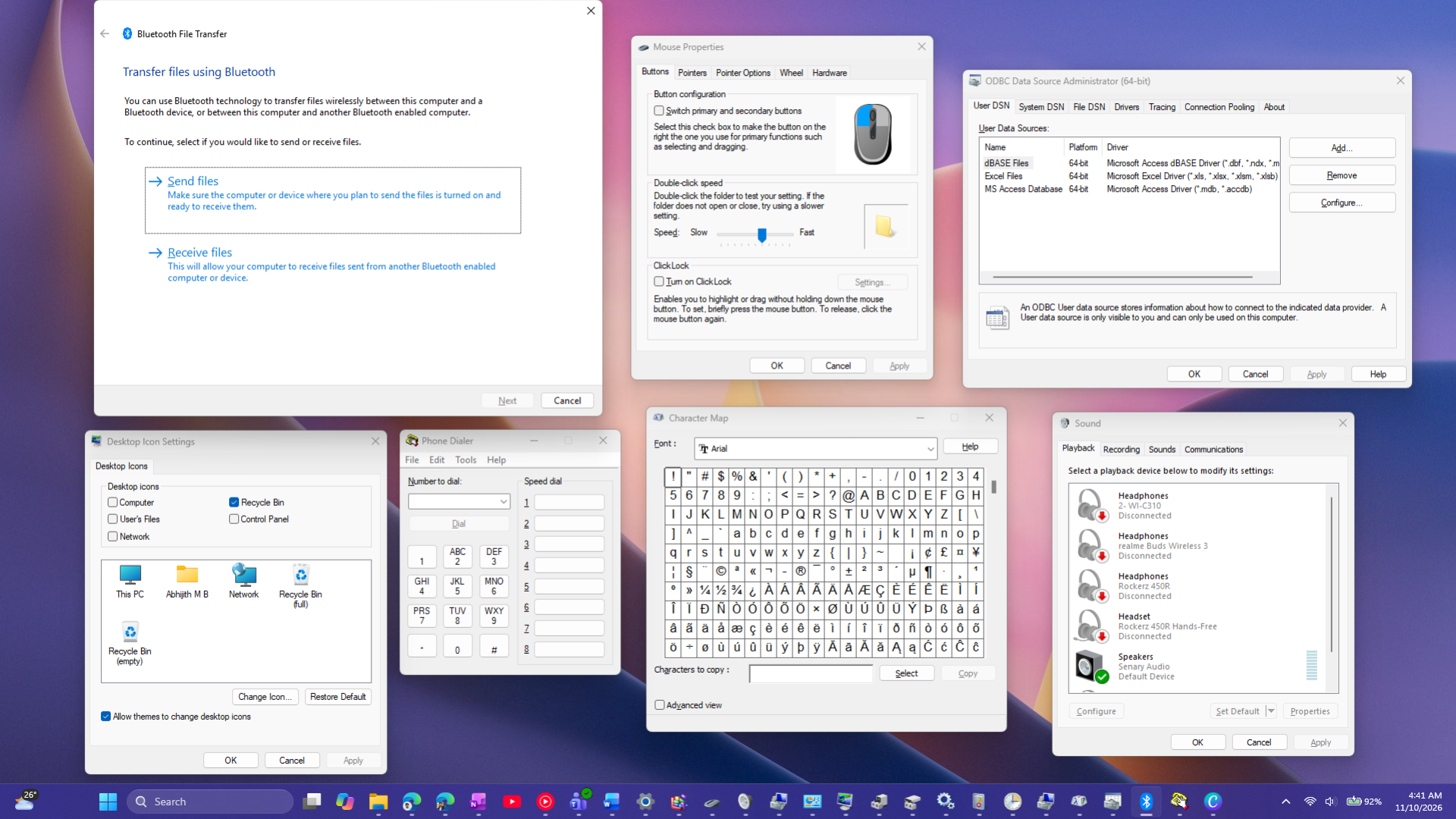
Since the release of Windows 11, Microsoft has redesigned the Start menu, taskbar, File Explorer, Settings app, and multiple system components. However, many interfaces born in Windows XP or even earlier are still hidden deep in the system, and users will still see these windows with strong historical traces when performing specific operations.
One of the most common legacy interfaces today is still the file properties window. When the user right-clicks on a file or folder and opens properties, the traditional design that has been used for many years is still displayed. Although this window has undergone some visual adjustments, its overall structure and layout have not changed fundamentally from past Windows versions.
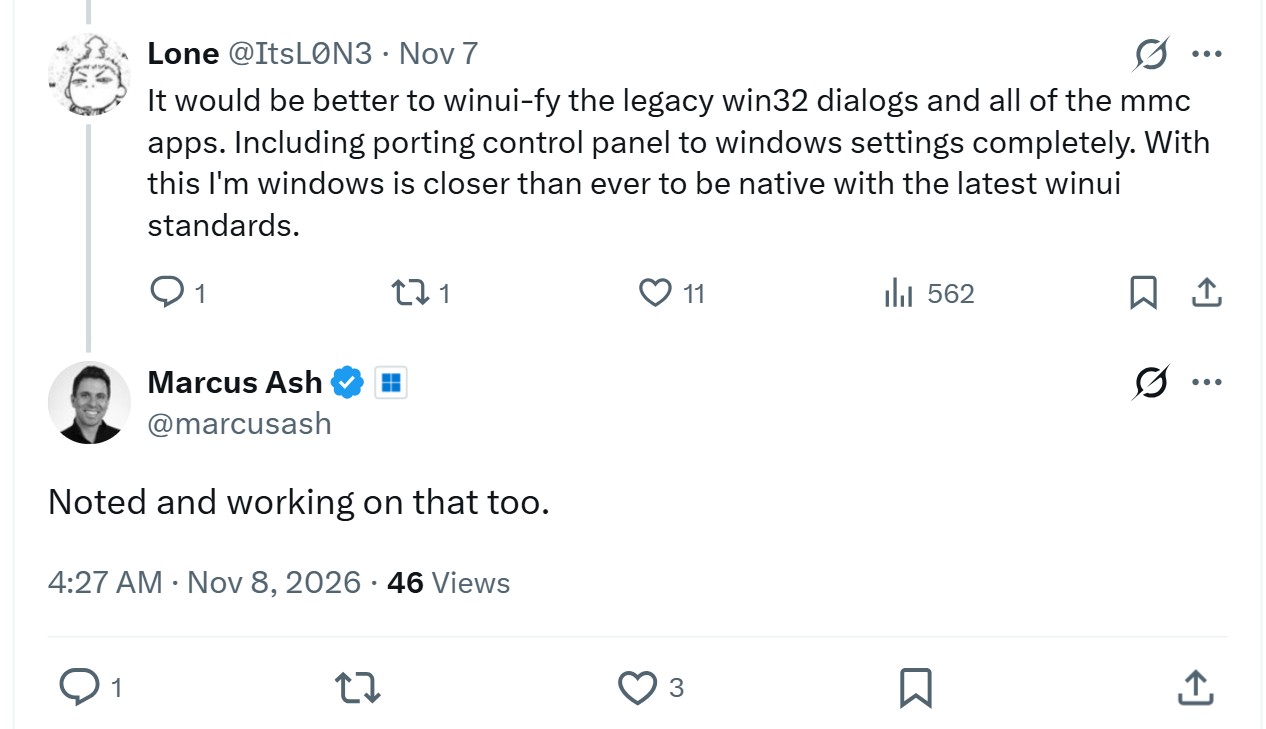
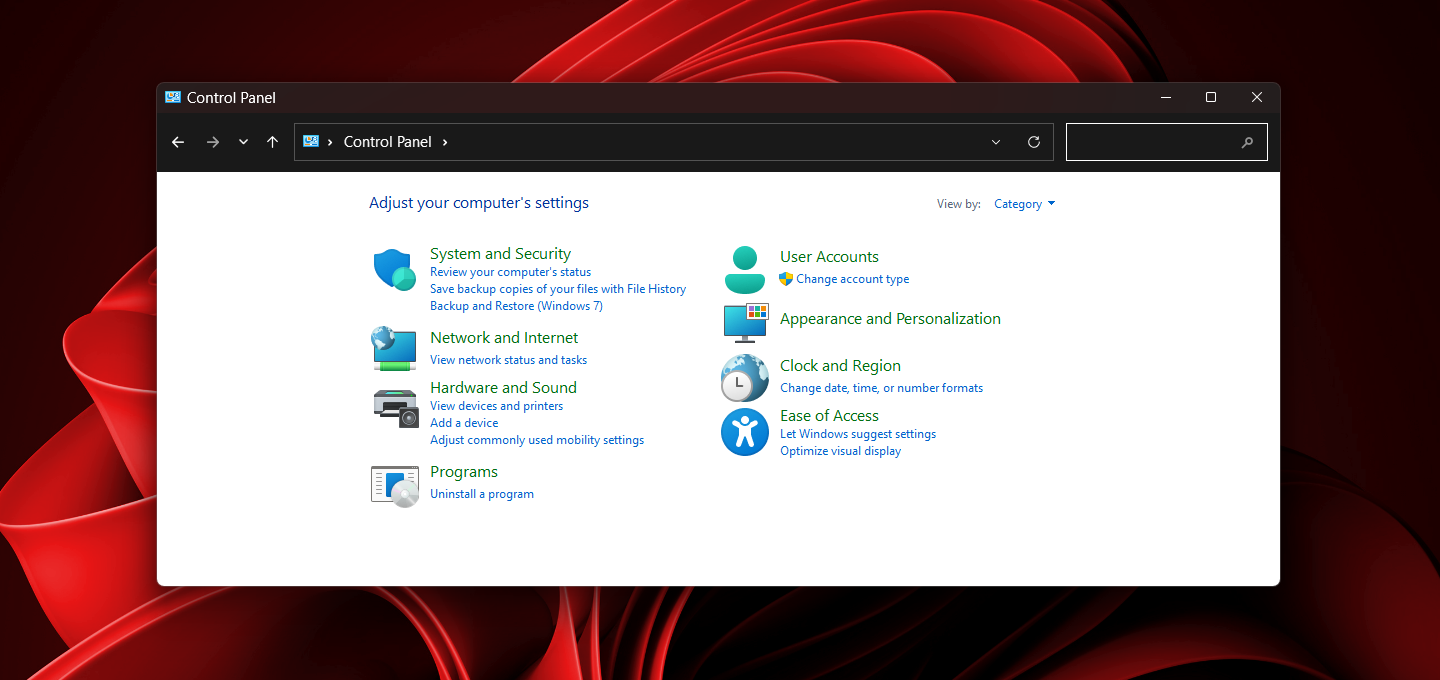
Another classic example is the Classic Control Panel. Although Microsoft has been pushing users to move to the Settings app for years, a large number of system options still rely on the Control Panel. Some advanced network configuration, device management, and specific management tools still bring users back to this time-honored interface.
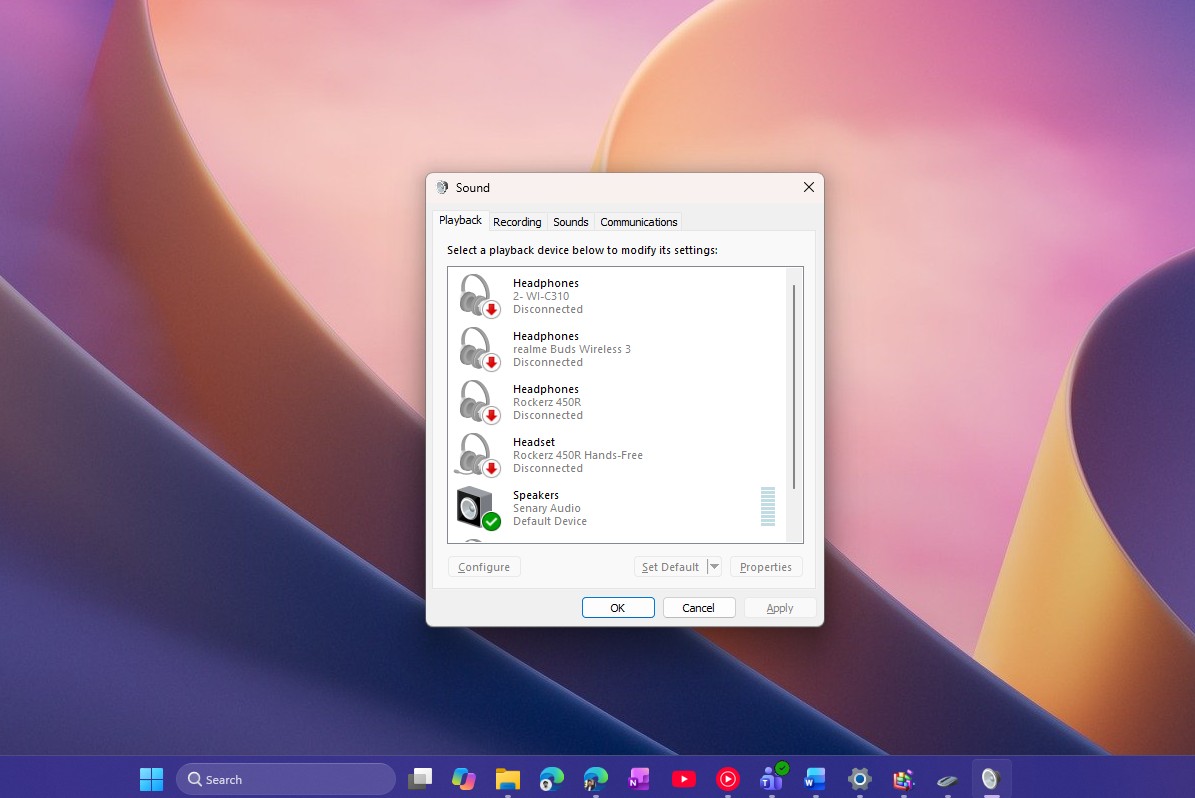
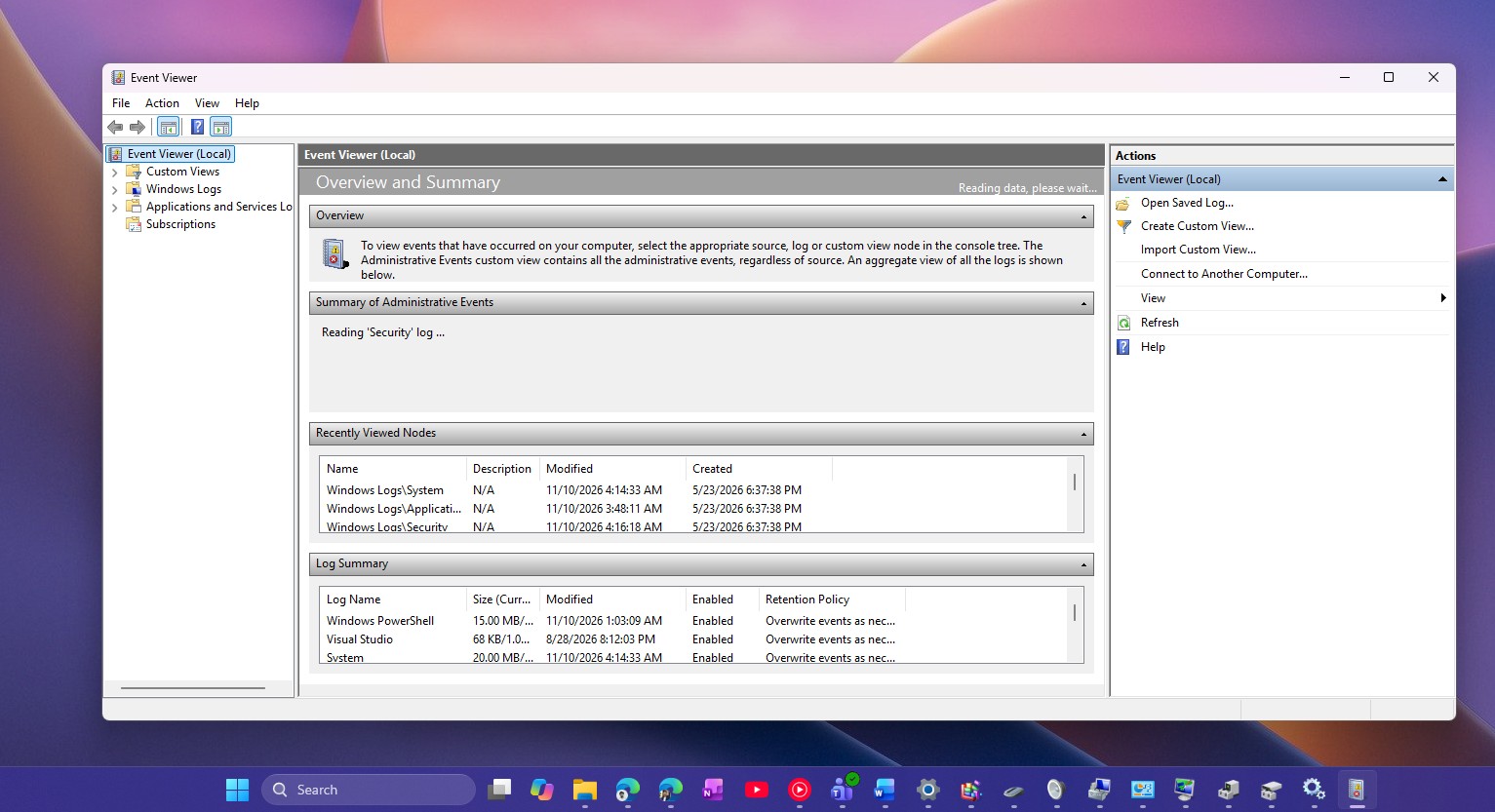
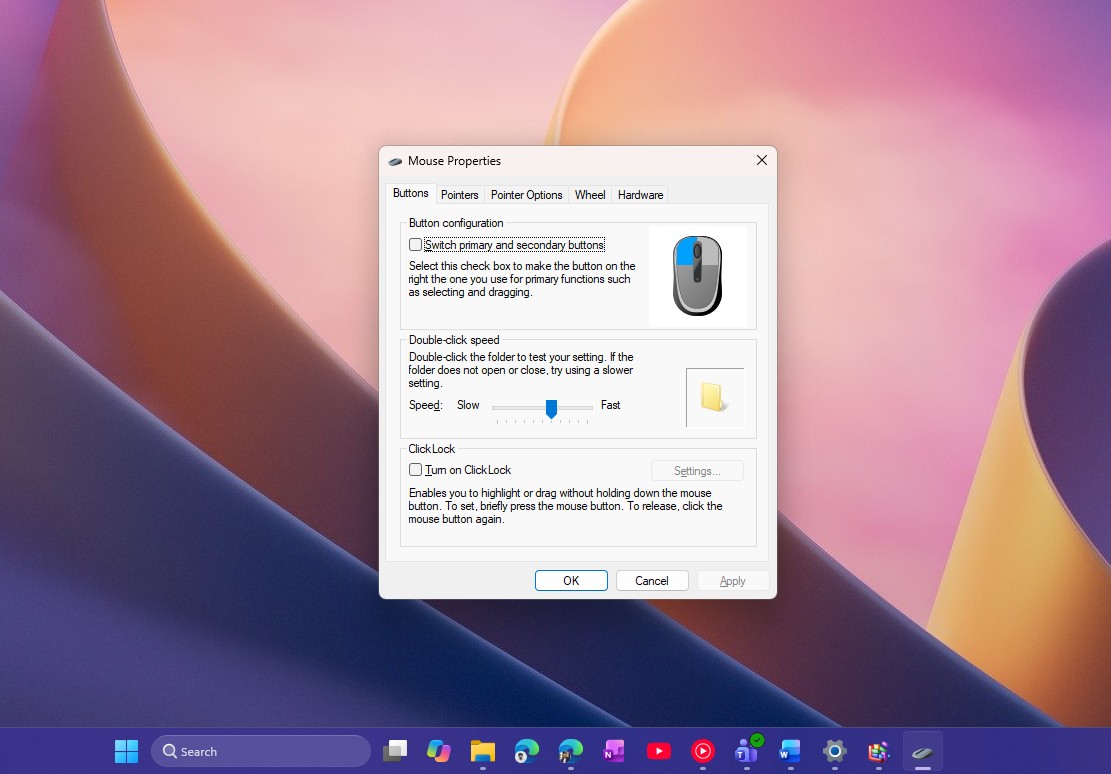
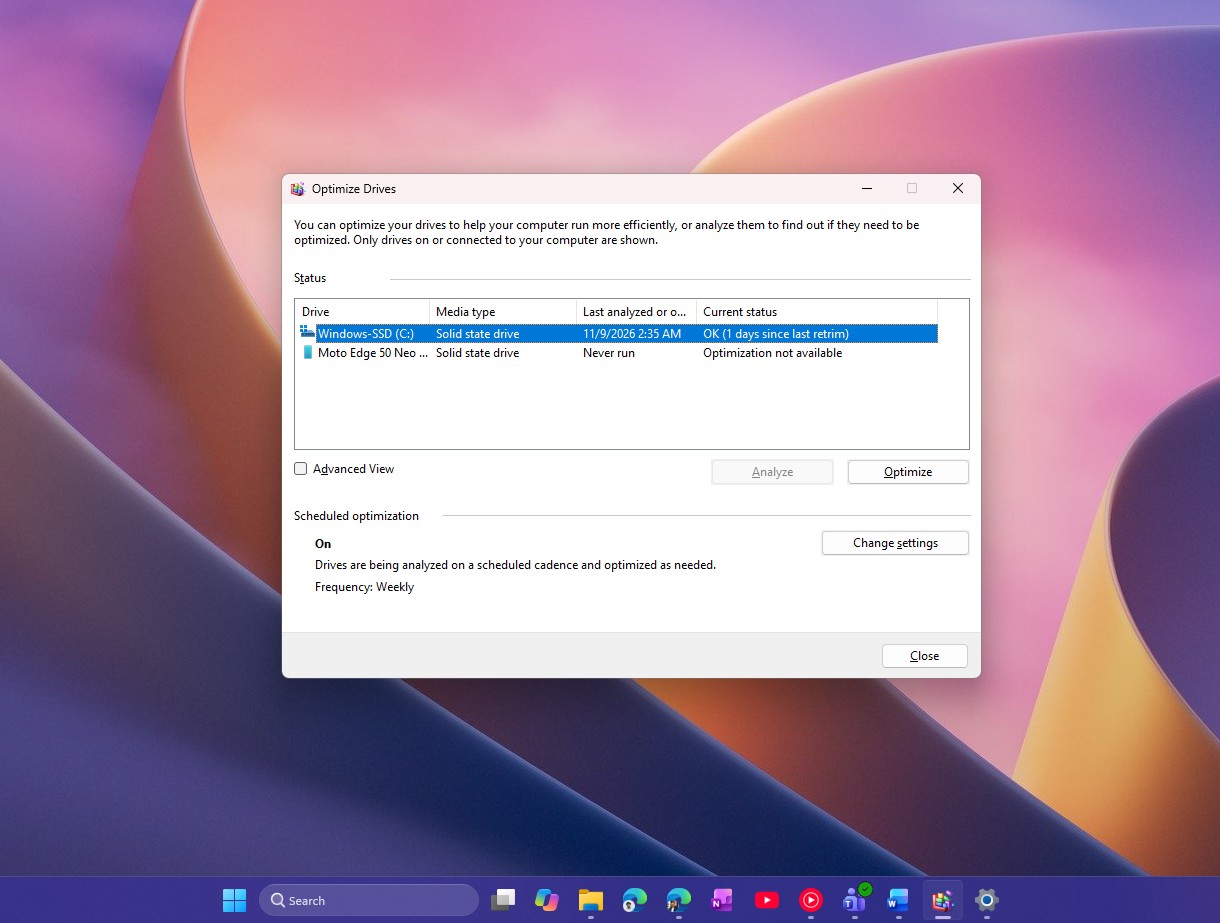
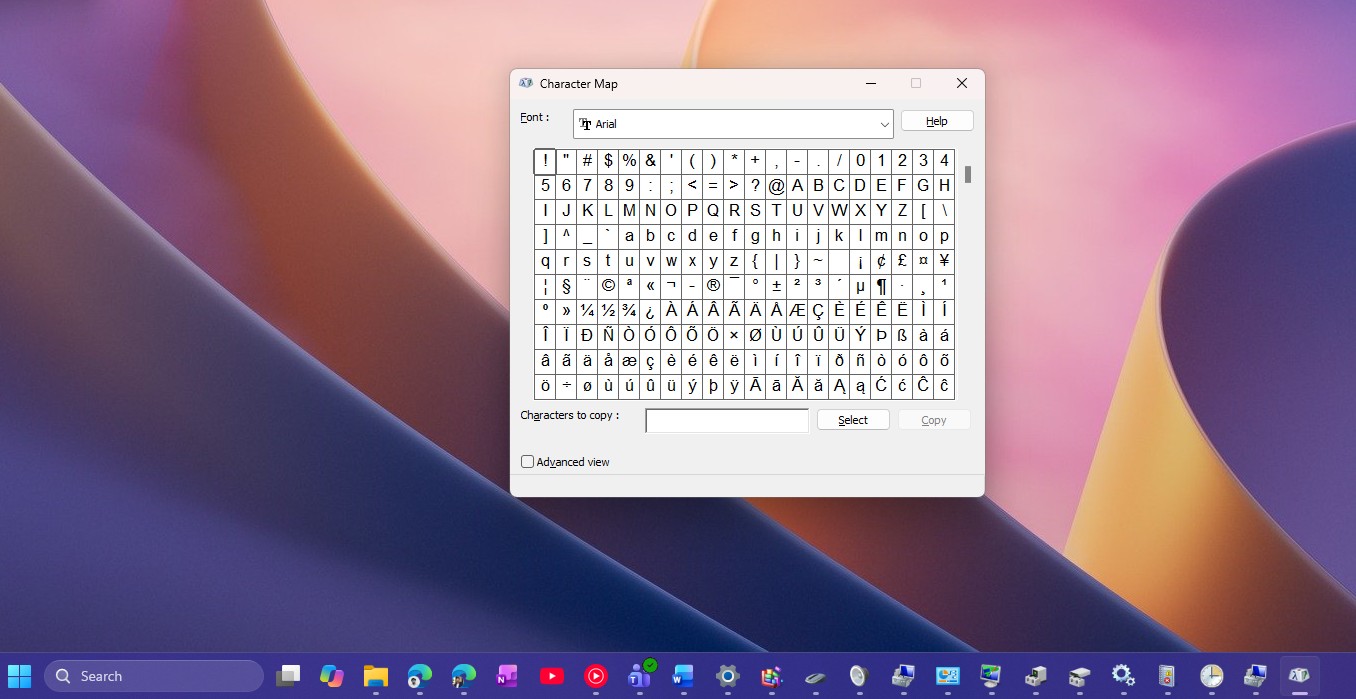
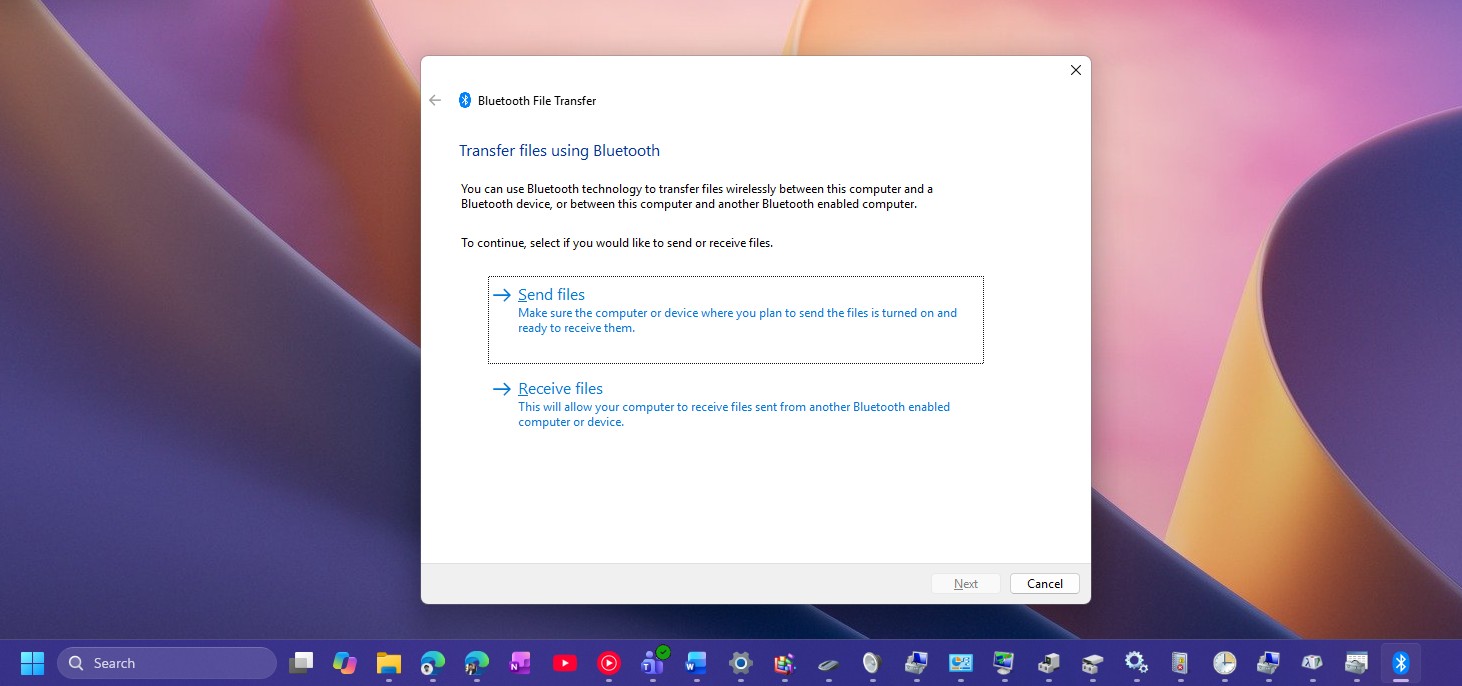
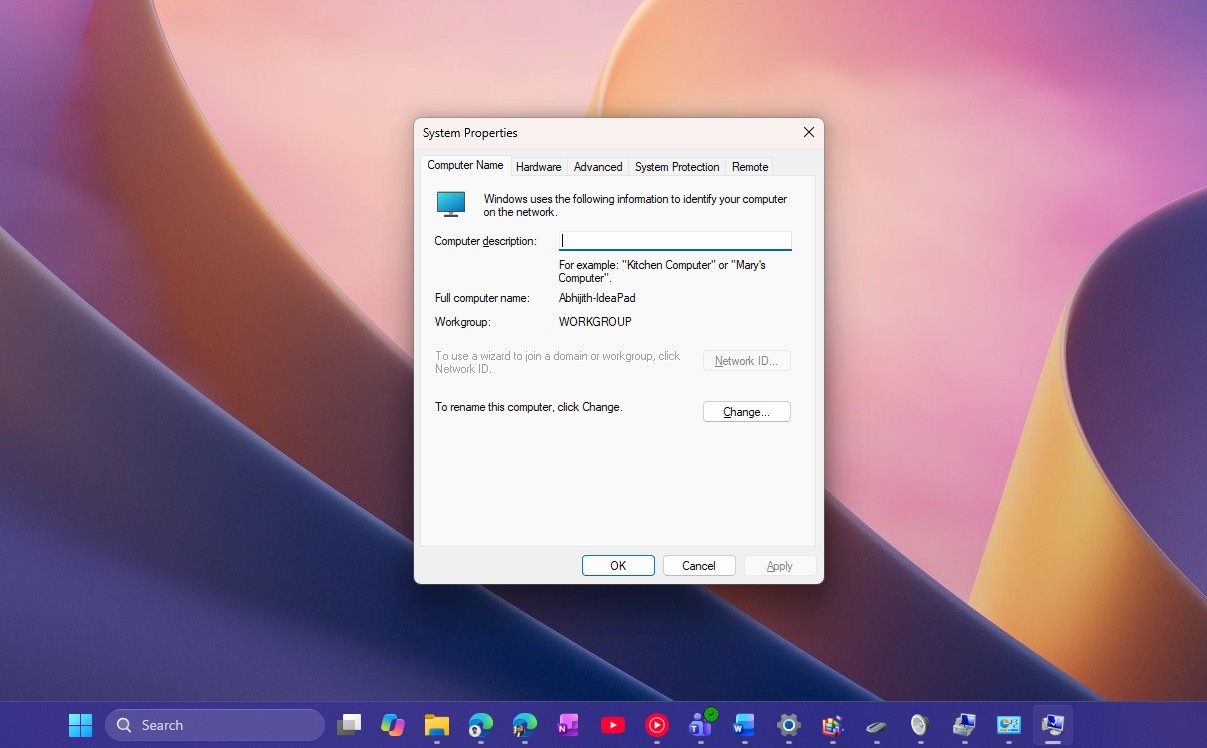
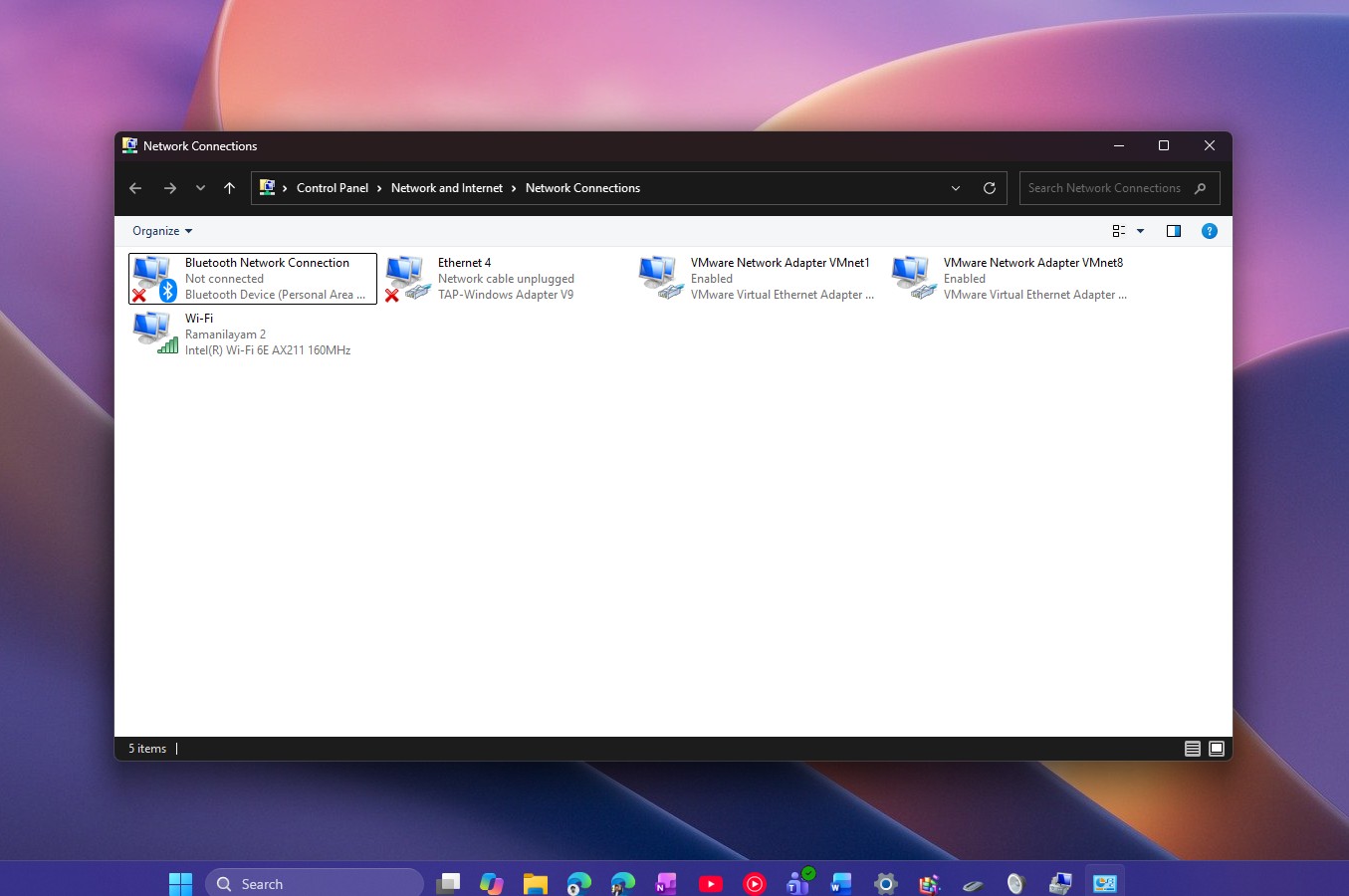
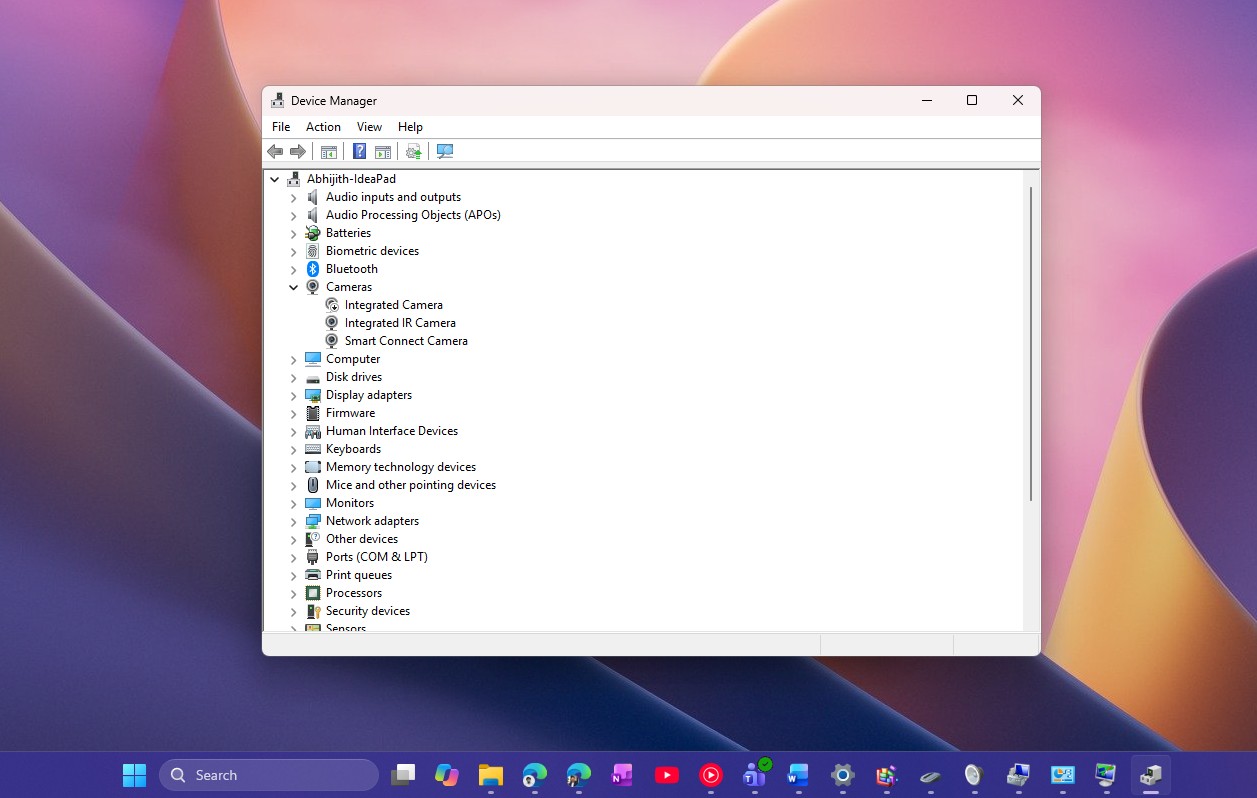
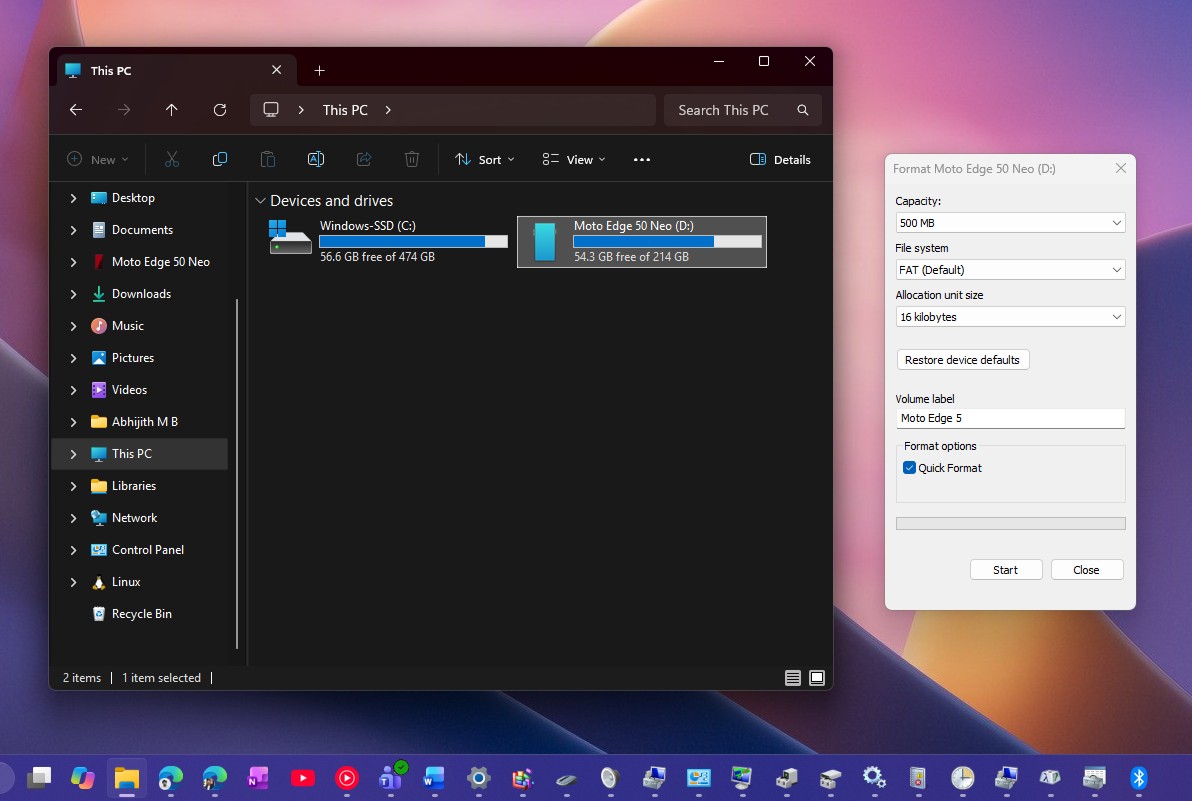
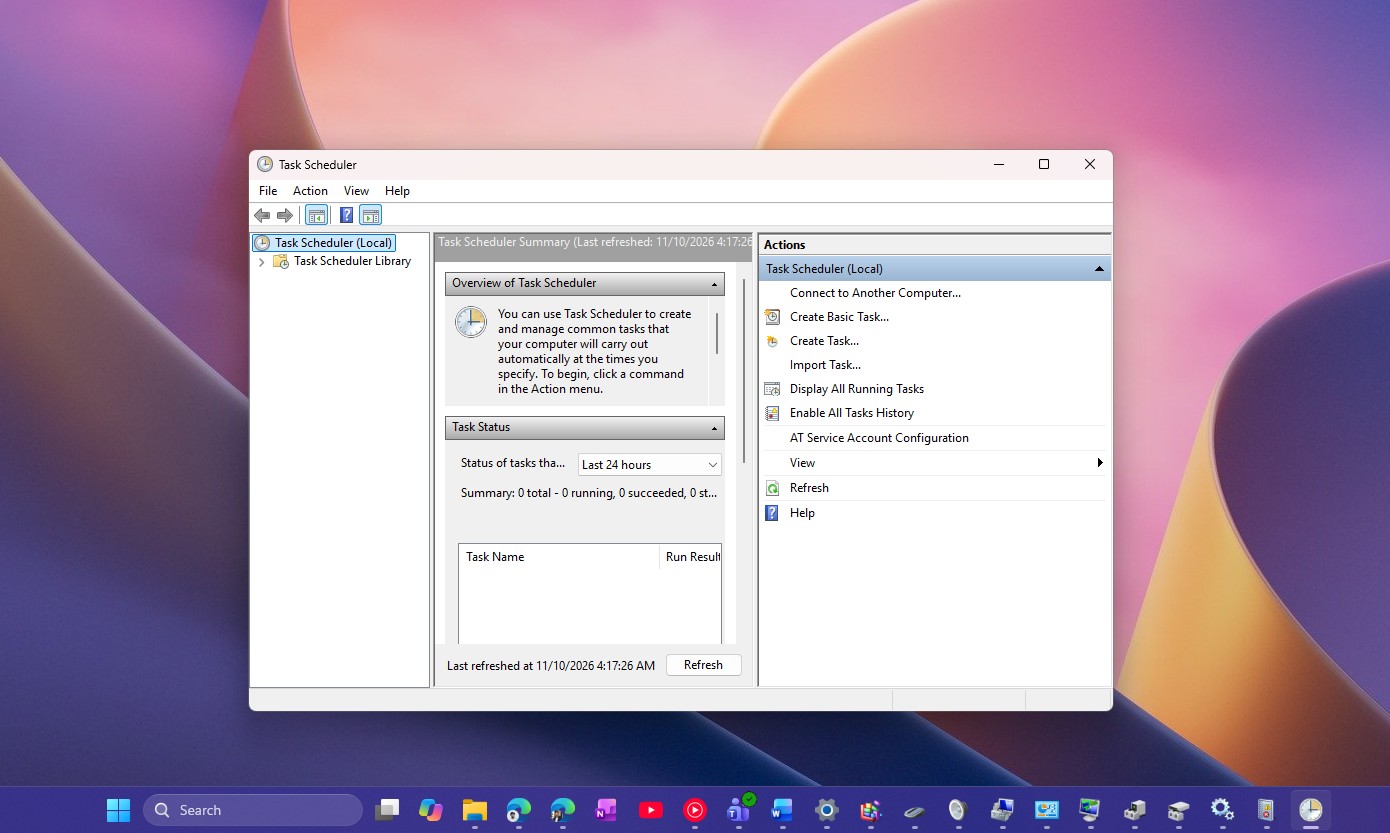
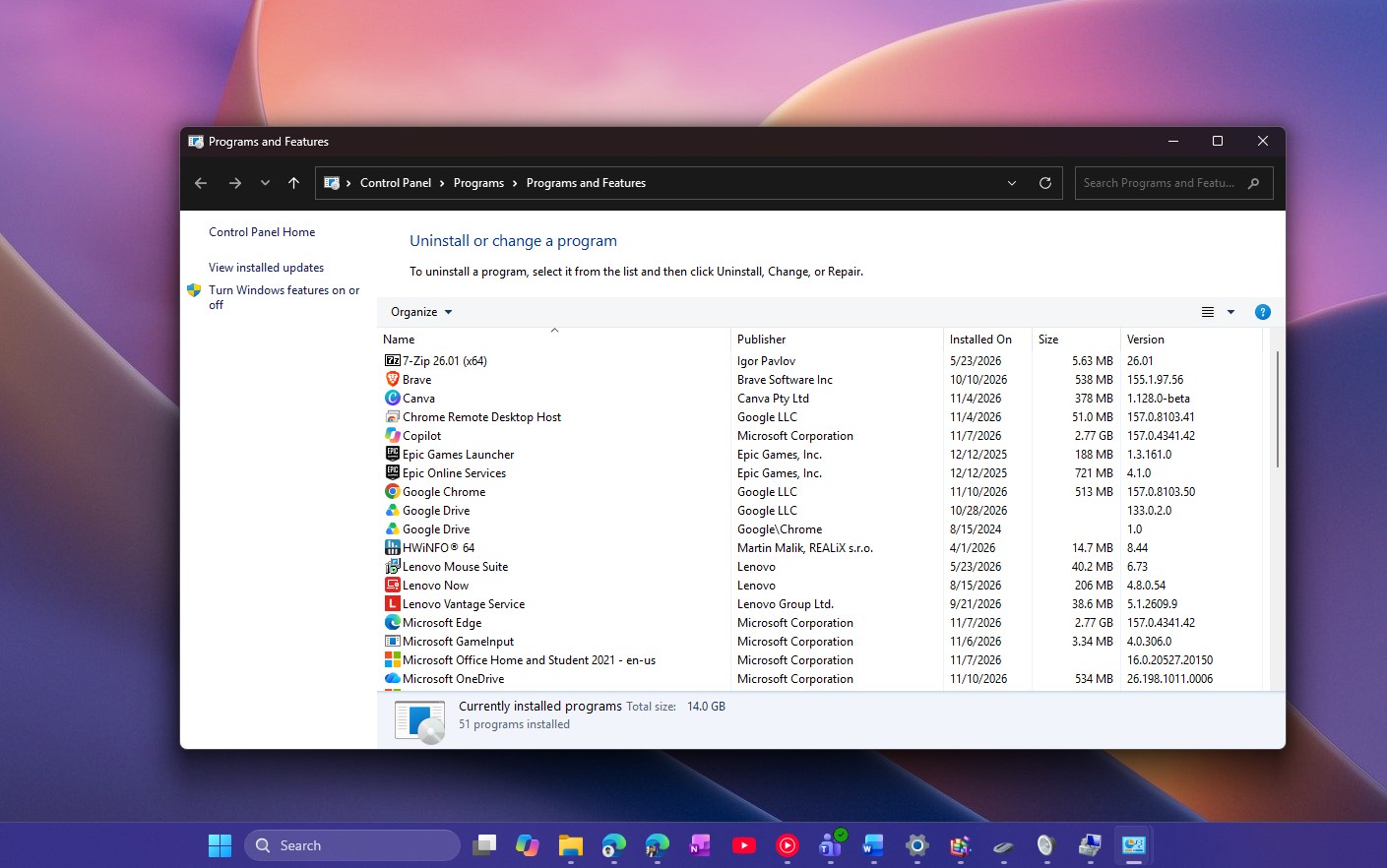
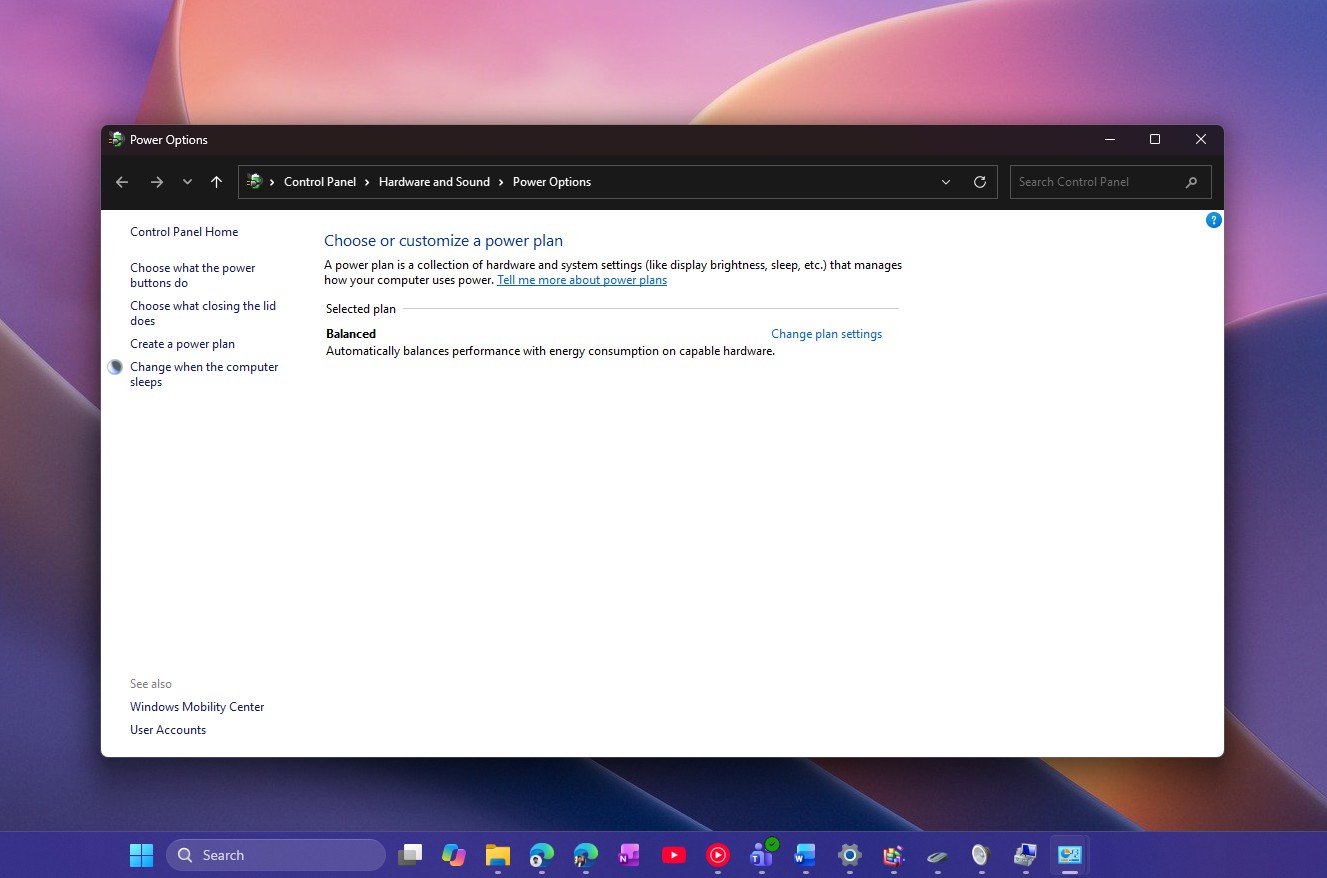
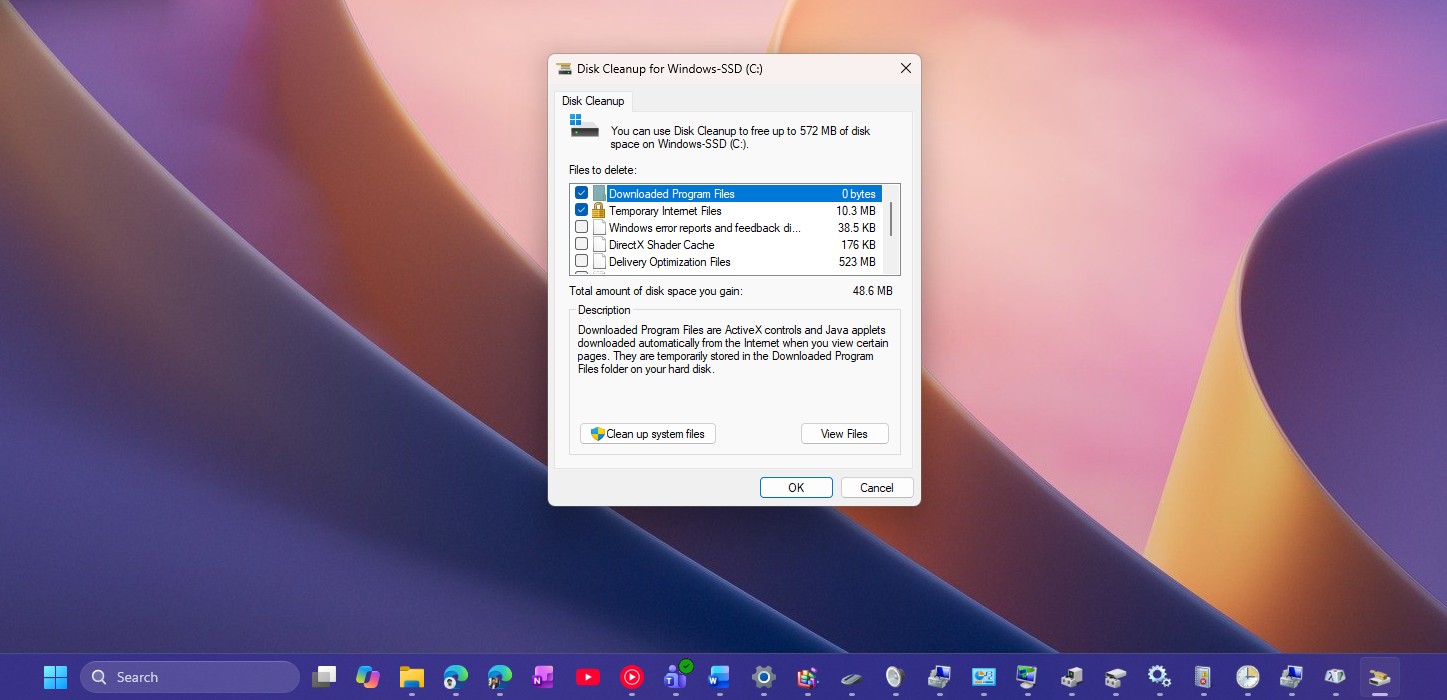
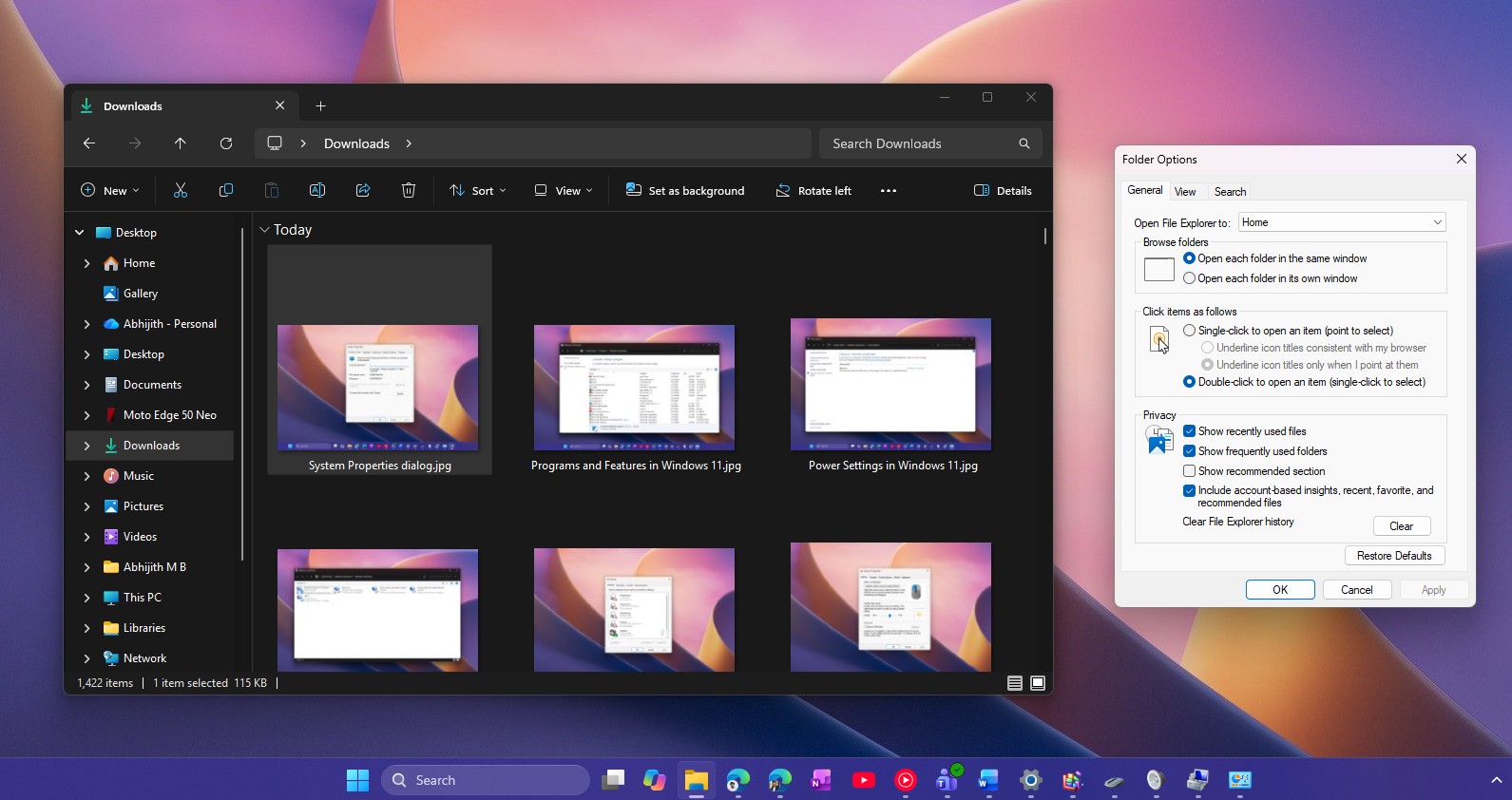
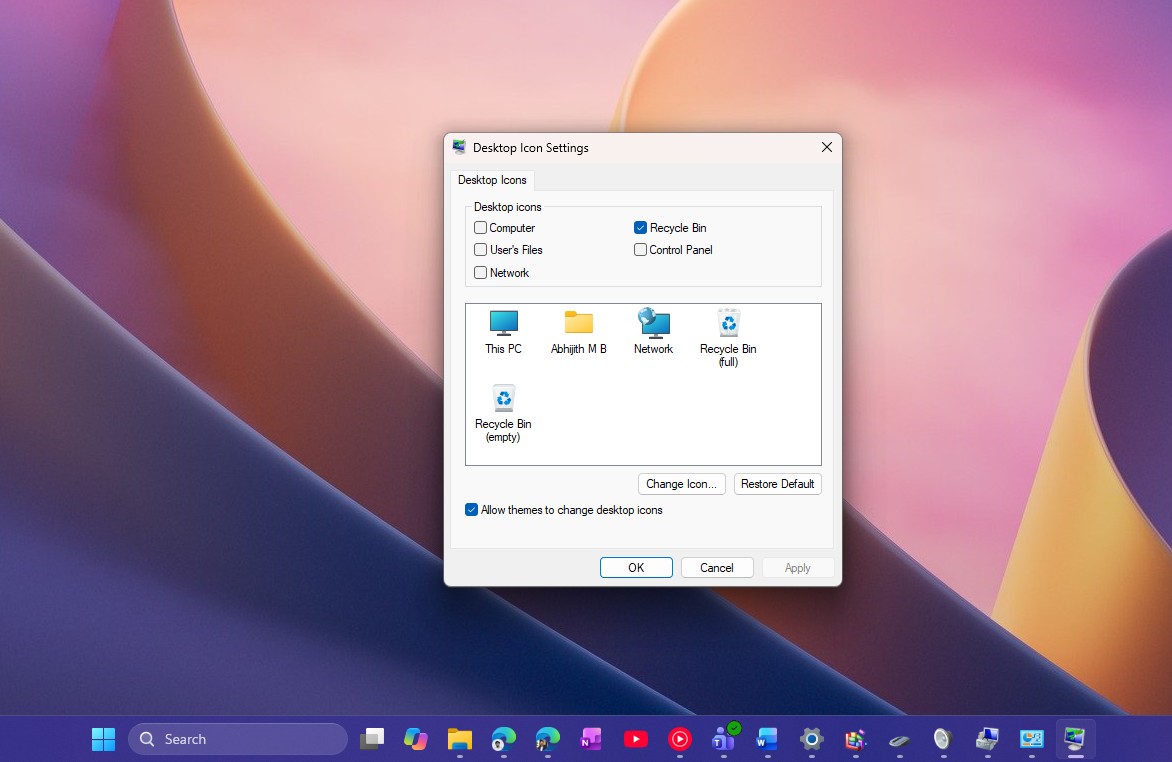
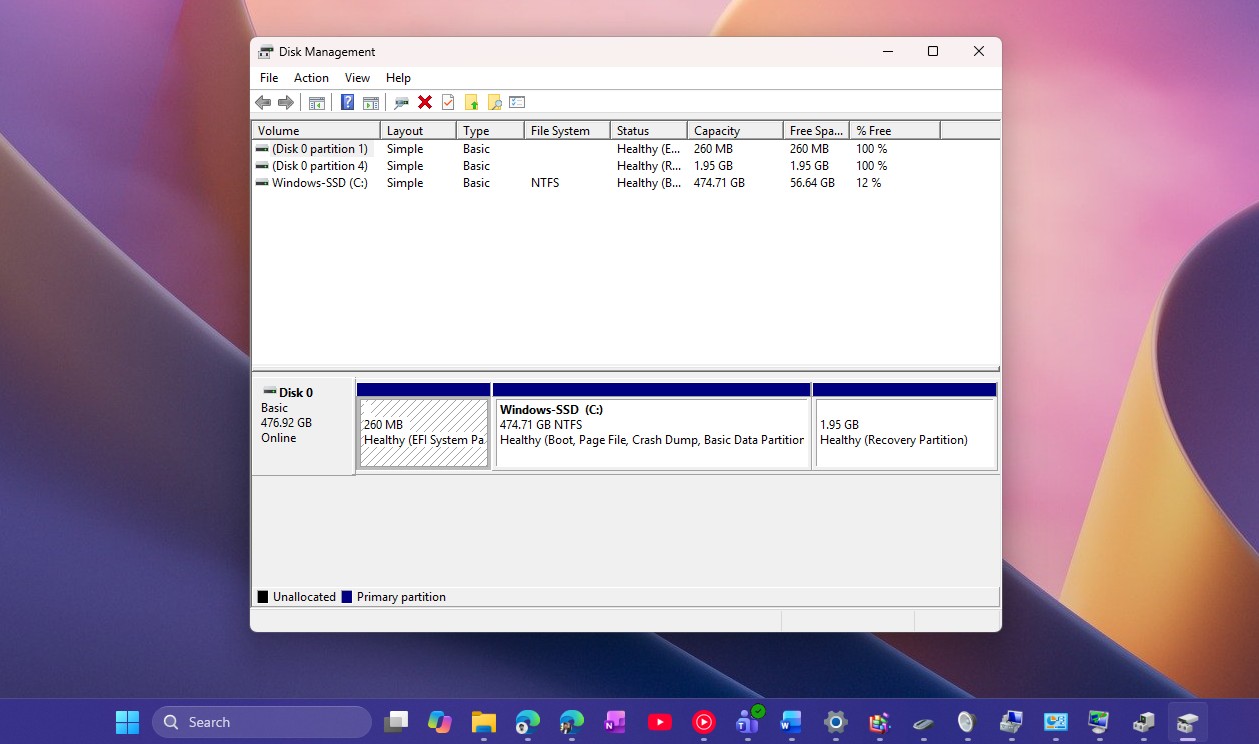
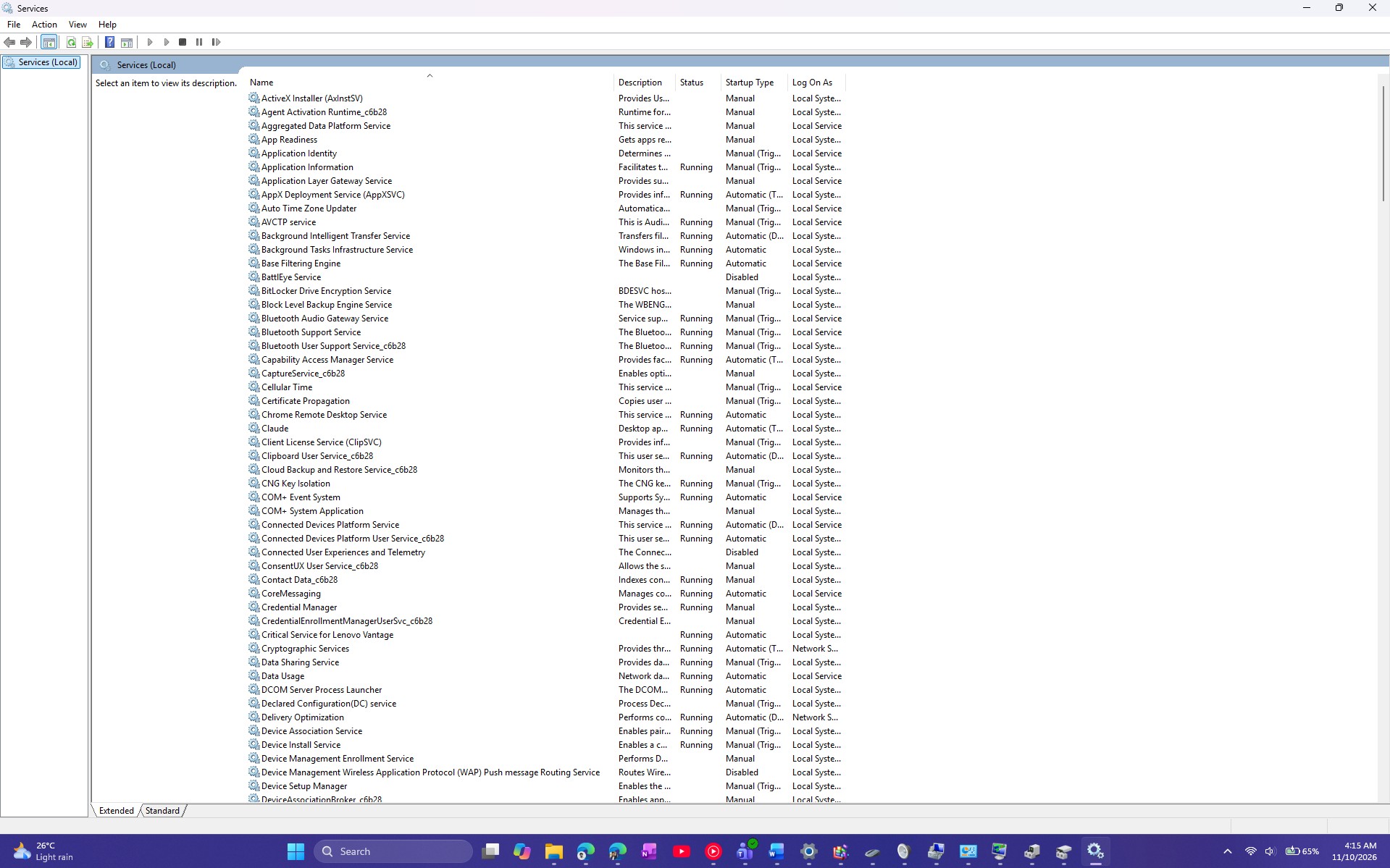
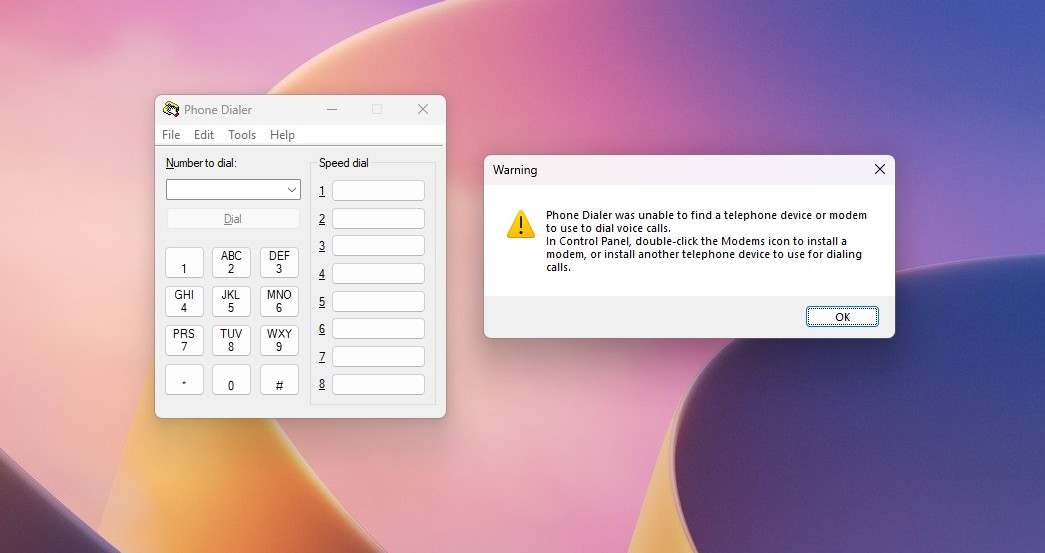
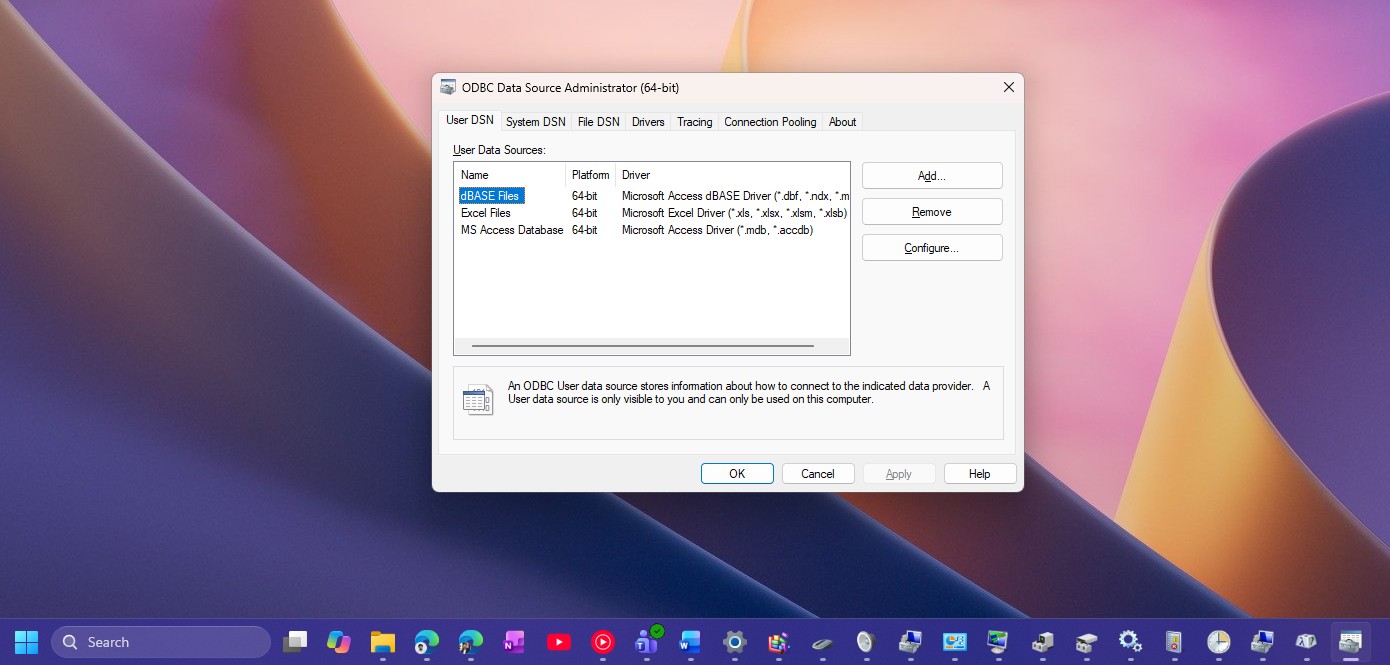
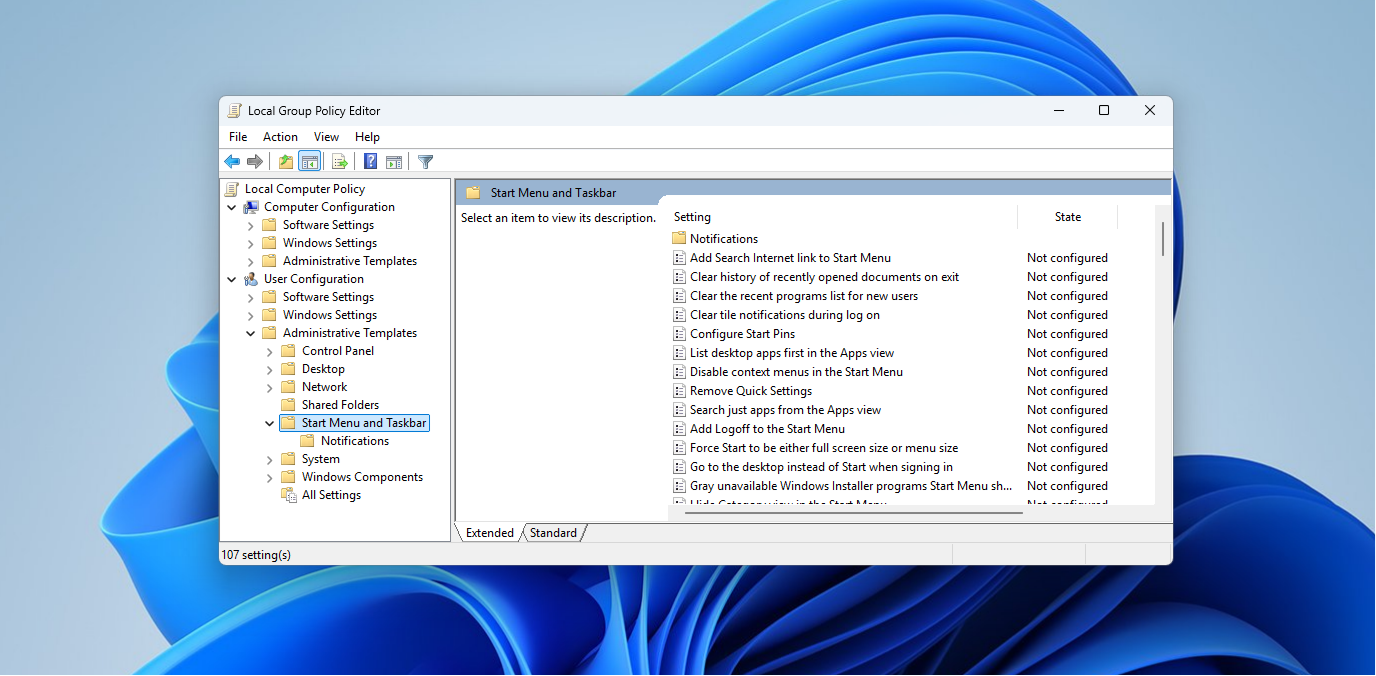
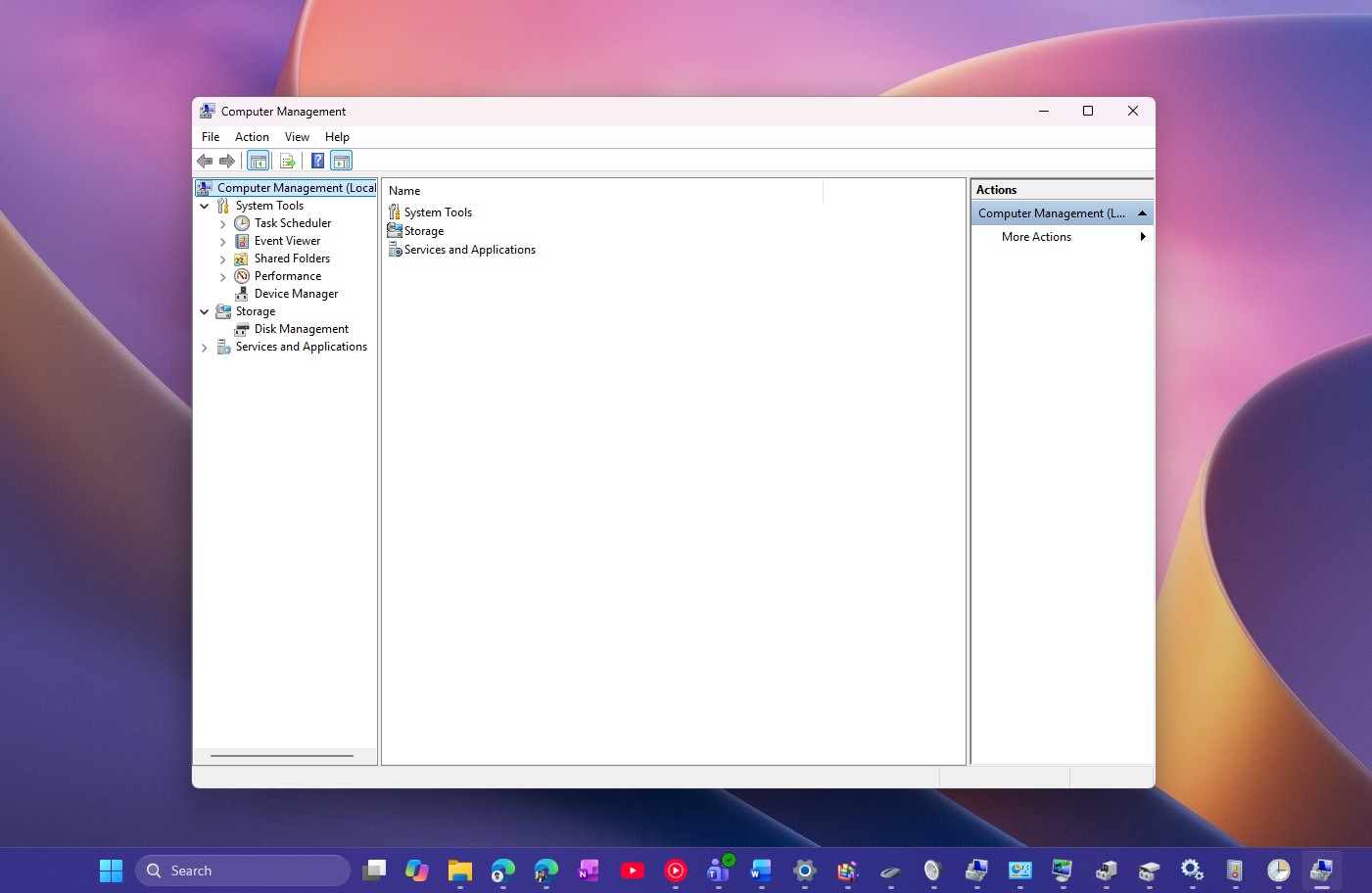
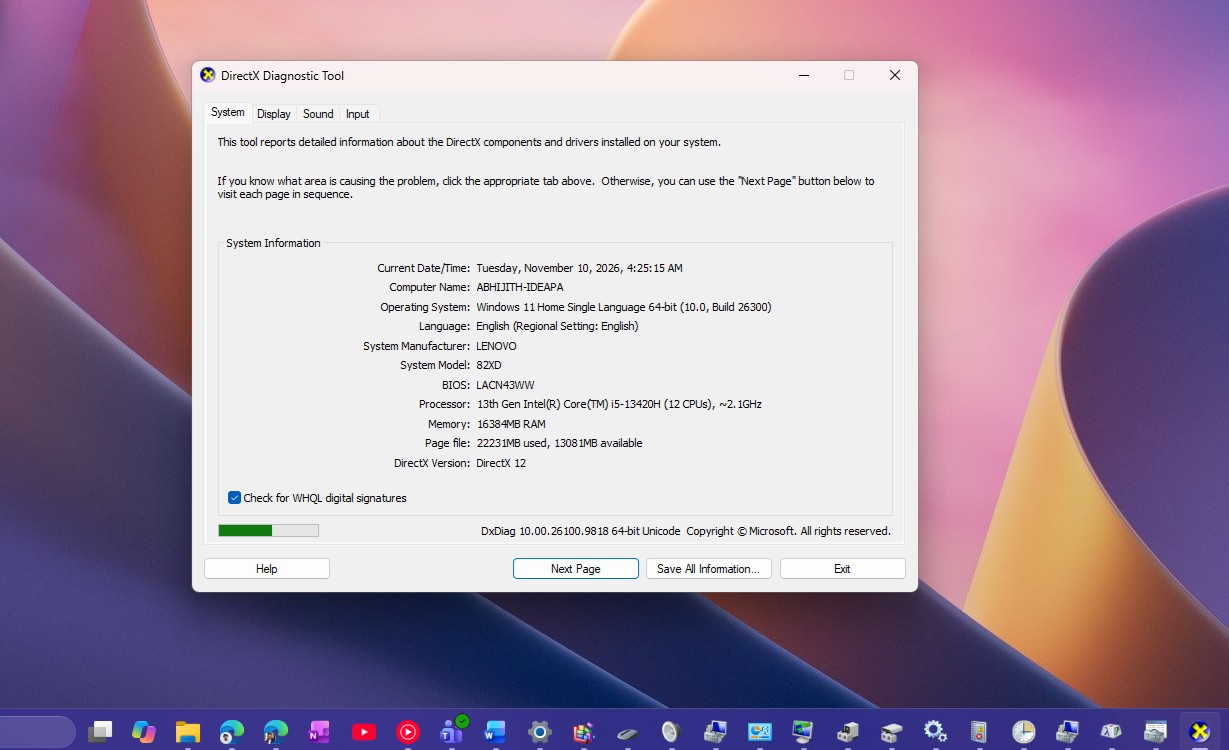
The device properties window, disk management tool, environment variable setting interface and some system management consoles are also legacy components of Windows. Although these features still have important value among professional user groups, their visual style is significantly different from the modern design system of Windows 11.
According to reports, Microsoft’s latest test version hints that the company is gradually restructuring some of its components. Some dialog boxes have begun to adopt rounded corner designs, updated fonts and button styles, and are consistent with the overall visual style of Windows 11. This means that Microsoft is not only focusing on appearance updates, but also trying to unify the interactive experience between different system modules.
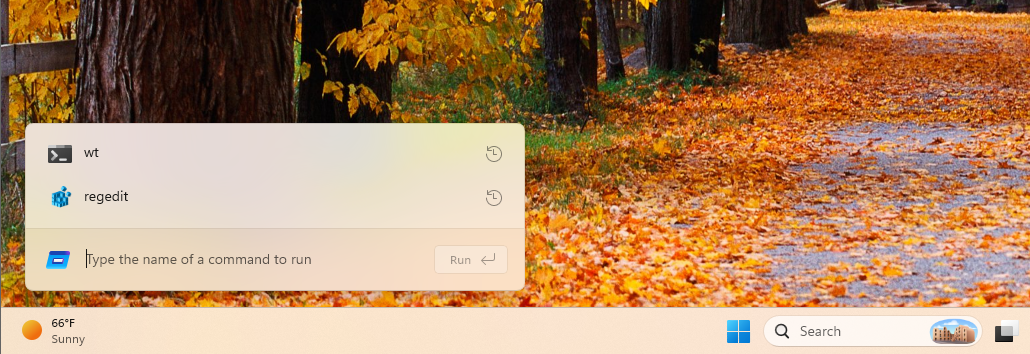
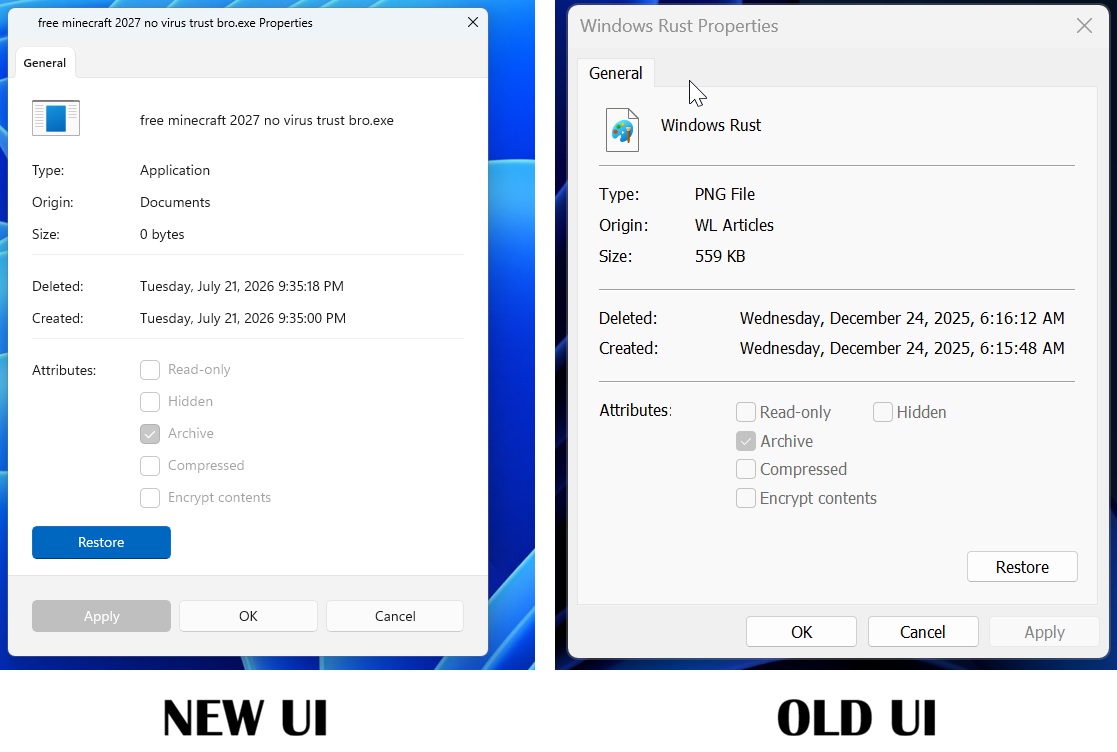
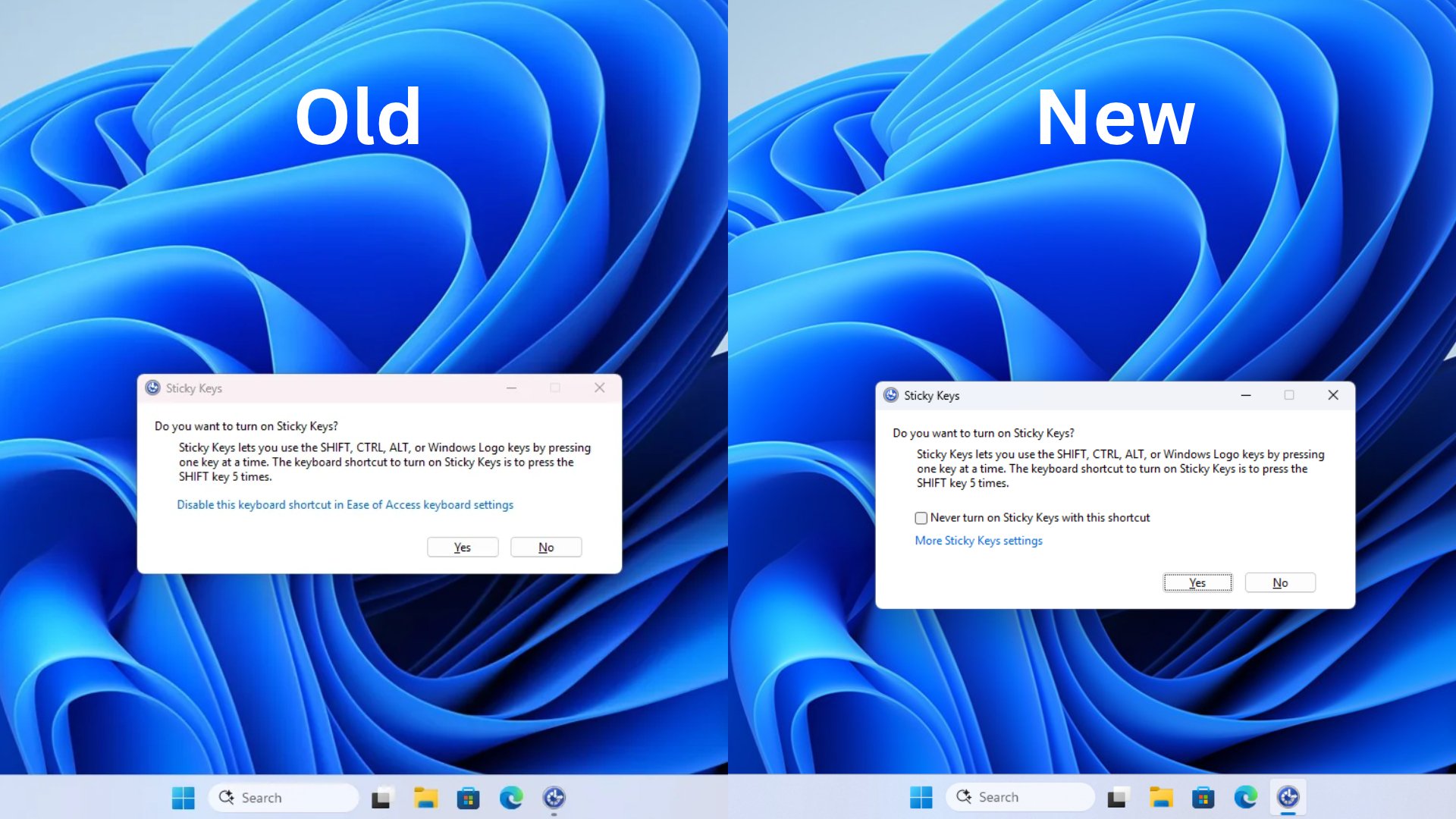
For a long time, Windows users have regarded "new interface covering old interface" as a classic problem in system design. Users may operate a few steps in the modern settings page and suddenly enter a control window that seems to be from more than ten years ago. This experience is considered to weaken the integrity of Windows 11 at the design level.
However, it will not be easy for Microsoft to completely remove these legacy interfaces. Many legacy components are deeply compatible with enterprise software, system management tools, and third-party applications. If deleted rashly, a large number of existing workflows may be affected. Therefore, Microsoft has usually adopted a gradual replacement strategy in the past, gradually promoting modernization while maintaining compatibility.
Industry insiders believe that as Windows 11 enters a new stage of development, Microsoft has focused more on polishing the basic experience and interface unity. Recent system updates have not only improved the start menu, file management and window operation experience, but also begun to rectify the old "time travel style" interface that has long been criticized by users.
Although there are still many classic dialog boxes remaining in Windows 11, judging from Microsoft's recent development direction, these legacy windows that were born in many eras are gradually being included in the scope of transformation. Future versions of Windows 11 are expected to further reduce the problem of mixing old and new interfaces, allowing the entire system to present a more unified modern experience in terms of visuals and operational logic.
Comments