
Abstract:
As Apple further integrates Apple Intelligence into the macOS system, an open source tool called RemoveMacAI has recently attracted widespread attention in the Mac user community. This tool is specifically designed to turn off the Apple Intelligence function, delete downloaded local AI models, and prevent the system from automatically downloading related files again, thereby helping users free up valuable storage space.
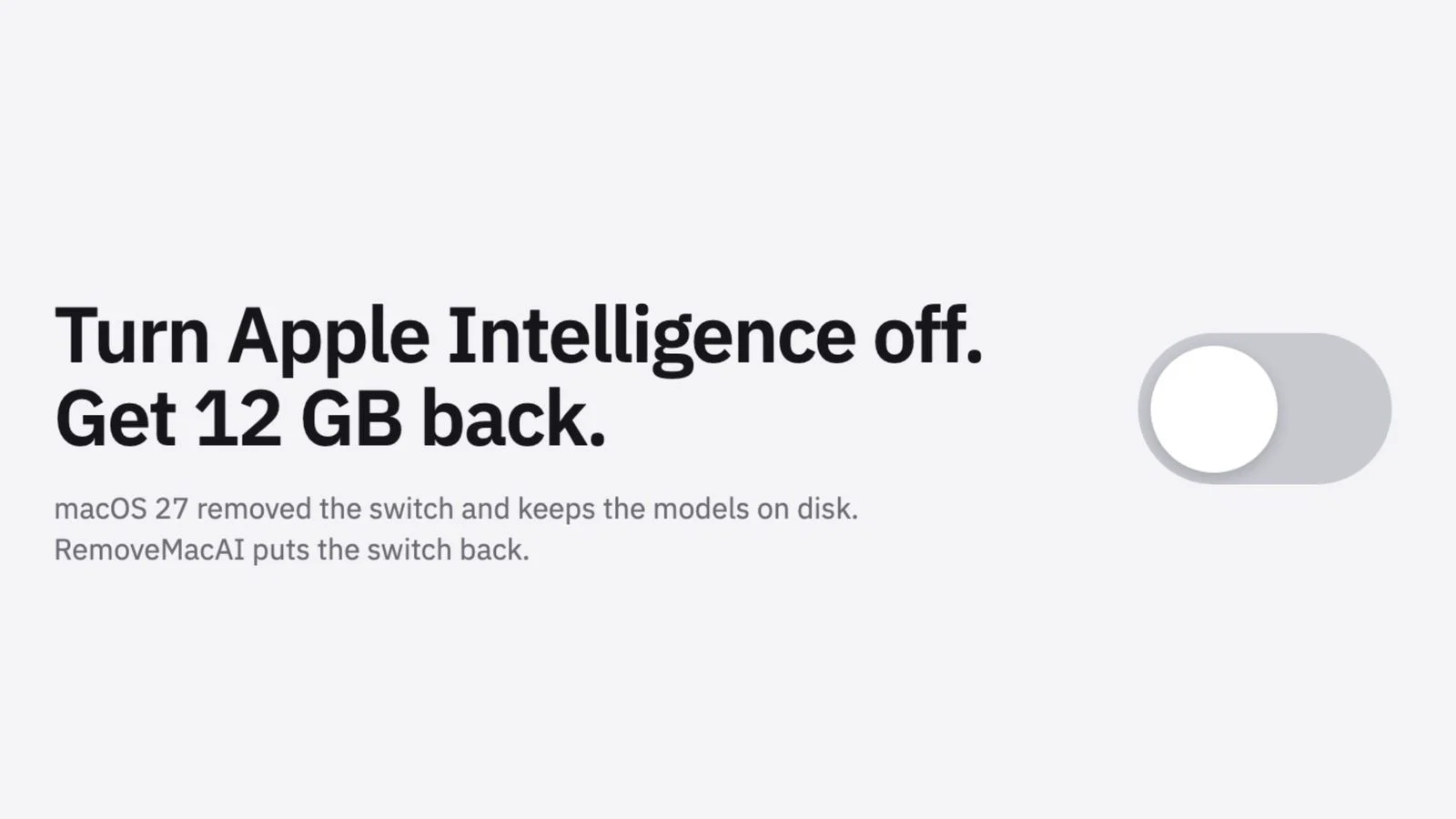
According to developers, in macOS 27, Apple has removed the master switch that was used to turn off Apple Intelligence with one click. Even if the user turns off the relevant AI functions, the model files that have been downloaded locally will still remain in the hard disk and continue to occupy storage space. RemoveMacAI is a solution developed for this situation. This tool does not directly modify core system files, nor does it require turning off Apple's System Integrity Protection (SIP). Its operation mainly relies on installing configuration files, closing Apple's model resource management service, and deleting downloaded AI models. The tool then also redirects subsequent model download requests to a locally closed port to prevent the system from re-downloading these files.
For many users with limited storage capacity, this tool is quite attractive. Especially on Mac devices with 256GB of storage capacity and the inability to upgrade the hard drive, freeing up dozens of GB of space may bring significant improvements.
In fact, since the release of macOS 27, the space occupied by Apple Intelligence has continued to attract attention. Apple's official documents show that Apple Intelligence usually requires up to about 14GB of storage space, but some media and user tests have found that the actual capacity displayed by the system may be much higher than this number. On individual devices, Apple Intelligence-related content was recorded to be more than 20GB, or even more than 27GB.
The developer stated that RemoveMacAI not only deletes the model files, but also prevents future automatic resumption of downloads, and its configuration files usually continue to take effect after the system is updated. However, some of the configuration restriction mechanisms that the tool relies on have actually been marked as deprecated by Apple in macOS 26.4. Although they can still be used normally in macOS 27.0.1, they may become invalid in future system versions.
If the user chooses to remove Apple Intelligence, the corresponding AI functions will also disappear. This includes new Siri-related intelligence capabilities, writing tools, Genmoji, Image Playground image generation, ChatGPT integration, smart summarization, smart replies, predictive text input, photo cleanup tools, spatial photo processing, and predictive code completion in Xcode.
However, the developers point out that not all features will be affected. For example, the system voice input function can still be used.
Since its release, RemoveMacAI has quickly gained a lot of attention, and its GitHub project has received support from hundreds of developers and users in a short period of time, while triggering heated discussions in communities such as Reddit and Hacker News. Many users believe that when artificial intelligence gradually becomes a default part of the operating system, users should still retain the right to choose whether to install and retain related model files.
At present, Apple has not provided official tools to completely delete Apple Intelligence models. As the proportion of AI functions in macOS continues to increase, discussions around storage space usage, user control, and privacy transparency are also continuing to heat up.
Download address:
https://github.com/omlahore/RemoveMacAI
Comments