
Abstract:
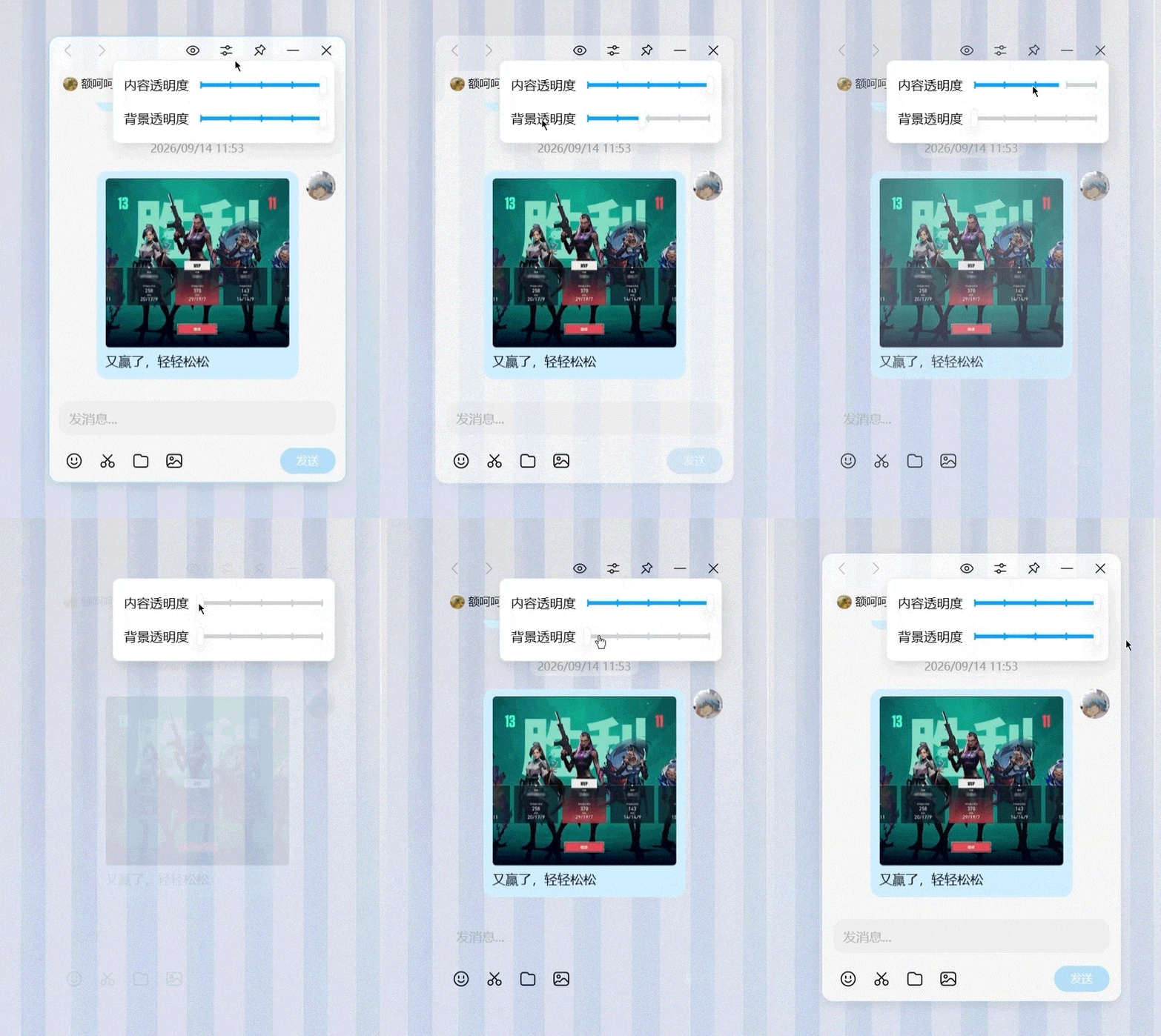
Tencent officially announced today that the PC version of QQ has launched a new "window invisibility" function mini window, focusing on protecting screen privacy. The mini window supports small window mode. The window content and background transparency can be adjusted with a slight pull. The window is directly physically invisible, reducing the chance of people nearby peeking into the screen unintentionally.

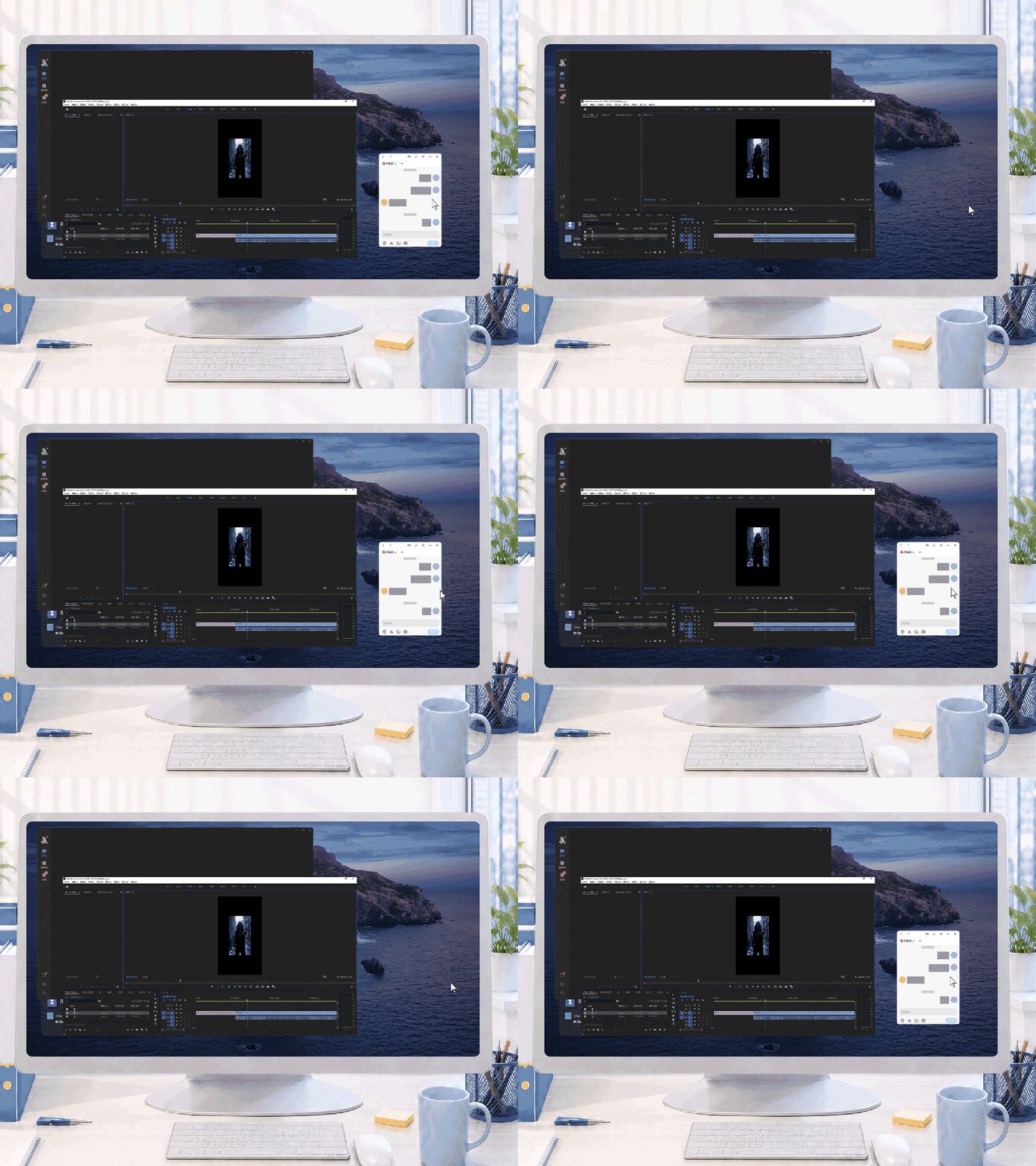
Move the mouse to directly hide the chat window. Private chats will not be exposed when bosses, colleagues, or classmates suddenly approach.
Chat, novels, and stocks are all in small windows. There is no need to switch windows repeatedly, and it is more convenient to read information in fragmented time. Supports shortcut keys to quickly evoke and hide.

In the game scenario, the mini window allows players to directly take screenshots and share them with friends during the game. The small window does not occupy too much screen space.
Chat while playing games. Take screenshots of your victory in one second and share it with your friends in the next. You can share games and chat faster without any delay.
Currently, the mini window only supports the borderless full-screen mode and window mode of Windows games. Update to the latest version of PC QQ, macOS 7.0.2 or Windows Version 9.9.36 can be opened with one click, and also supports shortcut keys to quickly awaken and hide.
QQ officials stated that the goal of the mini window is to allow users to "easily be themselves in QQ", reduce concerns about screen privacy, and let others' unnecessary curiosity go to waste.
Comments