
Abstract:
Raspberry Pi, an open source hardware and single-board computer manufacturer, has officially launched a new desktop update for its official operating system. This version upgrade closely focuses on desktop graphics fluency, multi-tasking response speed, and system-level energy efficiency optimization. It not only upgrades the underlying Linux Long-term Support (LTS) kernel, but also deeply optimizes the modern desktop mixer stack based on Wayland, bringing a smoother and more robust desktop computing experience to Raspberry Pi single boards and all-in-one devices.
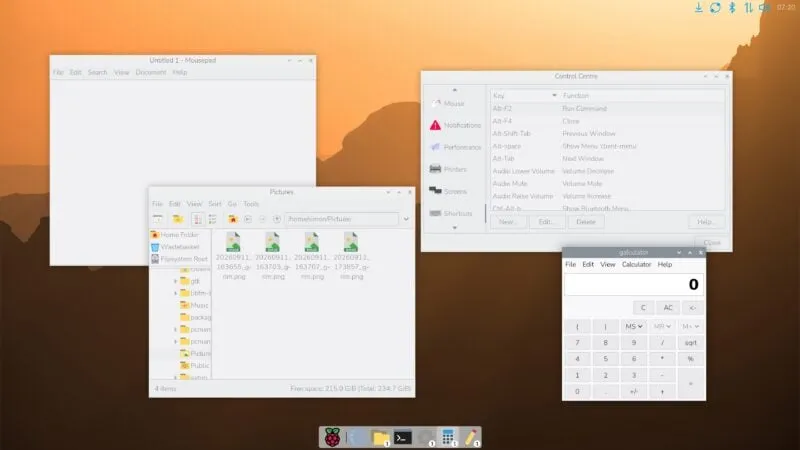
In terms of system kernel and underlying drivers, the new version of the Raspberry Pi operating system has switched to the updated Linux LTS kernel baseline. With the introduction of the new kernel, the system has achieved significant improvements in process scheduling algorithms, memory management, and I/O throughput capabilities, further optimizing the hardware acceleration path for self-developed and customized SoCs such as Broadcom BCM2712. For Raspberry Pi 5 and all-in-one devices equipped with larger memory, system benchmark tests show that they show perceptible performance gains in multi-threaded compilation, compression and decompression, and file reading and writing performance. At the same time, with the upgraded VideoCore graphics driver, the resource overhead when decoding 4K ultra-high-definition video and external multi-screen displays is further reduced.
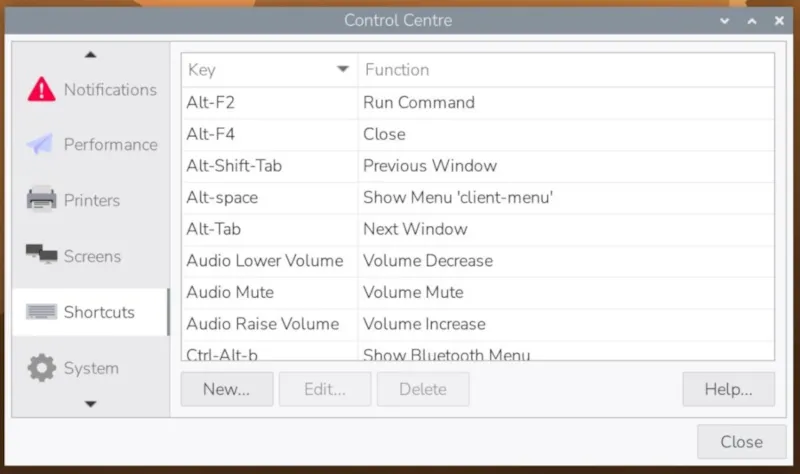
Desktop graphics and user interaction environments have also ushered in substantial innovations. The official continues to promote the migration to pure Wayland architecture, and the window manager based on lightweight mixers such as Labwc has been fully optimized in the new version. The update not only significantly reduces minor lags when dragging and zooming windows, but also significantly improves fractional scaling performance and input response latency on high-resolution screens, making the Raspberry Pi desktop more responsive to traditional PCs in daily lightweight office, coding, and multimedia browsing scenarios.
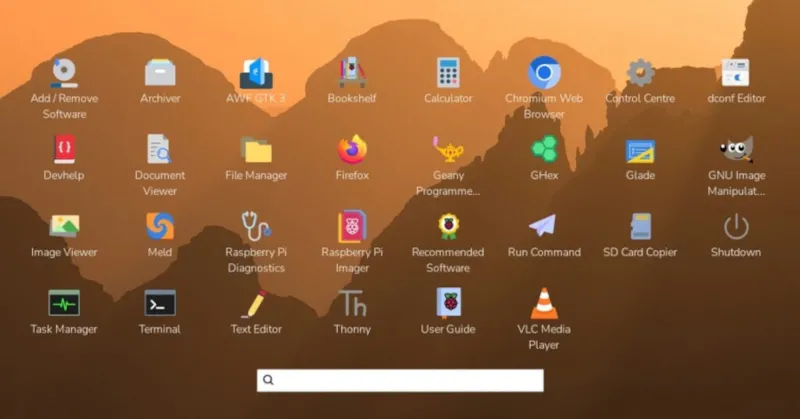
In addition, this update also simultaneously refreshes the core application ecosystem and hardware control tools. The system control center provides a more centralized and intuitive graphical interactive interface for display parameter adjustment, wireless network configuration, and external audio routing. The onboard peripheral expansion pins (GPIO) and camera module support tools have also completed simultaneous compatibility upgrades. The pre-installed Chromium browser and various development components have also been updated to the latest stable version, ensuring that memory usage is reduced while improving the rendering stability of complex modern web pages.
Currently, this new desktop system image has been fully launched on the Raspberry Pi official website and official burning tool (Raspberry Pi Imager). Users running existing systems can also complete a smooth upgrade directly through the APT package manager in the terminal.
Comments