
Abstract:
Microsoft recently issued a support bulletin confirming that starting in April 2026, Windows 11 updates will cause a failure in the Universal Print service (Universal Print). This failure is still affecting some devices upgraded from Windows 10. Affected devices may not be able to print properly. Microsoft cannot directly fix the problem through updates. Users need to delete the printer and then add it again.
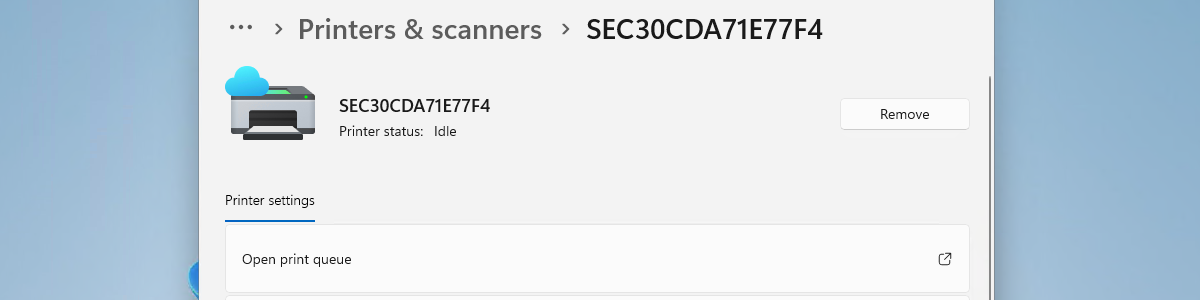
Microsoft notes that if a printer deployed using the Universal Print Service is initially installed on a Windows 10 device and then installs the KB5083769 update or upgrades to Windows 11, users may experience printing failures. KB5083769 was released on April 14, 2026. This problem has lasted for half a year, and it may also be triggered by updating to subsequent versions of Windows 11.
Typical symptoms include: The print dialog box has a printer configuration problem and displays error code 0x80004005, and the print button becomes gray and cannot be clicked. When printing a test page from the printer properties, a 0x000003e3 error occurs, and Microsoft says the affected queues are registered as system-wide installations.
For individual affected devices, the affected printer can be deleted and re-added in Settings, Bluetooth & Devices, Printers & Scanners. After reinstalling the printer, the printer will change to a queue dedicated to the current user. In a shared computer or virtual desktop environment, administrators need to evaluate this change in installation scope.
IT administrators can detect and batch convert affected print queues using a PowerShell script provided by Microsoft, which can be deployed through management tools such as Microsoft Intune. Microsoft recommends verifying on a test device first. Manual batch operations need to use PsExec and run as SYSTEM, which is suitable for IT administrators to handle.
Comments