
Abstract:
Microsoft is developing a new security verification mechanism for Windows 11. In the future, applications will be able to uniformly check whether the computer meets the security standards set by Microsoft before starting. If the device does not meet the requirements, software developers can decide at their own discretion whether to allow the program to run, restrict some functions, or even refuse to launch the application outright.
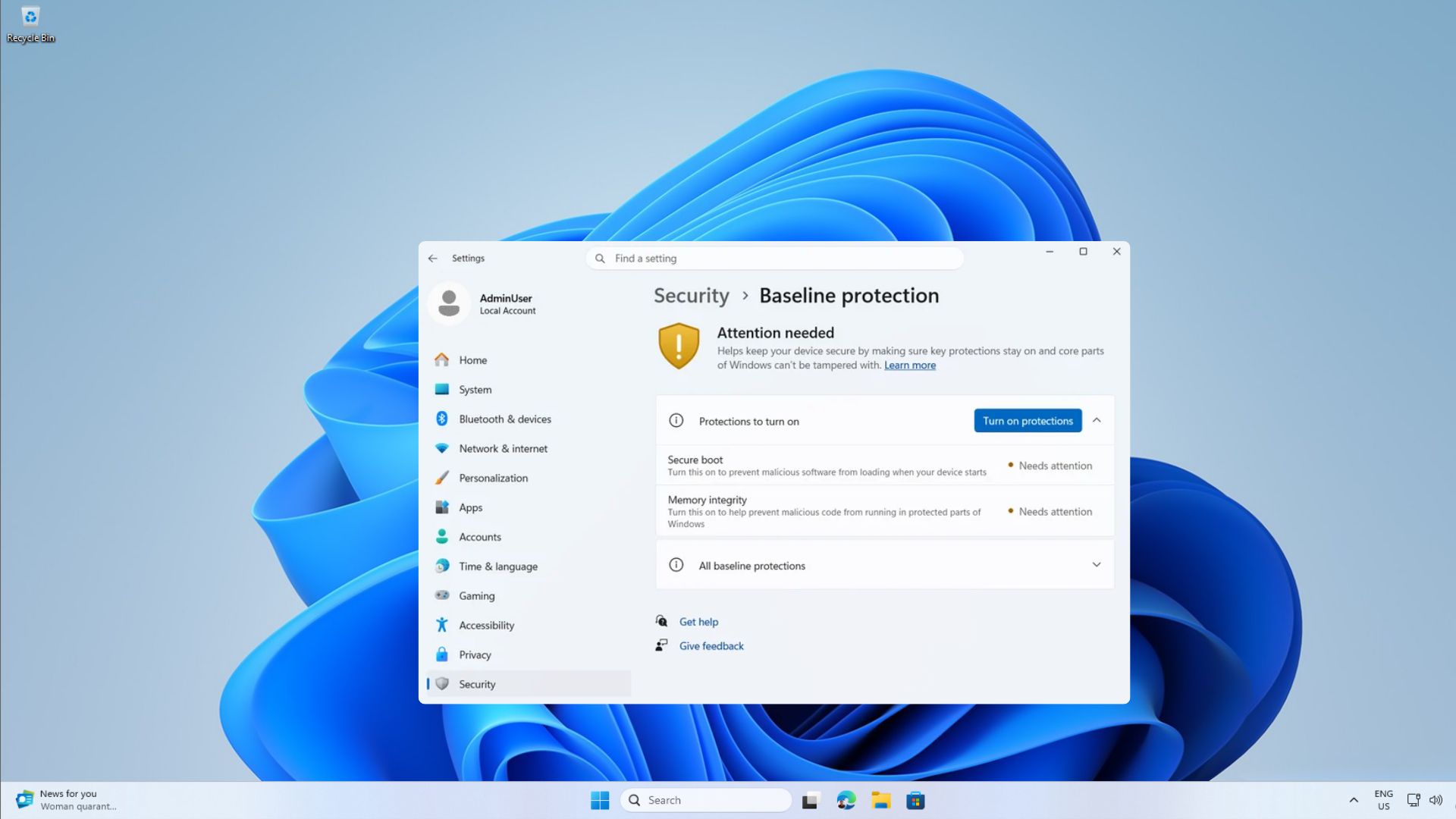
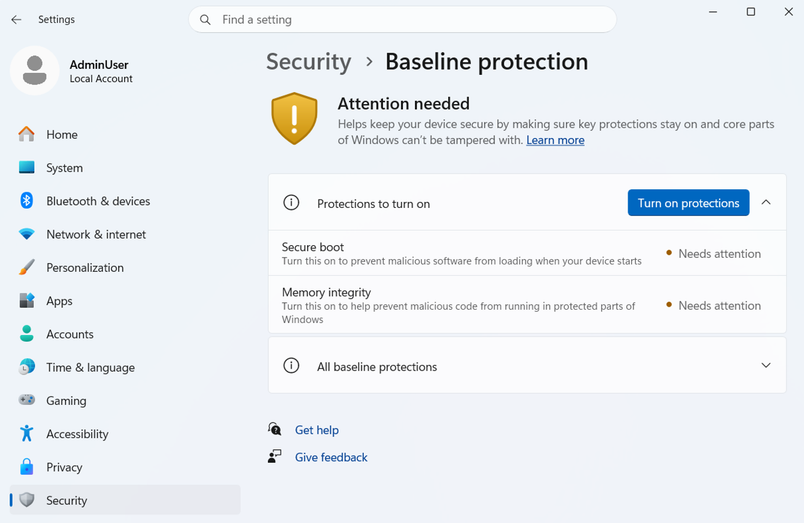
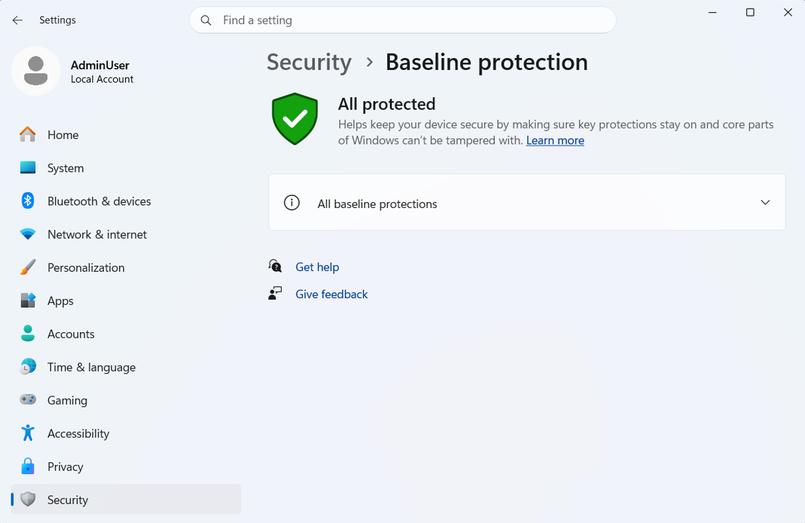
This new feature is named "Windows Baseline Protection (Windows Security Baseline Protection)". It has now entered the Windows Insider preview testing phase and is scheduled to be officially opened to the majority of users in 2027. Microsoft hopes to use this mechanism to integrate the security detection processes that were originally scattered in various types of software into a unified standard.
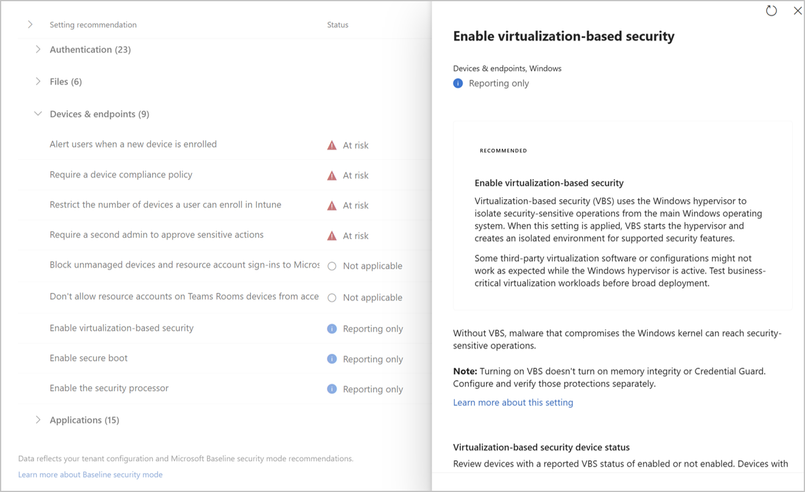
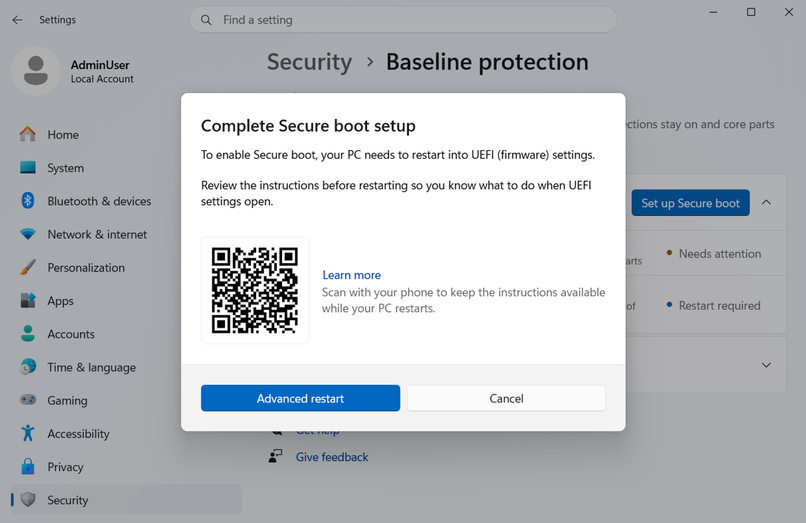
According to information released by Microsoft, this mechanism will comprehensively check a number of key security functions, including TPM 2.0 security chip, secure boot (Secure Boot), virtualization-based security (VBS), memory integrity protection (Memory Integrity), signed driver verification, Windows certified driver, kernel debugger protection, and vulnerable driver protection.
For ordinary users, this means that in the future some software may no longer only focus on the operating system version, but will further check the security status of the entire computer. If the user turns off the secure boot function, disables memory integrity protection, or modifies related security settings to install other systems such as Linux, the device may not pass the new security verification.
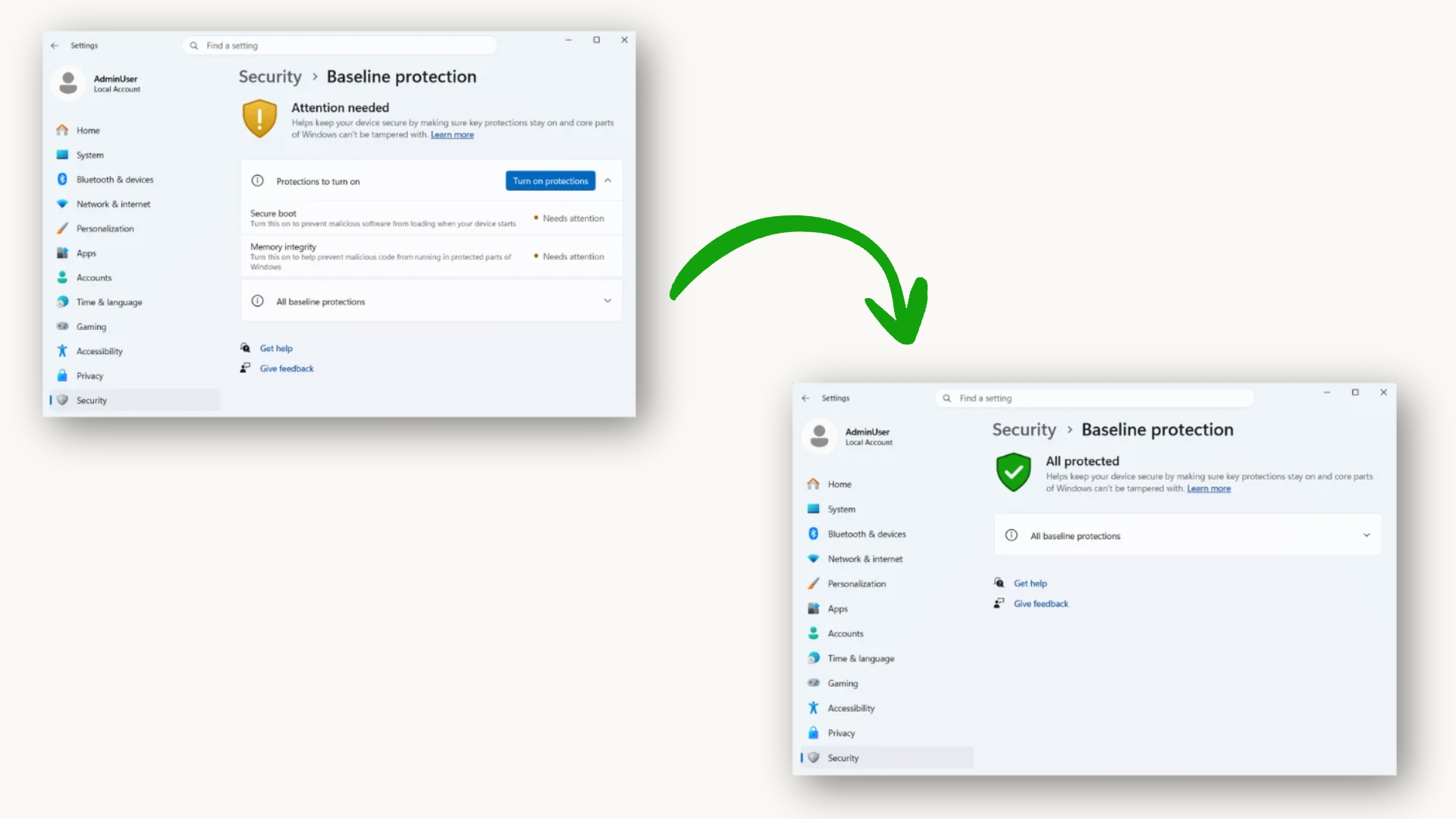
Microsoft said that many software is actually already performing similar checks on its own. For example, banking applications will verify whether the device has a TPM security module, while some online games will check driver signatures and system integrity. "Battlefield 6" has previously required players to enable Secure Boot to start the game normally. The new security baseline mechanism unifies these scattered detections into a standard interface for developers to call directly.
Developers can obtain simple and clear verification results from the system, including whether the device passed the test, which security features are missing, and hardware-based authentication information. Afterwards, software vendors can develop rules according to their own needs, such as issuing only warnings, disabling some functions, reducing service permissions, or directly preventing applications from running.
Pawan Davuluri, head of Microsoft's Windows and Device Business, said during the Ignite 2026 conference that this mechanism can help developers confirm whether the devices running their applications meet the preset security requirements, thereby providing more reliable security for enterprise software, financial services, education platforms, and online games.
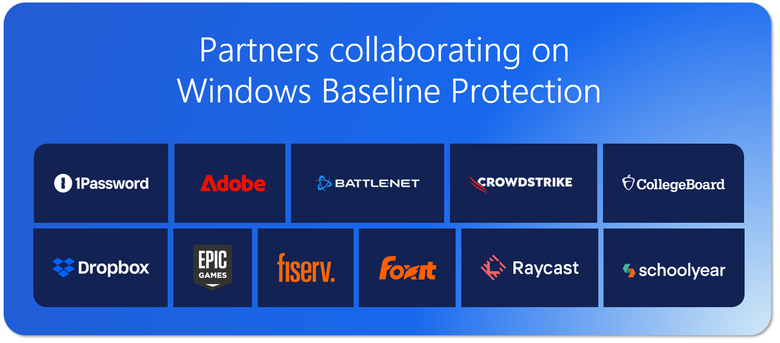
At present, 11 companies have participated in the test plan, including well-known manufacturers such as Adobe, Battle.net, 1Password, and education service platform Schoolyear.
Schoolyear stated that they plan to use this interface to verify whether student testing equipment meets security standards, thereby enhancing the credibility of the online testing environment. For the education industry, this can reduce exam risks caused by system security flaws or third-party tools.
In the gaming space, the Battle.net engineering team has also begun evaluating this mechanism. The relevant person in charge of Blizzard stated that the new system will help improve the overall security level of the platform while trying to avoid placing additional operational burden on players. However, the company did not say whether it would make it mandatory in the future.
This change shows that Microsoft is trying to promote the establishment of unified security access standards for the Windows ecosystem. As the problems of cyber attacks, cheating software and malicious drivers become increasingly prominent, more and more software and online services may incorporate device security status into operating conditions in the future. For users who are used to turning off some Windows security features in pursuit of compatibility, performance or dual-system experience, this trend may mean that more applications will require devices to meet the security baselines set by Microsoft before they can be used normally.
Comments