Microsoft has launched a new Copilot AI on Windows 11 for players to try. "Gaming CopilotNow available in beta for Xbox Insiders using Windows handheld devices, it provides game-focused AI assistance to help them complete difficult tasks, improve skills, explain content, or chat about the game.
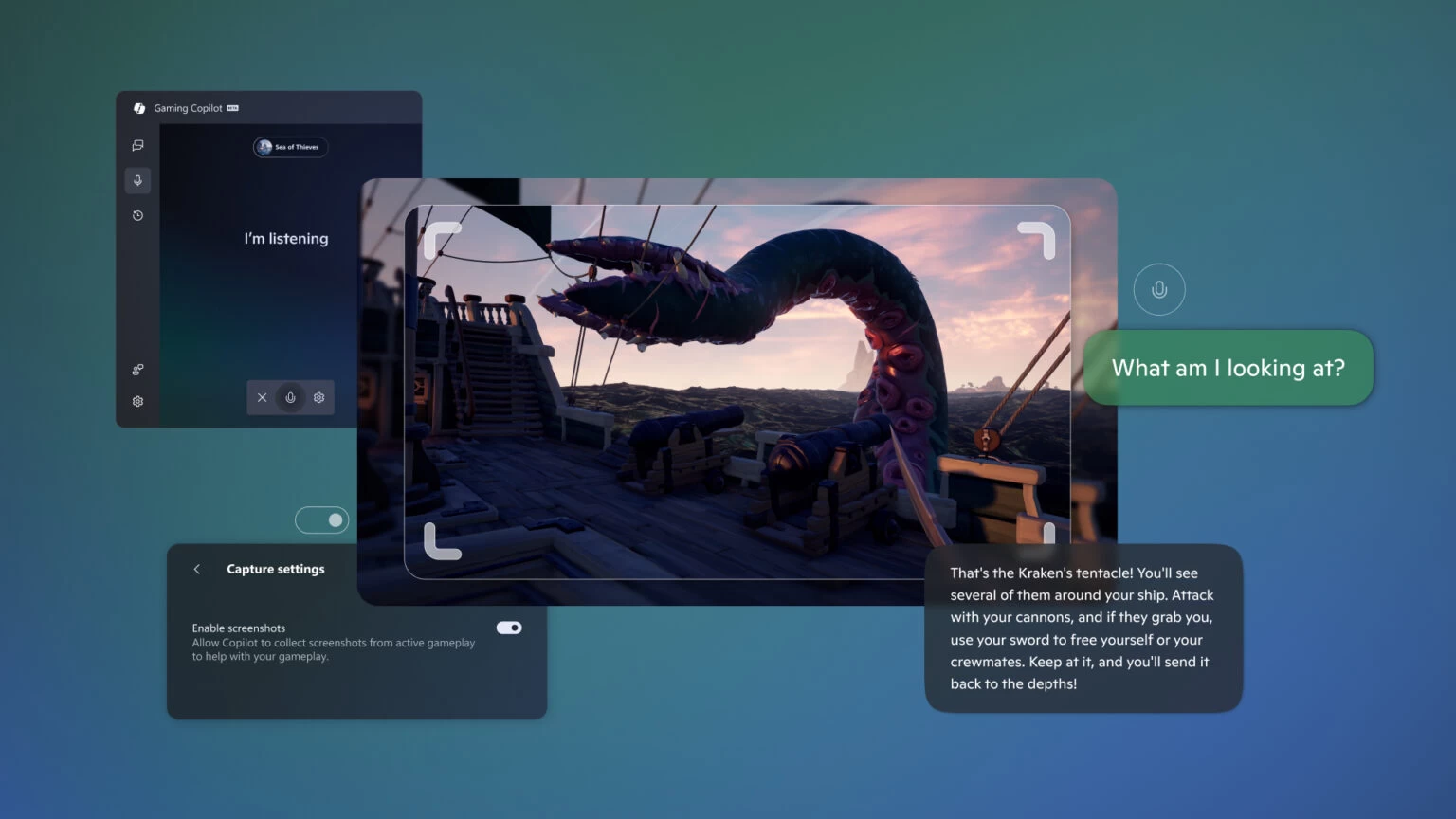
Previously available in second-screen mode on iPhone and Android devices, Xbox Copilot is now part of the Windows 11 Game Bar.
Gaming Copilot knows what game you're currently playing, and players can enter questions or use voice mode. When asked a question, Gaming Copilot will take a screenshot of your game so you don't have to describe what's on the screen. Just ask "What am I looking at" and Copilot will explain it to you.
Microsoft says the current version of Gaming Copilot has limited functionality. As the release of Microsoft's recently announced ROG Xbox Ally and ROG Xbox Ally X approaches, future updates will bring even more optimizations and features.
It’s also worth noting that Gaming Copilot is only available in a limited number of countries:
|
|
|
|
If you live in the EU, this feature isn't available, plus the assistant is currently only available in English and is only available to users 18 and older.
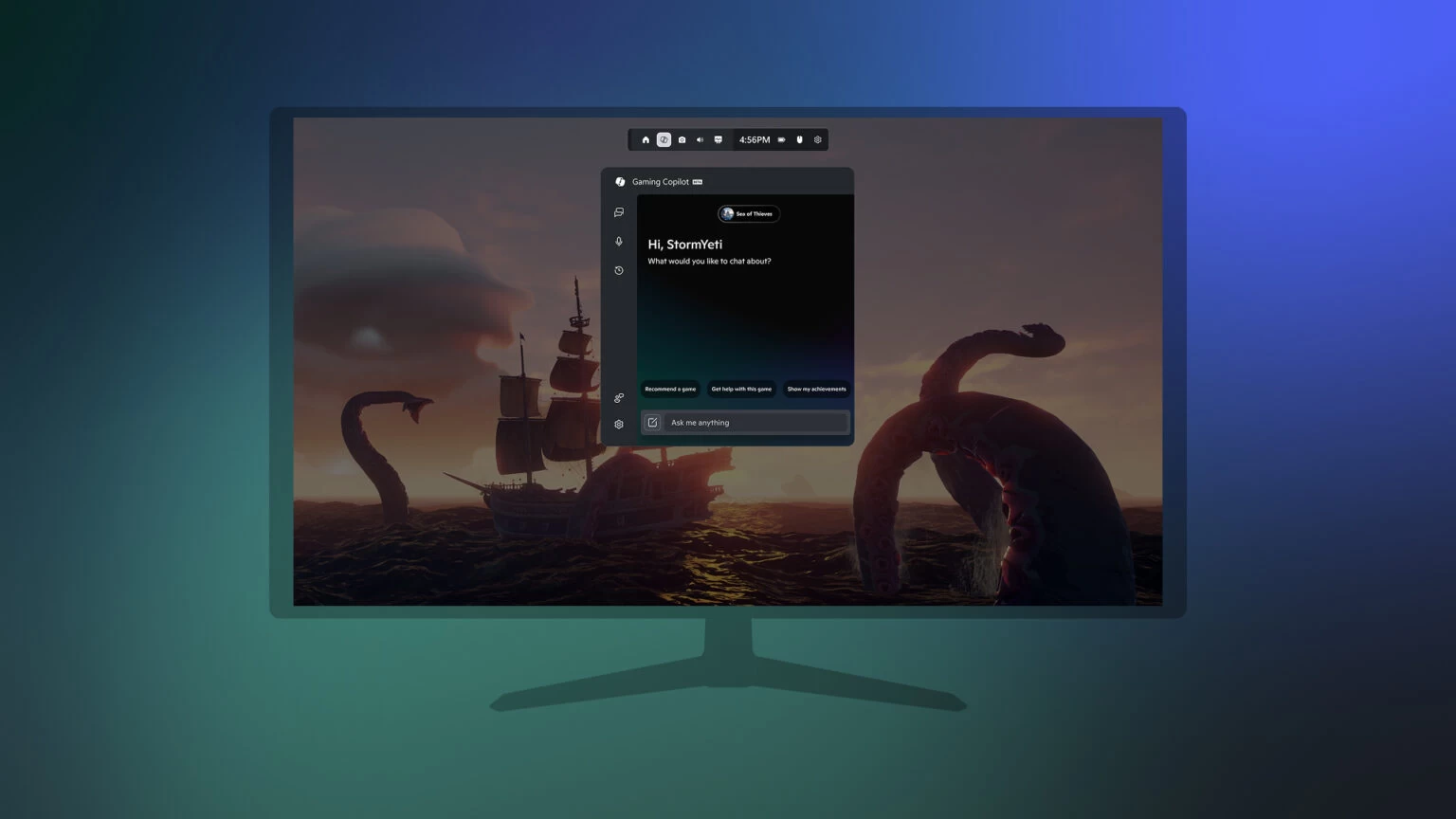
You can try out Gaming Copilot by signing up for the Xbox Insider program on your computer and updating the Xbox PC app to the latest version. After that, open the Game Bar by pressing Win + G or the Xbox button on your gamepad, click on Gaming Copilot, and sign in with your Microsoft account. See the announcement post for more information.