As wireless audio technology continues to evolve, Microsoft recently brought a highly anticipated breakthrough feature to Windows 11. According to the latest news confirmed by Microsoft to the media, Windows 11 is gradually rolling out a new feature called "Share Audio." This function is based on Bluetooth LE Audio technology, which completely breaks the previous default limitation of not being able to use two Bluetooth headsets at the same time, allowing two pairs of headphones, earbuds and even hearing aids to connect and listen to the audio stream of the same computer at the same time.
This move marks that Windows 11 is officially aligned with the Apple ecosystem’s “shared audio” in terms of audio sharing experience, providing great convenience for users to watch movies, listen to music, or collaborate with family and friends.
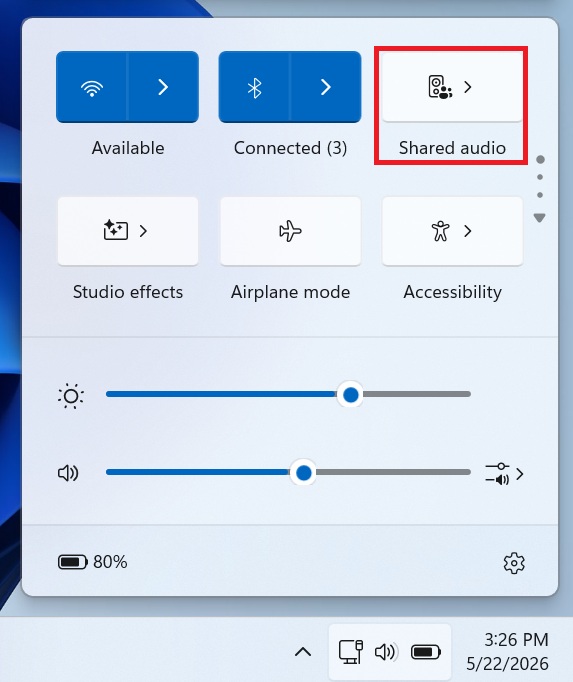
It is understood that this landmark upgrade first appeared in the Windows 11 KB5089573 (build number 26200.8524) update. As this feature is currently in the phase of gradual rollout, users around the world will receive the update in the coming weeks. Once the feature is fully covered, users who meet the hardware requirements can simply click the speaker icon on the taskbar to open Quick Settings and see a new toggle switch for "Share Audio" directly there.
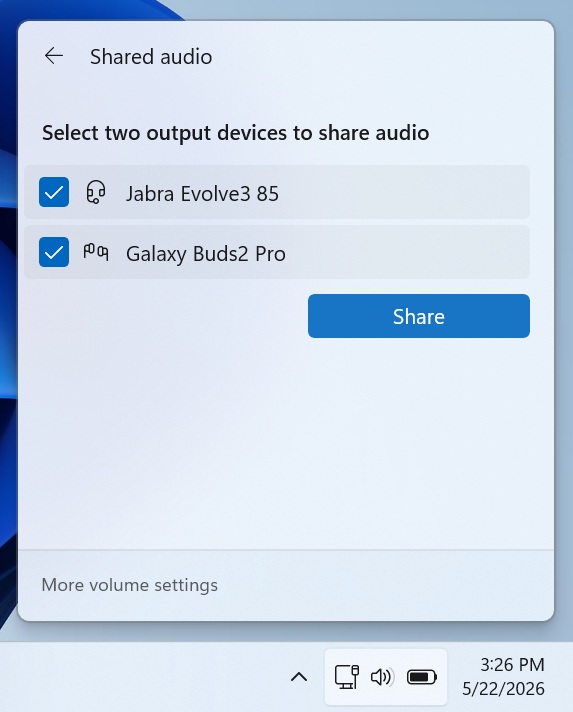
In actual operation, after the user turns on this function, the system will pop up a new panel that automatically lists all devices supported by Bluetooth low energy audio in the current environment. Users only need to check two target Bluetooth output devices and click the "Share" button to achieve synchronous audio transmission.
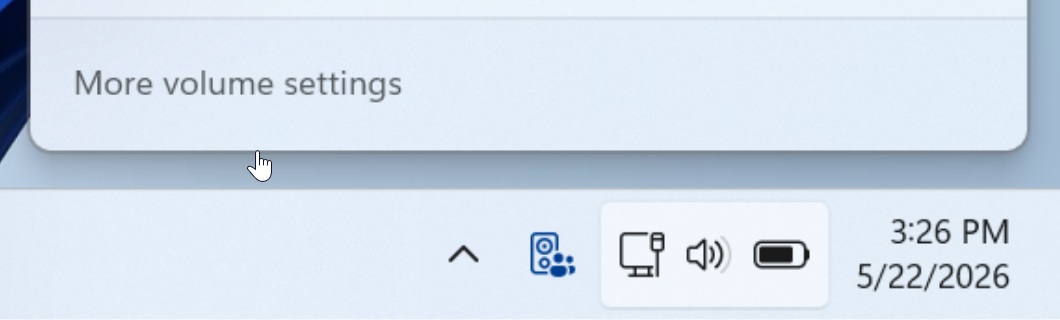
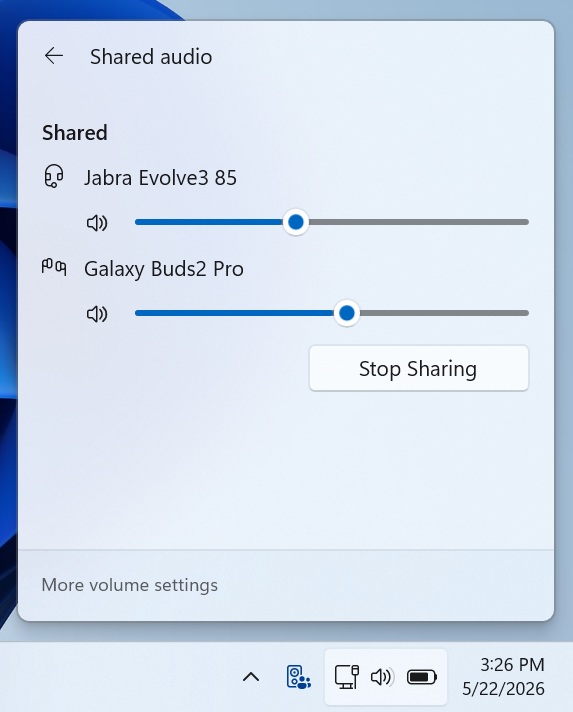
Based on the excellent performance of the standardized Bluetooth LE Audio broadcast stream, Windows 11 not only ensures synchronized low-latency output of two pairs of headphones, but also gives users a high degree of autonomy - on the basis of sharing the same system volume by default, users can independently adjust the volume for the two connected headphones in the shared settings according to personal needs. When a feature is enabled, a dedicated new icon also appears on the taskbar for easy identification.
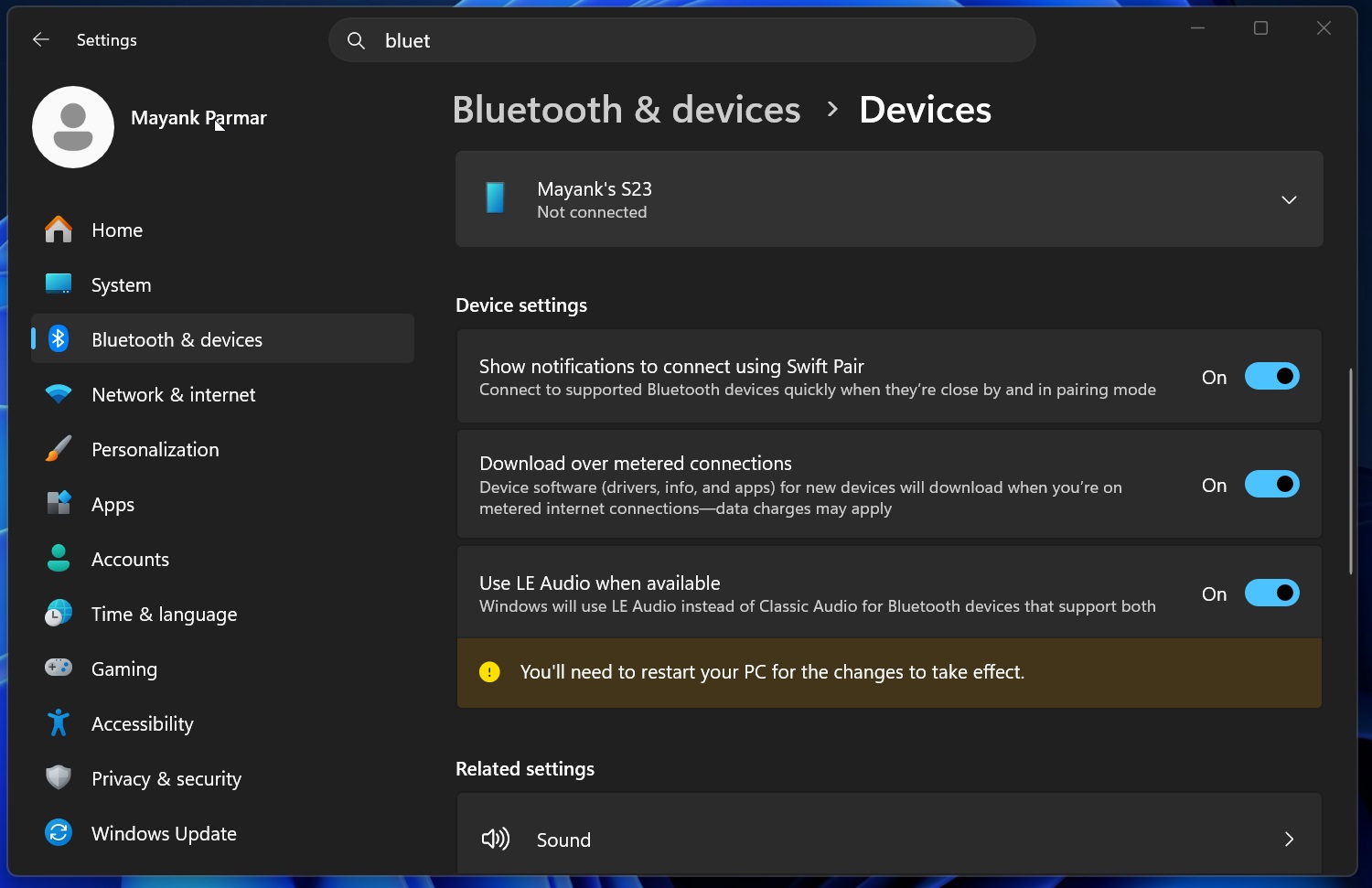
However, to fully experience this feature, users need to meet a series of relatively strict hardware thresholds. First, on the system side, users can check whether the operating system version has reached 26200.8524 or higher by going to Settings > System > About. Secondly, on the hardware side, users must have two pairs of headphones that support low-power Bluetooth audio at the same time, and the computer itself must also natively support this technology. Typically, most PCs and headsets shipped after the January 2020 release of the Bluetooth Low Energy audio standard already have this capability. Users can go to the computer's "Settings" > "Bluetooth & Devices" > "Devices" and look for the "Use low-power audio if available" switch under "Device Settings". If the switch is missing, it means that the computer most likely does not support this technology, and the user needs to upgrade the Bluetooth adapter.
In addition, Microsoft emphasized that it is not enough to support low-power Bluetooth audio, and the computer must also have an "audio broadcast" function. Since there is currently no channel to manually verify whether audio broadcasting is supported in the system, if the user's system has been upgraded to the latest version, but the "Share Audio" switch does not appear in "Quick Settings" in the next few weeks, it can basically be determined that the computer hardware does not support the broadcast function. With the performance improvements brought by this version of the Low Latency Profile, Microsoft expects that the entire feature promotion work will be completed in the near future.