
Abstract:
Microsoft is improving the Windows Hello login experience: when the computer attempts face or fingerprint recognition, users can also directly enter the PIN code that has been set to unlock, without having to wait for the recognition to complete before manually switching the login method.
This improvement has been launched in Windows 11 Experimental Build 26340.9882. Microsoft plans to start previewing the update to official version users after completing testing in the near future, and will eventually complete the push around January next year.
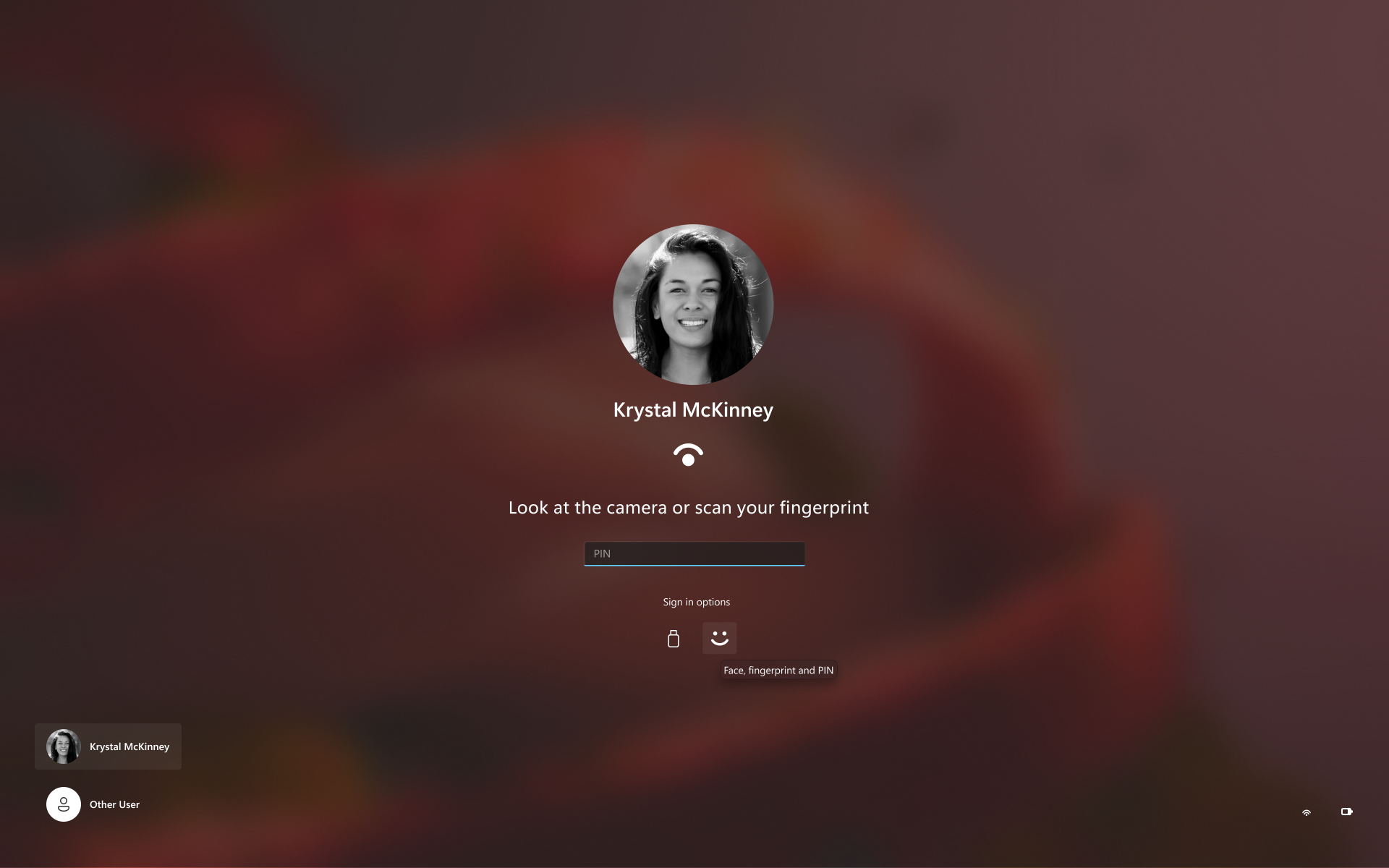
Currently, when some users wake up a supported computer, Windows Hello will first try to recognize the face or fingerprint. If the camera does not recognize it temporarily, the user may need to wait for the result, or manually click the login option and then switch to PIN.
If the light is dim, the camera is blocked, the fingers are dirty, or it is inconvenient for the user to face the camera, this process will require several more steps, waste time and affect the unlocking efficiency. It is really troublesome for users who frequently leave their work stations and lock the system.
So after this improvement, Windows Hello can perform face, fingerprint, PIN recognition or authentication at the same time. That is, the user can look at the camera, use fingerprints and enter PIN. Whichever method completes the authentication first, the system will complete the login through whichever method.
Note: A PIN is still required to unlock for the first time after the system restarts. Later, it can be unlocked through face or fingerprint recognition.
Microsoft is also improving the low-light recognition function of Windows Hello. When the system detects that the surrounding light is insufficient and may not be able to complete the recognition, the system will temporarily increase the screen brightness to illuminate the user's face, which can help the camera complete the recognition.
Users who have already used the beta version can find the switch to automatically adjust the screen brightness during face recognition in settings, accounts, login options, and facial recognition. After turning on this option, the system can increase the screen brightness when necessary.
Comments