
Summary:
Microsoft is testing a small change in Windows 11 that makes it easier for users to permanently turn off Key Tips for Sticky and Filter keys. The new version of the pop-up window adds options such as "Don't enable Sticky Keys again with this shortcut key"; once the user checks it, Windows will no longer repeatedly ask whether to turn on related functions, reducing interruptions during input or gaming.
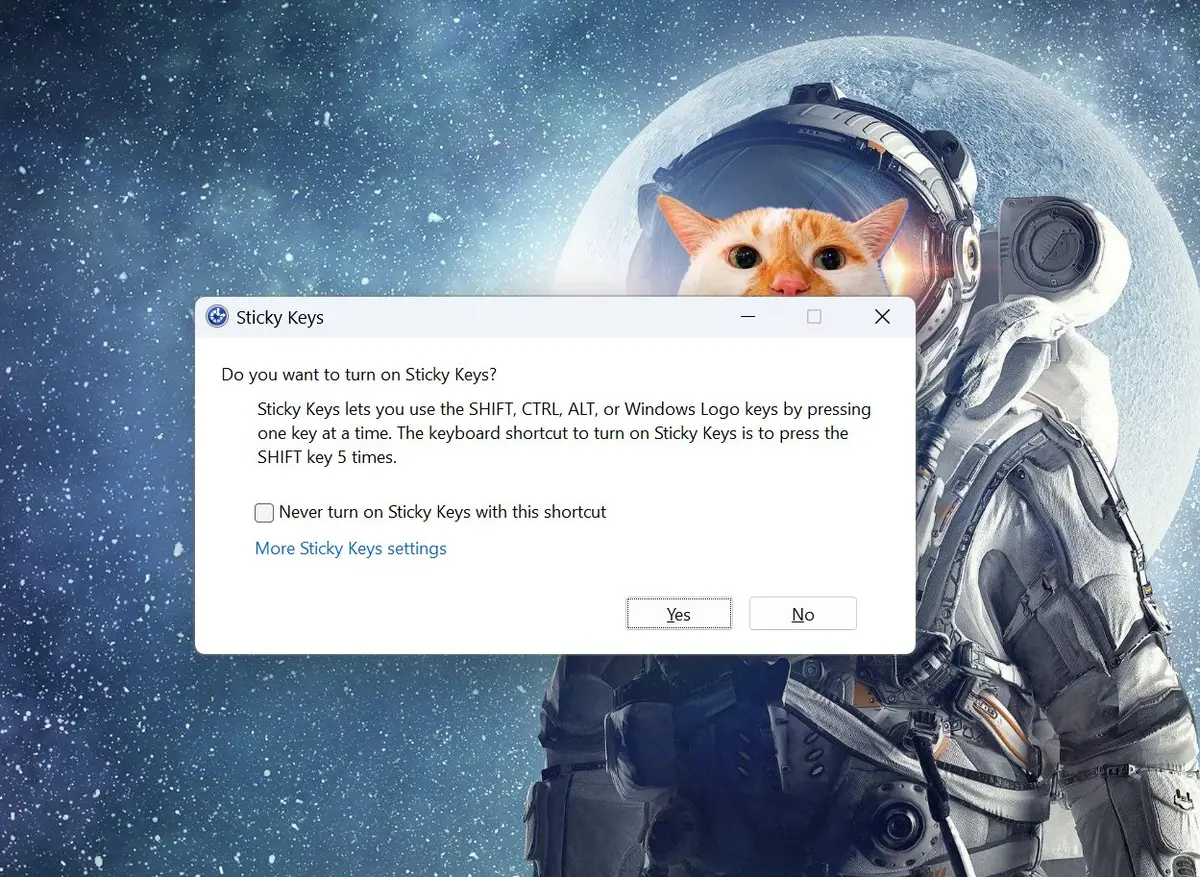
Sticky keys and filter keys are auxiliary functions added in the Windows 95 era. Sticky keys allow users to press modifier keys such as Ctrl, Alt or Shift in sequence without having to hold down multiple keys at the same time; filter keys can ignore short or repeated key inputs to help users with motor control difficulties. For people who do not need these functions, it is often difficult to completely close the pop-up window after accidentally touching the shortcut key, especially when pressing Shift five times in a row, it is easy to trigger the sticky key prompt.
This change has appeared in Windows 11 26H2 Beta Preview Build 26320.9876.
Microsoft said that users can choose not to ask directly in the prompt box; it is still in the Windows Insider testing phase, and it has not yet been determined whether and when the preview function will be pushed to all users.
Comments