
Abstract:
Microsoft announced the largest reconstruction and upgrade of the built-in "Photos" application in Windows 11 in recent years. The new version of the application not only redesigns the gallery, editor and picture viewer, but also introduces more AI capabilities, while significantly improving the overall performance, and the speed of some operations can be increased by up to 30%.
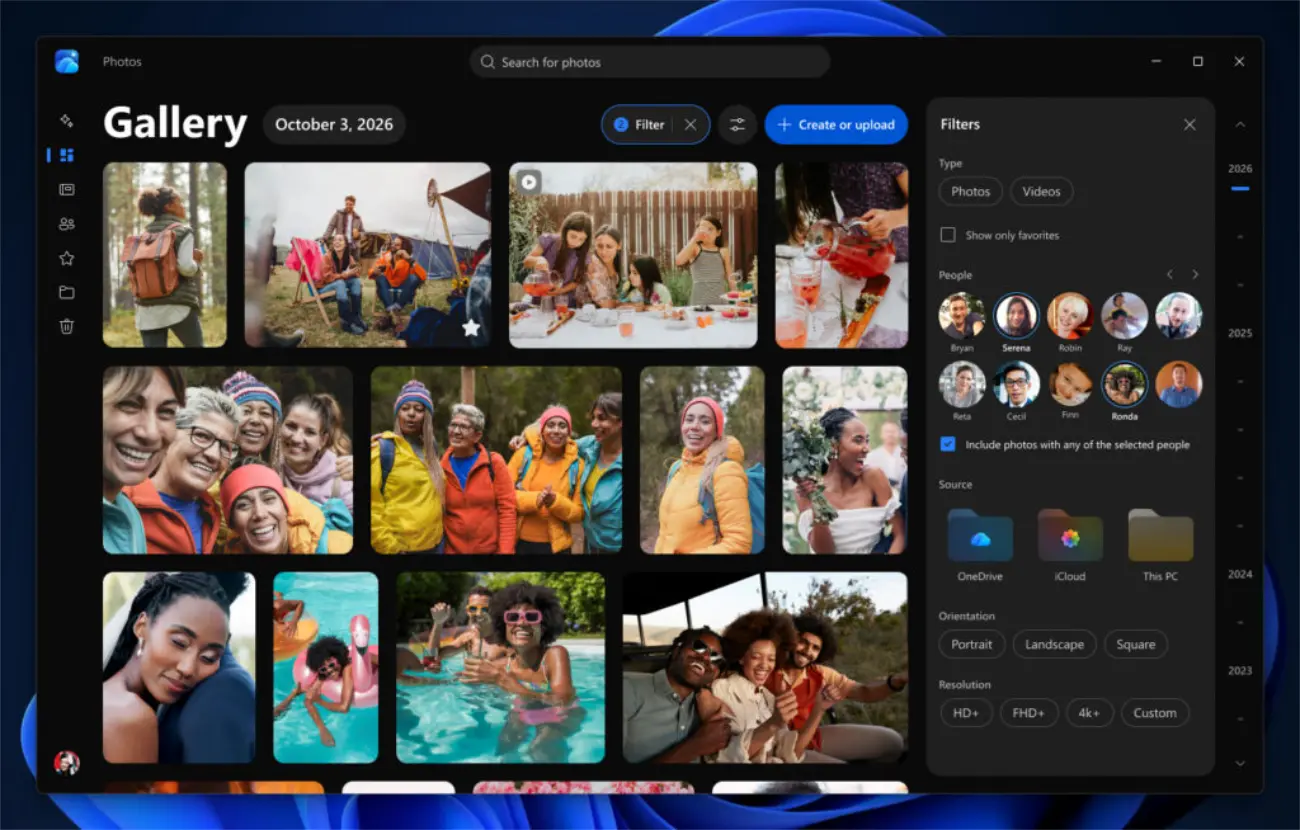
According to information released by Microsoft, the new version of the Photos app has begun to be pushed to Windows Insider test users, and will be opened to all Windows 11 users later this year.
This update first brings a new gallery system. The new version of the gallery can integrate photos in the local computer, OneDrive cloud photos and iCloud photos into the same interface for management. Users can browse and organize all photo resources without switching between different services.
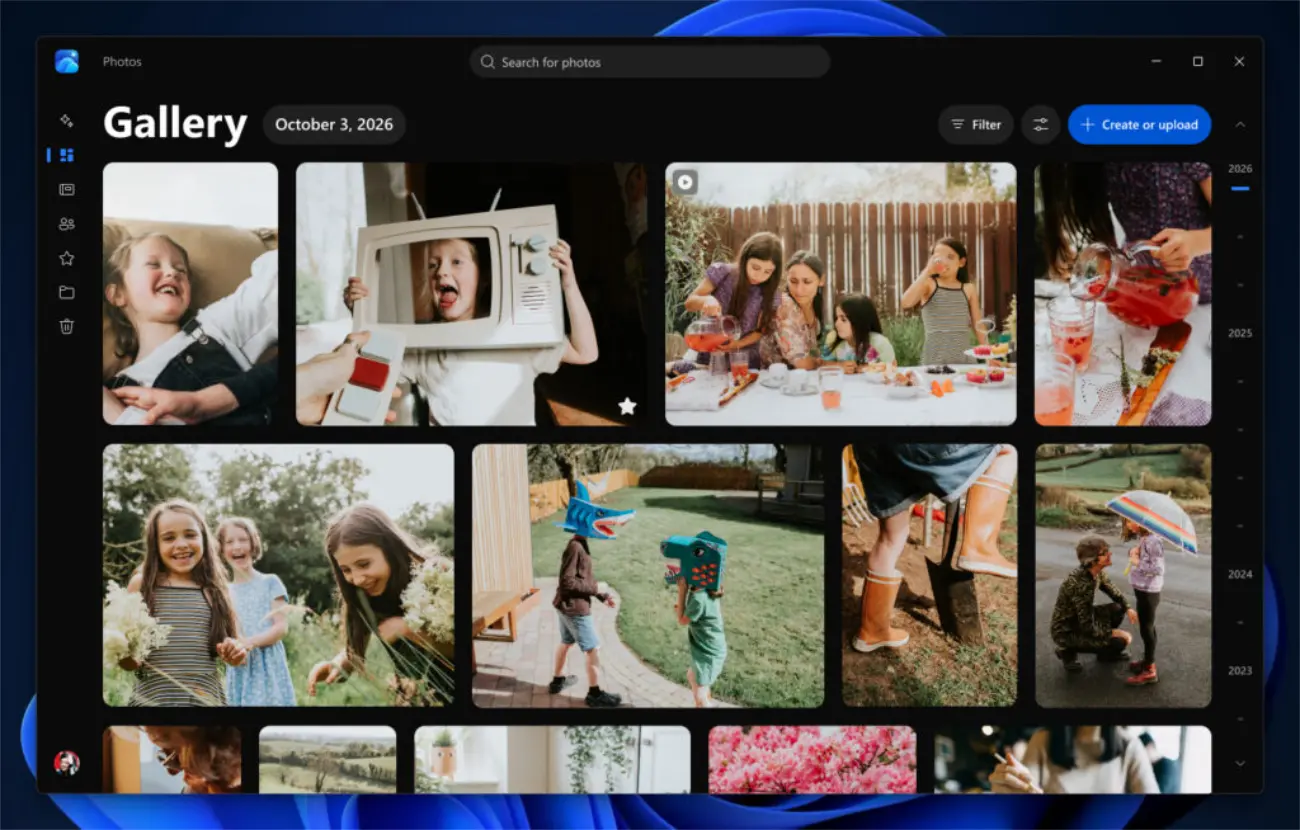
Microsoft has also added smarter search capabilities to the gallery. Users can directly use natural language descriptions to find photos, such as entering keywords such as "seaside sunset" or "family gathering" to find target pictures, without having to remember file names or shooting dates. In addition, the system also supports filtering by people to quickly find photos of specific family members or friends.
For OneDrive users, Microsoft has added a new "Moments" function that can automatically organize relevant memory content and display it in the form of photo albums, slideshows or videos to help users review important moments in the past.
The new version of the photo editor also receives a comprehensive upgrade. Microsoft said the editor has been rebuilt from the ground up and implemented using native architecture. According to official tests, its startup speed is about 25% faster than the old version.
The new version of the editor supports common operations such as cropping, enhancement, repair, and beautification. It also adds HDR photo editing functions and supports modern image formats such as HEIC and WebP. Users can edit and save directly to these formats without having to convert file types.
In terms of artificial intelligence, Microsoft has equipped the editor with an upgraded AI model. The new system can provide higher-quality image enhancement effects, while further improving the performance of object removal, content repair and other functions. Users can more easily remove distracting objects in the background, or use the "Relight" function to re-adjust the lighting effects of photos to create different styles of pictures.
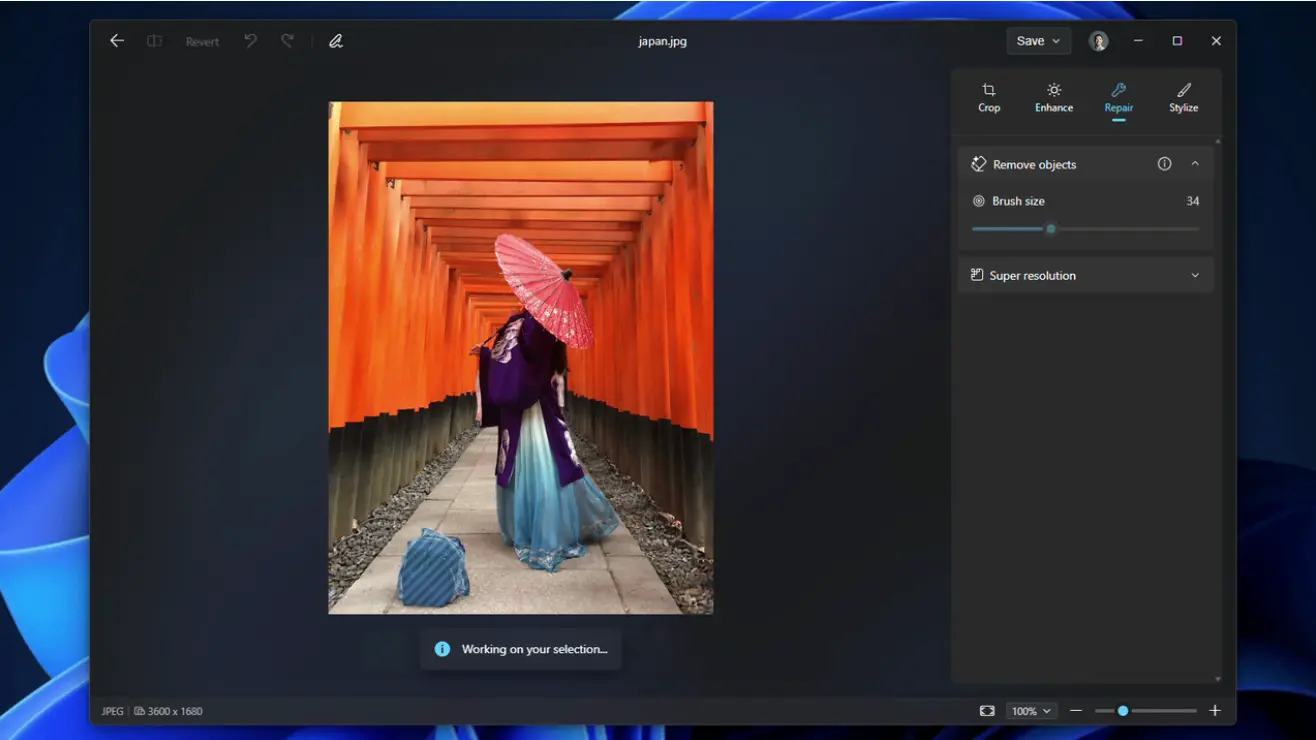
The image viewer has also been redesigned. Microsoft said that the average opening speed of the new version of the viewer is increased by about 30%, and the overall interface is simpler, focusing the visual focus on the picture itself.
In addition to faster startup, the new viewer also improves HDR display, supports more image formats, and provides a smoother navigation experience. Users will have faster access to image details and related action options when browsing photos.
Microsoft specifically emphasized that the performance of the entire photo application has been optimized. From gallery browsing to image loading to editing and viewing processes, the overall responsiveness of the app has been improved to reduce wait times and improve the user experience.
It is worth noting that Microsoft did not specify whether the new AI model runs on local devices or relies on cloud server processing. Some existing AI features, such as the generative erasure function, currently run locally, so the outside world is temporarily unable to determine how the new model will work.
In addition, the natural language photo search function introduced by Microsoft has also attracted attention from the outside world. Although this feature seems to have obvious artificial intelligence characteristics, Microsoft has not made it clear that it relies entirely on generative AI technology. Windows search has previously begun to support natural language commands, so some functions may also be implemented through other methods.
With the launch of the new version of the Photos application, Microsoft is continuing to deeply integrate artificial intelligence into the core application ecosystem of Windows 11. From file management, system search to image processing, AI is gradually becoming an important part of the Windows experience, and the Photos app has become the latest manifestation of this trend.
Comments