
Abstract:
Microsoft recently issued a reminder to IT administrators and business users that if some computers running older versions of Windows fail to install necessary updates before the specified time, they will no longer be able to obtain security patches and system updates through Windows Update in the future. The change affects client computers, workstations and server products, but corporate devices that get updates through Windows Server Update Services (WSUS) are not affected.
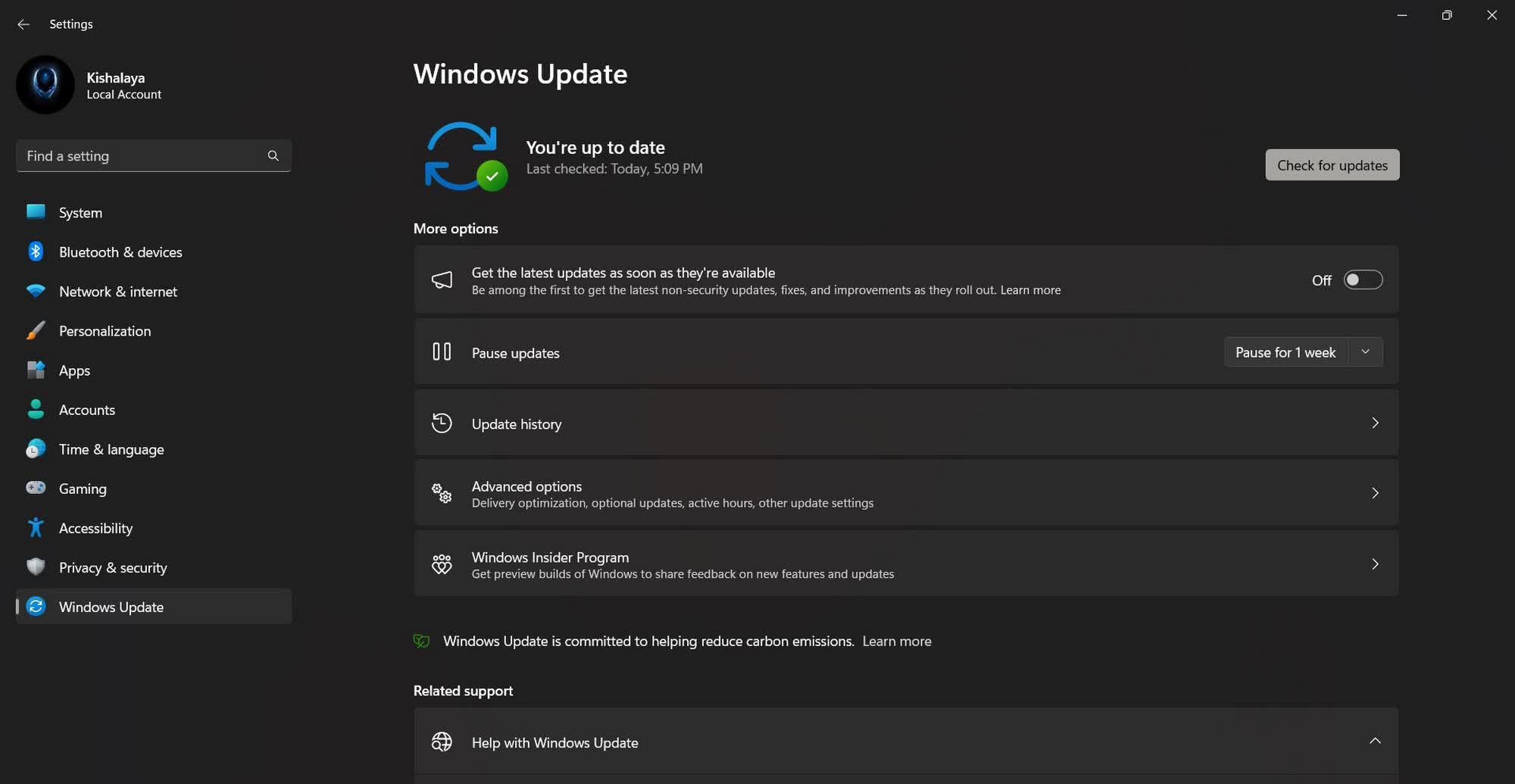
Microsoft said that the Windows Update service relies on a set of digital certificates to verify the legitimacy and security of updates. These certificates have a fixed validity period and need to be rotated and updated regularly, otherwise the device will be unable to establish a trusted connection with Microsoft update servers and eventually lose the ability to receive updates.
According to information released by Microsoft, devices running Windows 11 25H2 and later versions already have the latest certificate built-in, and no additional action is required by the user. However, the certificates used by some earlier Windows versions will expire in the next few years, so designated security updates need to be installed in advance.
For Windows 11 24H2 and Windows Server 2025, the relevant certificates will expire on June 19, 2027. Microsoft requires devices still using these systems to install the September 2025 security update or later to continue accessing the Windows Update service after that date.
Other still supported versions of Windows 11 and Windows Server 2022 also face the June 19, 2027 deadline. However, these devices need to install the July 2026 security update or subsequent versions to ensure that they can continue to receive patches in the future.

The same requirements apply to versions of Windows 10 that are still in the support cycle. Microsoft pointed out that these systems must install security updates or newer versions released in July 2026, otherwise they will lose update eligibility after June 19, 2027.
Some long-term service version products face earlier deadlines. Windows 10 Enterprise 2019 LTSC, Windows Server 2019, and Windows Server 2016 must complete the installation of the July 2026 security updates before May 17, 2027, otherwise they will no longer be able to receive subsequent content through Windows Update.
For Windows versions that have ended their support cycle, Microsoft stated that these systems will also lose access to the Windows Update service in the future. The company recommends that users upgrade to a still supported version of Windows as soon as possible to maintain security updates and vulnerability fixes.
Microsoft also reminds administrators to take stock of the equipment in the network in advance, confirm which terminals are still using older versions of the system, and formulate corresponding upgrade plans. Since certificate rotation will officially take effect in 2027, there is still plenty of time to complete inspections, deploy updates, and migrate.
This measure is part of Microsoft's routine security maintenance work. As encryption technology continues to develop, old certificates need to be replaced by new certificate systems to ensure that the Windows update mechanism continues to maintain a trusted and secure operating environment. However, for many Windows users, whether to install updates as soon as possible is still a complicated issue, because some system updates in the past have caused compatibility and stability disputes, which has also made some users cautious about frequent updates.
Judging from the current schedule announced by Microsoft, most Windows devices still within the support period only need to maintain the normal monthly update rhythm to automatically obtain new certificates. The real risks are mainly systems that have not been updated for a long time or are close to the phase of obsolescence.
Comments